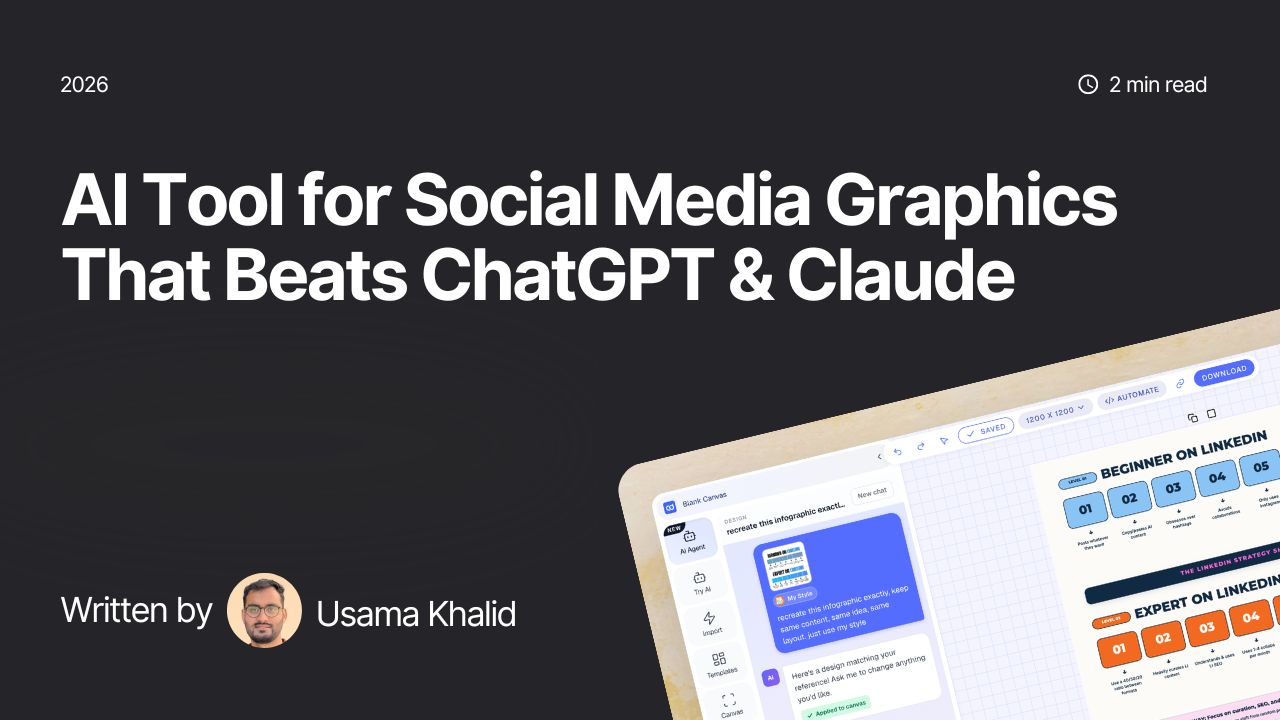
If you’ve ever tried to use ChatGPT or Claude as your AI graphic designer for a LinkedIn carousel or an Instagram graphic, you already know the drill. You type a prompt, get something close but not quite right, ask for one small change, and the AI redesigns the entire thing. New colors. New layout. New everything. Except the one thing you actually asked for.
It’s not that these tools are bad. They’re just not built for this job. And once you’ve felt the friction a few times, it’s worth asking whether there’s a tool that was actually designed for making social graphics, not just generating images that happen to have text on them.
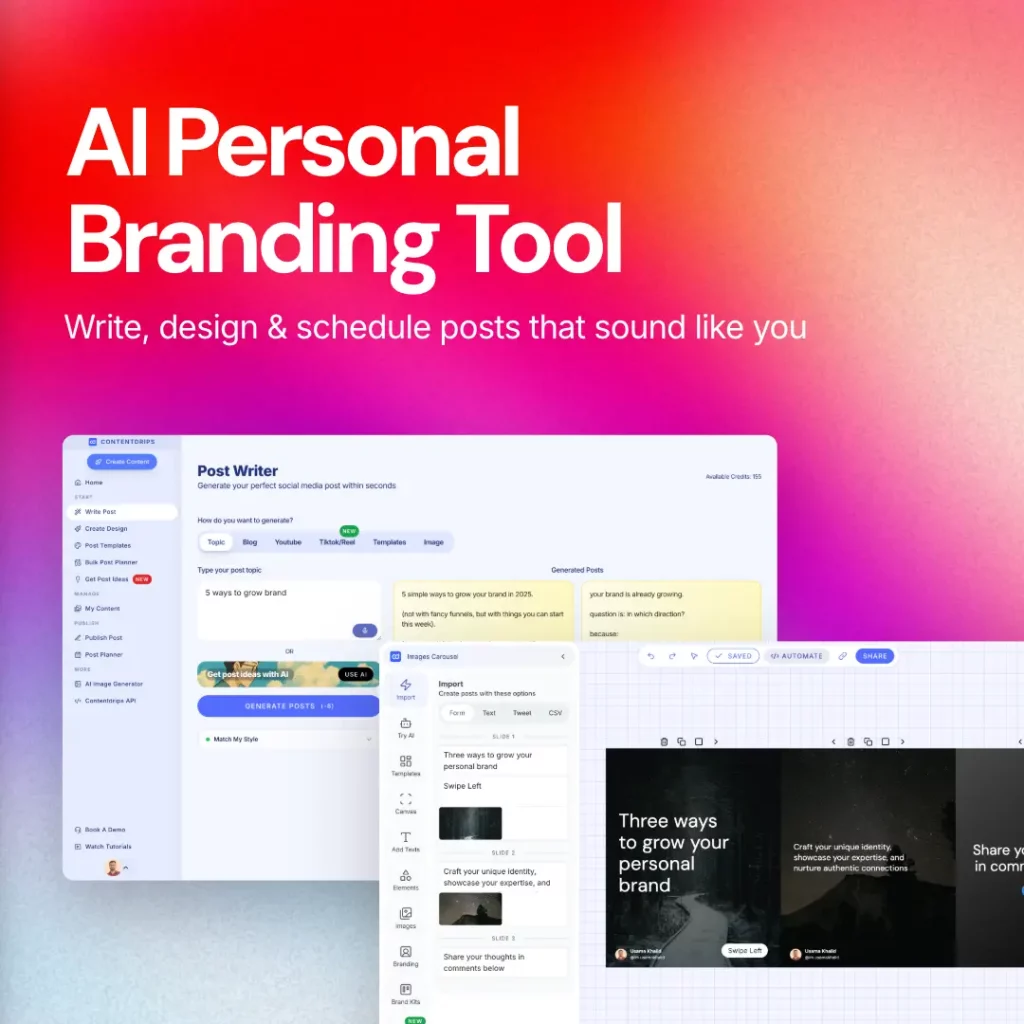
There is. It’s called Contentdrips, and its AI Design Agent solves the exact problems that make ChatGPT and Claude frustrating for this specific use case.
The problem with using general AI tools for graphics
One small edit, and everything else breaks
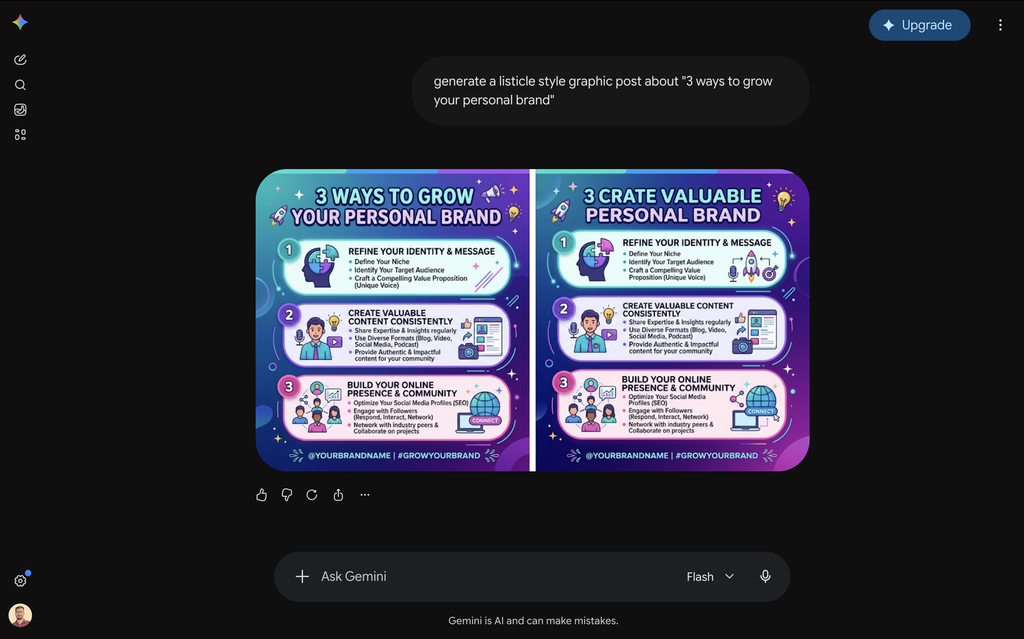
This is the big one. You ask ChatGPT or Claude to change the headline font size, and somehow the background color shifts too. You ask for a different icon, and the layout reflows in a way you didn’t want. These tools generate images as a single flattened output, not as editable layers. So every “small fix” is really a full regeneration, and full regenerations are unpredictable. With Contentdrips you can also turn any image into an editable template instead of regenerating from scratch.
No real design consistency
Say you post three carousels this week. With ChatGPT or Claude, each one is a fresh roll of the dice. Fonts drift. Colors shift. The layout logic changes from post to post. Your audience never gets the visual pattern-recognition that makes a personal brand feel like a brand. Every post looks like it came from a different designer, because in a sense, it did.
Editing after the fact means leaving the tool
Once you have an image out of ChatGPT or Claude, you’re stuck. Want to move a headline, swap an icon, or resize an image? You can’t. Your only real option is to bring it into something like Canva and start layering fixes on top, and features that let you actually manipulate individual elements, like Canva’s Magic Layers, sit behind a Canva Pro subscription. So now you’re paying for and juggling two tools just to finish one graphic.
None of this is really an AI problem. It’s a “wrong tool for the job” problem. ChatGPT and Claude are built to generate images. They were never built to be design systems.
Contentdrips: An AI Graphic Designer Built for Social Media
Contentdrips built its AI Design Agent specifically for social content, and it closes every one of the gaps above.
It learns your design style and sticks to it
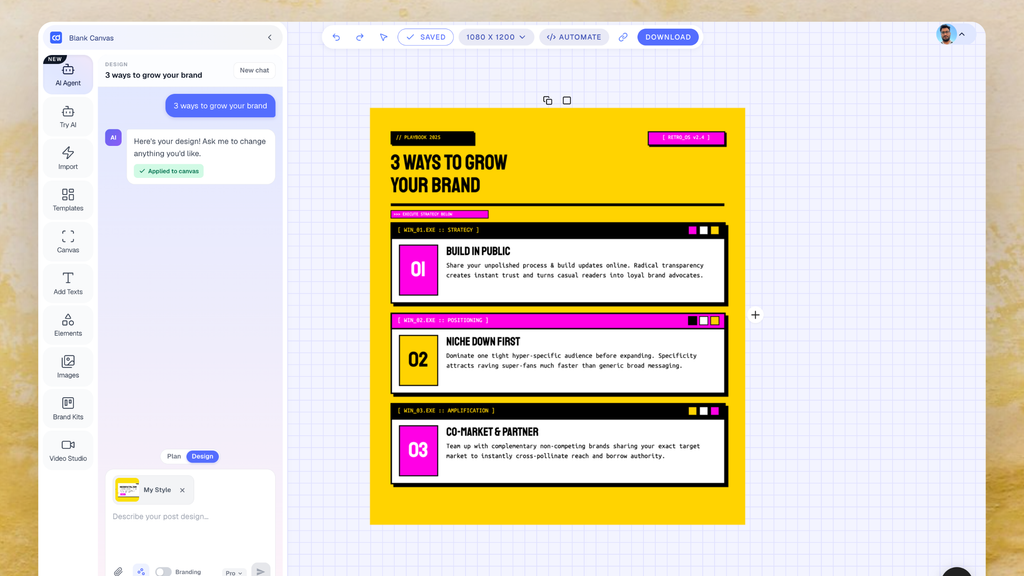
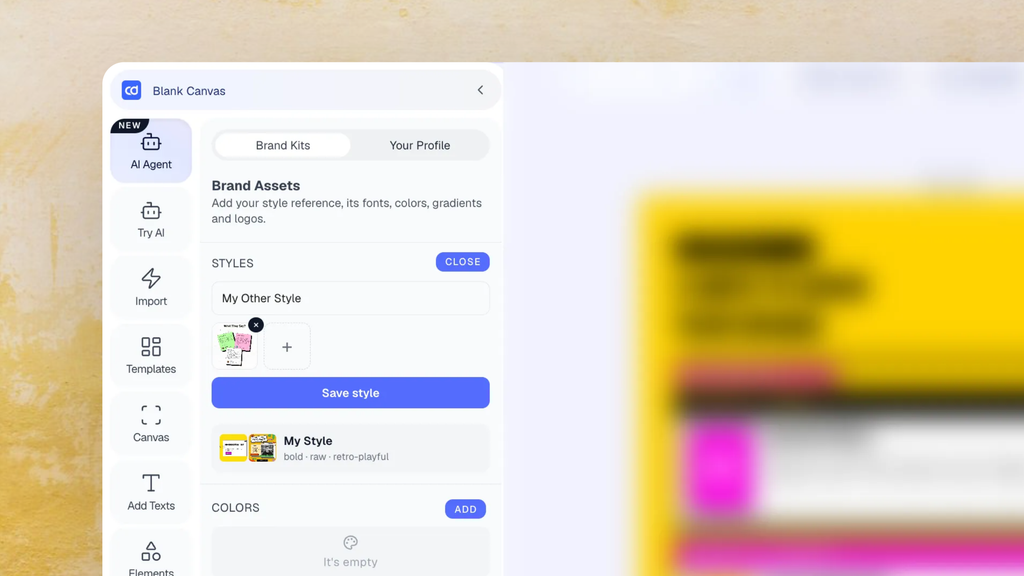
Instead of generating a random new look every time, you can upload one to three screenshots of graphics you already like, your own past posts, or even something you found scrolling Pinterest. Acting as your AI graphic designer, the AI Design Agent analyzes them and picks up on the layout logic, color patterns, and overall visual language. From then on, every carousel or graphic it generates for you follows that same style. You describe the content, and it handles the design, in your look, every time.
It turns any source into a batch of post ideas
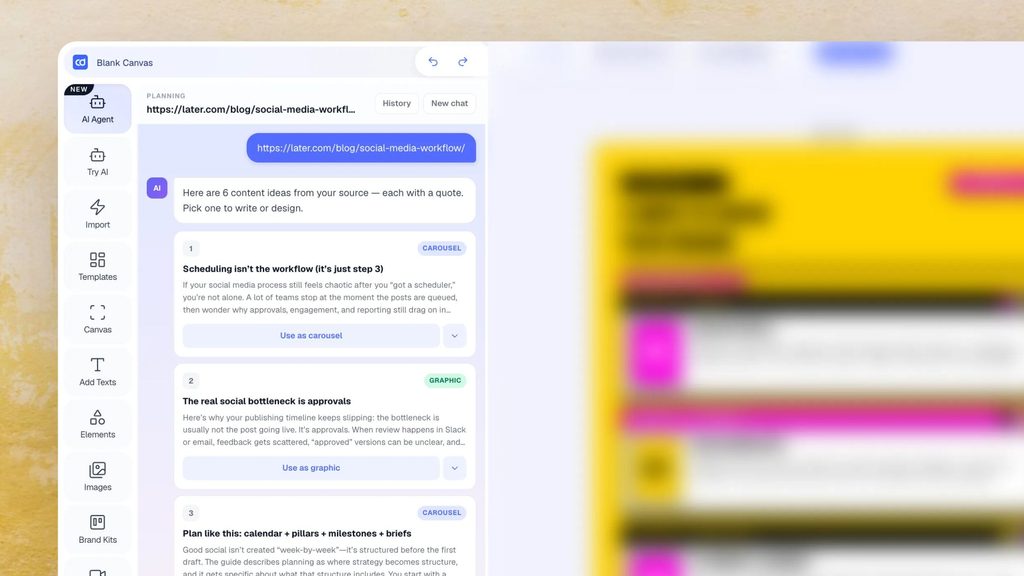
You don’t always start with a fully formed idea. Sometimes you just have a blog post, a YouTube video, or a topic rattling around in your head. Contentdrips’ Plan Mode takes that raw input and turns it into multiple ready-to-use post ideas, tagged as text posts, graphics, or carousels. You pick the one that fits, and it hands off directly into Design Mode to actually build it.
It designs on-brand, not just on-prompt
Once you’ve picked an idea (or just written your own prompt), Design Mode builds the graphic or carousel directly using your saved style and, if you turn it on, your brand kit, fonts, colors, and profile details included. This is the part that actually replaces the “regenerate and pray” cycle. You’re not hoping the AI lands on something usable. You’re getting a design that already fits your established look.
It can copy a specific layout, not just a general vibe
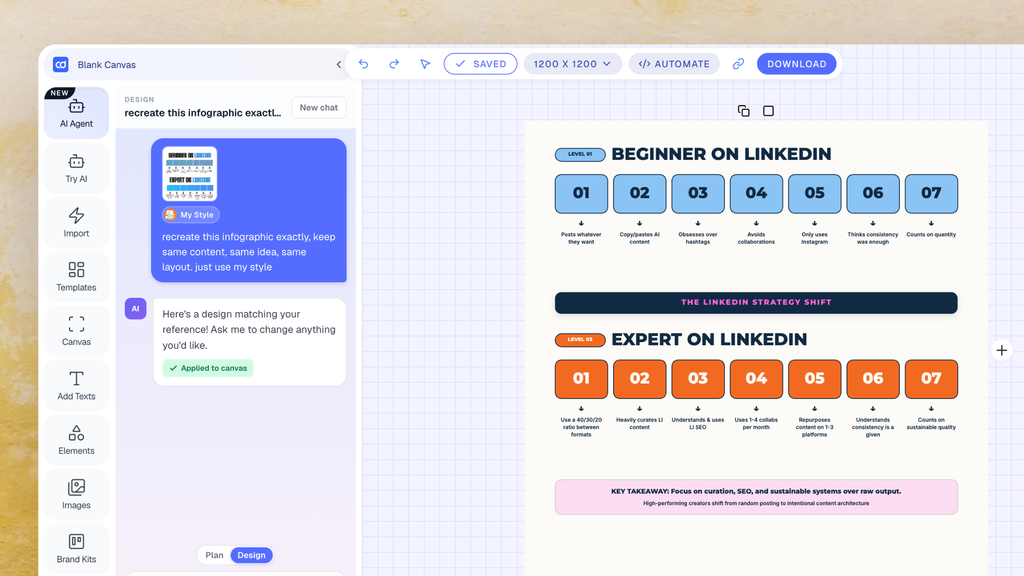
Found a viral infographic that clearly worked? You don’t have to reverse-engineer why. Attach it as a reference image, tell the AI Design Agent to replicate the structure in your own style, and it borrows the layout and energy of that post while filling it with your content, your fonts, your colors. This is different from a saved style: a saved style is your identity across every post, a reference is a one-off “make it like this.”
It’s still a real, editable canvas afterward
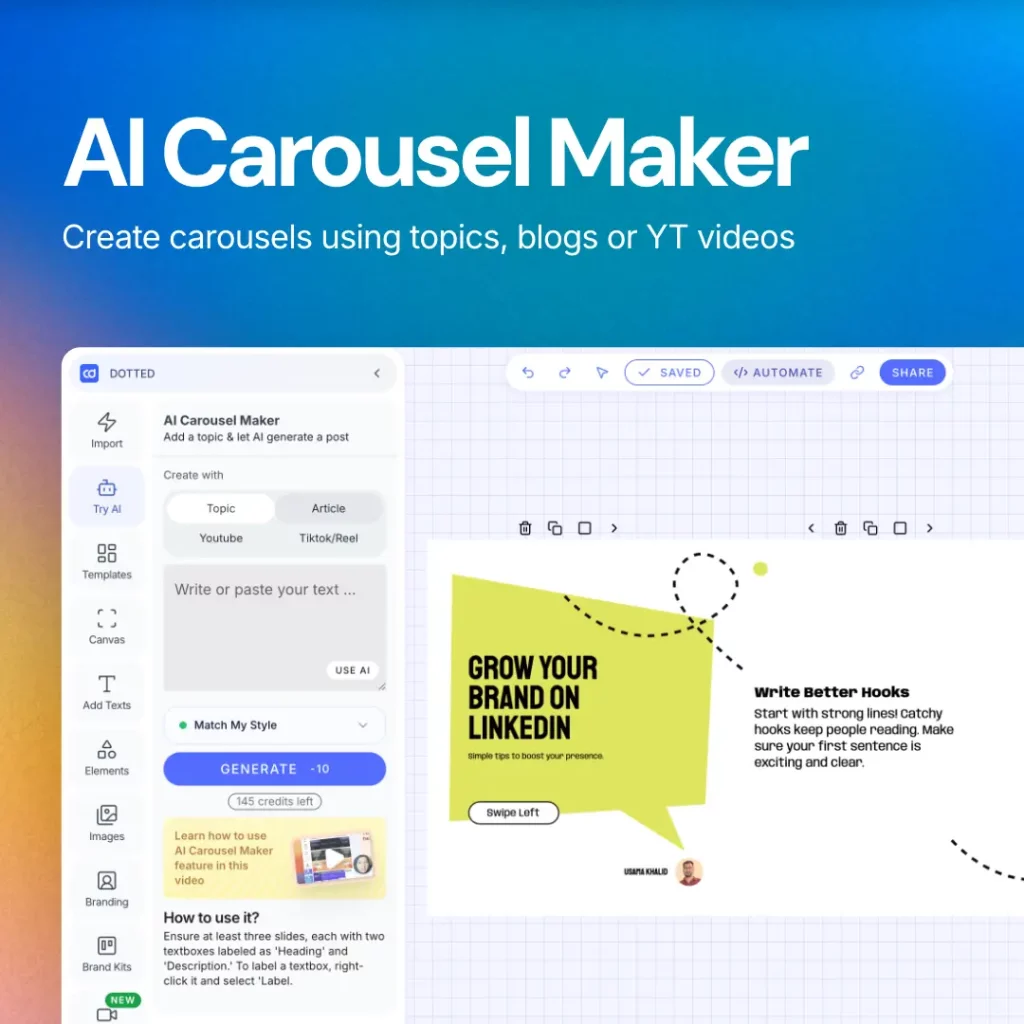
This is the part that fixes the biggest complaint about generating graphics with ChatGPT or Claude. Once the AI Design Agent generates your design, it lands on a free-form canvas, not a flattened image. You can move elements around, resize things, add more text, drop in icons, swap images, adjust shapes, whatever you need. No second tool, no Magic Layers subscription, no starting over because you wanted to nudge one headline two pixels to the left.
It publishes without you leaving the app
Once the design is ready, you can schedule or publish it straight to LinkedIn, Instagram, or TikTok from inside Contentdrips. No exporting, no re-uploading into a scheduler, no extra step between “the design is done” and “the post is live.”
The real difference
ChatGPT and Claude are general-purpose AI tools that happen to be able to output images. Contentdrips’ AI Design Agent works like a dedicated AI graphic designer, one that remembers your style, understands your content, and hands you something you can actually keep editing instead of regenerating from scratch every time something’s slightly off.
If you’re tired of fighting with prompts to fix one small thing, or paying for a second tool just to move a text box, it might be time to swap tools entirely, not just swap prompts.
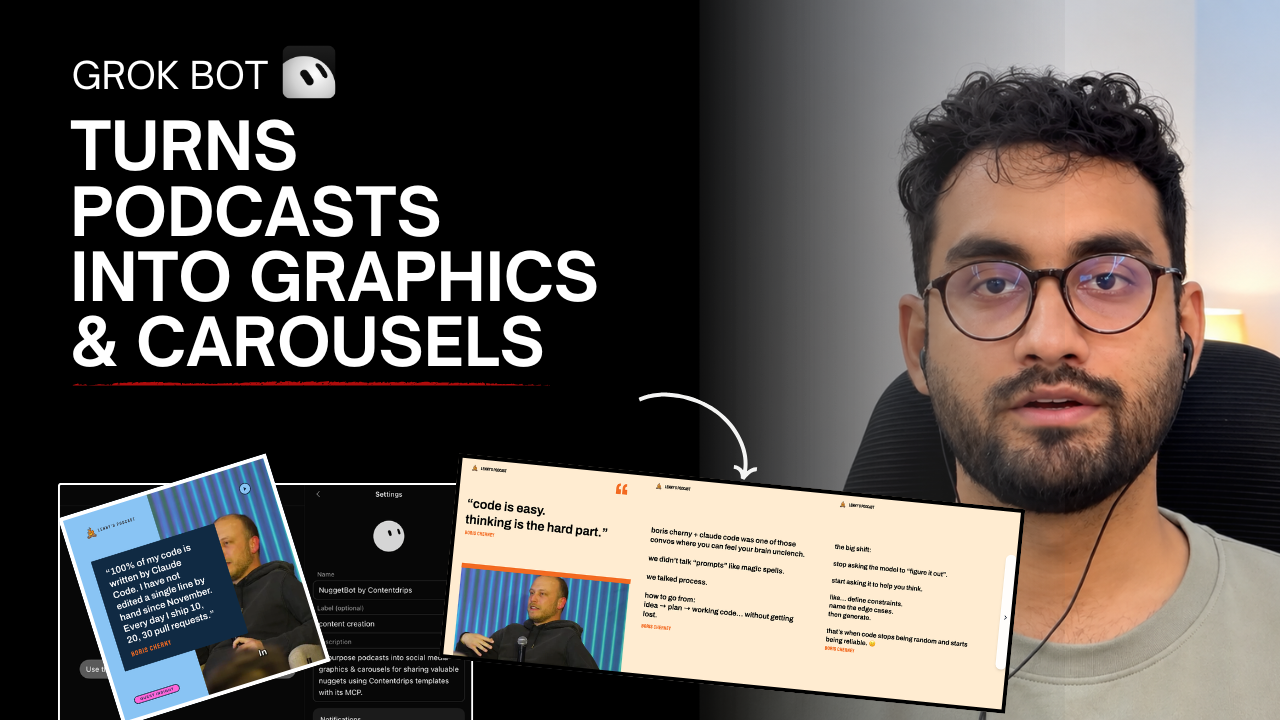
Watch this quick video tutorial for help

Muhammad Usama Khalid is the Founder and CEO of Contentdrips, building the platform since 2019 to help creators write, design, and publish social content in one place. He has a sharp sense of what makes carousels, posts, and graphics perform across platforms like Instagram and LinkedIn. Under his lead, Contentdrips has grown to serve over 100,000 creators worldwide.