
New Launch: Contentdrips MCP –Try for Free➜
✦ Trusted by 10,000+ Creators Worldwide
Contentdrips Twitter carousel generator can turn any topic, thread, blog, or video into a Twitter carousel and share it everywhere.
❌ Hours building carousel slides manually → ✅ A full Twitter carousel in under 2 minutes
Your saved styles appear after you sign in.
Creators Using Contentdrips
Average User Rating
To Generate Your Carousel
Free to Start — No Card Needed
Testimonials, book summaries, product reviews, thread breakdowns, and more. Real carousels made and posted with Contentdrips. It does not stop here. You can keep creating whatever you like.
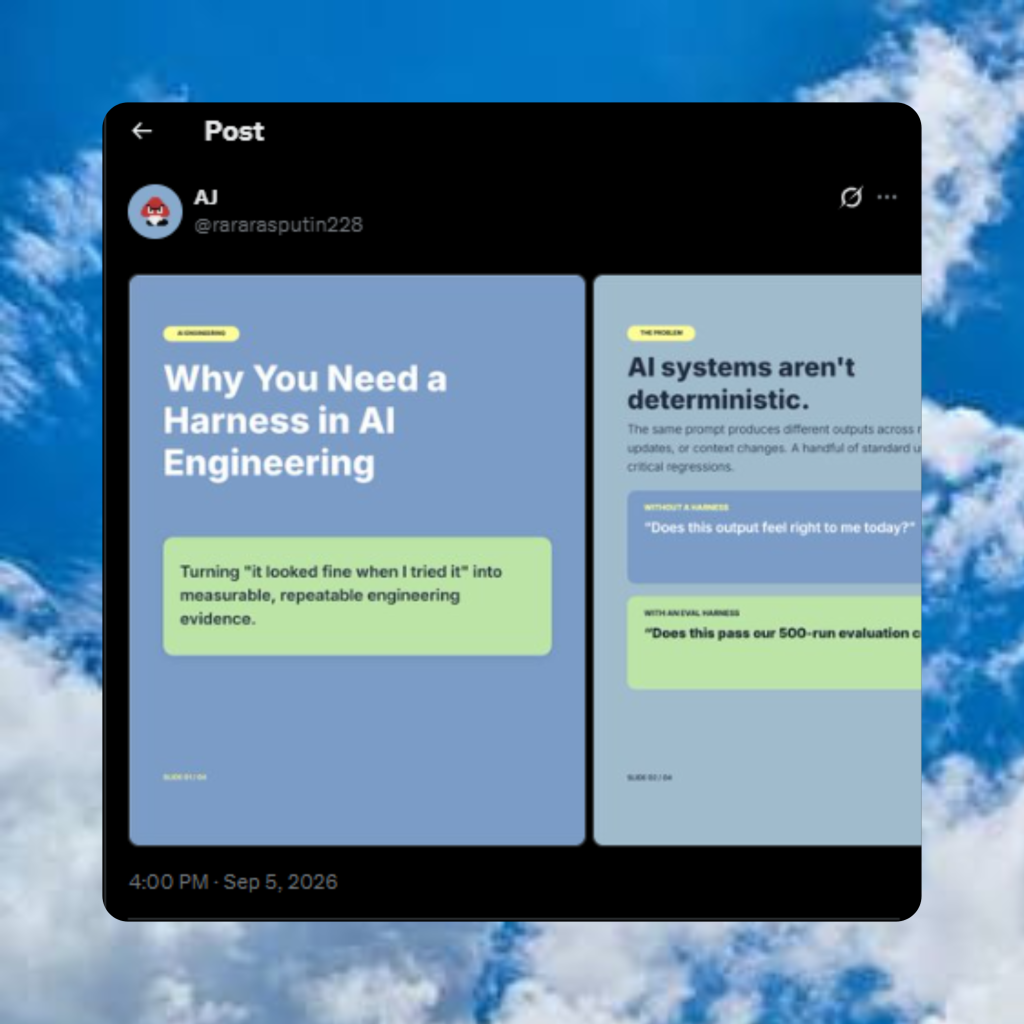
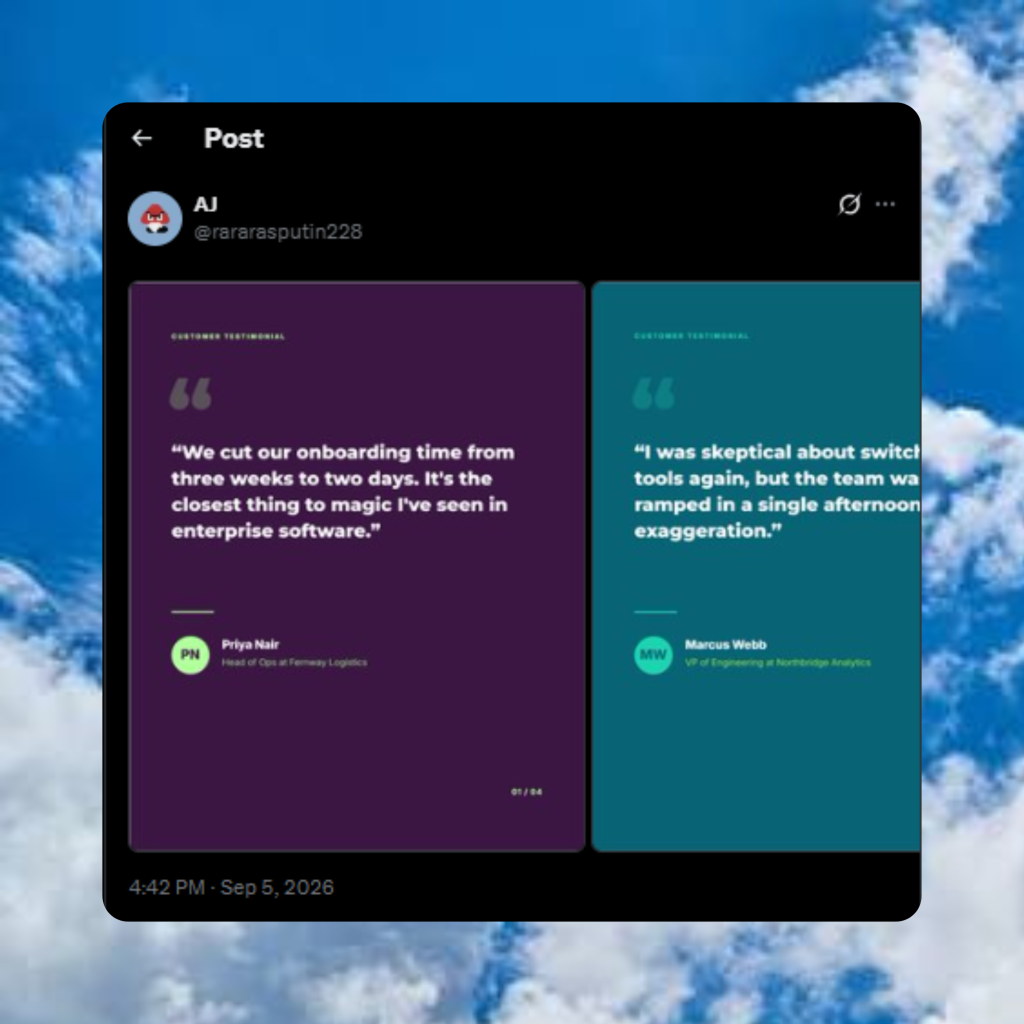
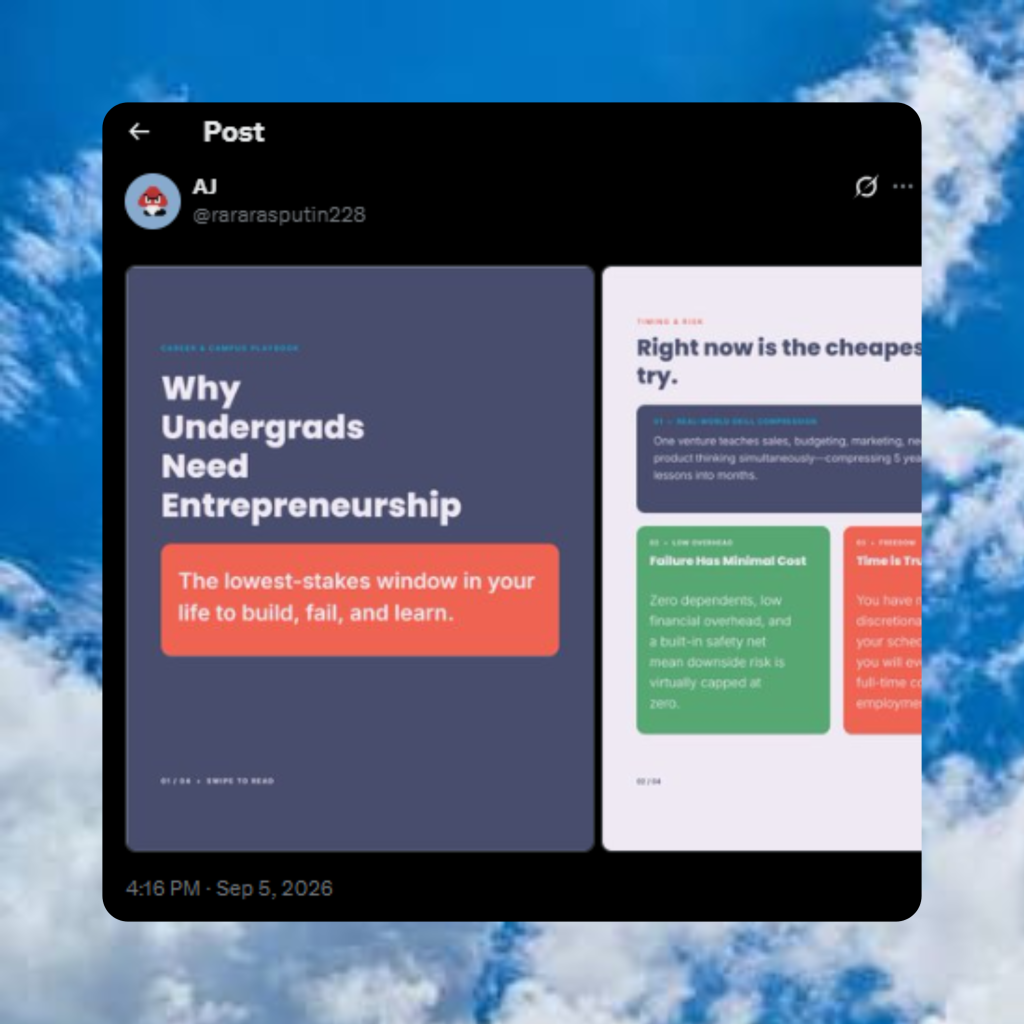
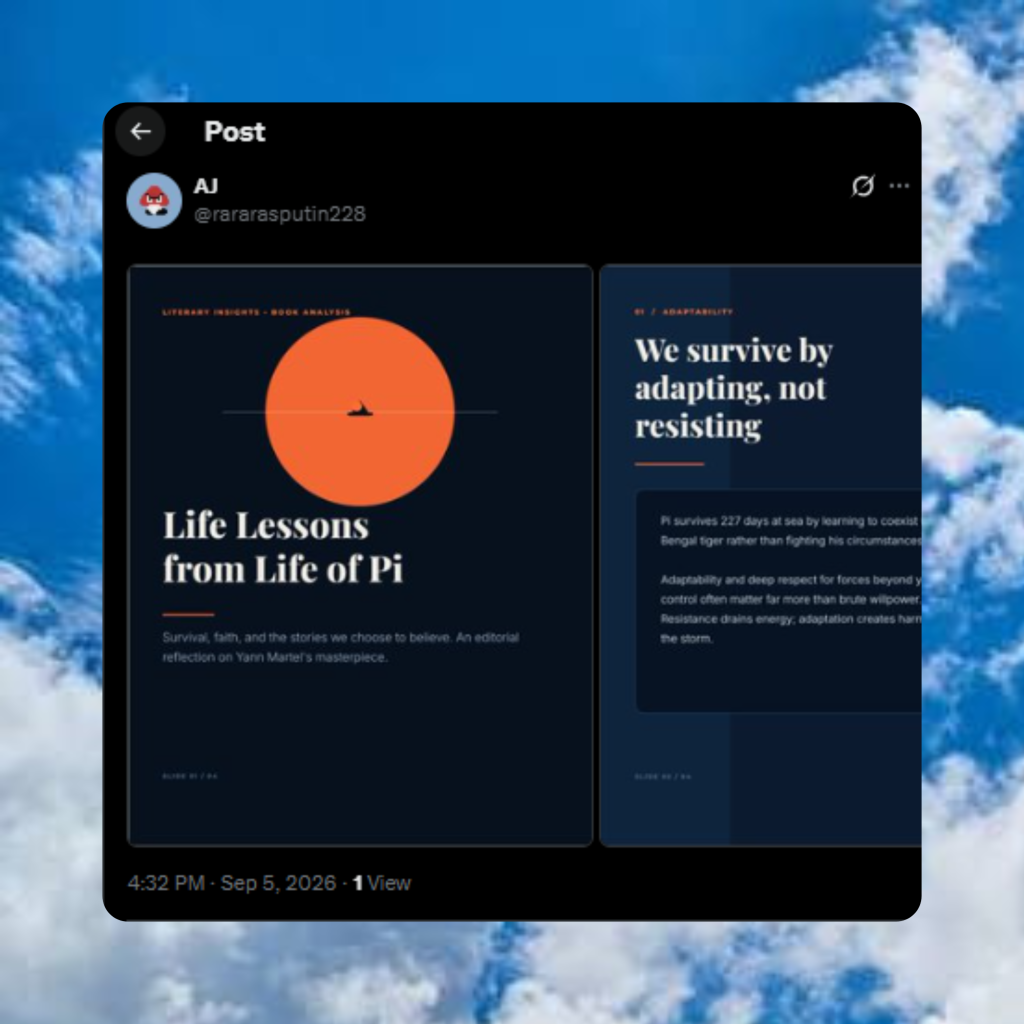
If it’s worth saying, it’s worth turning into a carousel. Don’t have any ideas? Use the Contentdrips ideas generator to generate ideas.
Break your research or survey results into one clear stat per slide instead of numbers.
Turn a story into a narrative carousel that unfolds naturally, one honest beat per slide.
Break down any head-to-head comparison, like X versus Y, into clear takeaways people can skim.
Give your best Twitter threads a longer shelf life instead of quickly losing them forever.
Turn the key takeaways from any book into a short, swipeable, easy to skim guide.
Break down the pros, cons, and verdict of any product one slide at a time.
Turn one great customer quote into social proof that makes people stop scrolling and read.
Turn any step-by-step process into a clear guide people can actually follow, save, and reuse.
Turn any top-tools or lessons-learned list into a quick carousel built for the swipe format.
A Twitter carousel is a multi-slide swipeable post containing up to 6 image or video cards in a single post used for both creating original content on Twitter and repurposing your best threads to other platforms. Contentdrips handles both.
Start from a topic, blog post, YouTube video, or TikTok and generate a fully designed multi-slide Twitter carousel in minutes. The AI writes the copy, structures the slides, and applies your brand automatically. No Canva, no blank canvas anxiety.
Paste any public Twitter thread URL and the generator extracts every tweet, structures them into slides, and outputs a publish-ready carousel for LinkedIn, Instagram, or TikTok. Your best Twitter thinking reaches audiences who never saw the original thread.
From AI-generated carousels to thread repurposing. Here are the use cases our users rely on every single day.
Type any topic and the AI generates a fully written, fully designed multi-slide Twitter carousel instantly. No blank canvas, no copywriting needed.
Paste any raw text, a tweet thread, bullet points, a script and convert it directly into a structured multi-slide carousel with automatic layout and styling.
Paste a blog post URL and the AI extracts the key points, structures them into carousel slides, and designs a publish-ready Twitter carousel in under 3 minutes.
Drop a YouTube video link and the generator pulls the key insights from the transcript and turns them into a multi-slide Twitter carousel automatically.
Paste a TikTok or Instagram Reel link and convert the video content into a swipeable Twitter carousel post. Every short-form video becomes a multi-platform carousel asset.
Describe the Twitter carousel you want in plain English and the AI Design Agent generates the full visual design, applies your brand kit, and drops it onto the canvas instantly.
Most creators let their best Twitter threads die in the feed. Here’s what changes when you add a carousel generator to your workflow.
Other tools screenshot your tweets. Contentdrips builds you a fully designed, branded, multi-slide carousel ready to post anywhere.
Paste a Twitter thread URL and the generator automatically extracts every tweet in the correct order each one becomes a dedicated carousel slide.
From URL to finished multi-slide Twitter carousel in under 3 minutes. Your carousel is ready immediately.
Your logo, custom fonts, and brand colors applied automatically across every carousel slide. One brand kit, zero manual effort per slide.
Export your Twitter carousel formatted for LinkedIn (PDF), Instagram (square or portrait), or TikTok (vertical). Correct dimensions automatically.
Restructure your thread content using AIDA, PAS, or BAB frameworks to make your carousel slides more persuasive before you post.
The Twitter carousel generator sits inside a complete content system: AI post writing, twitter post maker, and scheduling/.
Whether you tweet daily or manage Twitter content for clients, Contentdrips turns your threads into multi-platform carousel assets automatically.
⚡ Saves 6 hrs/week
You tweet your best ideas every day. Turn those threads into carousels for LinkedIn and Instagram without spending hours reformatting content you already wrote.
⚡ Saves 10 hrs/week
Repurpose brand Twitter threads into polished multi-slide carousel campaigns for LinkedIn and Instagram. More reach from content your team already produced.
⚡ Saves 5 hrs/week
Your Twitter threads contain your best thinking. Turn them into LinkedIn carousels that build professional authority and reach audiences who never see your tweets.
⚡ Saves 20 hrs/week
Generate branded Twitter carousels for multiple clients at scale. Each client’s thread becomes a fully branded carousel in minutes — no designer, no bottleneck.
We could sing our own praises, but our customers do it for us.
“I use Contentdrips every week to turn my best Twitter threads into LinkedIn carousels. The image quality is clean, it’s fast, and my engagement went up noticeably.”
LinkedIn Creator · 77k followers
“I was spending 20 minutes reformatting tweet threads into carousel slides manually. This tool does it in 3 minutes and the output actually looks professional. Total game changer.”
Content Strategist · 76k followers
“The branding feature is worth upgrading for alone. Our agency creates Twitter carousels for 8+ clients and every carousel looks on-brand without any manual work.”
Social Media Manager · 18k followers
Everything you need to know about Twitter carousels and how to create them with Contentdrips.
Not exactly, though they’re closely related. A “multiple-image post” is the technical term for what X actually supports — up to 4 images in one post, which displays as a swipeable carousel. A “slideshow” usually refers to a video version of the same idea, with more slides and even motion between them, since it isn’t bound by the 4-image cap. Contentdrips can generate either from the same content, so you’re not locked into one format.
Yes as that’s an X/Twitter limit, not a Contentdrips one. But it’s not really a constraint once you see how it works: Contentdrips automatically picks your 4 strongest slides, or converts your full carousel into a video slideshow if you need more room. Either way, nothing you wrote gets cut.
No. This is exactly the problem Contentdrips solves — most people either cut good content to fit 4 slides, or give up and post a wall of text instead. You get to keep everything and choose the format that fits it.
Yes — set your fonts, colors, and logo once as a brand kit, and every carousel you generate afterward follows it automatically. You can also edit individual slides, swap layouts, or restyle the whole thing after it’s generated and nothing is locked.
Yes. Multi-image and video posts get more time-on-post than plain text, and X’s algorithm rewards content that holds attention and gets interactions like swipes and replies. A carousel gives people more reasons to engage with a single post than a wall of text does.
You don’t have to remake anything. Export the same carousel in the correct size for LinkedIn, Instagram, or TikTok directly — one thread becomes content for four platforms instead of one.
Yes. Your brand kit — fonts, colors, logo — carries over automatically no matter which platform you’re exporting for, so your LinkedIn carousel looks like it came from the same place as your Twitter one.
Yes — you can save multiple brand kits and switch between them per carousel, which matters if you manage content for more than one account or client.
You don’t need a design background to get this right. Contentdrips has a large library of templates, so you can just pick one that fits your vibe and let the AI handle the layout and styling with your content. If you’re still unsure, start with any template — you can always swap it or restyle it later without starting over.
Yes. You can turn any carousel into an animated version, so instead of static slides people swipe through, it plays as motion — useful if you want something that stands out more in the feed.
PNG, GIF, or MP4 — so whether you want static images for a native Twitter carousel, a lightweight animated GIF, or a full video slideshow, you can export in whichever format fits where you’re posting it.
Yes. Contentdrips can generate the caption to go along with your carousel, so you’re not left designing the slides and then staring at a blank caption box afterward.
Yes. You can go back to any content you’ve generated, save a copy of that design, and edit just the parts you want to change — so a template you liked once becomes a starting point for future carousels instead of a one-time result.
Join 10,000+ creators who use Contentdrips to repurpose Twitter content into carousels that reach audiences on LinkedIn, Instagram, and TikTok — starting completely free.
Free plan available forever · No credit card required · Upgrade anytime