
New Launch: Contentdrips MCP –Try for Free➜
ai driven graphic desigN TOOL
Tell the AI what you need and it designs it for you. Social graphics, posters, carousels and infographics, fully editable and in your brand style. Try for free.
Your saved styles appear after you sign in.
WHAT IT MAKES
Tell the agent what you need. Open the page built for your format, or start from the agent itself.
Swipeable multi slide posts built from a topic or a blog or a Youtube
Document style slides for LinkedIn that explain one idea well.
Turn facts, steps or data into a clear visual. Its an editable graphic.
TWO MODES
Use the agent to decide what to make, or jump straight to making it.
Plan mode
Add a topic, a blog post, a YouTube video, a TikTok or Reel, or a webpage. The agent returns idea cards tagged as text post, graphic or carousel.
Design mode
Describe a post and the agent builds it on the canvas. Choose a single image or a carousel, and a size of 1:1, 4:5, 16:9 or 9:16.
GALLERY
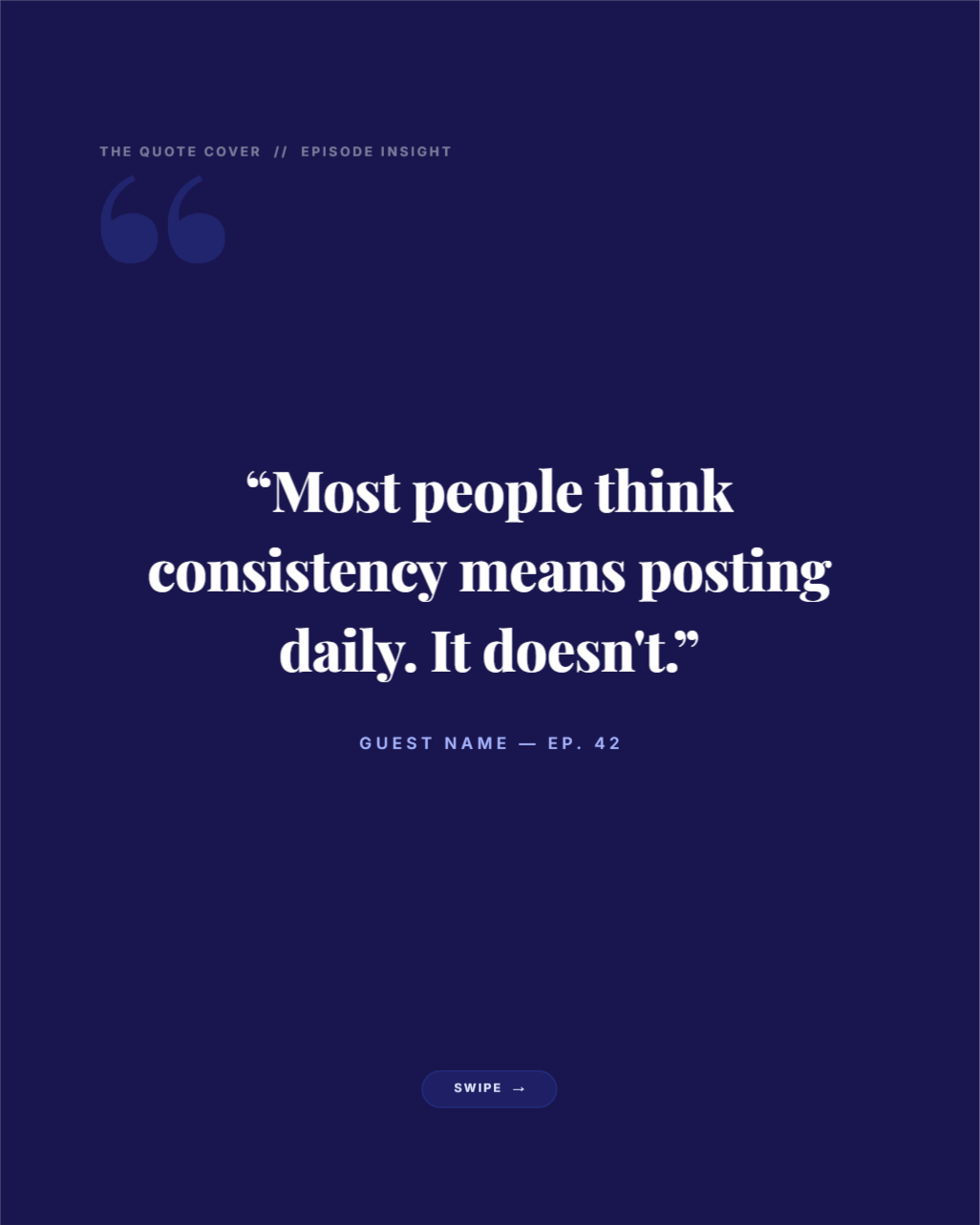
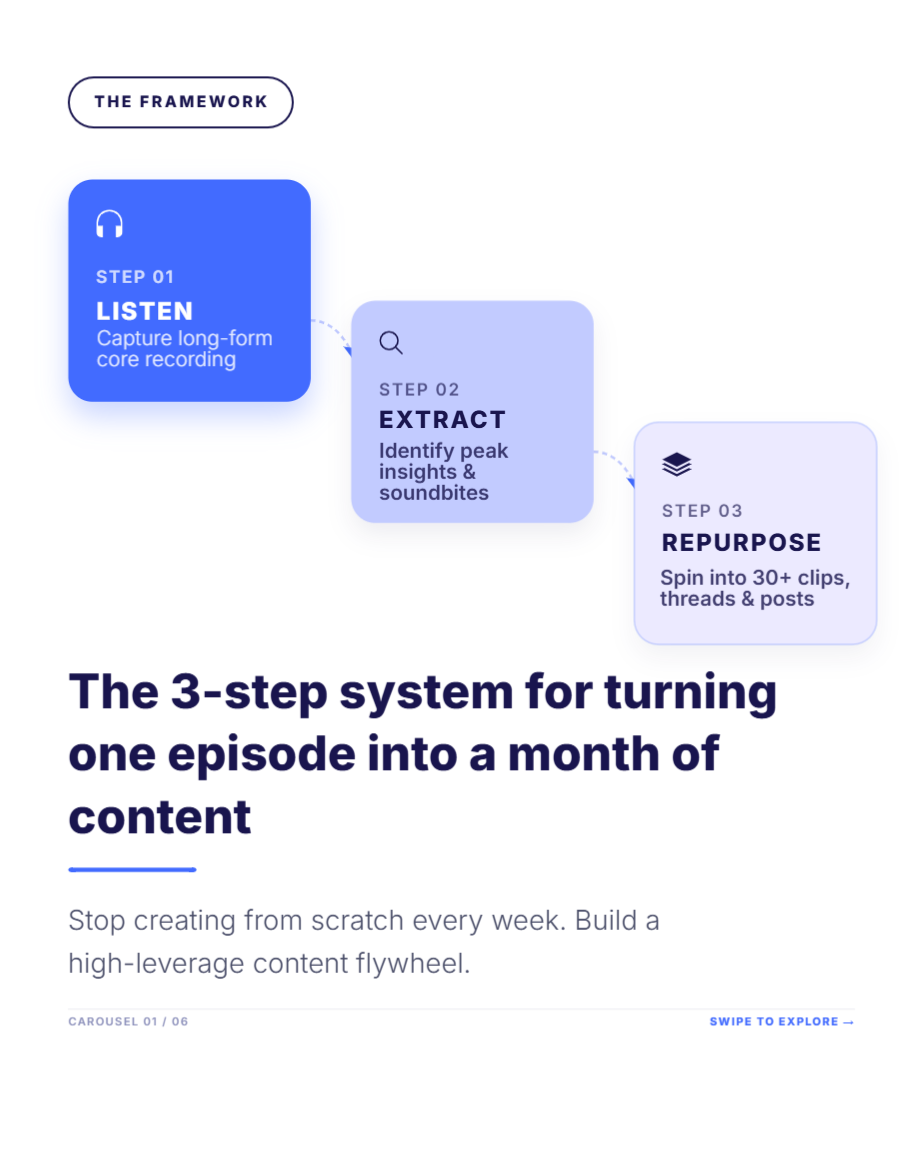
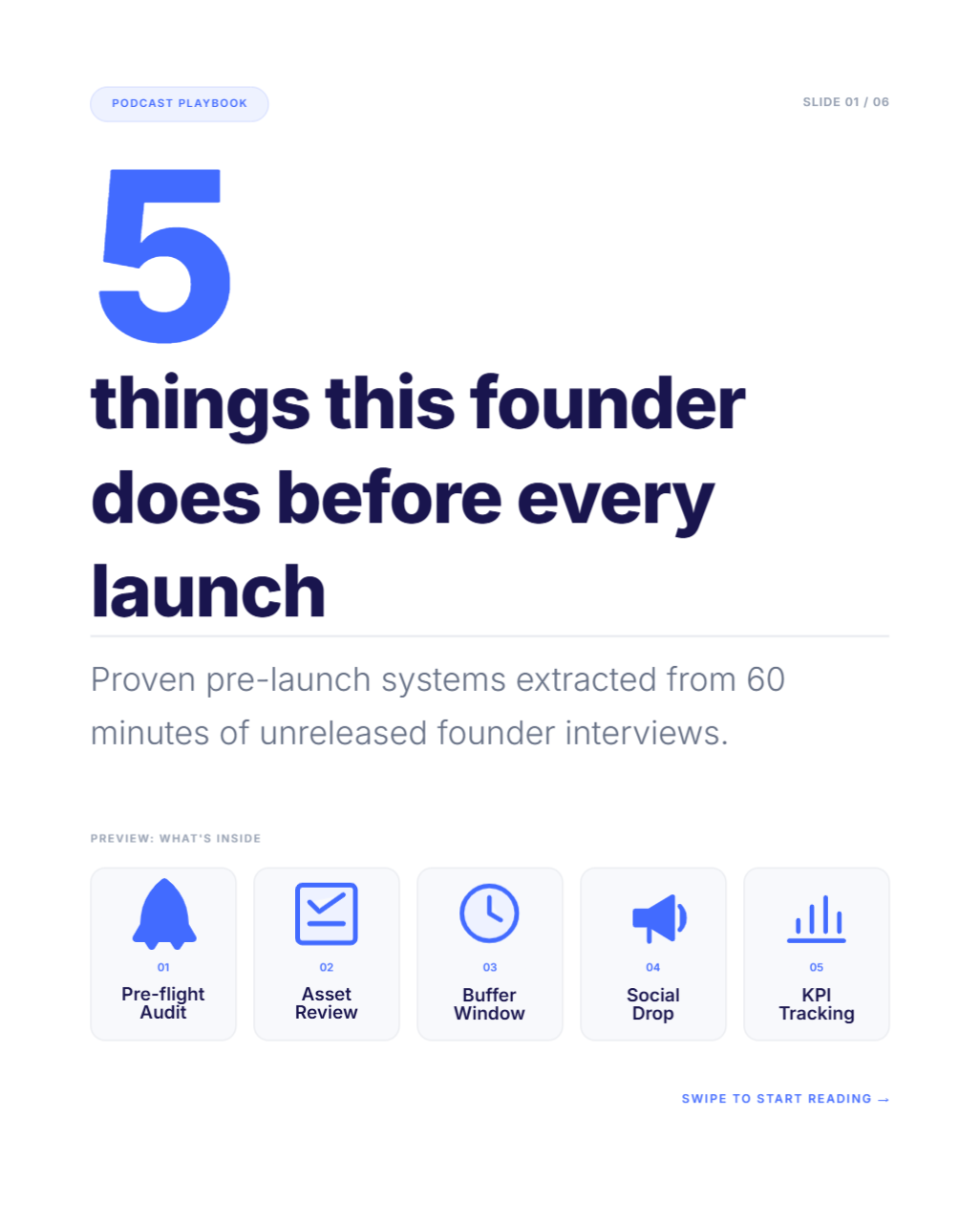
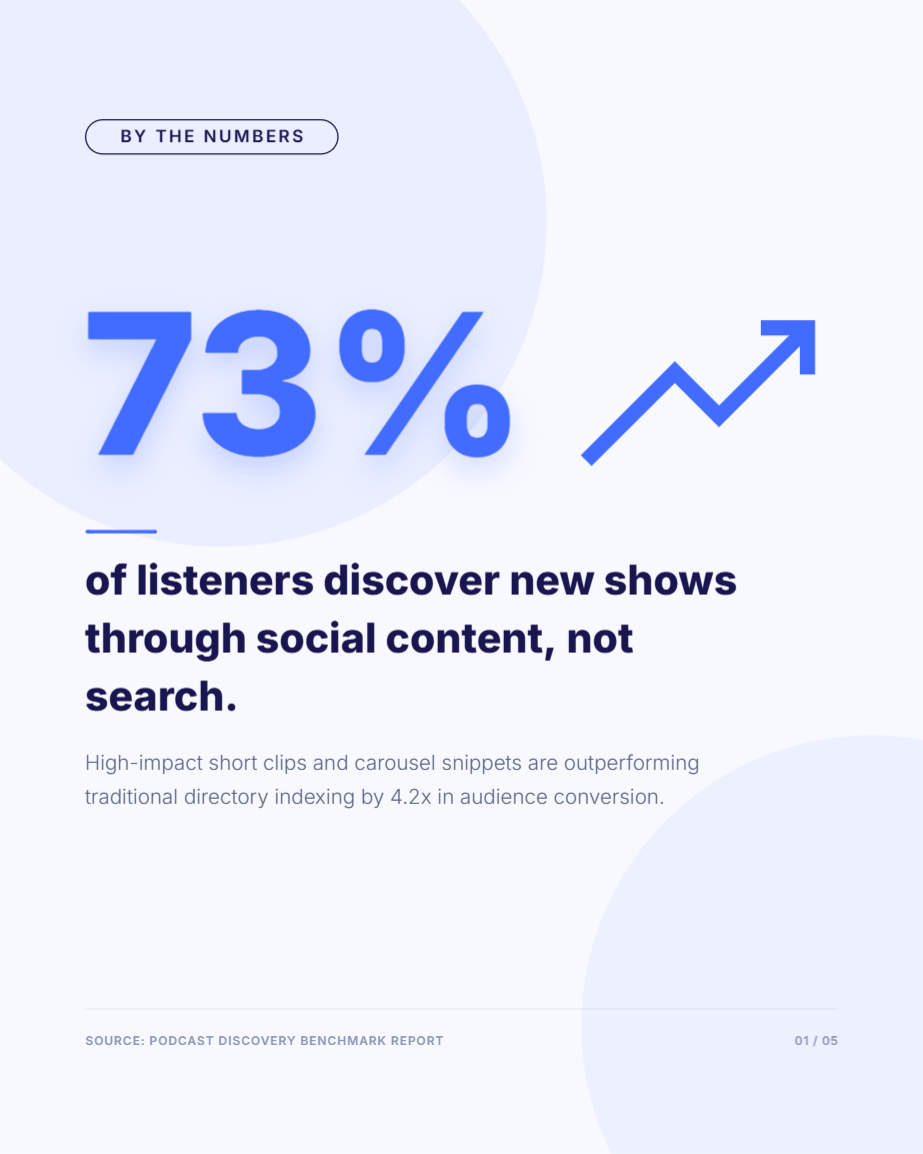
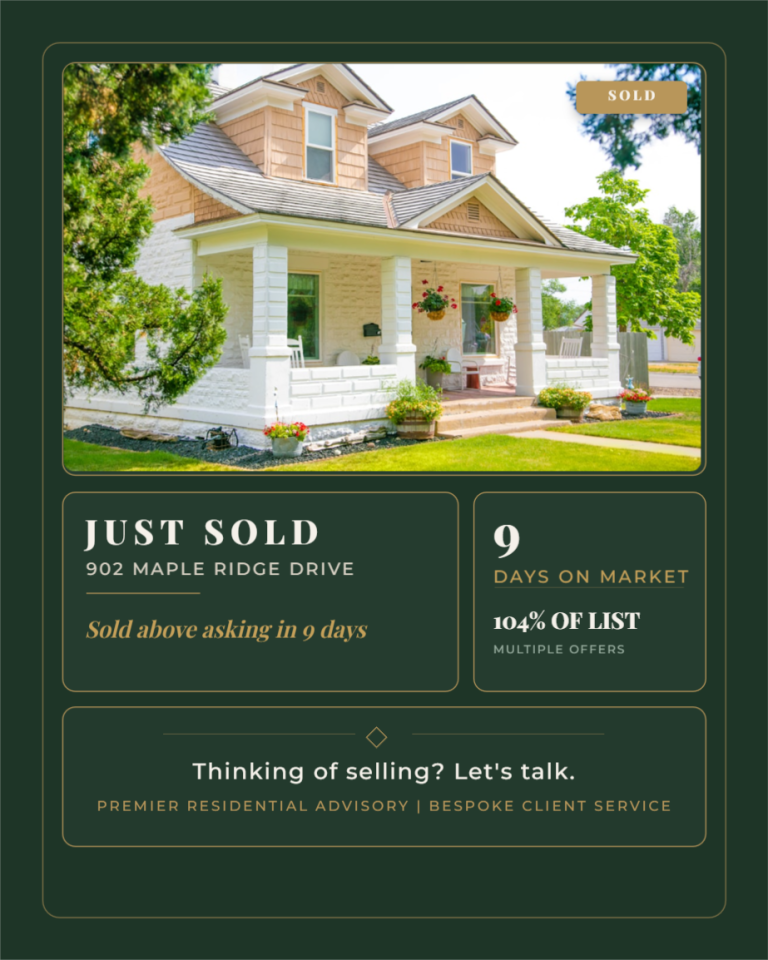
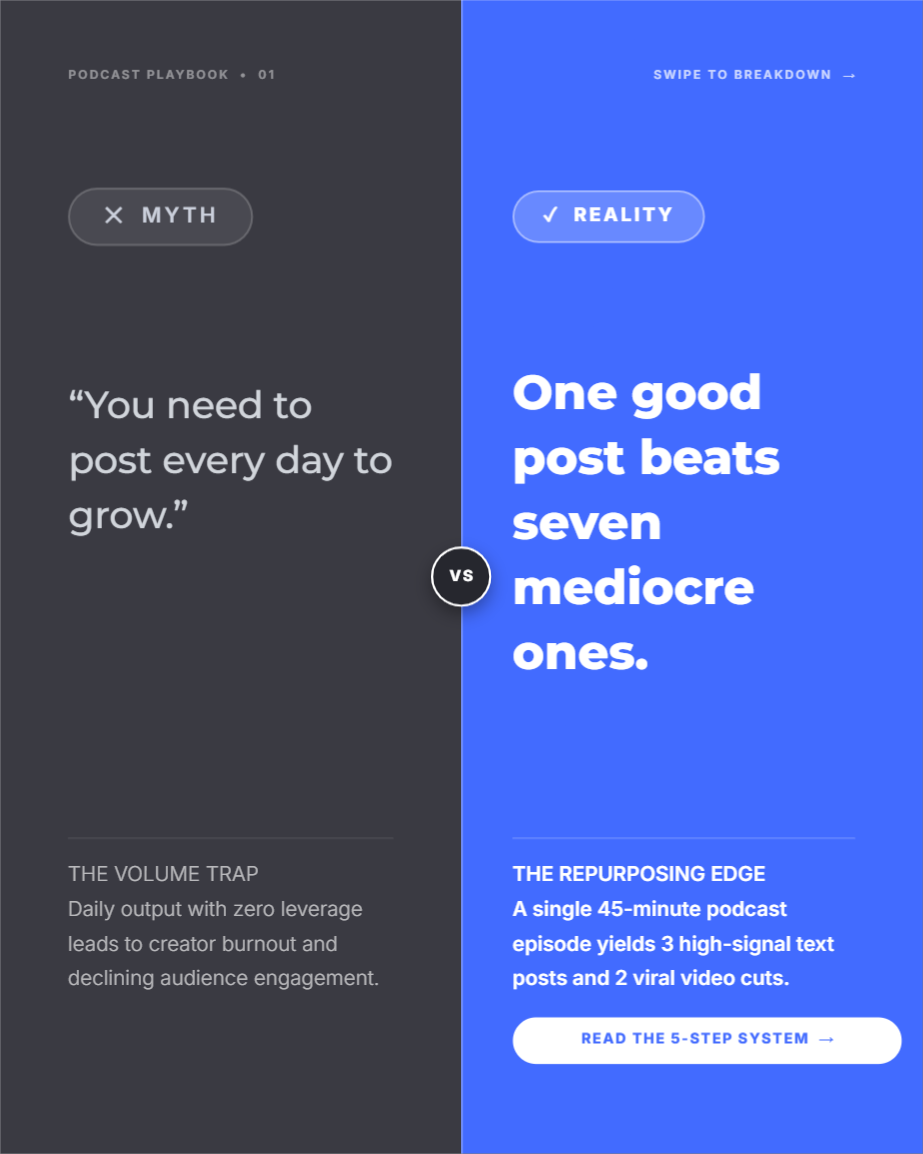
Social posts built in the Contentdrips editor. Every one is editable, so you can change text, colors and layout.



YOUR LOOK
Three ways to keep graphics looking like you, and they work together.
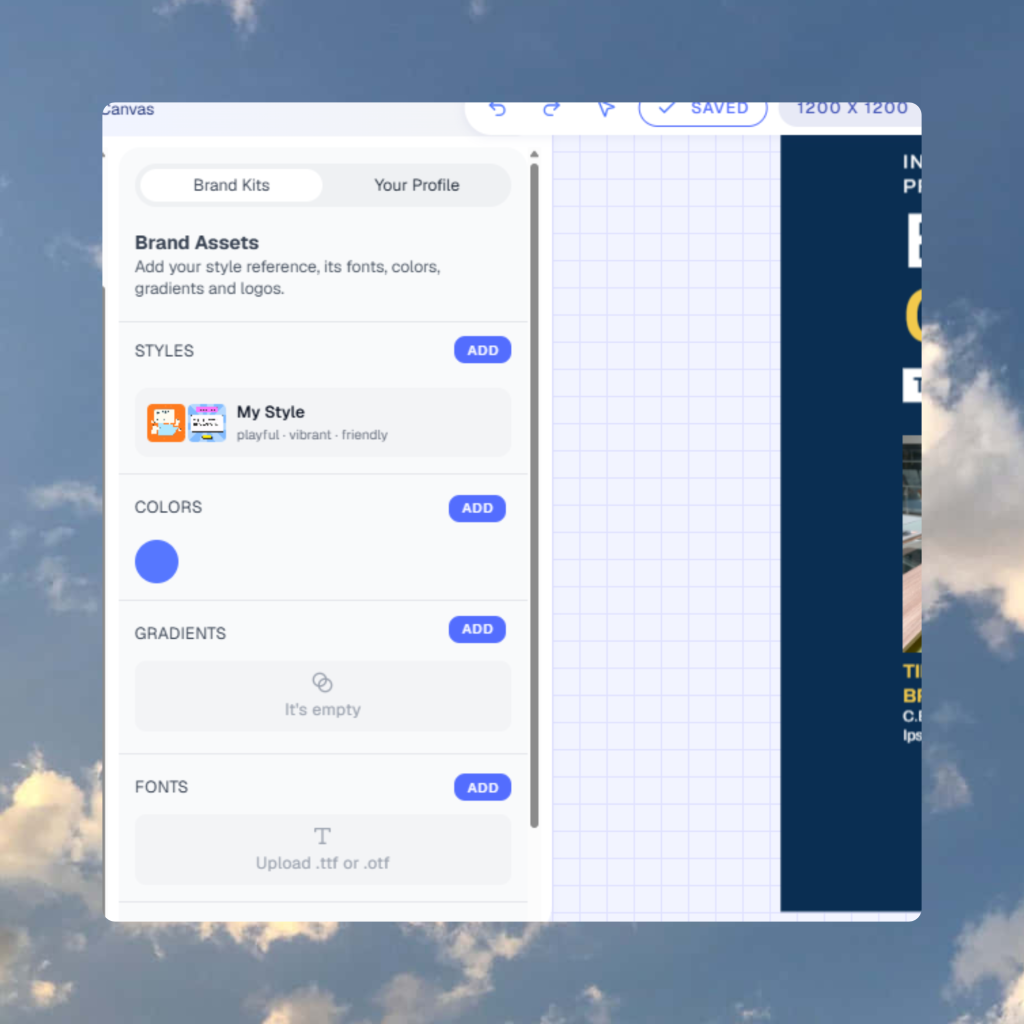
Saved styles
Add one to three inspiration posts, name the style, and reuse it any time.
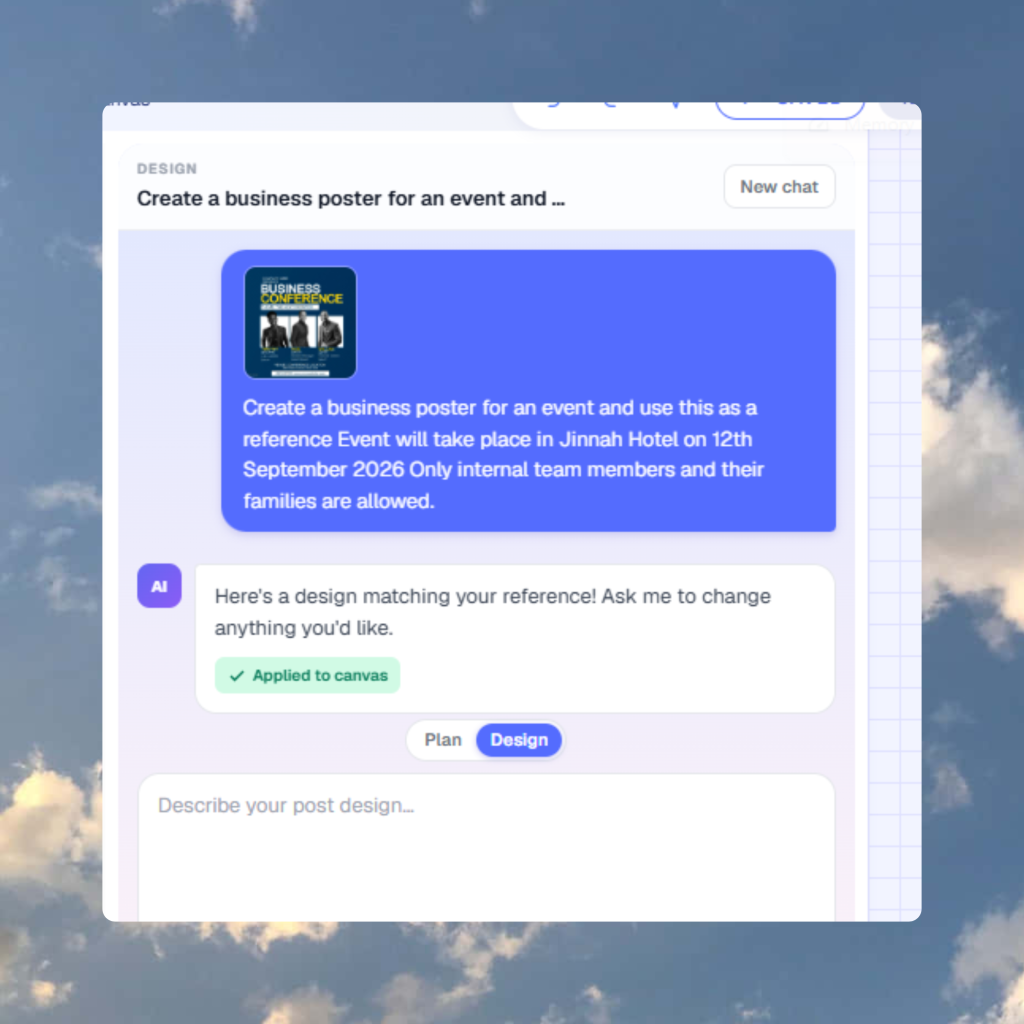
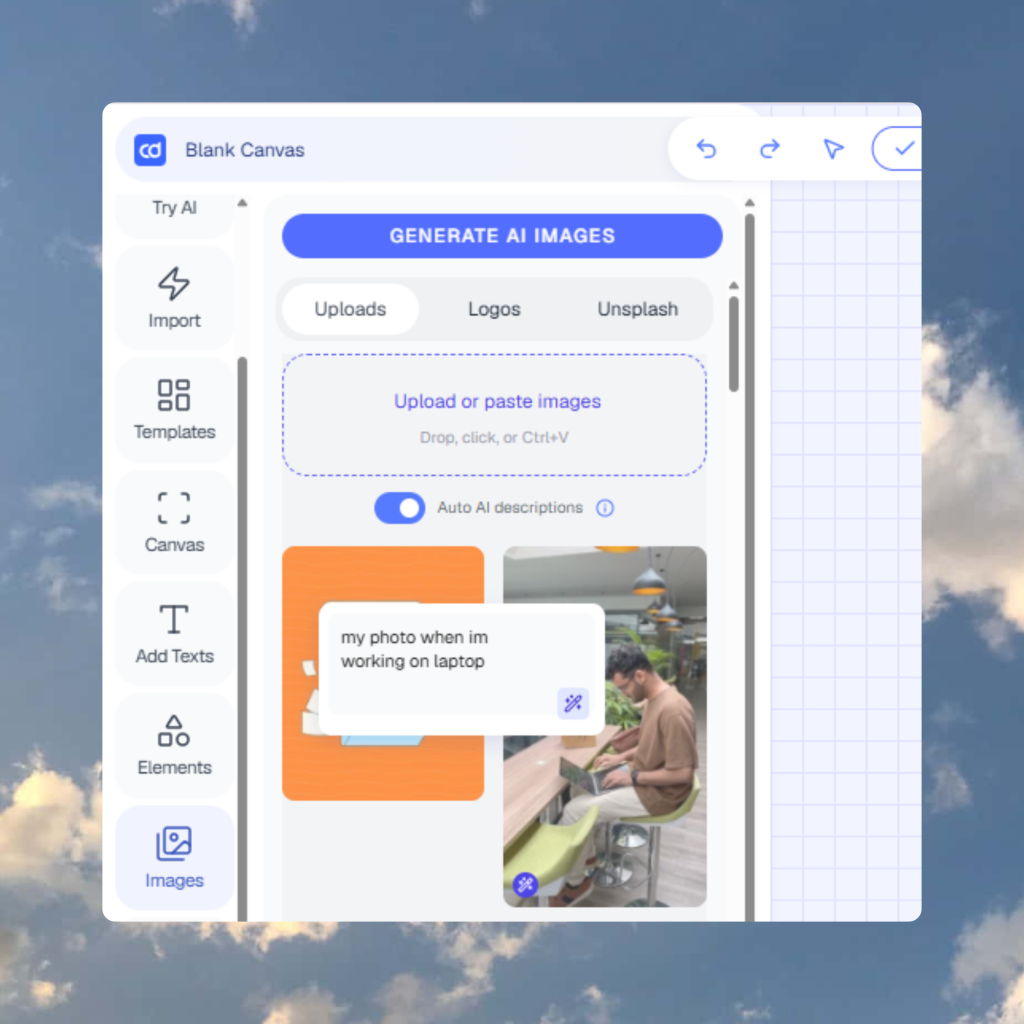
Reference image
Upload a reference image for a single design. It is a one-off and is not saved.
Your branding
Apply your colors, fonts and logo automatically. Available on paid plans.
Use a saved style for the base look, add a reference for one special post, and turn on your branding to keep colors and fonts consistent.
HOW IT WORKS
Type a topic, paste a link or describe the graphic.
Choose single image or carousel, then a size.
The agent builds it on the canvas in your style.
Tweak it, then export or schedule it.
EDIT BY CHATTING
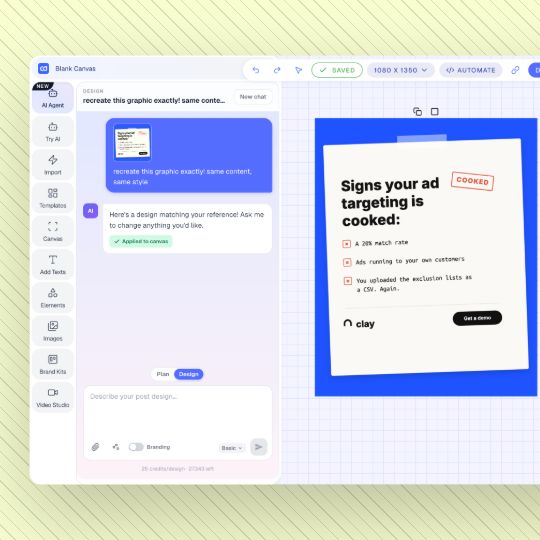
Do not like the headline or the color? Say so. The agent updates the design on the same canvas.
WHERE TO USE IT
editor
Open the AI Agent tab on any canvas and keep editing by chat.
MCP
Connect Contentdrips through MCP and design from your AI chat.
WHO IT IS FOR
Creators
Turn one idea into a carousel without opening a blank canvas.
Marketers
Feed in a blog or video and get graphics for each channel.
Agencies
Use saved styles and branding per client workspace.
Founders
Ship good looking posts in minutes.
HOW IT COMPARES
EXPORT AND PUBLISH
Export when it is ready, or send it straight to your channels.

RELATED TOOLS
Need the words instead of the visual? Use the text writer.
An AI graphic designer builds a design from a plain description. With Contentdrips you describe a post, and the AI Design Agent builds it on an editable canvas as a single image or a carousel.
You can try it for free with no credit card. Some features, such as Use my branding, are on paid plans. The pricing page has current details.
Social media images, carousels, posters and infographics in 1:1, 4:5, 16:9 or 9:16.
Yes. Every design is fully editable on the canvas, and you can also ask the agent to change it in chat.
Yes. Turn on Use my branding on a paid plan to apply your colors, fonts and logo.
A saved style is built from one to three inspiration posts and reused. A reference image is a one-off for a single design and is not saved.
Yes. In Plan mode add a blog, a YouTube video, a TikTok or Reel, or a webpage and pick a carousel idea.
You can publish or schedule to LinkedIn (personal and company pages), Instagram and TikTok, or export as PNG, PDF, MP4 or GIF.
Generic generators return flat images. The Design Agent returns editable designs with real text, carousel slides and your brand style.
It handles everyday social graphics quickly. Teams with complex brand work can still use a designer for larger projects and use the agent for the daily volume.
Yes. The Contentdrips MCP lets you design from Claude and other compatible AI tools.
Describe it, review it, edit it and publish it.