
New Launch: Contentdrips MCP –Try for Free➜
AI DESIGN AGENT
Upload a PNG, JPG, or screenshot and ContentDrips AI rebuilds it as a fully editable design, with the same layout, the same colors, and real text you can change. No source file, no Photoshop, no starting from scratch.
Before: flat image
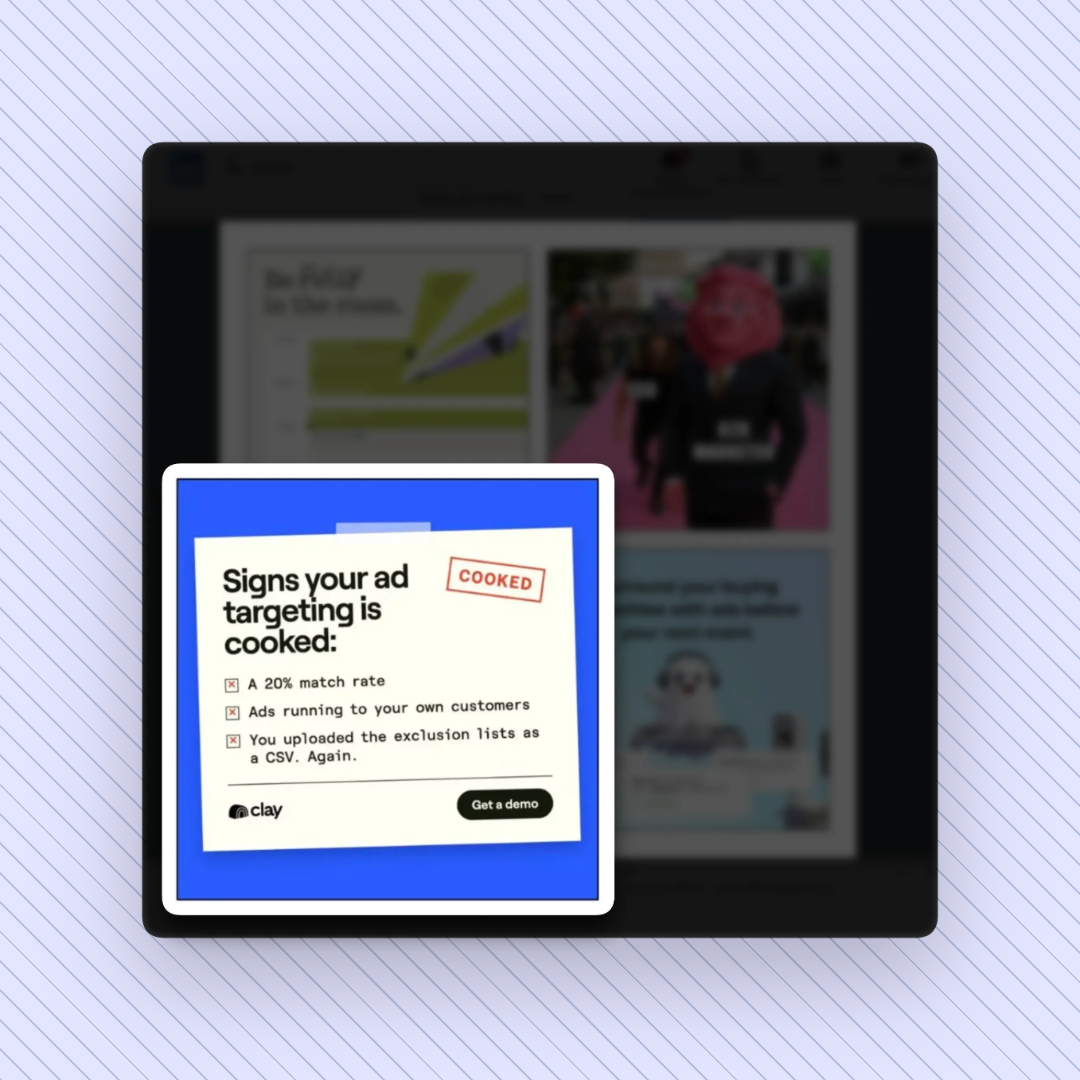
After: editable template
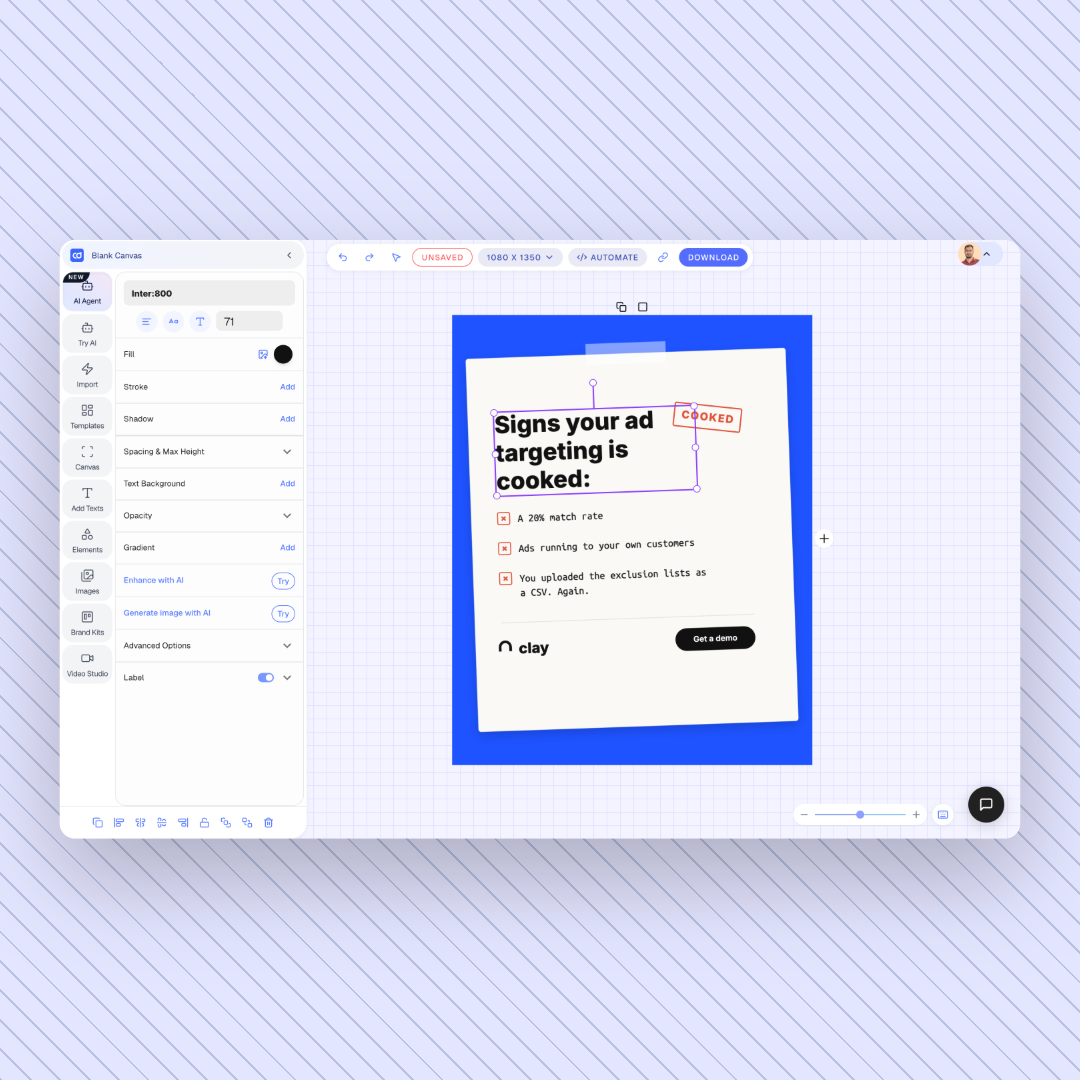
HOW IT WORKS
Drop in any PNG, JPG, or screenshot. Social posts, carousel slides, quote graphics, and infographics all work.
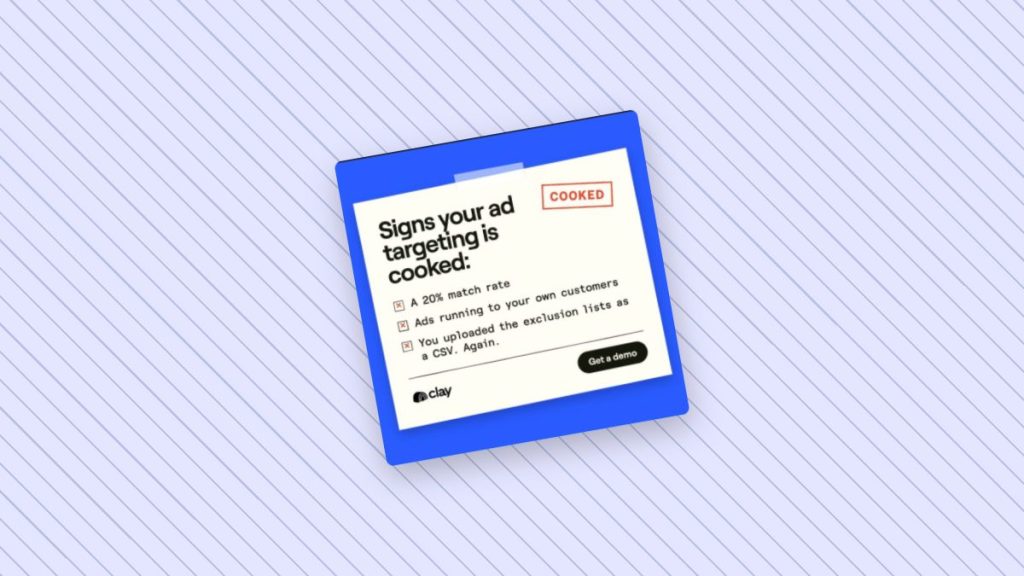
Ask it to replicate the design exactly, or keep the layout and change the content. It reads the structure, fonts, and color palette.
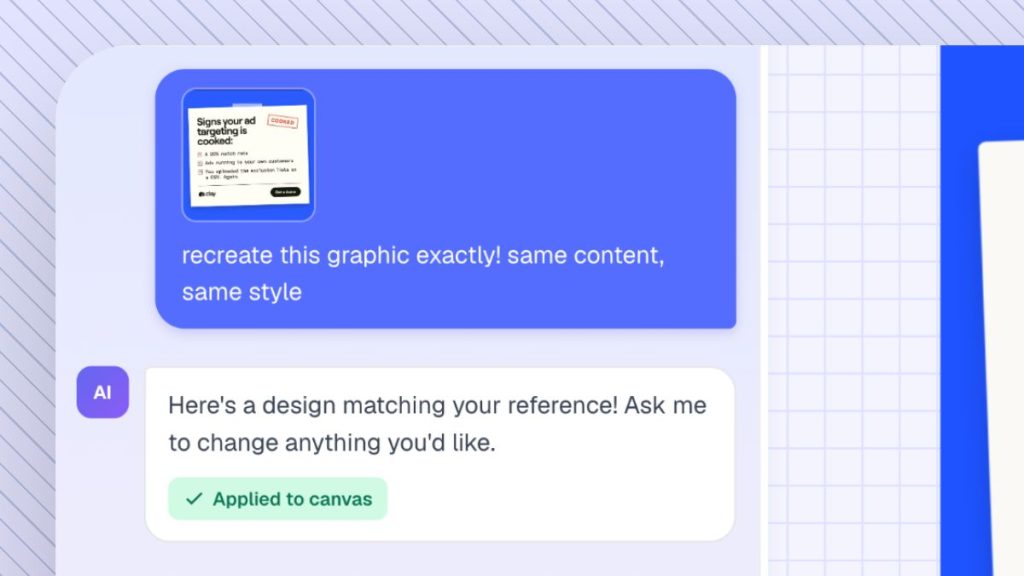
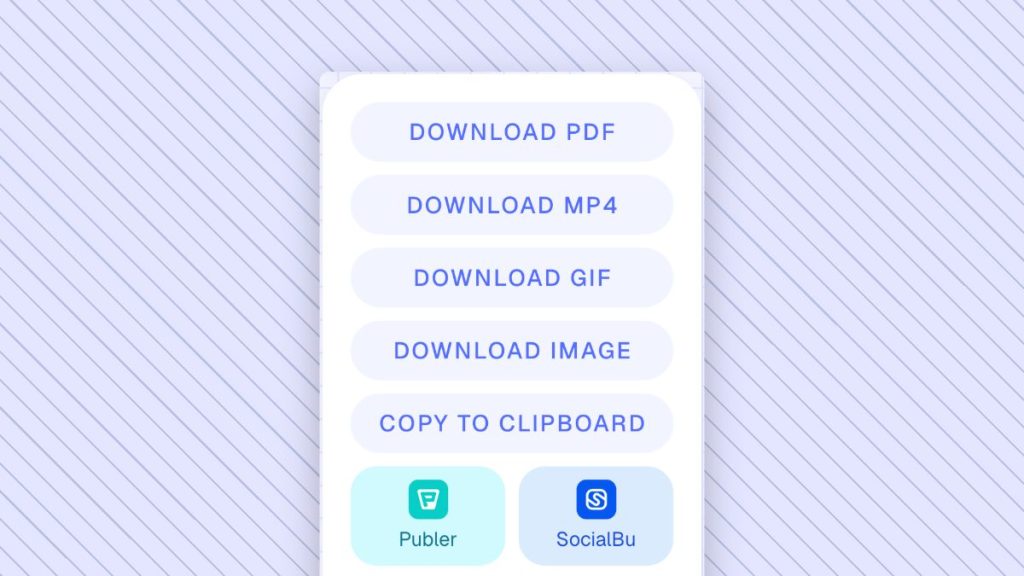
You get an editable template. Change the text, swap colors, apply your brand, and export as PNG or PDF.
WHAT YOU GET
ContentDrips does not just pull text out of an image. It rebuilds the whole design as separate, editable layers.
Headlines, body copy, and captions become real text boxes you can retype in one click.
Backgrounds, shapes, and accents keep their original colors, and every one of them can be changed.
Spacing, alignment, and structure match the original, so the template looks right from the start.
Boxes, dividers, and design elements become separate objects you can move, resize, or delete.
Apply your fonts, colors, and logo to turn any layout into an on-brand template.
Convert carousel slides into editable multi-slide templates ready for LinkedIn and Instagram.
EDIT TEXT ON IMAGE
Most tools that change text in an image paint over the old words and hope the fonts match. ContentDrips rebuilds the image as a template, so the text becomes a real text layer you can edit like any other design.
Old text is not painted over or cloned out, so there are no blurry patches left behind.
New words use the same styling as the rest of the design instead of a close guess.
Text boxes adjust when you add words, so the layout does not break.
Click any headline or caption, type the new copy, and you are done.
USE CASES
You still have the PNG of that post or carousel, but the source file is gone. Upload the image and get an editable version back.
When a post takes off, turn it into a template and reuse the format every week with fresh content.
Recreating a layout manually can take 20 to 40 minutes. Converting it takes seconds.
Switching tools? Convert exported images into editable templates without redesigning anything.
Turn approved graphics into templates so everyone creates on-brand content from the same starting point.
Refresh last year’s graphics with new stats, dates, or offers without touching the layout.
MAGIC LAYERS ALTERNATIVE
Canva Magic Layers showed how useful it is to turn a flat image into an editable design. ContentDrips gives you the same image to editable workflow, built for LinkedIn and Instagram creators. Your template lands in a workspace made for carousels, quote posts, and branded graphics, where you can also schedule and publish.
| Rebuilding manually | Image to text (OCR) tools | ContentDrips | |
|---|---|---|---|
| Editable text | Yes, retyped by hand | Text only, no design | Yes |
| Keeps layout and colors | Only if you recreate it | No | Yes |
| Time per design | 20 to 40 minutes | Minutes, plus a redesign | Seconds |
| Carousel and social ready | Depends on the tool | No | Yes |
| Prompt-based changes | No | No | Yes |
POWERED BY AI DESIGN AGENT
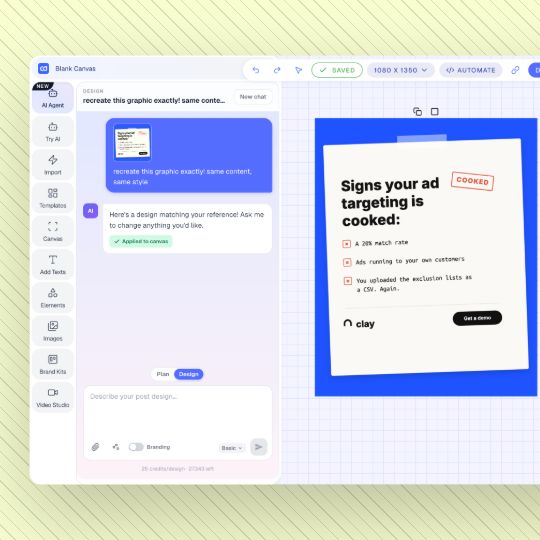
Give the AI Design Agent a reference image and describe what you want. Replicate it exactly, keep the layout with new copy, or restyle it in your brand colors.
LOVED BY CREATORS
An image to editable template converter turns a flat image, such as a PNG, JPG, or screenshot, into a design you can edit. ContentDrips uses its AI Design Agent to rebuild the image with editable text, colors, shapes, and layout.
Yes. Upload any PNG, JPG, or screenshot to ContentDrips and ask the AI Design Agent to replicate it. You get a template with editable text, colors, shapes, and layout.
Upload the image to ContentDrips and ask the AI to replicate it. The text in your image becomes real text layers, so you can click and retype any word without Photoshop.
Yes. The AI matches the original structure, spacing, and color palette as closely as possible, so your template looks like the original from the start.
Yes. Like Magic Layers, ContentDrips turns flat images into editable designs. It is built for LinkedIn and Instagram content, so your templates are ready for carousels and social posts right away.
Yes. Upload your carousel slides and ContentDrips rebuilds them as editable carousel templates you can update and reuse.
You can upload PNG and JPG images, including screenshots of social posts, carousels, and graphics.
You can try ContentDrips for free. Sign up to convert your first image into an editable template.
GET STARTED
Upload an image, get an editable template, and make it yours in seconds.