
New Launch: Contentdrips MCP –Try for Free➜
USE CASE — PODCASTERS
Paste a YouTube episode link. Get carousels, quote cards, graphics, and captions out the other side, styled in your brand, ready to post.
SEE WHAT’S POSSIBLE
Real designs made from real podcast episodes. Click any one to start your own.
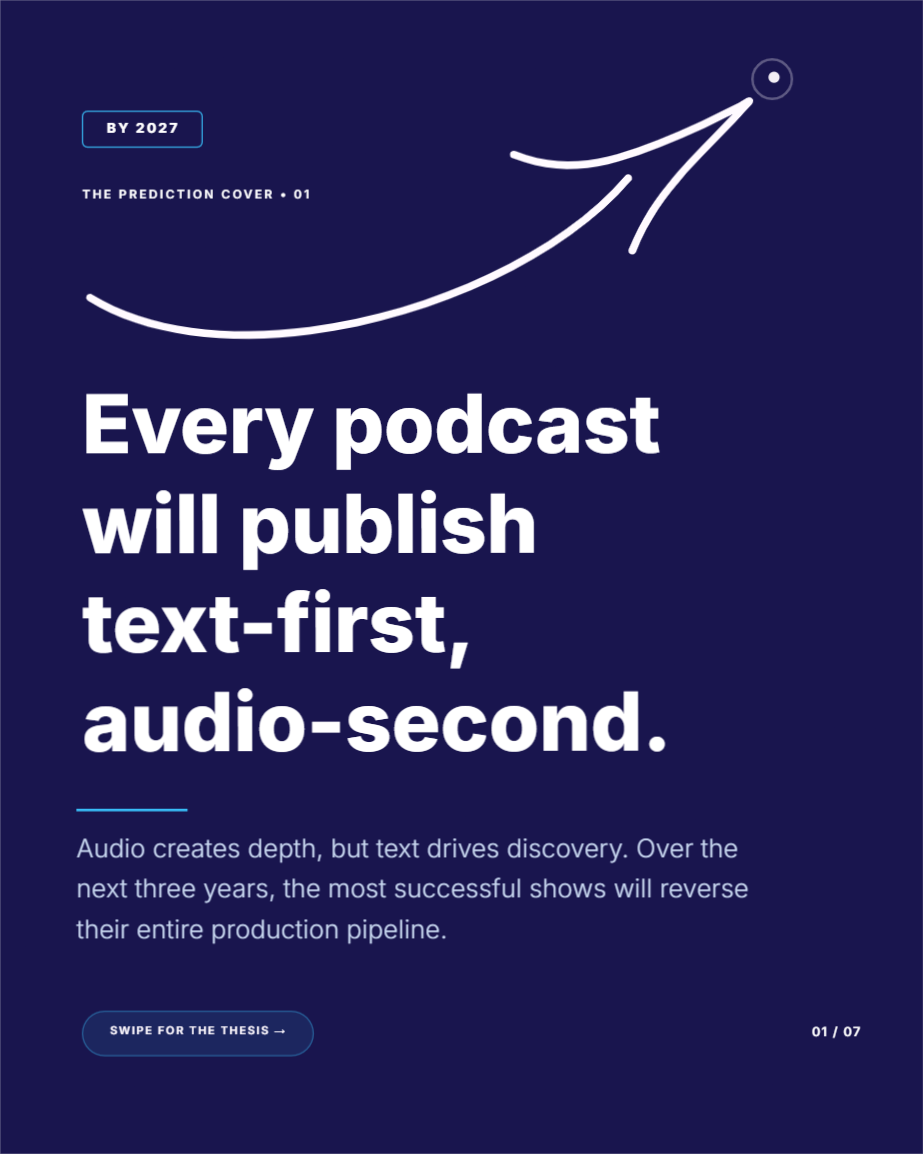
A full-screen vertical moment built for Instagram/LinkedIn Stories — quick, immersive, one idea per frame.
Create design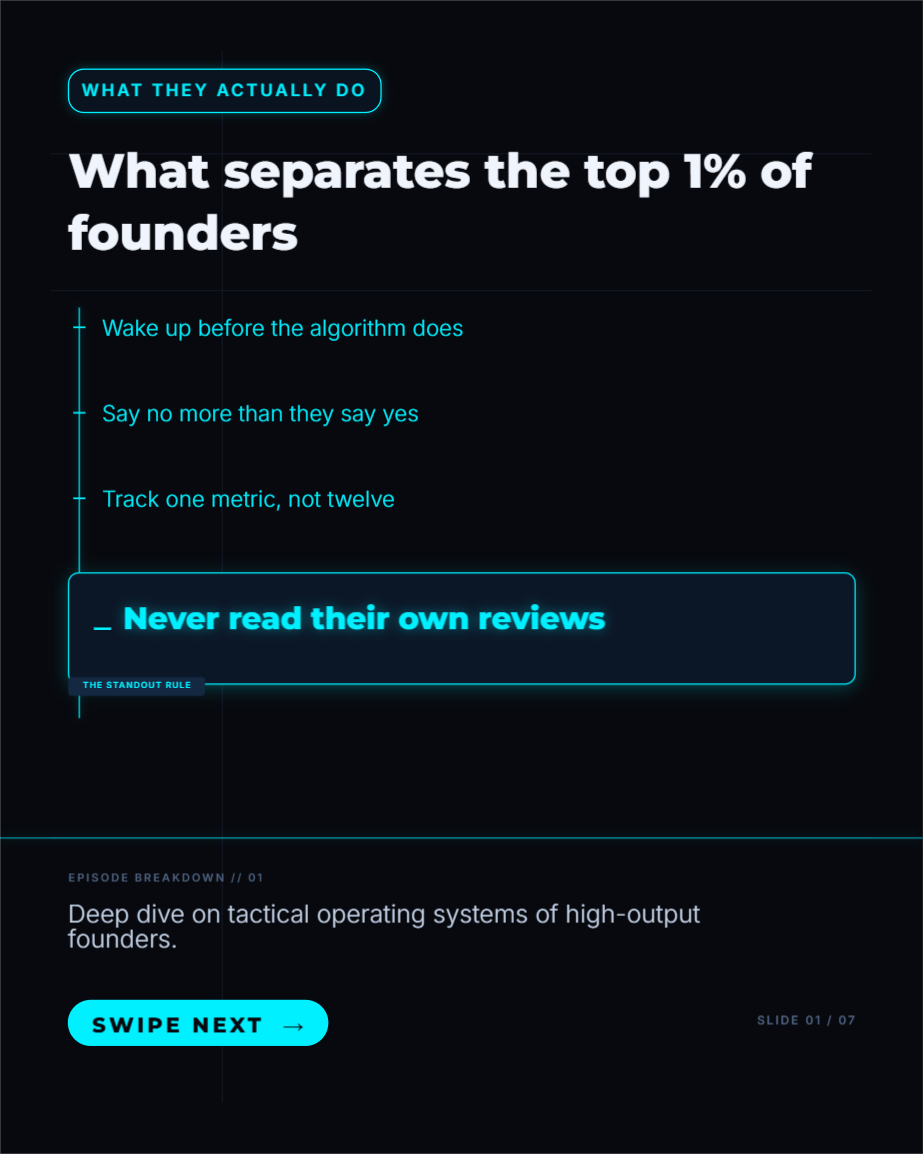
Tight, punchy bullet points pulled straight from the episode — built for a scroll-fast reader.
Create design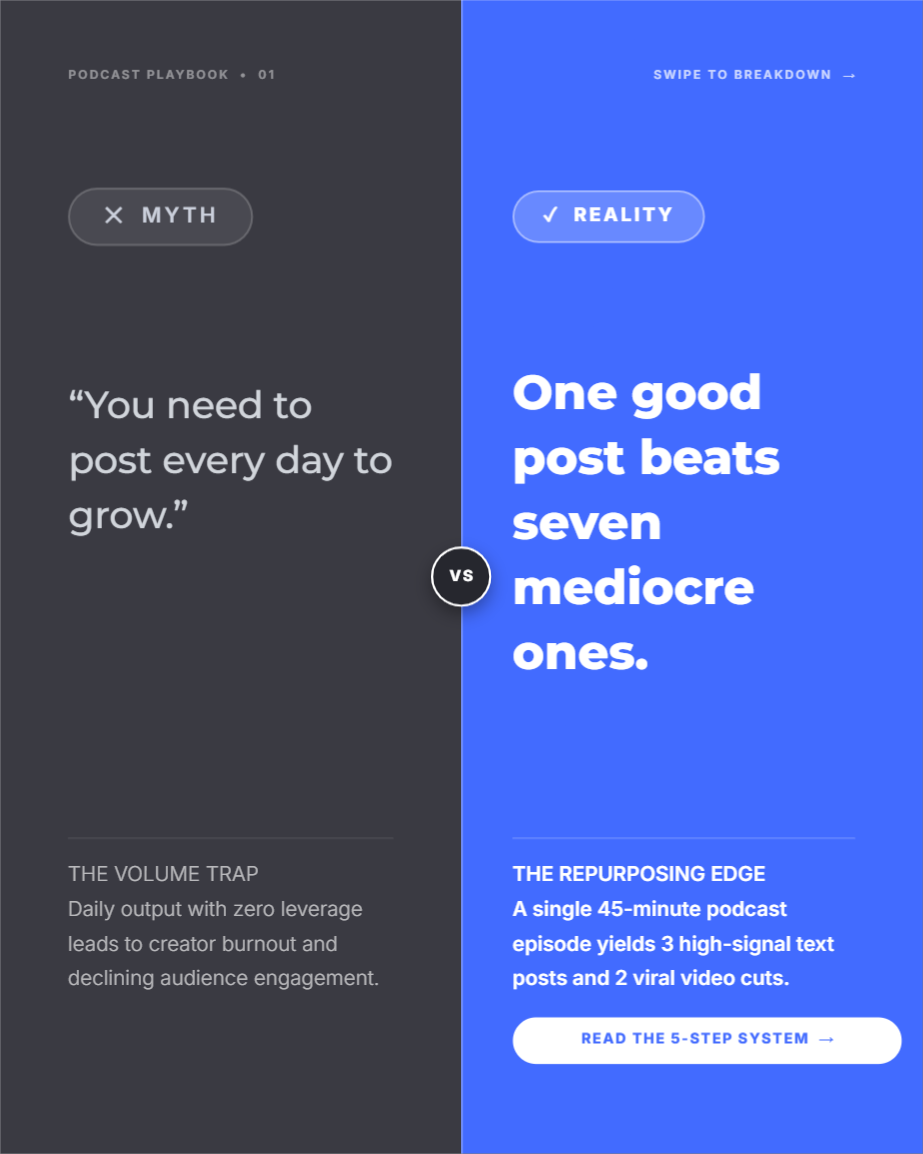
A clean split-screen contrast — the common belief on one side, what the episode actually revealed on the other.
Create design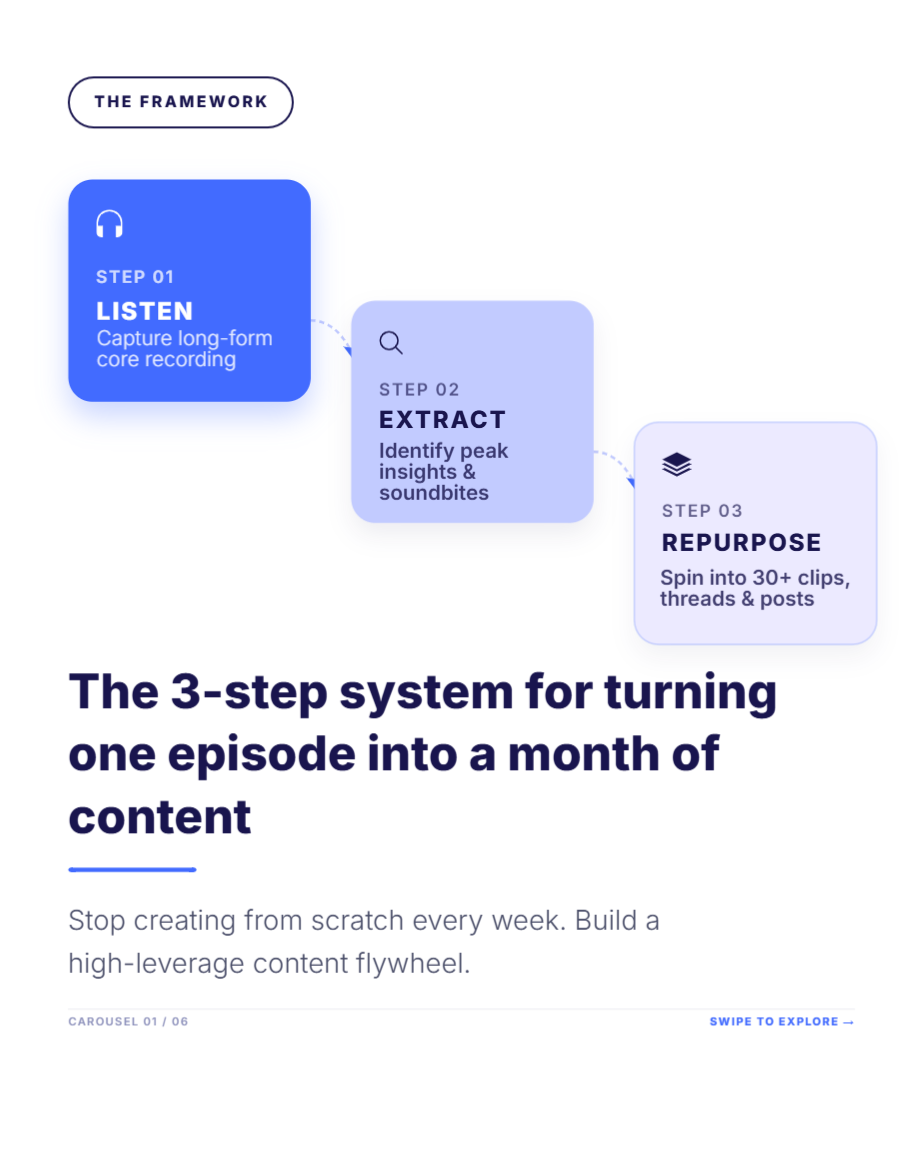
A guest's process or model broken into simple connected steps — great for episodes built around a system.
Create design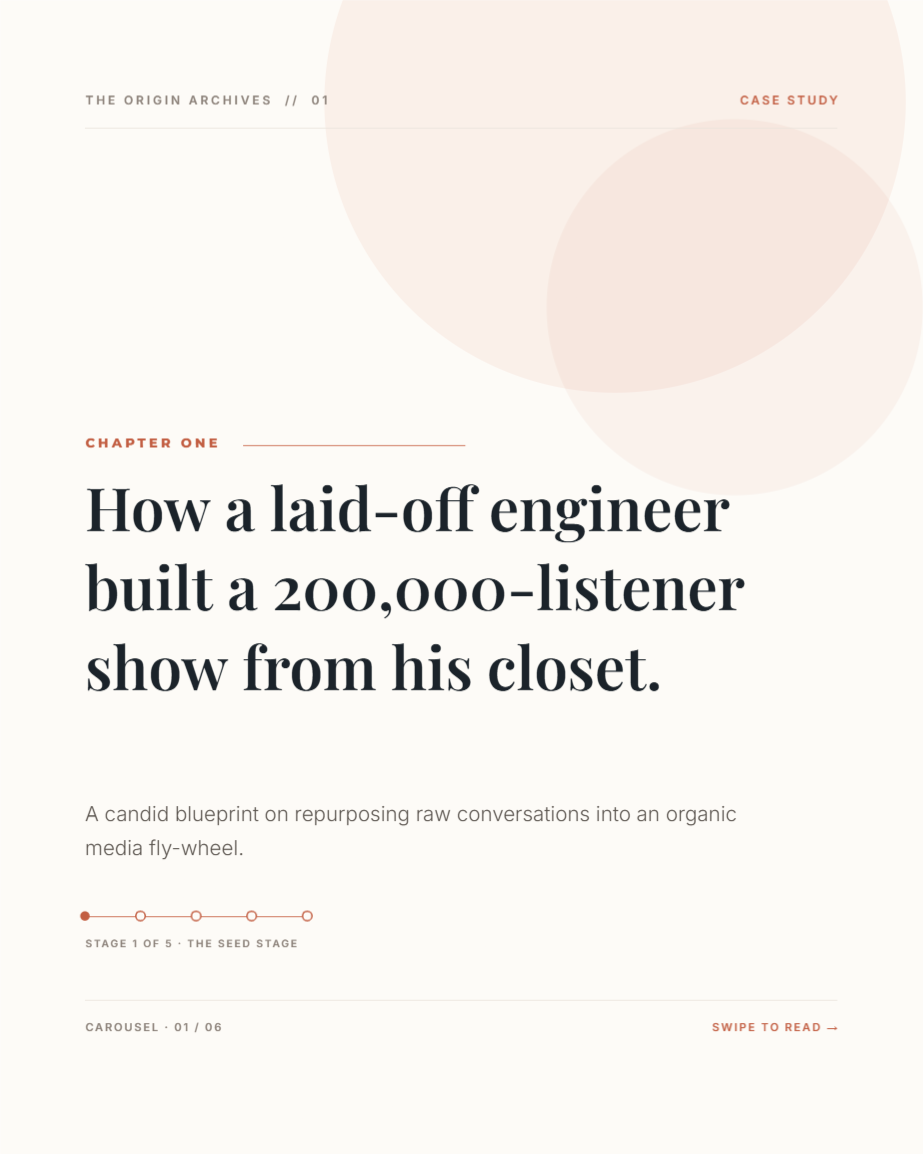
A narrative-driven slide that leans into a guest's origin story or turning-point moment from the episode.
Create design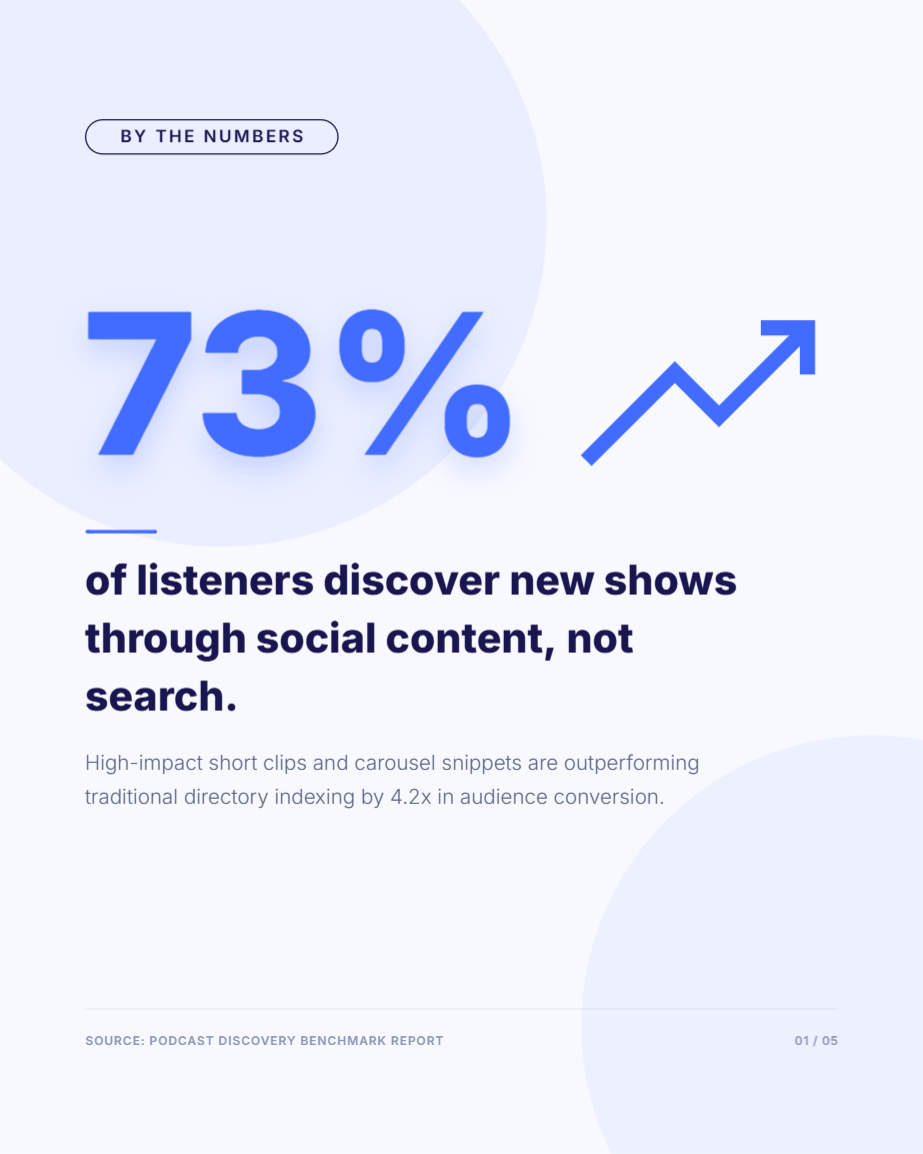
One striking number from the conversation, given room to breathe — built to stop a scroll instantly.
Create design
A clean, photo-forward introduction to the episode's guest — name, role, and a one-line hook.
Create design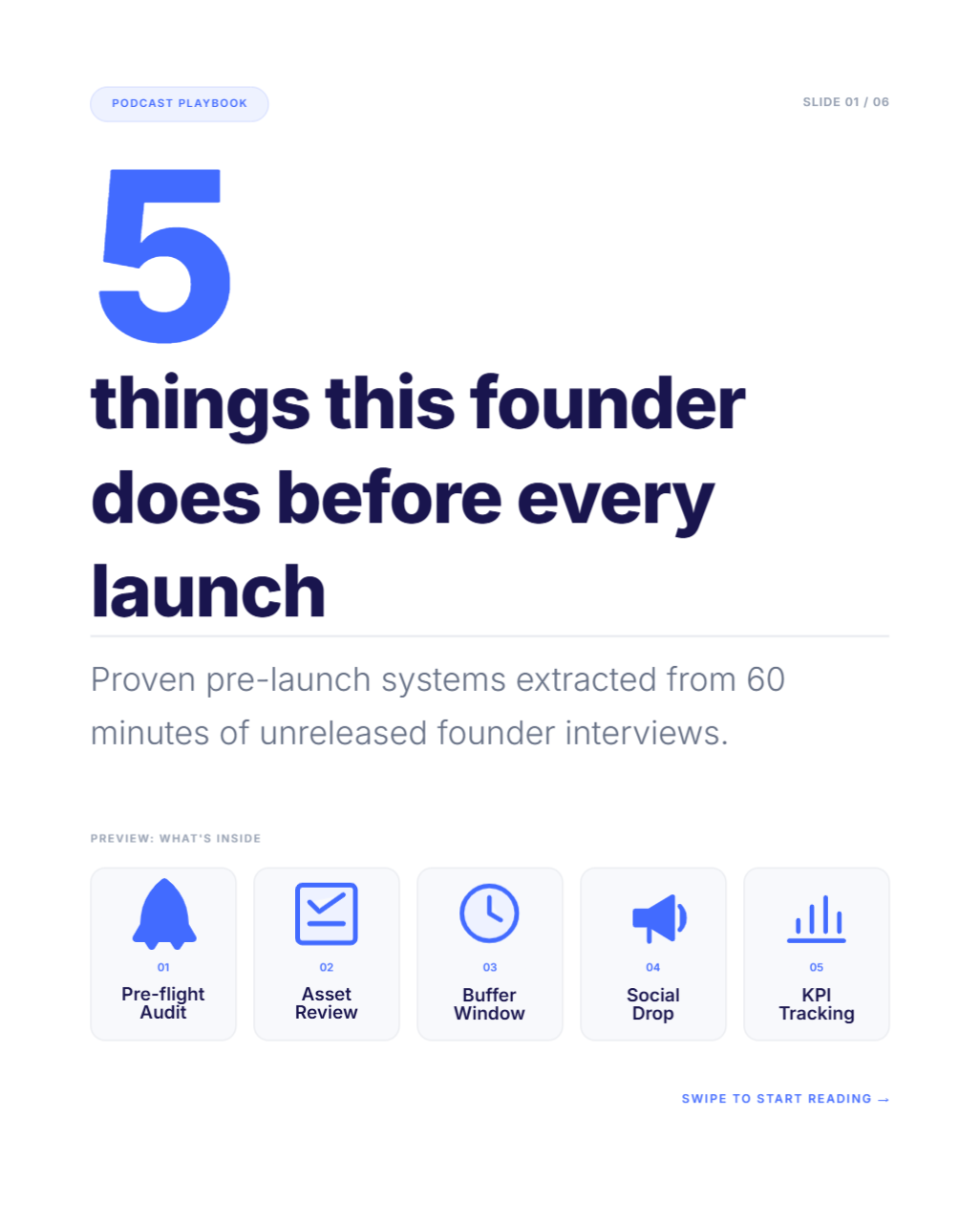
A numbered rundown of takeaways from the episode — scannable, structured, easy to save.
Create design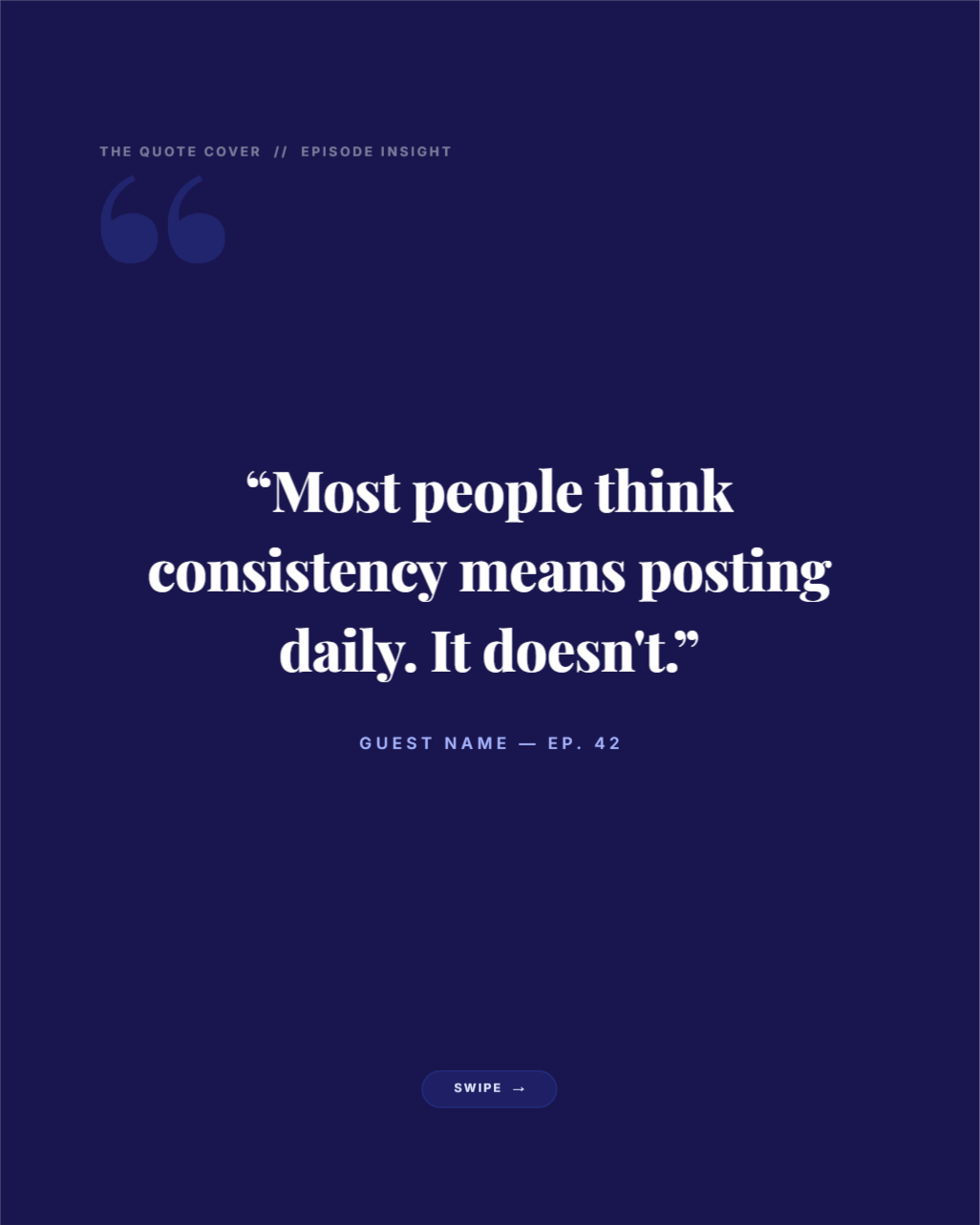
A single strong line from the episode, isolated and enlarged — the classic scroll-stopper.
Create designQUICK ANSWER
Contentdrips turns one podcast episode into carousels, quote cards, graphics, and captions automatically. No transcript, no design tool, no manual editing, ready to schedule instantly.
Podcasters posting nothing but episode links who need their episodes to actually reach people who scroll past podcast apps entirely.
Feeds are built for zero-friction content. A link that asks someone to leave the app and commit 20+ minutes gets scrolled past.
ChatGPT and Canva work, but that’s two apps, two logins, and a manual handoff for every post.
Podcast apps only reach people already searching for a show. Most future listeners find shows through their feed first.
THE WORKFLOW
Paste the YouTube link. No transcript upload, no manual clipping, no file wrangling.
Contentdrips surfaces specific post ideas from the episode, and tells you which format each one fits best.
Use a template, or let the AI Design Agent build the layout automatically.
Send the finished post straight to LinkedIn or Instagram, or schedule it for later, directly from Contentdrips.
WHAT CONTENTDRIPS ACTUALLY DOES FOR YOU
Design is handled
Use the AI Design Agent to generate a full layout automatically, or start from a template.
Importing your episode is the easy part
Most repurposing workflows fall apart at import. Contentdrips just needs the YouTube link.
You don't have to come up with the ideas
Contentdrips generates post ideas directly from your episode instead of leaving you to scrub through audio.
It tells you which idea fits which format
A podcast episode is a huge script. Contentdrips matches the idea to the format so you're not guessing.
Publish or schedule without leaving the tool
Send finished posts straight to LinkedIn or Instagram, or schedule them for later.
Branding stays consistent, automatically
Fonts, colors, and voice are set once in your brand kit. Every post follows it.
POST FORMATS
One episode, five ways to reach people who’ll never press play.
Turn a how-to, story, or hot take into a multi-slide carousel that breaks the idea down piece by piece.
A strong line from your episode turned into a standalone graphic. Batch-generate several from one episode.
Episode announcements, guest highlight cards, cover art, generated instead of built from scratch.
A written LinkedIn or Instagram caption in your voice, for people who read rather than watch.
A stat, framework, or list turned into a single scannable visual.
THE DIY ALTERNATIVE
The common DIY workflow is ChatGPT for captions and Canva for design, copy-pasted between the two for every post.
| ChatGPT + Canva | Contentdrips | |
|---|---|---|
| Knows your episode content | No — manual transcript pasting | Yes — works from the episode link directly |
| Knows your brand kit | No — templates rebuilt each time | Yes — fonts, colors, voice saved once |
| Idea generation | Manual, per post | Generated automatically from the episode |
| Idea-to-format matching | Left to the user | Suggested automatically |
| Design step | Separate app, separate login | Built in |
| Publishing | Manual export and re-upload | Direct publish or schedule |
| Number of tools involved | 2+ | 1 |
Contentdrips replaces the stitching, not just one half of it.
WHAT TO LOOK FOR IN YOUR EPISODE
Surprising statements
"most people think X, but actually Y." Instant pattern interrupt.
Clear how-to moments
anywhere a guest explains exactly how to do something.
Memorable analogies
compresses a complex idea into something instantly understandable.
Counterintuitive advice
sounds wrong at first, turns out to be right.
Genuine emotional moments
vulnerability, humor, real frustration, captured as-said.
Specific numbers and data points
a concrete stat lands harder than a vague claim.
Origin stories
how a guest or host actually got started.
Disagreements and pushback
a moment where the host challenges the guest.
Mistakes and lessons learned
a guest naming something they got wrong and what it cost them.
Bold predictions or claims
a specific stance on where something is heading.
Direct answers to a common question
something the audience is likely already asking themselves.
THE PAYOFF
Recording and editing already take most of your week. This is the part that usually gets skipped.
An AI tool that turns your YouTube podcast episodes into carousels, quote cards, graphics, and captions for LinkedIn and Instagram, without design or editing work.
Paste your episode’s YouTube link. Contentdrips generates post ideas, matches each one to the best format, and builds the design. You review and publish or schedule.
No. The YouTube link is enough.
No. Use a template or the AI Design Agent. Either way, nothing is built from a blank canvas.
Yes. You can publish or schedule straight to LinkedIn or Instagram from Contentdrips.
Yes. Quote cards can be batch-generated from one episode instead of created one at a time.
Yes. Start free and generate your first posts before deciding on a paid plan.
Paste your YouTube episode link and see your first carousel or quote card in minutes.
Your saved styles appear after you sign in.
No credit card required