Turn your hashtags into full LinkedIn content
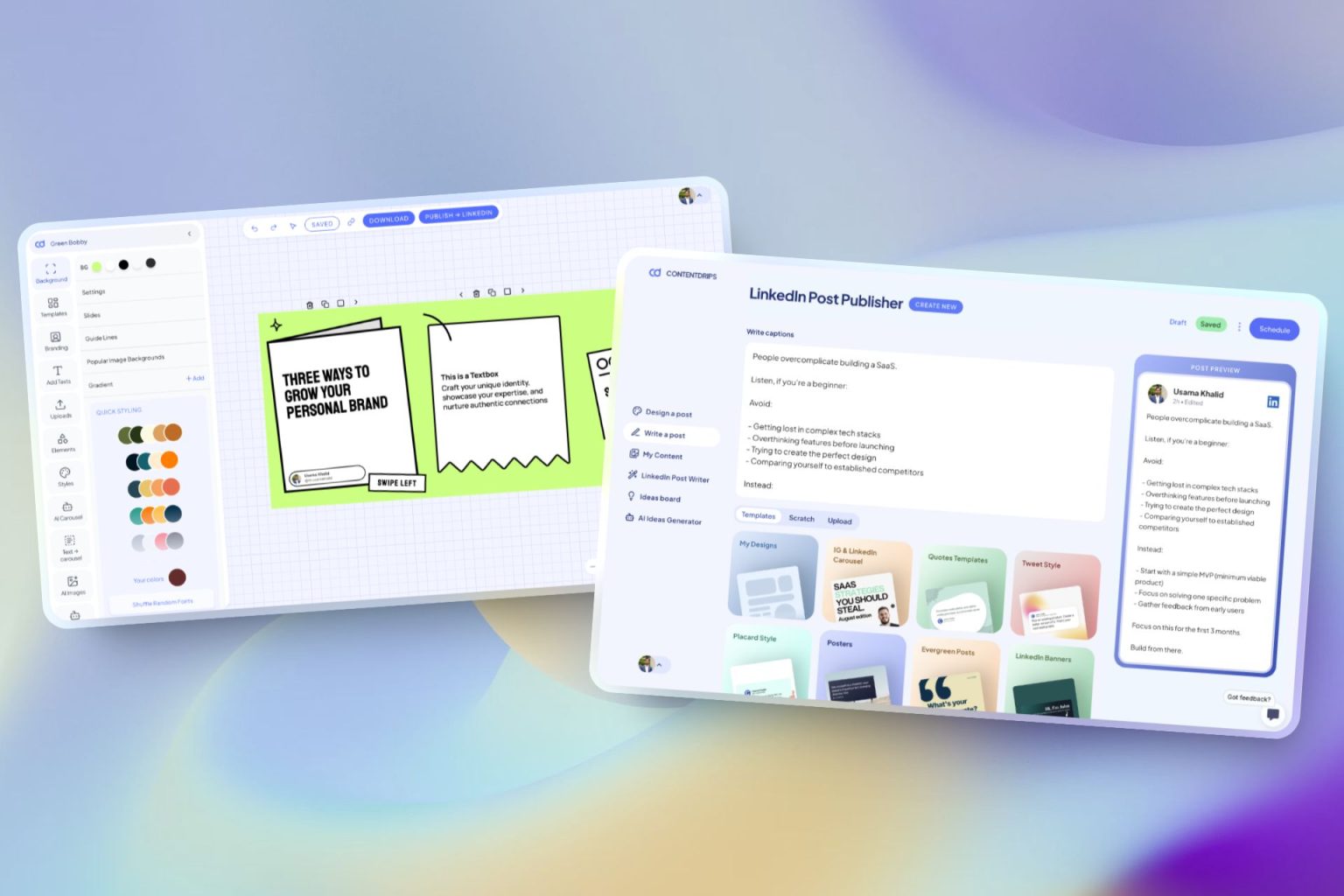
Hashtags are the last step. Contentdrips handles the rest: writing the post, designing the visual, and scheduling it to LinkedIn. All in one place.
New Launch: Contentdrips MCP –Try for Free➜

FREE TOOL
Enter your post topic, pick a count, and get targeted LinkedIn hashtags in seconds. No sign-up needed. Built for 2026 LinkedIn strategy.
HOW IT WORKS
Type a few words about your LinkedIn post. The more specific you are, the more targeted your hashtags will be.
Choose 1 to 20 hashtags. Adding your industry helps the AI pick niche-specific tags your audience actually follows.
Click any chip to copy a single tag, or hit Copy All to grab the full set. Paste at the end of your post and you are done.
LINKEDIN IN 2026
Yes, but their role shifted. LinkedIn removed hashtag following in 2024, so hashtags no longer push posts into follower feeds. They now function as SEO signals and keyword tags that help LinkedIn categorize your content and surface it in search. The good news: 3 to 5 highly specific hashtags still add real discoverability value.
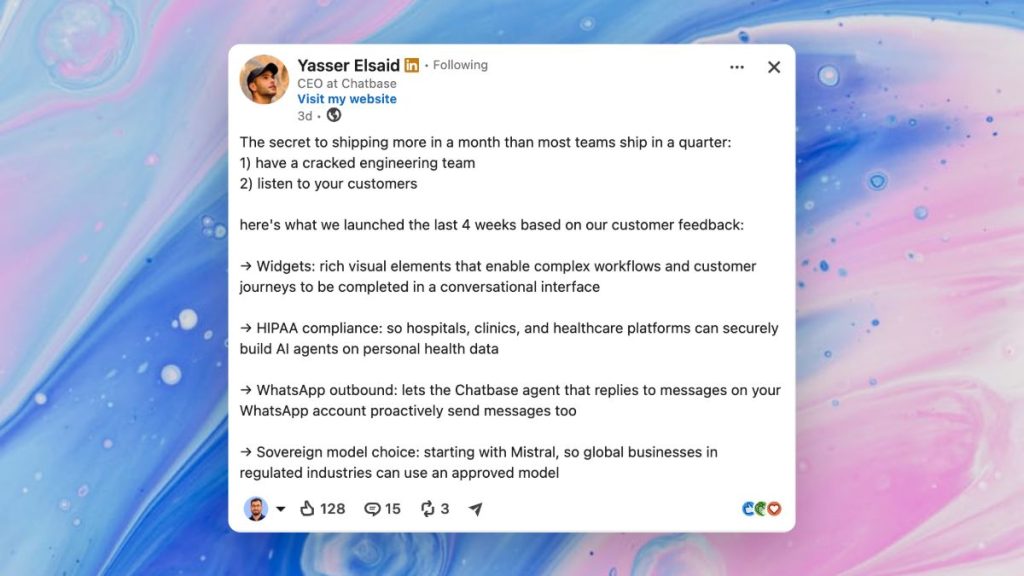
More than 5 hashtags can look spammy and adds no measurable reach benefit. LinkedIn itself recommends keeping it under 5. Aim for quality over quantity every time.
One broad tag (like #Marketing) for general reach plus two niche tags (like #B2BSaaS or #LinkedInGrowth) for the right audience. This tool gives you both types, colour-coded.
Reusing the same hashtag set post after post signals low effort to the algorithm. Generate fresh hashtags for each topic. It takes 10 seconds and improves keyword relevance.
LinkedIn reads your full post text first. Drop hashtags at the very end to keep the post readable and professional while still sending the right category signals to the algorithm.
Search the hashtag on LinkedIn before using it. If it shows recent posts and an active following it is worth including. Dead hashtags with no engagement history will not help discoverability.
Write multi-word hashtags with a capital at each word: #SocialMediaMarketing, not #socialmediamarketing. PascalCase improves readability for all users including those using screen readers.
For most LinkedIn posts, generate 3 to 5 hashtags. LinkedIn’s own guidance recommends keeping it under 5. Our LinkedIn hashtag generator lets you choose exactly how many to generate, from 1 to 30, so you’re always in control depending on your post type and audience.
Yes, when the hashtags are relevant. A good LinkedIn hashtag generator gives you topic-specific tags that help LinkedIn categorize your content and show it to people following those topics. Generic hashtags added manually rarely perform as well as targeted ones generated from your actual post topic.
You can, but you shouldn’t. Reusing identical hashtag lists can signal low-effort content to LinkedIn’s algorithm. The best practice is to use this LinkedIn hashtag generator fresh for each post so your tags always match your content.
A good LinkedIn hashtag generator produces hashtags that are relevant to your specific topic, mix broad and niche tags, and reflect what your target audience actually follows, not just generic high-volume tags that everyone uses.
It is completely free; no account, no credit card, no usage limits. Use this LinkedIn hashtag generator as many times as you want. If you want to go further and create full posts, carousels, and graphics with AI, that’s what Contentdrips is for.
Yes. The LinkedIn hashtag generator works across every industry: marketing, tech, finance, HR, entrepreneurship, healthcare, personal development, and more. Just describe your post topic and it generates hashtags relevant to that specific subject and audience.
Both. The best LinkedIn hashtag strategy mixes 1 broad hashtag with 2 to 3 niche-specific ones per post. This LinkedIn hashtag generator gives you both types so you can pick the right combination for each post.
On Instagram, using 10 to 30 hashtags is standard practice. On LinkedIn, less is more — 3 to 5 is the sweet spot. A LinkedIn-specific hashtag generator accounts for this difference and avoids producing the kind of long hashtag lists that look out of place on LinkedIn.
Yes. LinkedIn hashtags work in posts, articles, and newsletters. Use this LinkedIn hashtag generator to find relevant tags for long-form articles just as you would for regular posts. It helps LinkedIn surface your article to the right followers.
Contentdrips is a full LinkedIn content platform. Beyond this LinkedIn hashtag generator, you get AI post writing, carousel creation, a conversational AI design agent, 100+ templates, bulk planning, and direct scheduling to LinkedIn and Instagram. It is an all in one tool.
RELATED TOOLS
Turn any topic, blog, or YouTube video into a ready-to-post LinkedIn text post with AI. Pair it with your hashtags for a complete post.
Turn any idea, blog, or URL into a branded, multi-slide LinkedIn carousel in minutes. The highest-performing format on LinkedIn right now.
Never stare at a blank screen again. Get a week of personalised LinkedIn content ideas based on your role, audience, and niche in one click.
Hashtags are the last step. Contentdrips handles the rest: writing the post, designing the visual, and scheduling it to LinkedIn. All in one place.