
New Launch: Contentdrips MCP –Try for Free➜
SMART IMAGE LIBRARY
The right image, every time, without digging through folders to find it. Smart Image Library automatically matches your uploaded images to the post you are creating.
THE PROBLEM
Posting regularly on social media creates three recurring image problems. Smart Image Library solves all three at once by making the library build and search itself.
Photos, brand shots, and past post images live across shared drives, email attachments, and old exports rather than one searchable place.
Without a library that remembers past uploads, the same photo gets re-found, re-downloaded, and re-uploaded every time it is reused.
Folder systems and naming conventions require upkeep, and upkeep is usually the first thing to slip once posting frequency increases.
HOW IT WORKS
Add it as part of a design, a post, or directly to your library.
No folders, tags, or naming conventions are required.
Contentdrips compares the post content against your image library.
Contentdrips surfaces the best-matching image as your starting point.
The match is a starting point, not a final decision. Change it whenever you want.
HOW IT IS DIFFERENT
Myth: an image library only needs to store your photos in one place.
Fact: storage alone still requires you to remember and search for the right image yourself. Smart Image Library adds a matching step on top of storage. It reads what your post is about and selects the best-fitting image automatically, so the search step is removed rather than just centralized.
SEE IT IN ACTION
A library containing product shots, behind-the-scenes photos, and team headshots is used to generate two different posts. For a customer testimonial post, Smart Image Library surfaces a behind-the-scenes photo. For a product launch post, it surfaces a product shot instead. The library does not change between the two posts. Only the match does, because the match is driven by post content, not by folder location or upload date.
WHO THIS IS FOR
Running one or several accounts, posting frequently enough that manual image search becomes a repeated daily cost.
Managing their own content, turning a personal library of past photos into something reusable without manual sorting.
Sitting on months of brand photography that is otherwise scattered across drives and rarely reused.
GETTING STARTED
No setup step is required before Smart Image Library starts working. If images have already been uploaded to Contentdrips, the library already exists and the next generated visual will draw on it. For new users, uploading a first image is enough to begin building the library. Matching activates immediately, with no configuration step.
THE TOOLKIT
Contentdrips replaces multiple social media tools you would otherwise need alongside it, for every brand you manage.
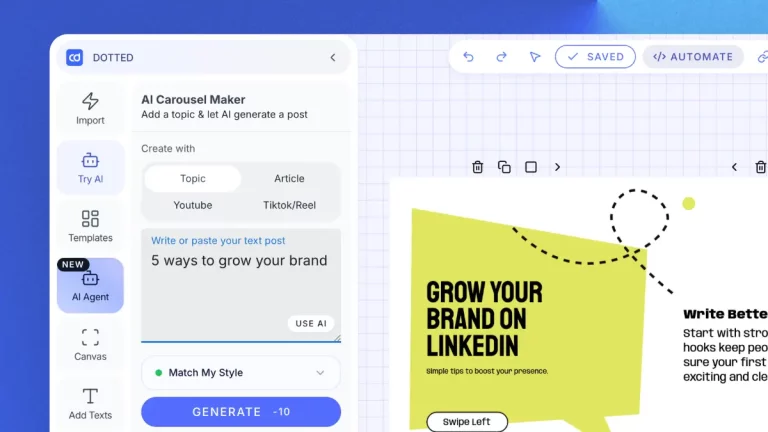
Blog URLs, YouTube links, TikToks, CSVs, all convert into a carousel or post instantly. PostNitro starts from a topic, text, or article link only.
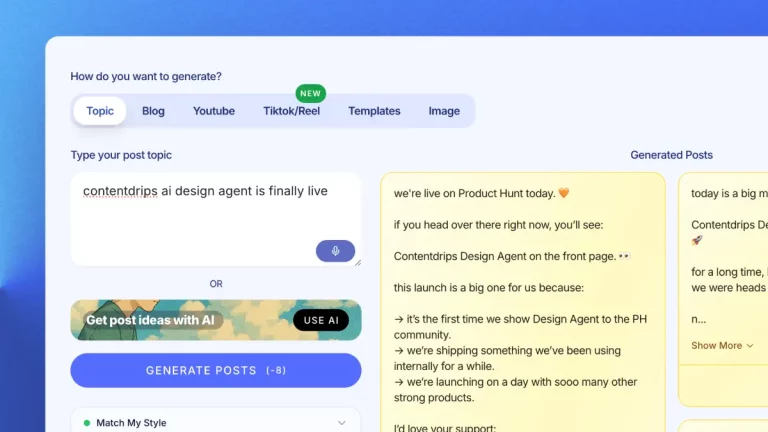
Writes LinkedIn posts in your voice, using Match My Style to learn from your past content.
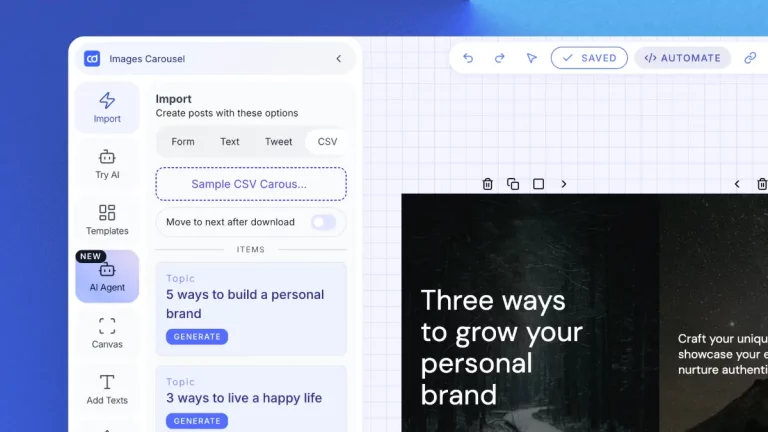
Upload a CSV, generate a batch of posts at once, across multiple brands.
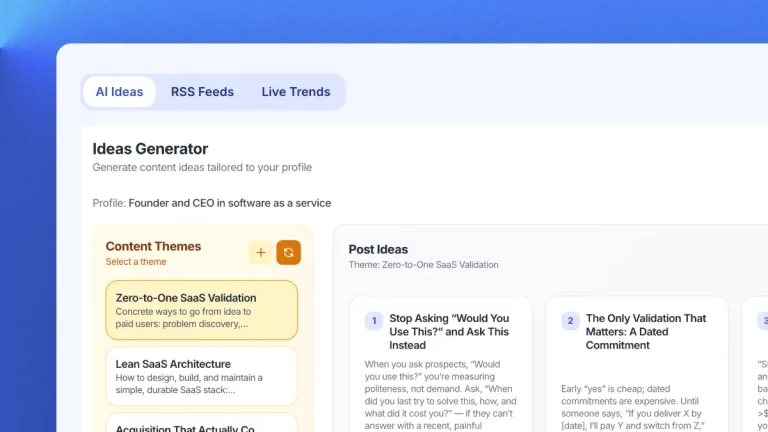
Delivers personalized daily content ideas based on your role, audience, and goals.
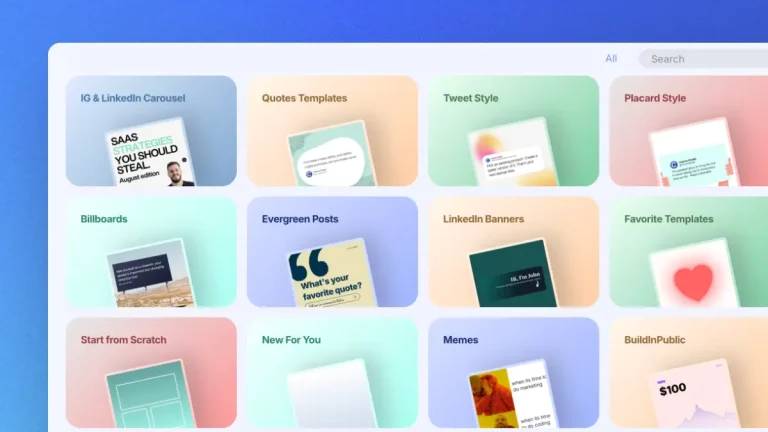
Picks the best image from your uploads and adds it straight to your post.
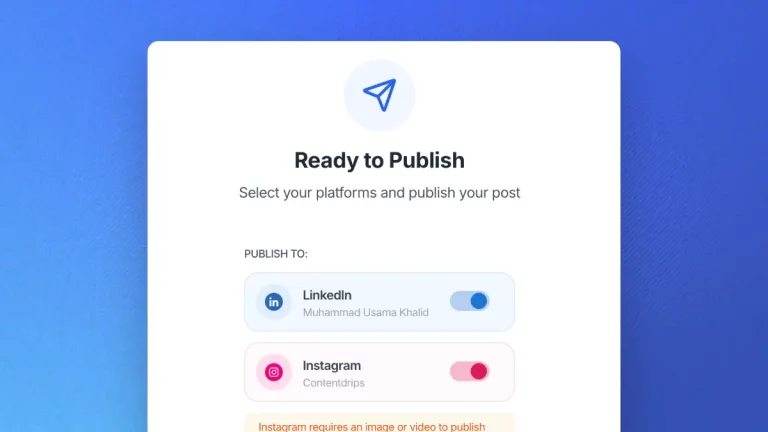
Schedules and publishes directly to LinkedIn and Instagram, with Zapier for additional platforms.
Smart Image Library is a Contentdrips feature that automatically matches your uploaded images to the post you are creating, based on the post content, without any manual searching or tagging.
Yes. Any image previously uploaded to your account is automatically included in your Smart Image Library. No re-upload is needed to start using the feature.
No. Each Contentdrips account or workspace has its own separate Smart Image Library. An image uploaded to one account is only ever suggested for posts generated within that same account.
Yes. The auto-selected image is a suggestion, not a requirement. You can replace it with any other image already in your library, or upload a new one, in a single click.
No. Smart Image Library works alongside stock photos rather than replacing them. It prioritizes your own uploaded images first, since those are the most likely to match your brand and be images you have the rights to use.
[Confirm against actual plan limits before publishing. This is a placeholder and should not go live as-is.]
Upload once. Contentdrips finds the right match every time you post.