
New Launch: Contentdrips MCP –Try for Free➜
FREE TOOL
Paste your LinkedIn post and get a ready-to-share Instagram carousel, Story, or graphic in seconds. No design skills needed.
Please paste your text content first.
HOW IT WORKS
Copy any high-performing LinkedIn post and paste the text into the box above.
Choose Carousel, Story, or Graphic, whichever fits where you want to post.
Click Create with AI and our editor opens with your content already turned into a ready-to-post design.
OUTPUT FORMATS
Same LinkedIn text, different Instagram formats. Pick whichever fits your feed.
Turn your post into a multi-slide carousel that keeps people swiping.
Get a ready-made vertical Story graphic, sized and ready to post in one tap.
Turn a single insight or quote into a scroll-stopping square graphic.
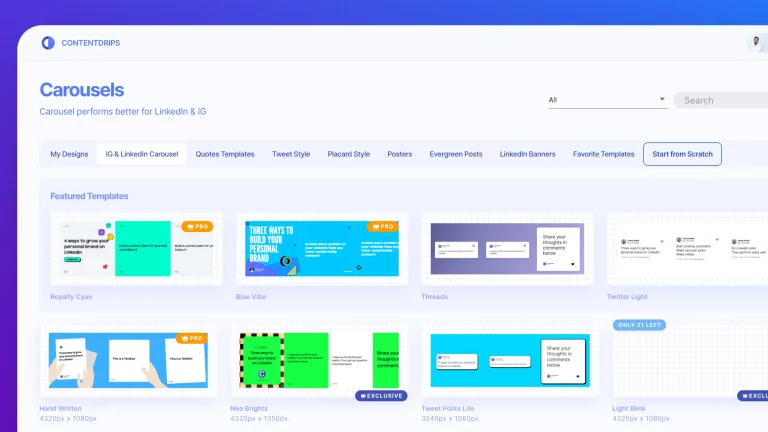
Browse hundreds of Instagram carousel, Story, and graphic templates you can customize.
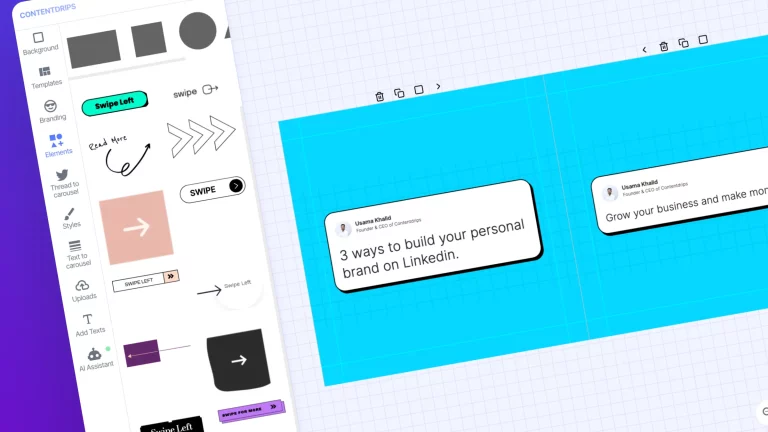
Create visually engaging designs using our colorful and diverse elements library.
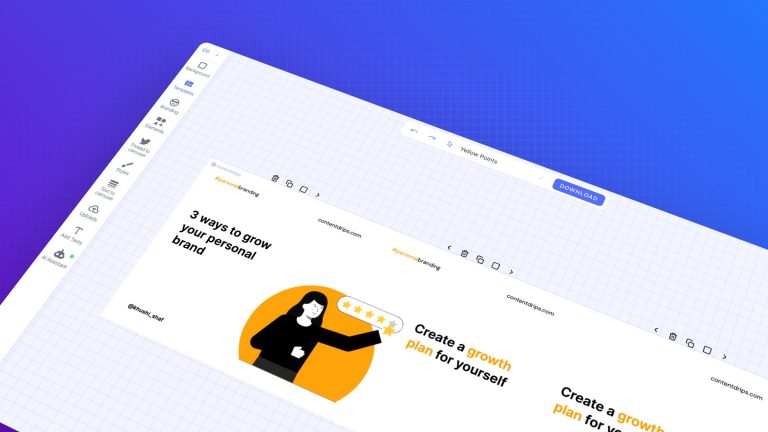
Design a seamless carousel, Story, or graphic post with total creative freedom.
POWERED BY AI
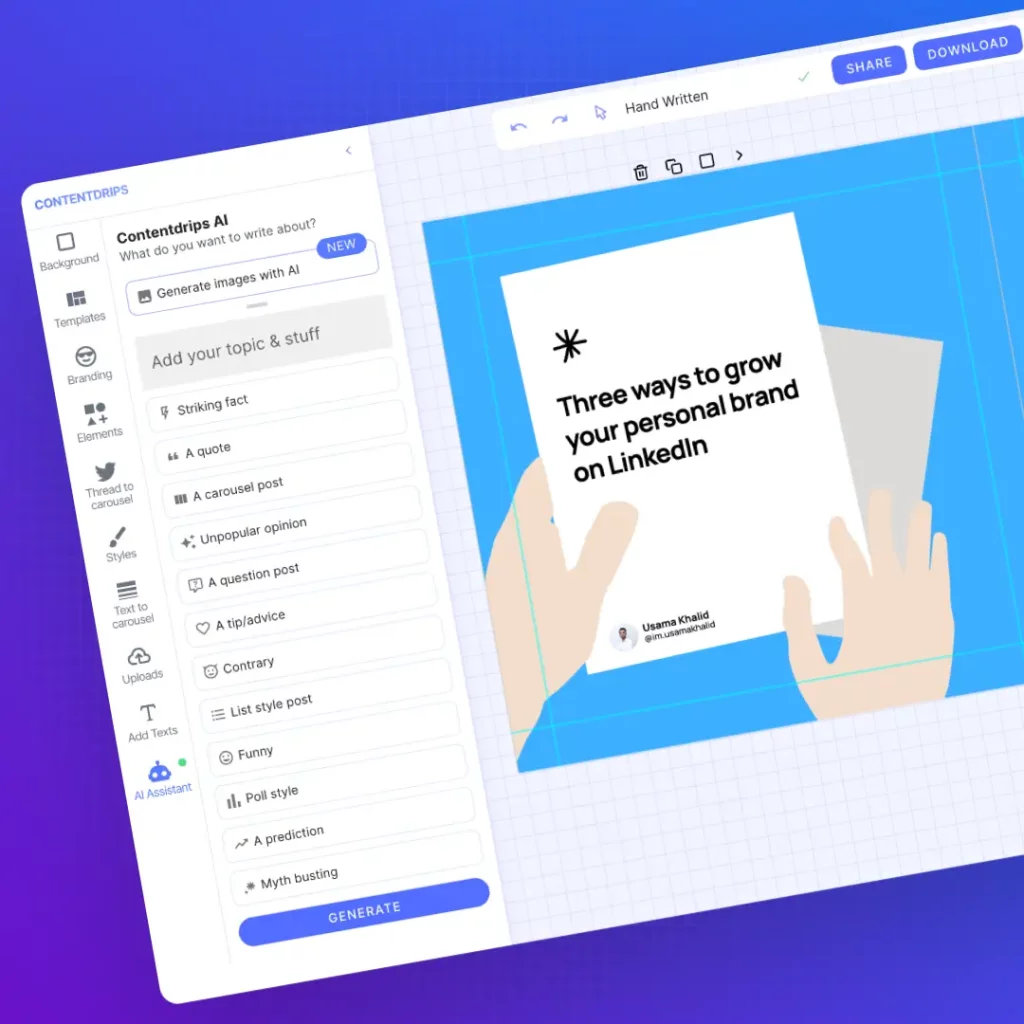
Our AI, powered by OpenAI, rewrites your text for each slide, resizes every element, and matches your brand style automatically.
MORE WAYS TO REPURPOSE
LinkedIn posts are just the start. Repurpose blogs, tweets, and more with our other free tools.
Paste a blog link and turn the article into a carousel.
Turn a tweet into a shareable image in one click.
Paste any text and get a ready-to-post carousel.
Paste the text of your LinkedIn post into the box above, choose Carousel from the dropdown, and click Create with AI. Our editor opens with your post already turned into a ready-to-post carousel you can customize.
Yes. LinkedIn and Instagram do not sync content directly, but you can paste your LinkedIn post above and turn it into a carousel, Story, or graphic built for Instagram in seconds.
Paste your LinkedIn post text into the box above, choose Instagram Story from the format dropdown, and click Create with AI. You will get a ready-made vertical Story graphic you can post directly.
LinkedIn and Instagram do not offer a native integration for repurposing posts. This tool is the workaround, paste your LinkedIn post once and export it as a carousel, Story, or graphic for Instagram.
Yes, you can start creating carousels, Stories, and graphics for free, no design experience needed.
RELATED FREE TOOLS
More free ways to create and design Instagram and LinkedIn content.
Hundreds of ready-made LinkedIn carousel templates to customize.
Browse Instagram carousel templates for any niche or topic.
AI TOOL
Generate a LinkedIn carousel from a topic or link with AI.