LinkedIn Text Formatter
The free LinkedIn text formatter, italic, underline, and special unicode characters. Stand out in the feed. No sign-up required.
New Launch: AI Social Media Post Generator –Try for Free➜
The free LinkedIn text formatter, italic, underline, and special unicode characters. Stand out in the feed. No sign-up required.
Enter or paste the text you want to format. Works with any length.
Pick bold, italic, underline, strikethrough, or cursive and monospace.
Hit copy, paste into LinkedIn — unicode formatting carries over automatically.
Start your LinkedIn post with a bold hook line. Bold text creates visual hierarchy and helps readers decide if your post is worth reading. Use it for section headers in longer posts too.
Monospace or double-struck fonts can make your name or tagline stand out in comments and posts. But full paragraphs in special fonts are hard to read. Save them for short, branded phrases.
Go beyond free tools
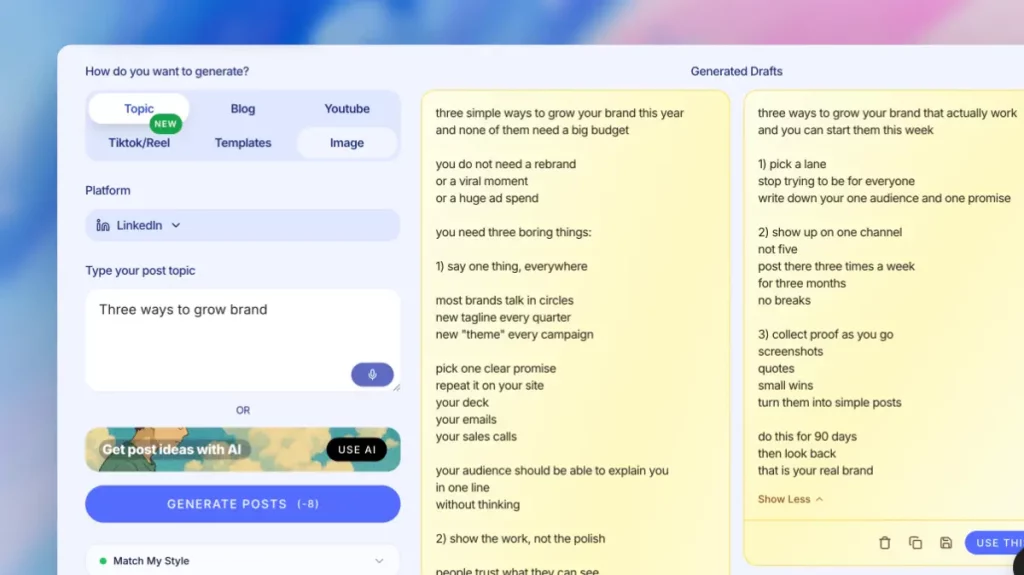
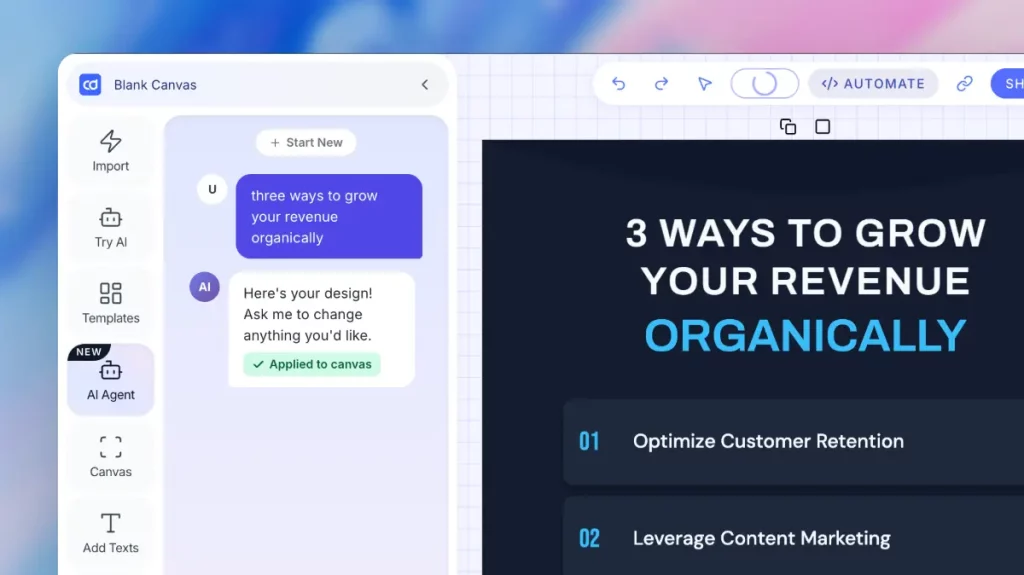
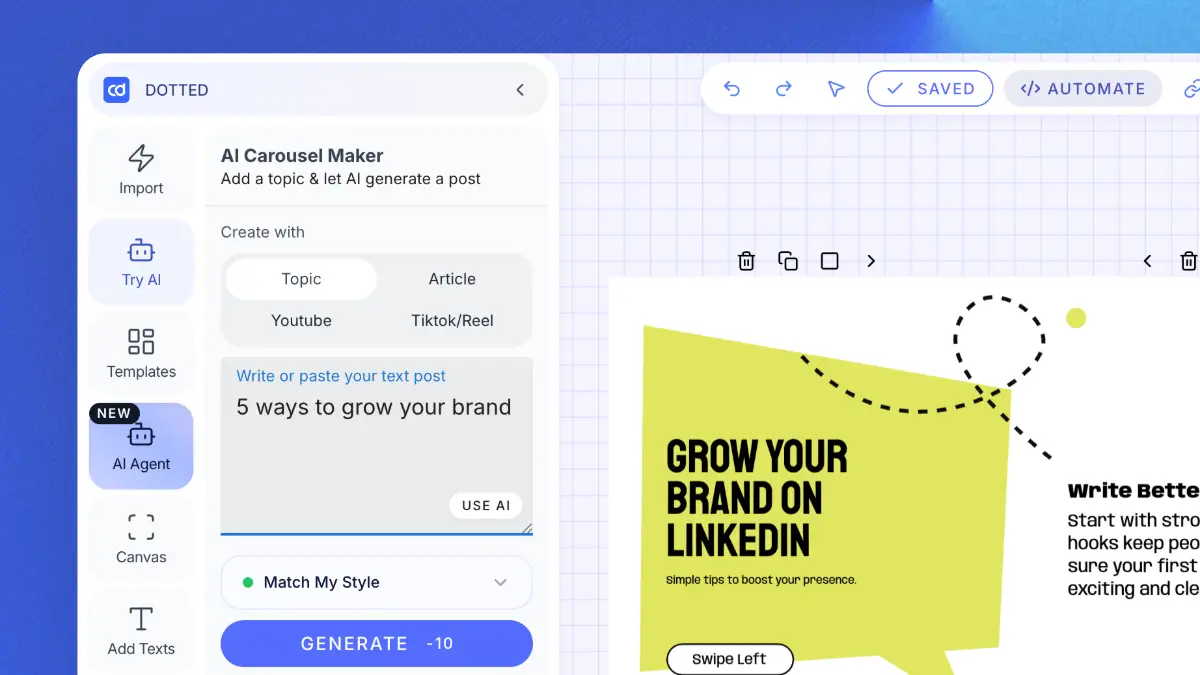
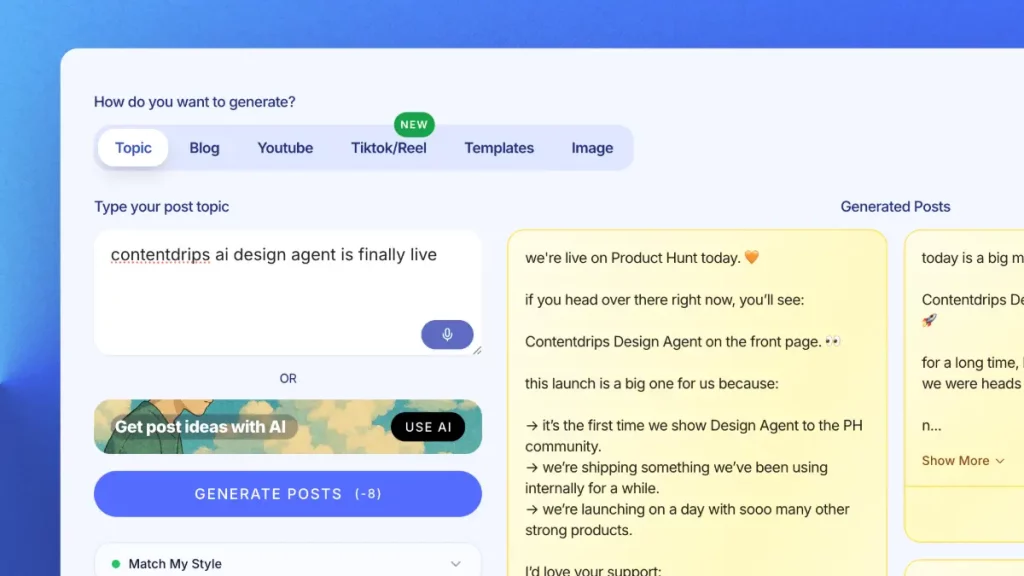
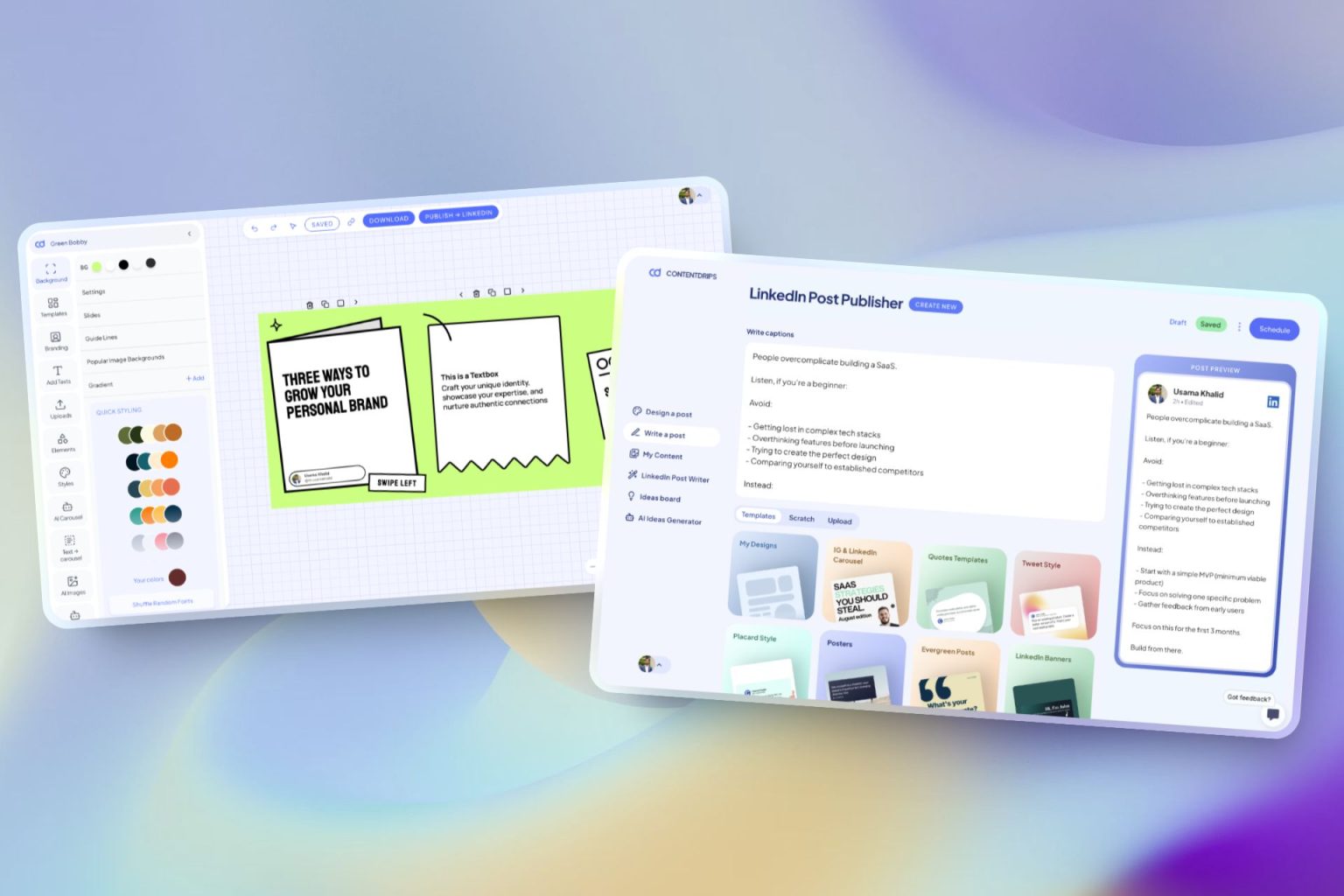
ContentDrips lets you create branded carousels, graphics, and posts with AI — not just formatted text. Turn any idea into a scroll-stopping visual.
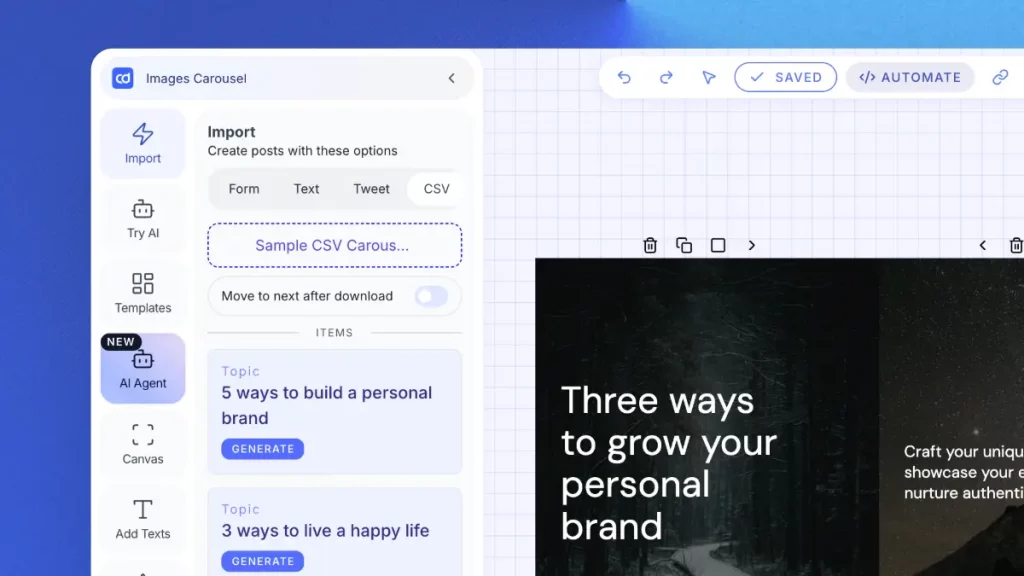
Enter a topic, text, or URL (blog, YouTube, TikTok) → get carousels & posts.
Create LinkedIn & Instagram posts with templates or let AI do it.
Upload a CSV → generate hundreds of carousels/graphics. Built for agencies.
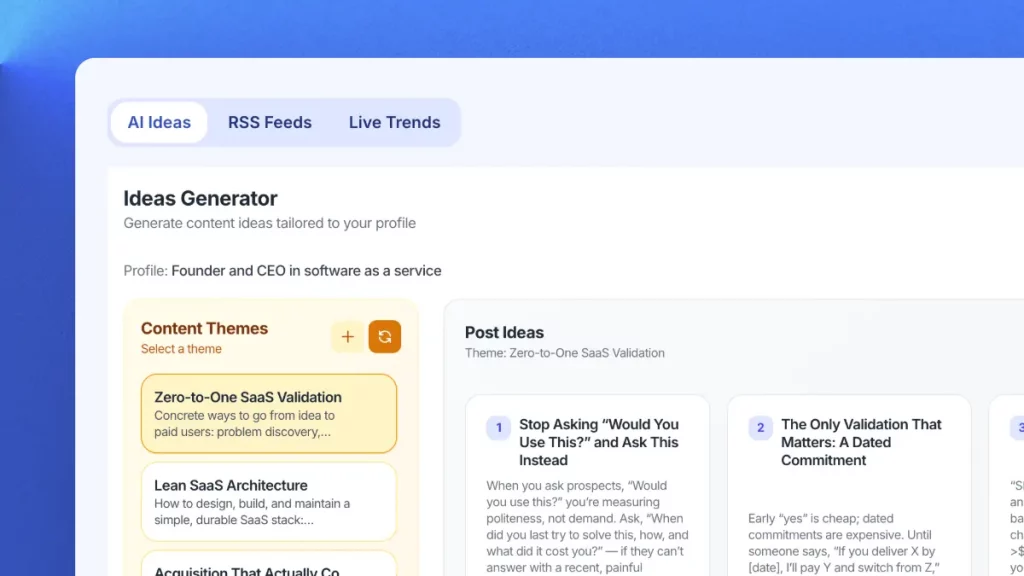
Get daily niche content ideas → turn any idea into a post instantly.
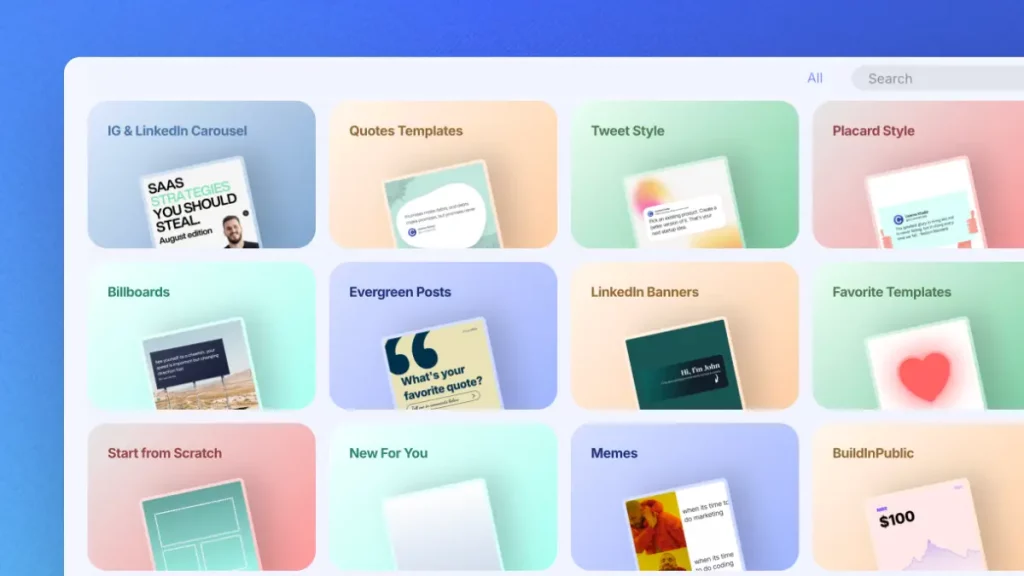
Professional templates for carousels, quotes & posts. Fully brandable.
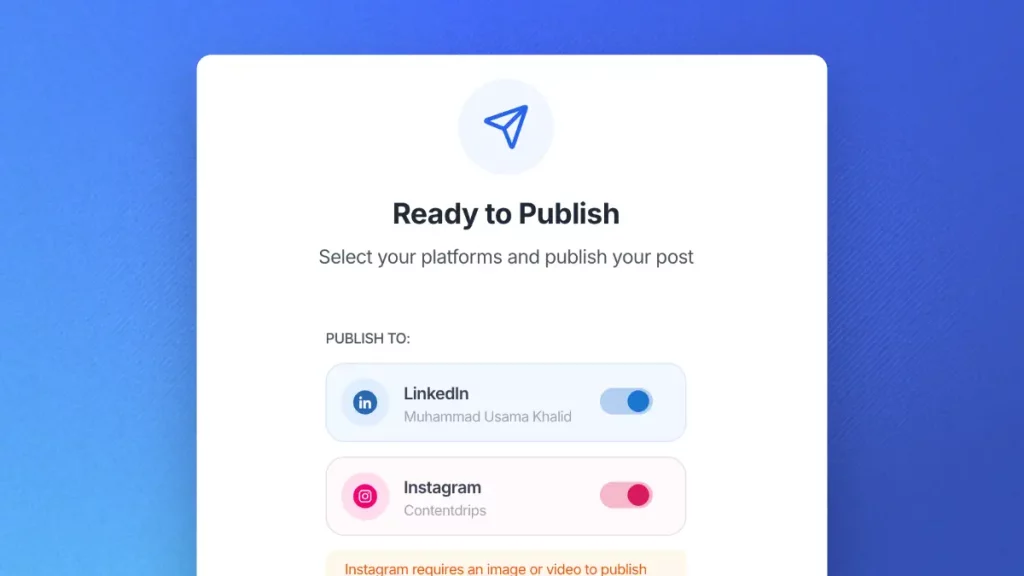
Schedule and publish to LinkedIn & Instagram. No switching tools.
Join Contentdrips for AI Post Writer, Carousel Maker, and scheduling. Make and share posts faster!
No. LinkedIn’s post editor doesn’t have formatting buttons. However, you can use unicode characters that look like bold, italic, or special fonts. This tool generates those unicode characters for you, and they render correctly when you paste them into LinkedIn.
There’s no evidence that LinkedIn’s algorithm penalizes unicode-formatted text. In fact, posts with better readability and engagement metrics tend to perform better algorithmically, and formatting helps both.
Yes! Unicode formatting works everywhere on LinkedIn — posts, comments, articles, and even your headline and summary. It’s especially effective in comments to make your replies stand out.
Absolutely. Unicode text works on Twitter/X, Instagram bios, Facebook posts, YouTube descriptions, TikTok bios, and most platforms that accept text input. It’s not LinkedIn-specific.
Some screen readers handle unicode characters well, but others may read them letter-by-letter. For accessibility, use formatting sparingly and keep the most important information in plain text.
Unicode-formatted text works on nearly all modern devices. iPhones, Android phones, Windows, and Mac. A very small percentage of older devices may not render every unicode character, but the vast majority of your LinkedIn audience will see it correctly.
Regular bold uses font weight (like in Word or Google Docs), which LinkedIn strips out. Unicode bold characters are actual different characters like mathematical bold symbols that LinkedIn can’t strip because they’re valid text, not formatting.
Genuinely free, no catch. We built this as a helpful utility for LinkedIn creators. If you want to go beyond text formatting and create visual carousels, graphics, and branded content, that’s where ContentDrips (our main product) comes in.
There’s no character limit in our tool. You can format entire long-form LinkedIn posts (up to LinkedIn’s 3,000 character limit) in one go.
This is a simple, single-purpose text formatting tool. ContentDrips is a full content creation platform with AI carousel makers, an AI graphic design agent, content repurposing from blogs and YouTube, 100+ templates, scheduling, and more.
The AI content generator that writes, designs, and publishes for you. No credit card required.