
New Launch: Contentdrips MCP –Try for Free➜
FREE AI TOOL
Turn a topic, blog post, YouTube video or Twitter thread into a designed carousel in minutes. The AI writes the slides, your brand kit styles them, and the sizes are set for Instagram, LinkedIn, X and TikTok.
AI CAROUSEL GENERATOR FOR EVERY PLATFORM
Every platform wants a different size, format and slide count. Choose yours and we’ll open the tool set up for it.
Swipeable posts in 4:5 portrait or square. Export images, or turn the carousel into a Reel with GIF or MP4.
PDF document posts in the size LinkedIn expects, with your name and photo on every slide.
X (Twitter)
Image carousels and video slideshows, plus turning a thread into a carousel.
EXAMPLES
AI carousel examples made with Contentdrips
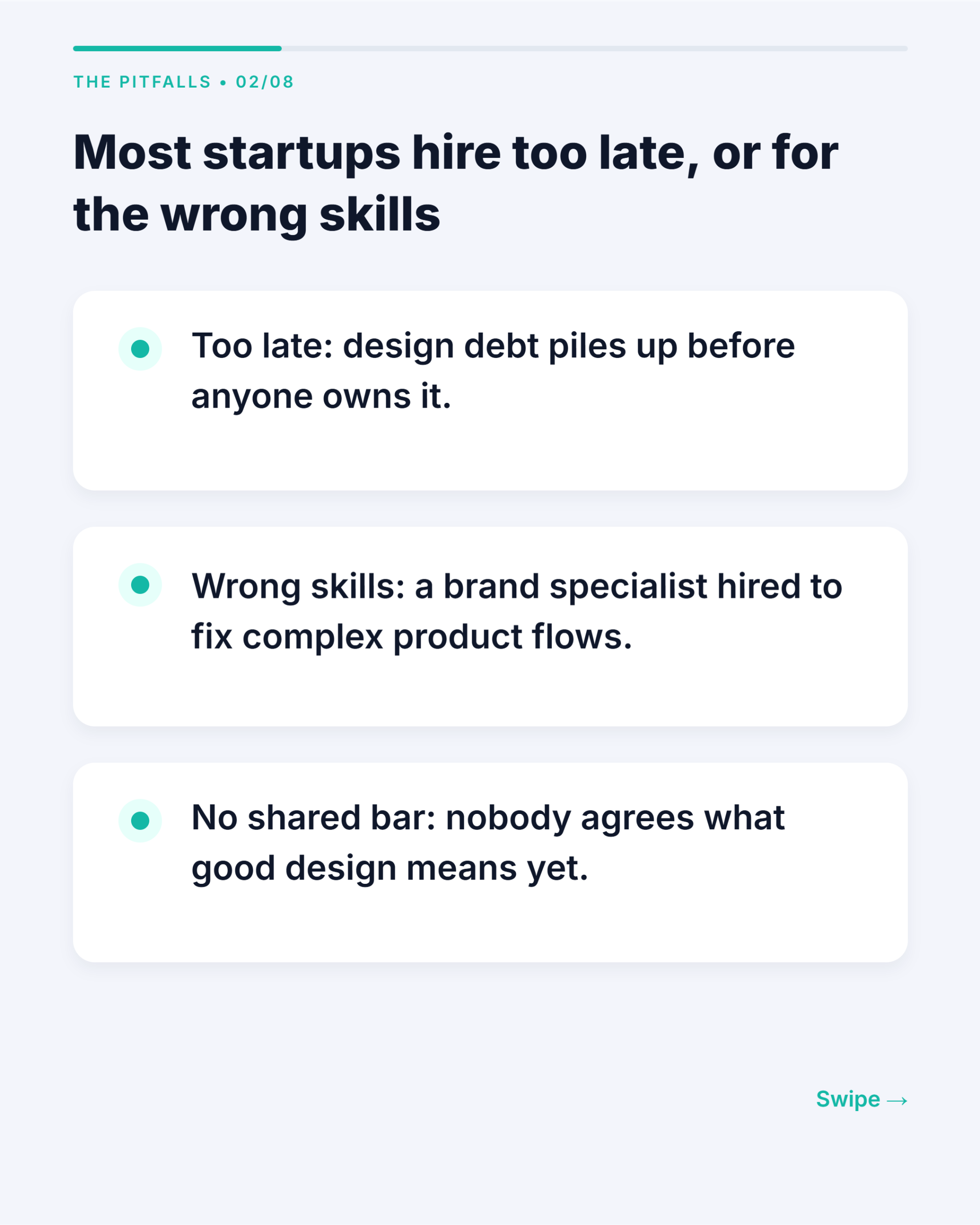
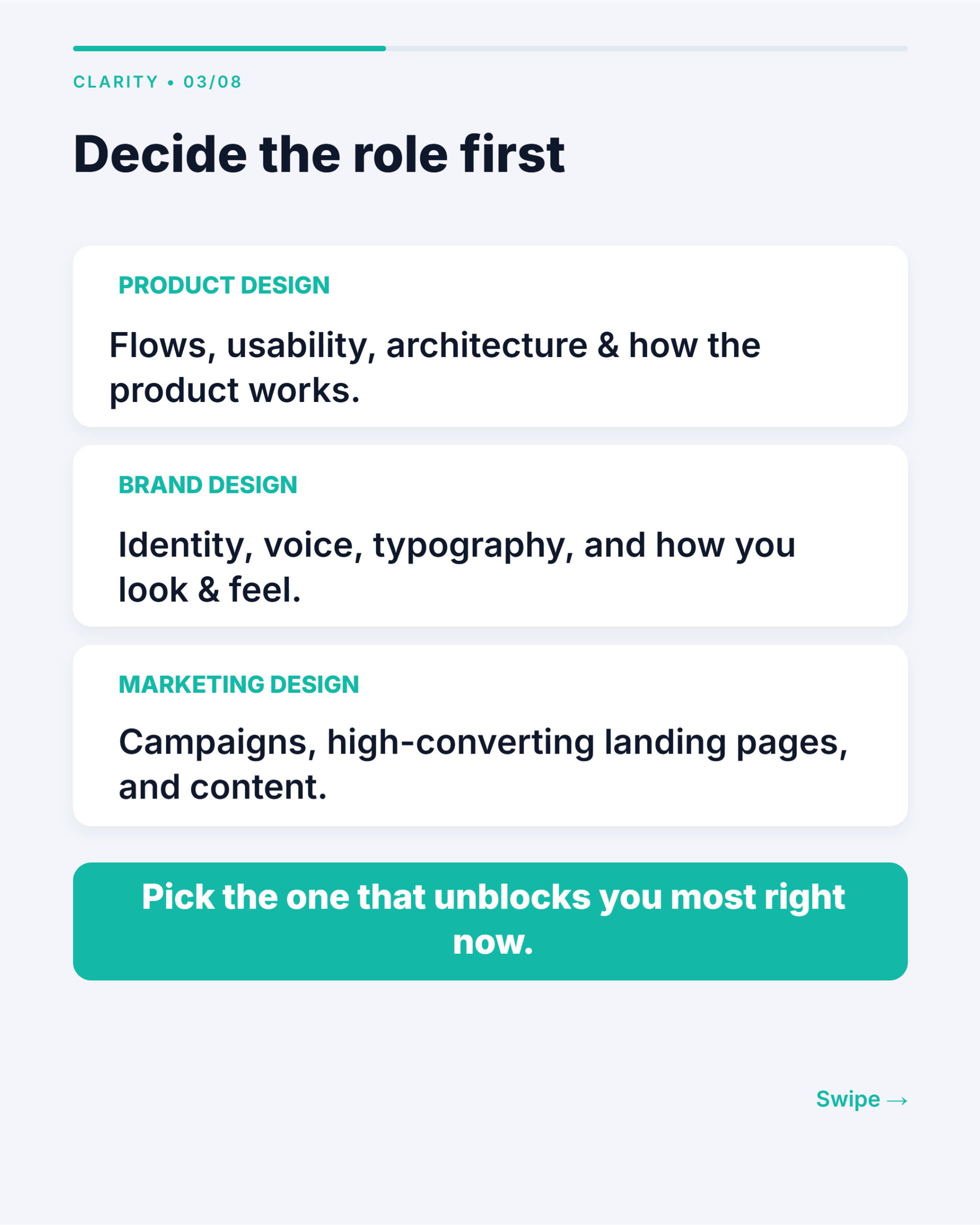
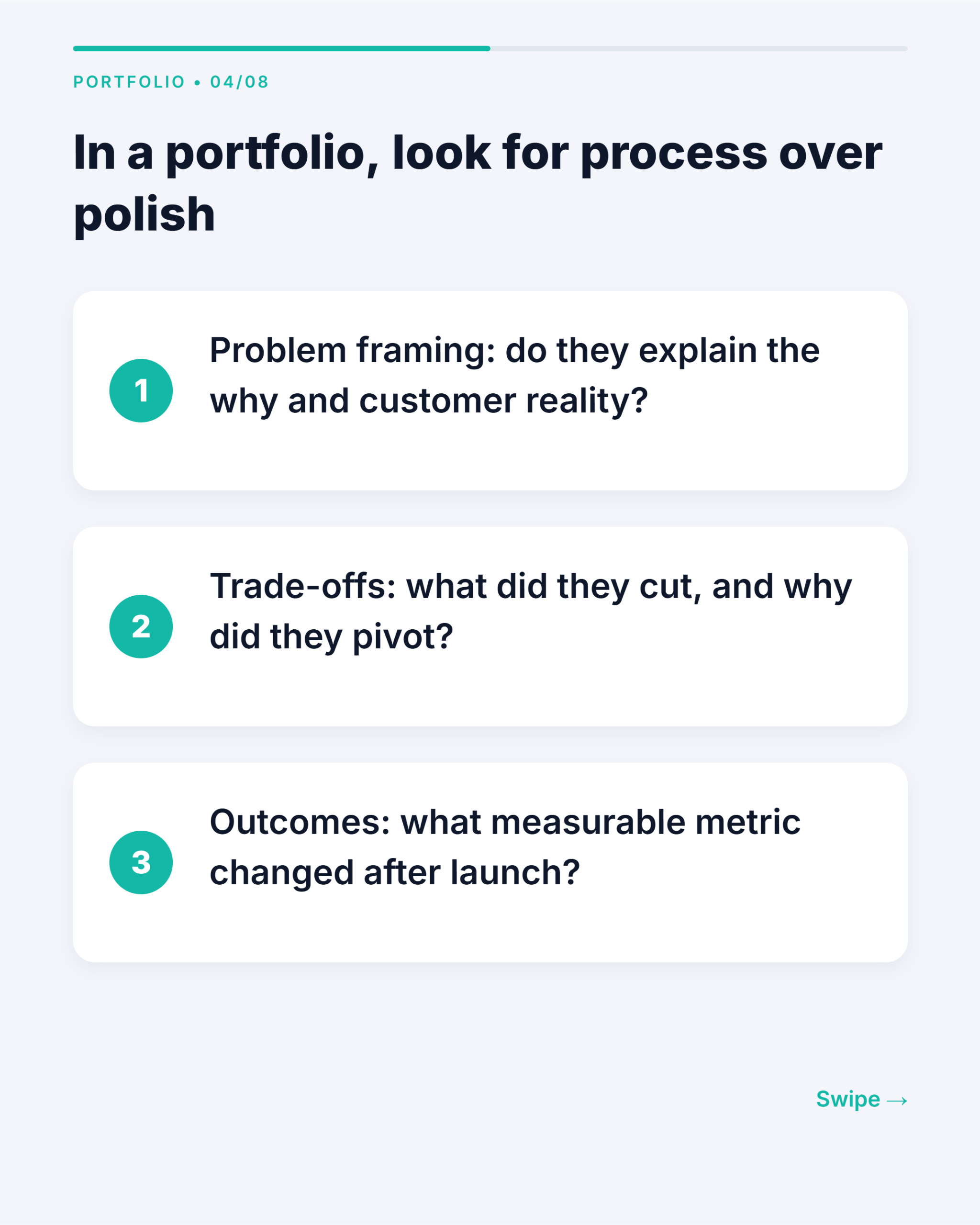
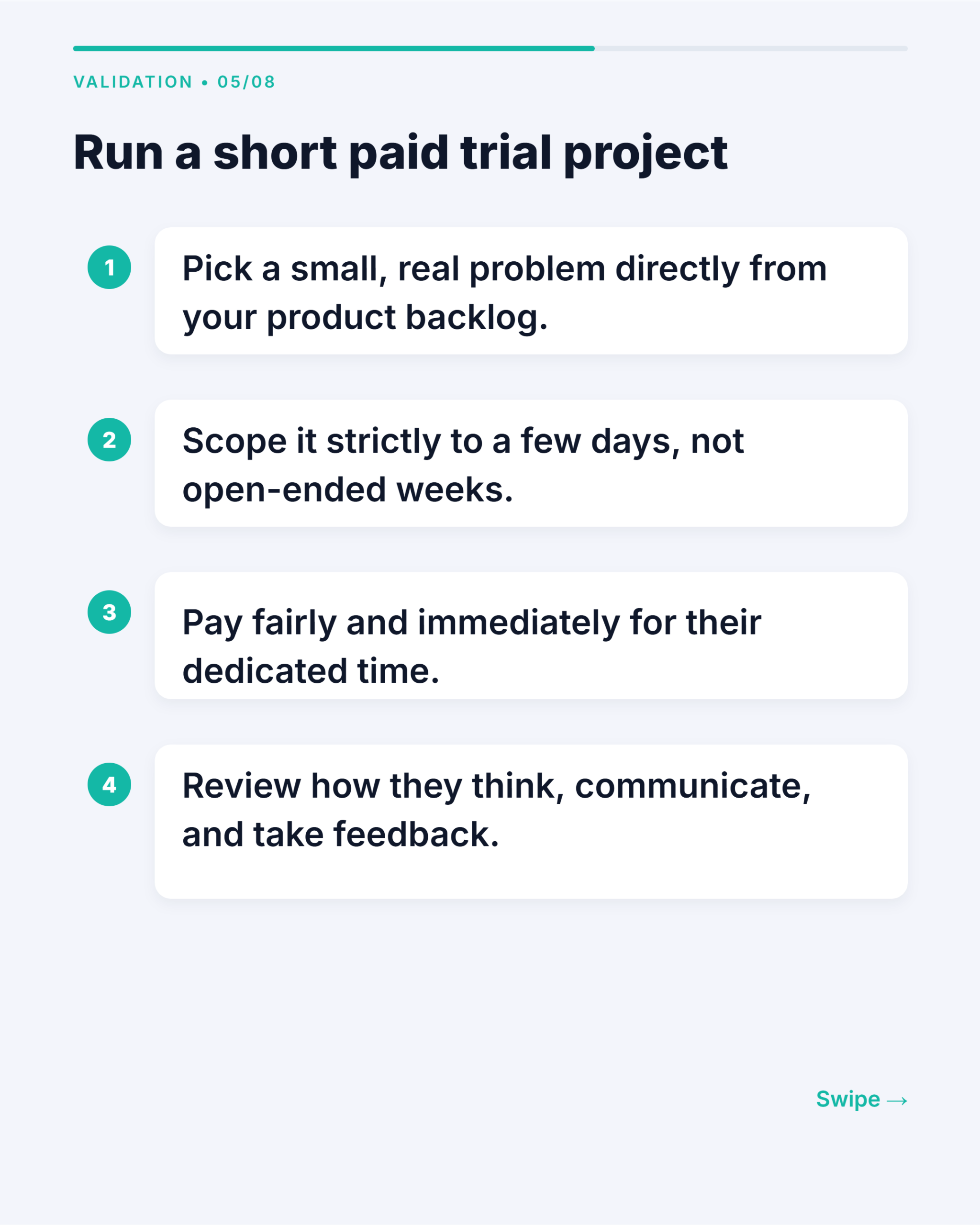
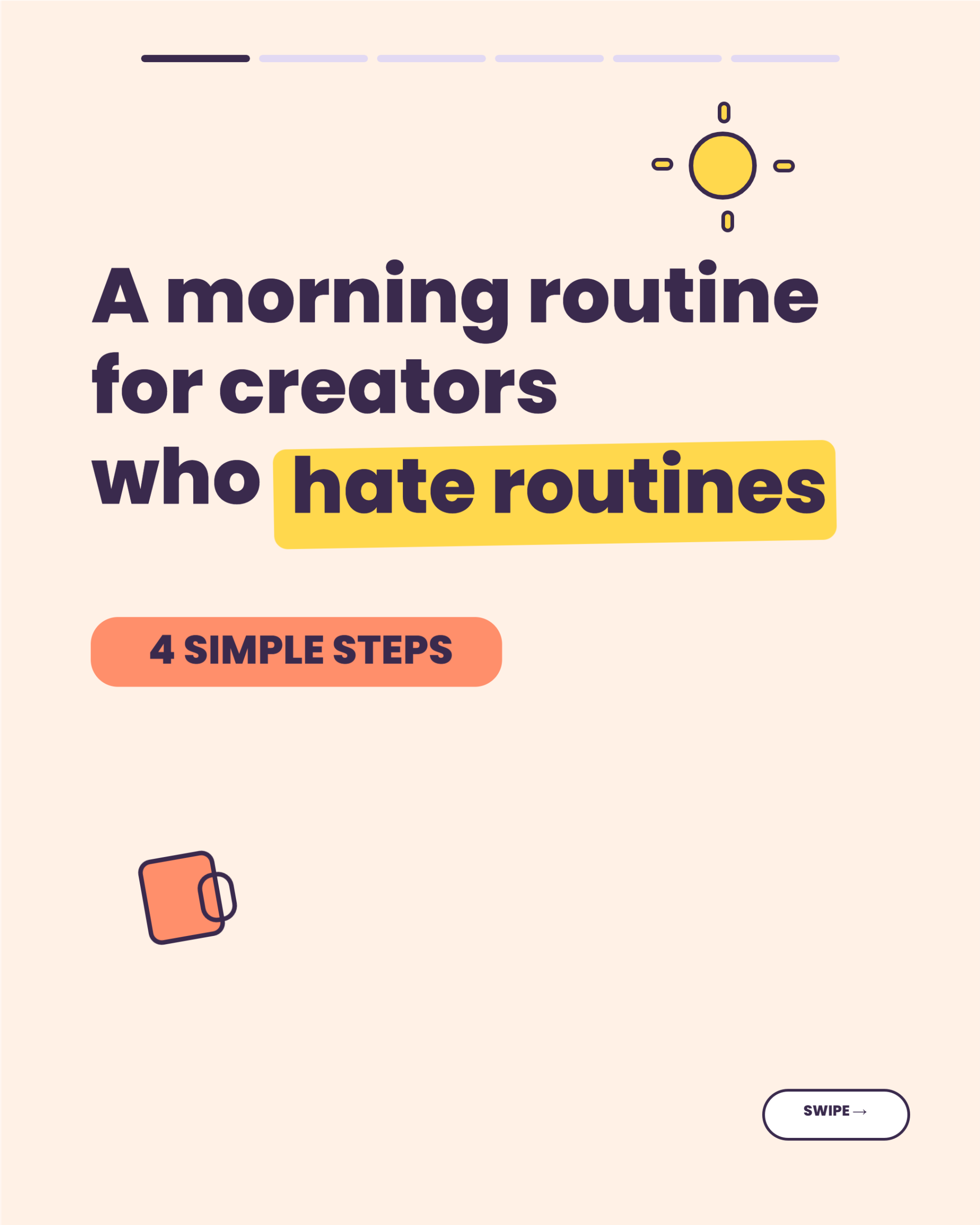
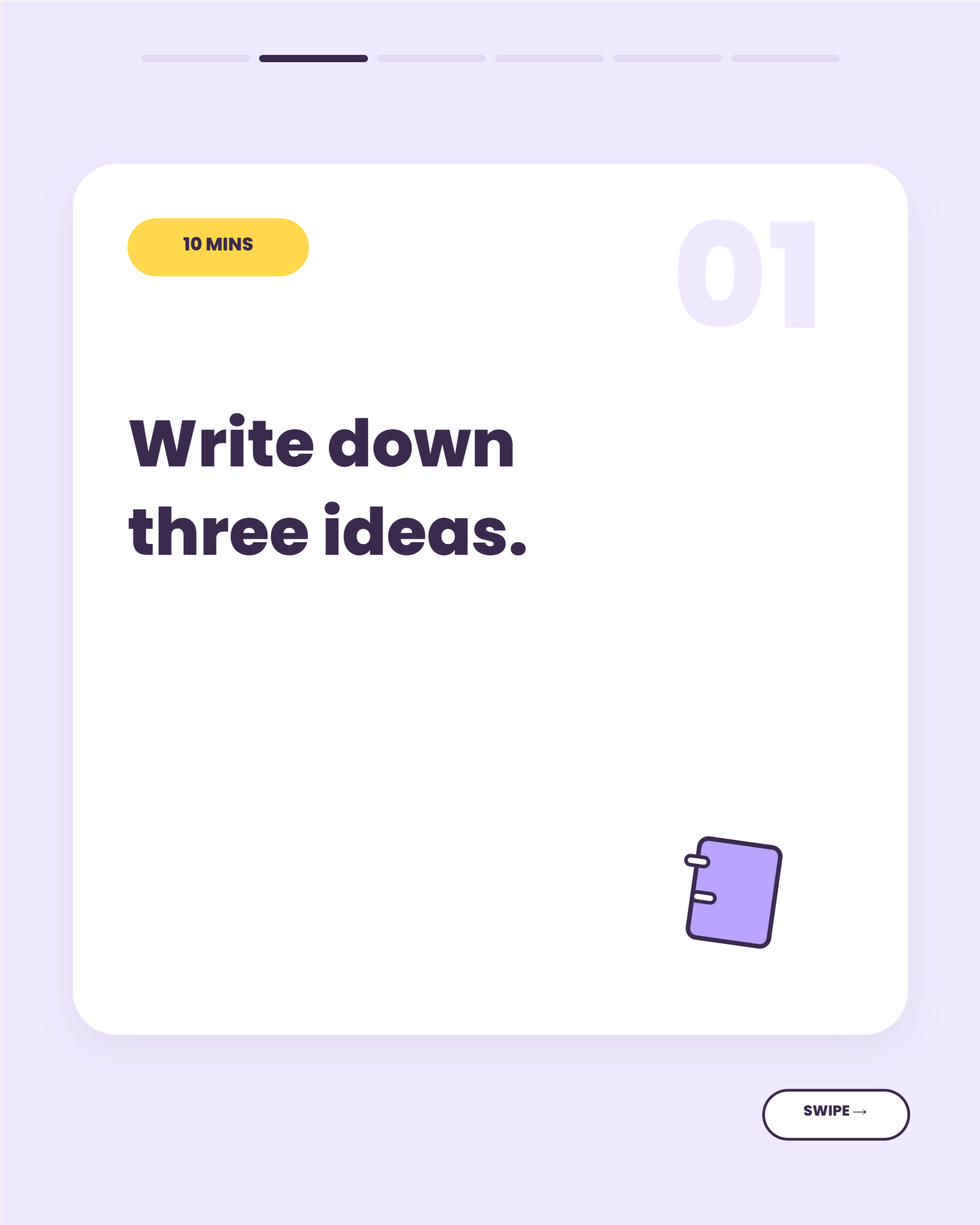
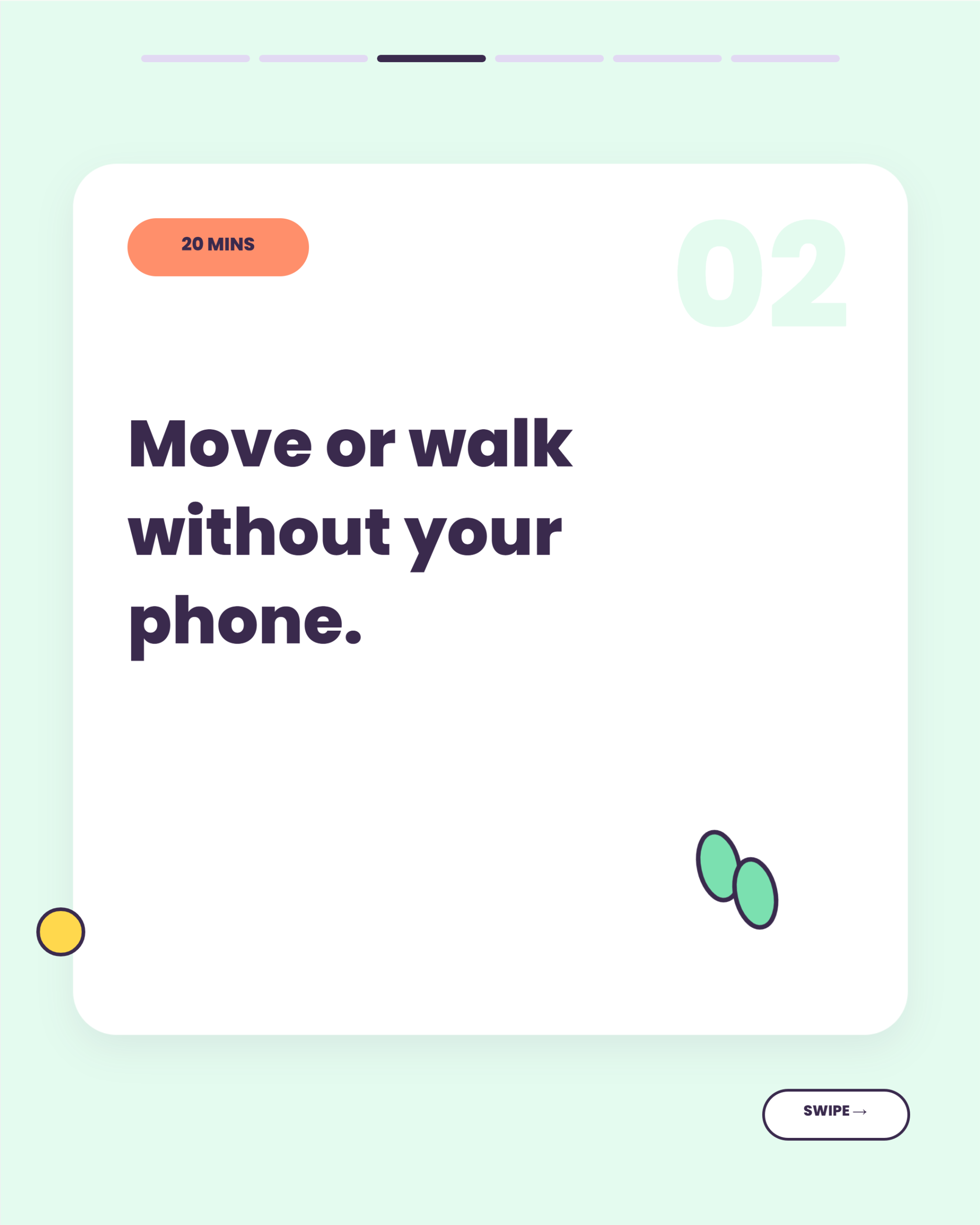
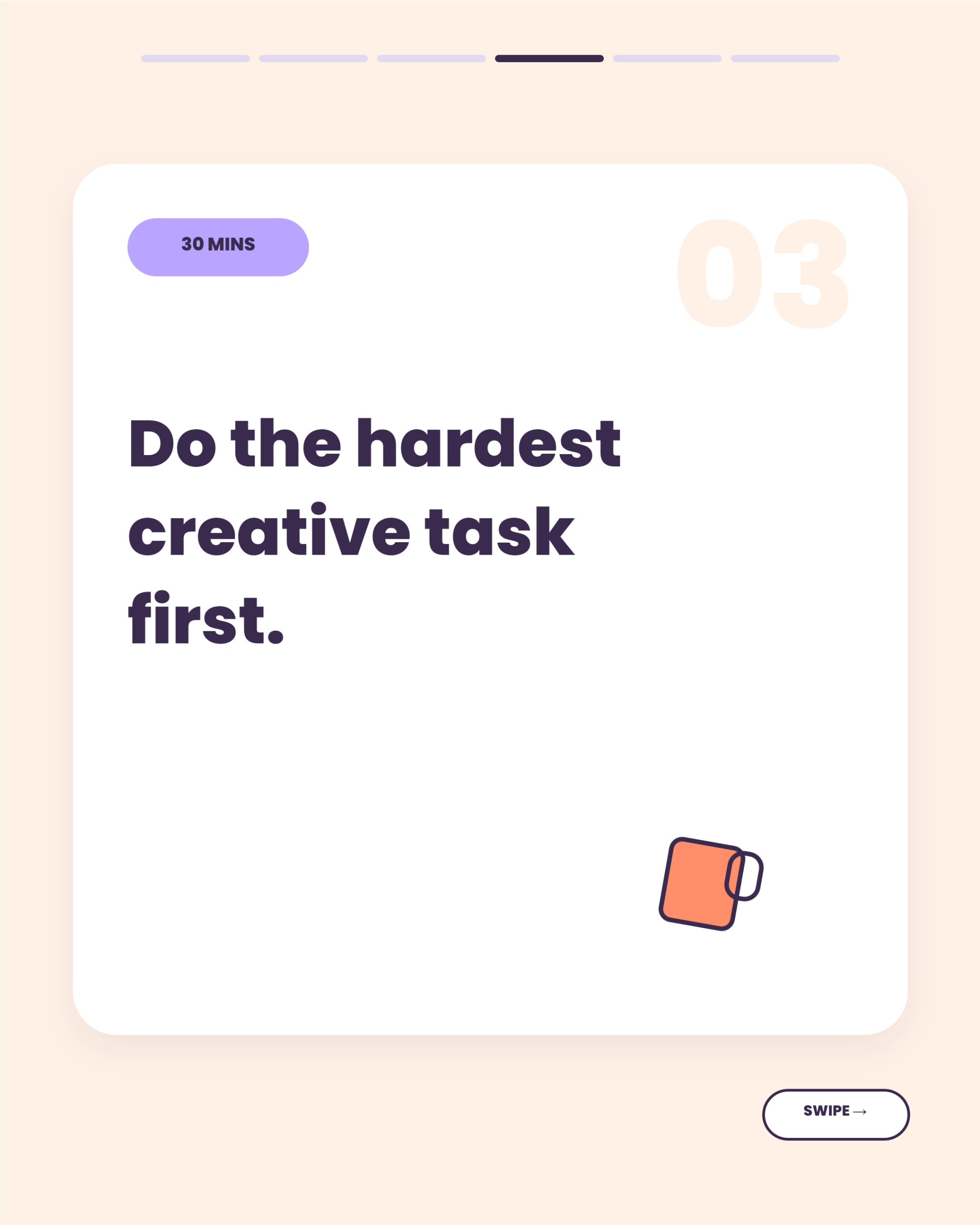
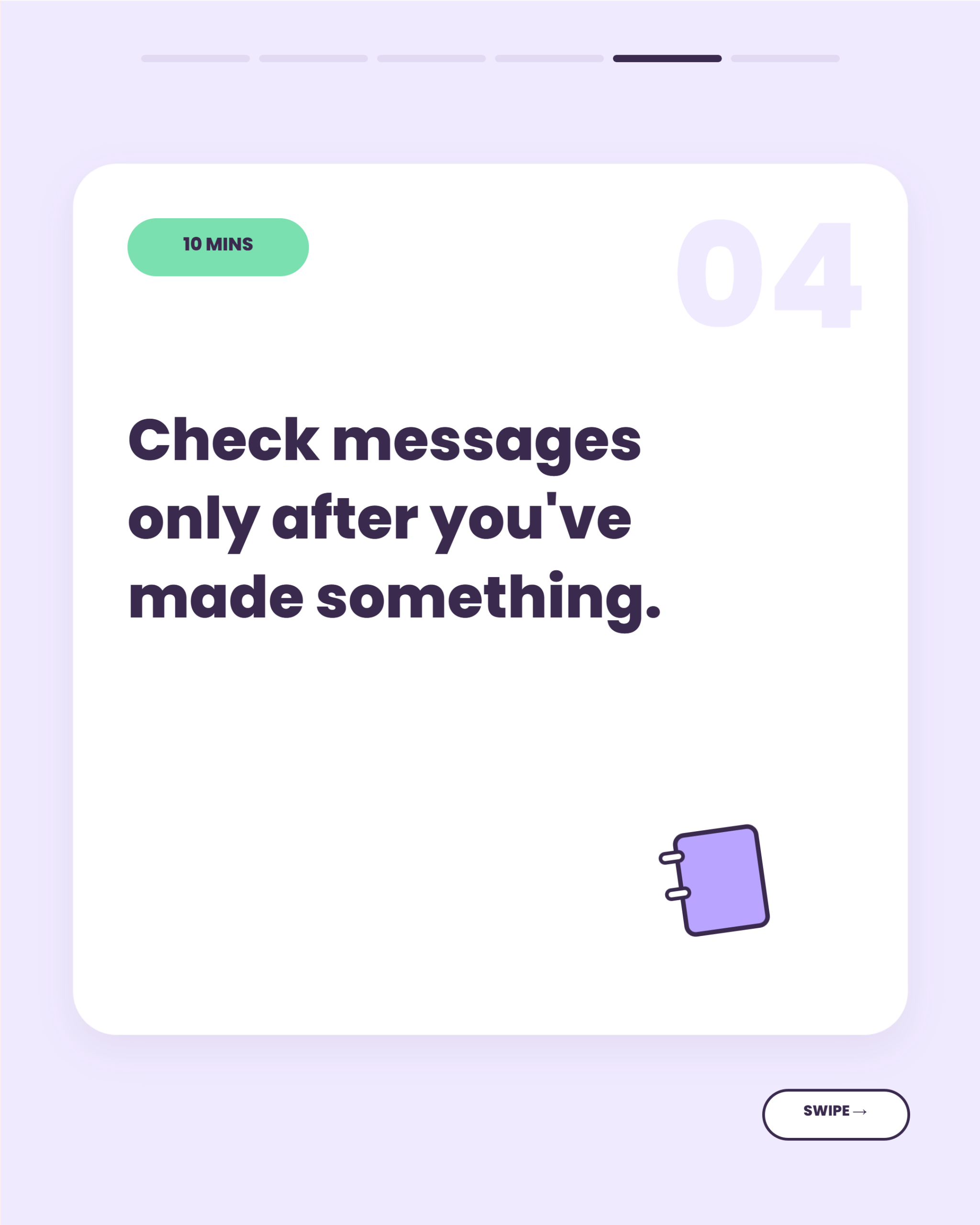
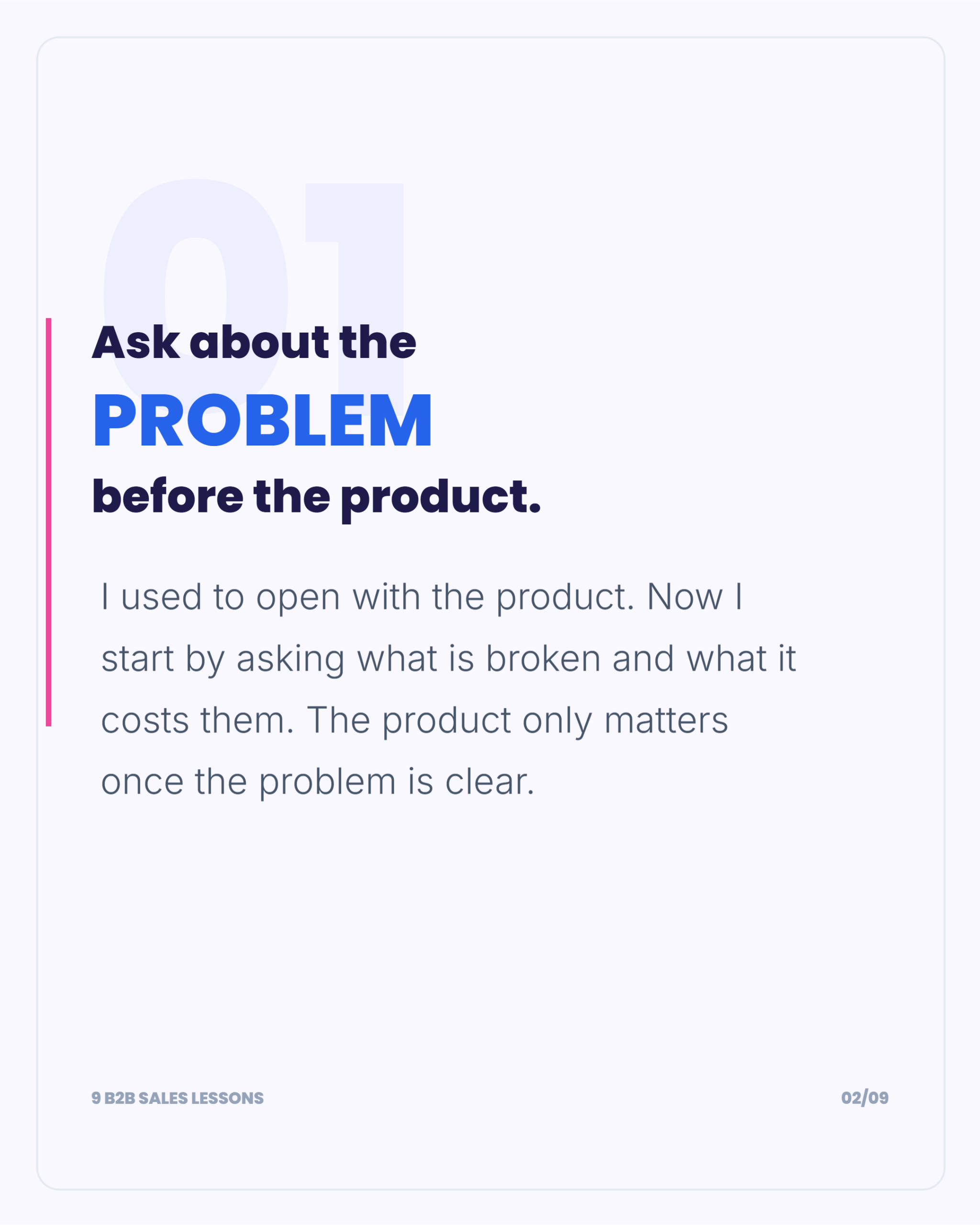
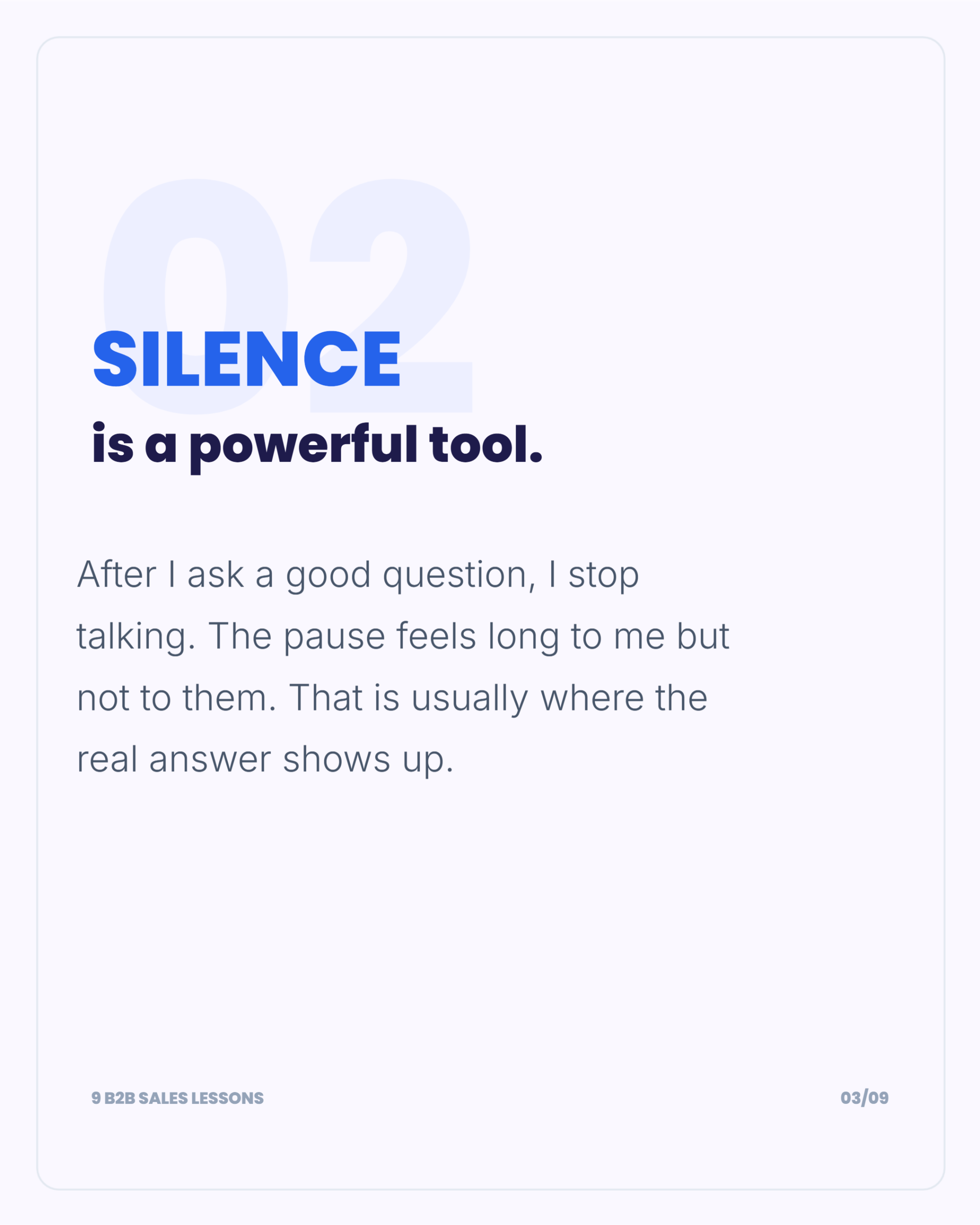
Carousels made from a topic, a blog post or a video, in different styles and for different platforms. Swipe through any of them, then make your own.

HOW IT WORKS
Three steps from an idea to a finished post.
Type a topic, paste a blog URL or YouTube link, or pick a template and write your own. You can also describe the carousel you want in plain language and let the AI Design Agent build it.
It researches the topic, structures the points into slides with a hook first, writes the copy, suggests images and applies your brand kit.
Change any text, image, color or layout. Download as PNG, PDF, GIF or MP4, or schedule and publish from Contentdrips.
ANY CONTENT
Start from the content you already have, so you don’t face a blank canvas.
Turn short videos into a swipeable post.
SIZES AND FORMATS
Make the carousel once and export it for each platform. This is what each one needs.
| Platform | Format | Recommended size | Slides |
|---|---|---|---|
| Images | 1080x1350 (4:5) or 1080x1080 | Up to 20 | |
| PDF document | 1080x1350 (4:5) or 1080x1080 | 5 to 15 works best, up to 300 pages | |
| X (Twitter) | Images, or a video slideshow | Square 1:1 | Up to 4 images per post |
| TikTok | Images or video | Vertical | See the TikTok page |
Full guides: Instagram sizes · LinkedIn sizes · X limits
BRAND AND SCALE
Then make one carousel, or a hundred.
Brand kit. Add your logo, colors and fonts once, and every template applies them. Save separate brand kits for clients or accounts.
Templates. Start from a layout instead of writing from scratch: free carousel templates, Instagram carousel templates, LinkedIn carousel templates.
AI images. Describe an image, or let the AI pick images to match your content.
Your language. Generate in the language your audience reads.
Bulk. Upload a CSV and generate carousels in batches.
Automation. Connect Zapier, Make or n8n, or use the API, to create carousels from your blog or CMS.
Your AI tools. Use Contentdrips from an AI assistant through MCP, or from the Chrome extension.
Schedule. Plan and publish from the same place. See scheduling.
BUYER’S GUIDE
Most tools call themselves an AI carousel generator. These five questions separate them.
Contentdrips researches the topic, writes the copy and designs the slides.
LinkedIn needs a PDF, X limits the number of images, and Instagram uses 4:5. Check the tool exports what each platform accepts.
Look for a brand kit that applies automatically, and more than one if you manage clients.
You should be able to change any text, image or layout after the AI has finished.
Look for scheduling, publishing, and an API if you make carousels at volume.
Comparing specific tools:
WHO IT’S FOR
Turn ideas, lessons and frameworks into carousels without design skills.
Repurpose client blogs across accounts, each with its own brand kit.
Keep carousels consistent across channels without waiting on a design queue.
Turn posts and threads into carousels for audiences who never saw the original.
An AI carousel maker turns a topic, link or piece of content into a multi-slide post you can swipe through. The AI writes the copy and designs the slides, and you edit and export the result.
Type a topic or paste a link, choose a template or let the AI design it, edit the slides, then export. It takes a few minutes.
Yes. Contentdrips is free to start with no credit card, and paid plans add more. See pricing for what each plan includes.
Blog posts, YouTube videos, tweet threads, TikTok or Reel links, CSV files, plain text and podcast transcripts.
It depends on the platform. On LinkedIn, 5 to 15 works best. See each platform page for its limits.
Yes. Every text, image, color and layout is editable after the AI generates it.
Yes. Add your logo, colors and fonts as a brand kit, and every carousel applies it. You can save more than one.
PNG, PDF, GIF and MP4.
Yes. Use the API with Zapier, Make or n8n, or connect through MCP.
Canva is a general design tool where you build slides yourself. Contentdrips starts from your content and generates the slides. See the Canva alternative page.
Yes. Choose the language you want the carousel written in.
Type a topic or paste a link. You’ll have a designed carousel in minutes.