New Launch: Contentdrips MCP –Try for Free➜

LinkedIn Text Formatter

The free LinkedIn text formatter, italic, underline, and special unicode characters. Stand out in the feed. No sign-up required.

No signup required · 100% free · Unlimited use

🔖 Bookmark this tool: Tip: press Ctrl+D (Windows) or Cmd+D (Mac) to save this page to your browser bookmarks.
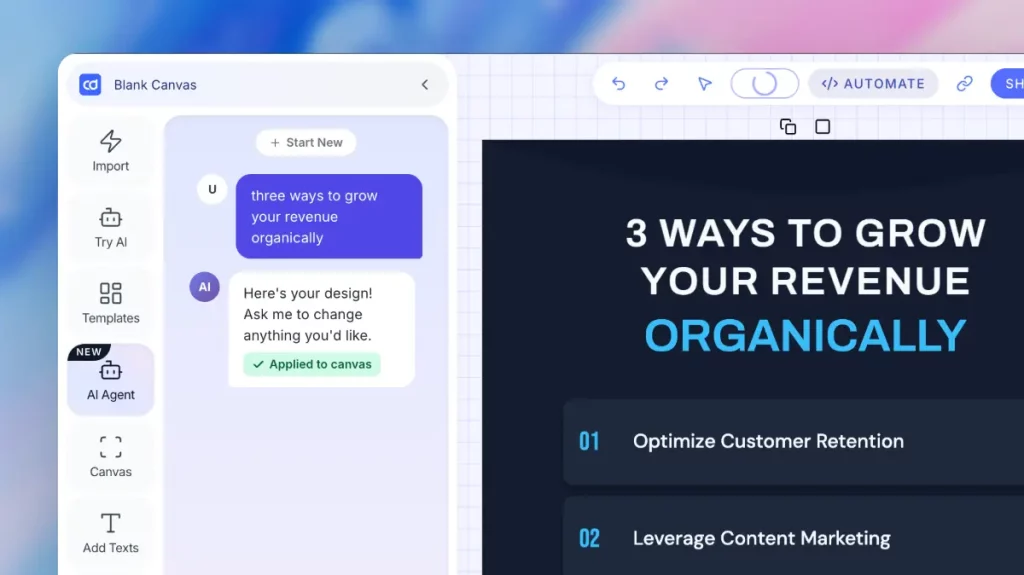
Need a full post, not just formatted text?

Contentdrips writes, designs, and schedules LinkedIn content with AI.


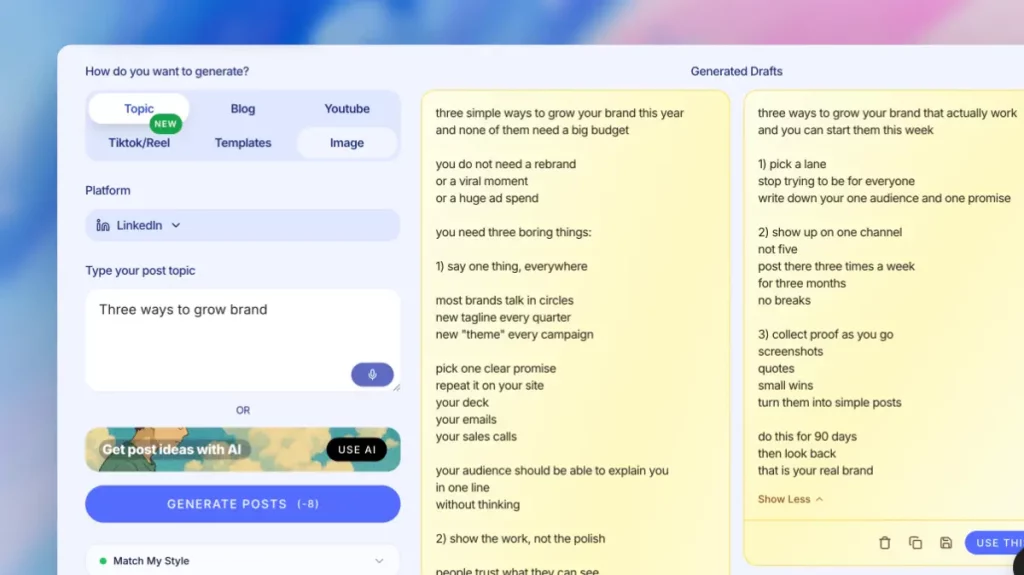
1. Repurpose any content into a LinkedIn post
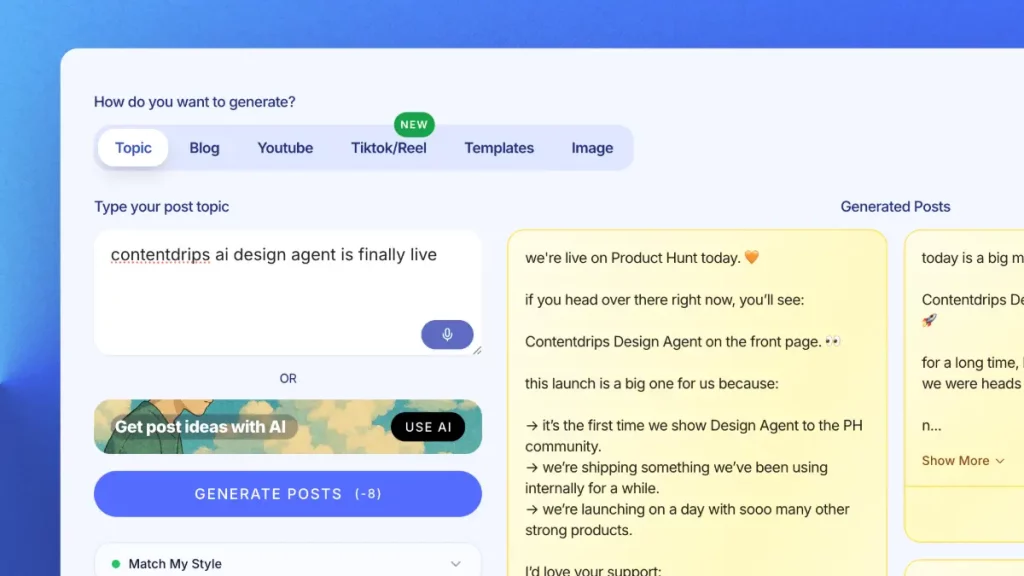
Turn a blog, YouTube video, or TikTok into a LinkedIn post generator output instantly. No blank page, just a starting link. 


2. One AI pass, multiple post formats
Generate a written post, carousel, or quote graphic from one input. This AI social media post generator covers every format. 


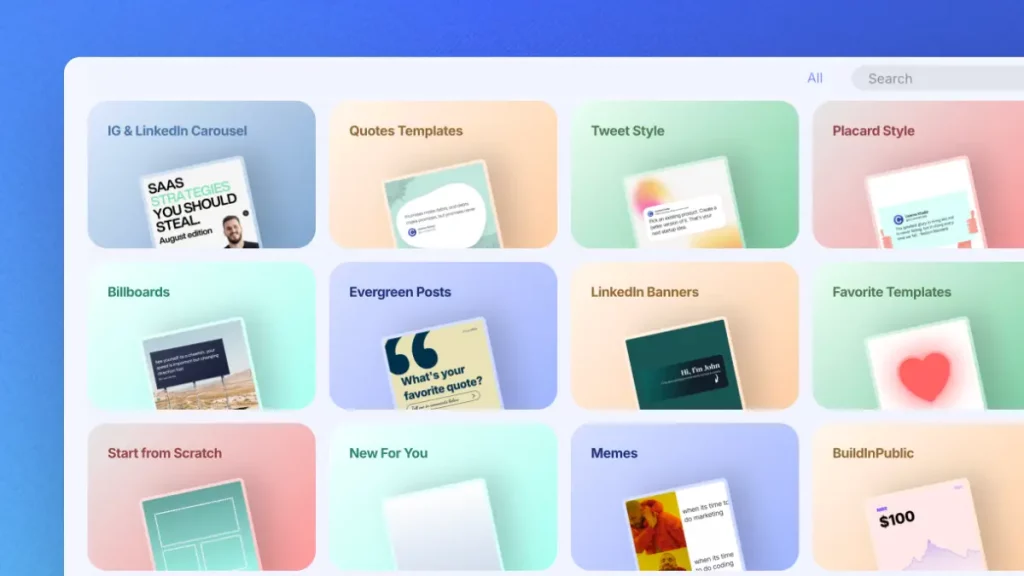
3. Branded templates, not generic AI layouts
100+ templates turn AI output into a polished LinkedIn carousel generator result, fully brandable, never looking auto-generated. 


4. Bulk content generation for agencies
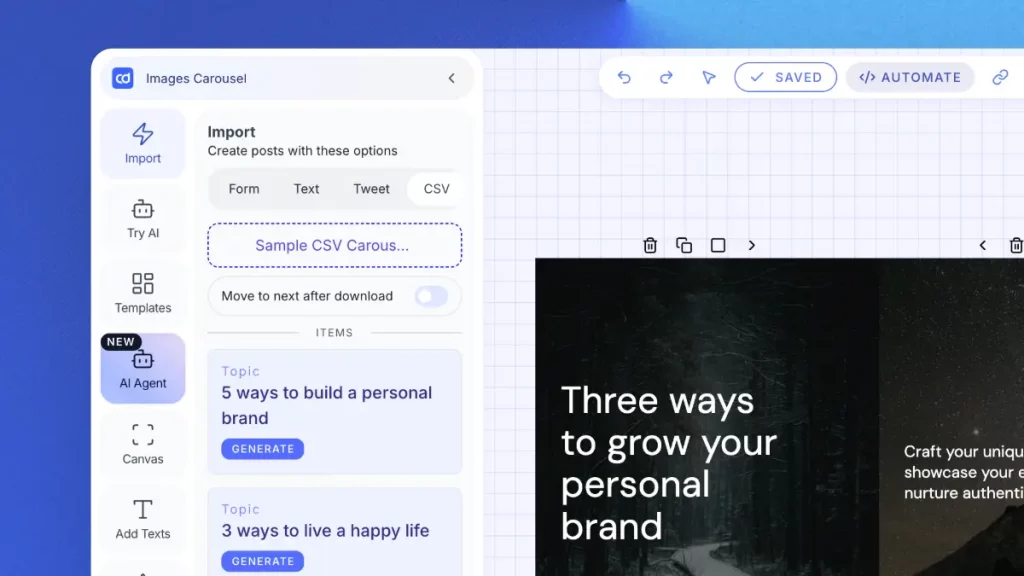
Upload a CSV, generate hundreds of carousels or posts at once. Built for agencies running multiple LinkedIn accounts. 


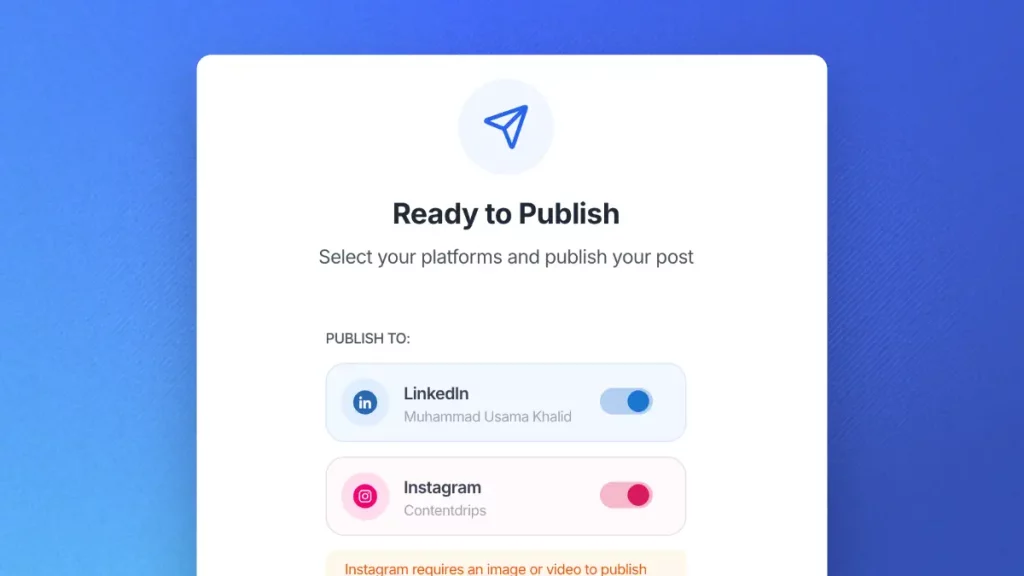
5. Create, schedule, and publish in one place
Schedule and publish directly to LinkedIn and Instagram after generation. No separate post formatter or scheduling tool needed. 

Why use a free LinkedIn text formatter?

LinkedIn doesn't...

LinkedIn doesn’t let you bold, italicize, or underline text natively. Our LinkedIn text formatter tricks the platform using Unicode characters that look like styled text, so your posts and profile stand out without any design skills.

This LinkedIn Text Formatter...

This LinkedIn text formatter tool covers six styles in one place: bold, italic, underline, strikethrough, cursive, and monospace. Pick a style, and your whole text converts instantly. It’s a free LinkedIn post formatter with no signup wall and no limit on how many times you use it.

Need just one line? Use it as a quick LinkedIn formatter for a single hook or headline instead of your whole post.

How to use this LinkedIn Text Formatter?

Type or paste your text

Enter or paste the text you want to format. Works with any length.

Choose formatting style

Pick bold, italic, underline, strikethrough, or cursive and monospace.

Copy and paste into LinkedIn

Hit copy, paste into LinkedIn — unicode formatting carries over automatically.

Tips & best practices

Use it to bold headlines and key takeaways

Start your LinkedIn post with a bold hook line. Bold text creates visual hierarchy and helps readers decide if your post is worth reading. Use it for section headers in longer posts too.

Don't over-format. Less is more

Formatting every other word makes your post harder to read, not easier. Stick to bolding 1-2 key phrases per paragraph. Use italic for emphasis on single words or short quotes.

Combine with line breaks and spacing

LinkedIn’s algorithm favors readable posts. Pair formatted text with short paragraphs (1-2 sentences), line breaks between sections, and bullet-style lists using unicode symbols like ↳ or →.

Test on mobile before publishing

Some unicode characters render differently on iOS vs Android. After formatting, preview your post on your phone to make sure everything displays correctly for all your followers.

Use special fonts sparingly for branding

Monospace or double-struck fonts can make your name or tagline stand out in comments and posts. But full paragraphs in special fonts are hard to read. Save them for short, branded phrases.

Save special styles for short phrases

Cursive and monospace are best for a signature line or a short branded phrase. A full paragraph in either is harder to read than plain text.

Good to know before you format

Not searchable

Unicode-formatted text won’t show up in LinkedIn’s search. Use it for visual emphasis, not keywords you want found.

Device variance

Some characters may render as empty boxes on older phones or operating systems. Preview before you publish.

Screen readers

Unicode styling isn’t read correctly by screen readers. Use it sparingly, and don’t rely on it for content that needs to be accessible.

Where to use formatted text?

On your posts

Bold your hook line so it stands out in the feed. A strong first line, properly formatted, stops the scroll.

On your profile

Use the same formatter on your About section or headline to break up dense paragraphs and highlight key skills.

Inside LinkedIn's native editor

Once copied, your formatted text pastes directly into LinkedIn’s own post editor or profile editor. No extension needed, though a formatter extension is also an option if you’d rather format as you type.

With image and carousel posts

Pair formatted captions with a LinkedIn carousel for posts that combine visual slides with a strong, styled caption underneath.

Go beyond free tools

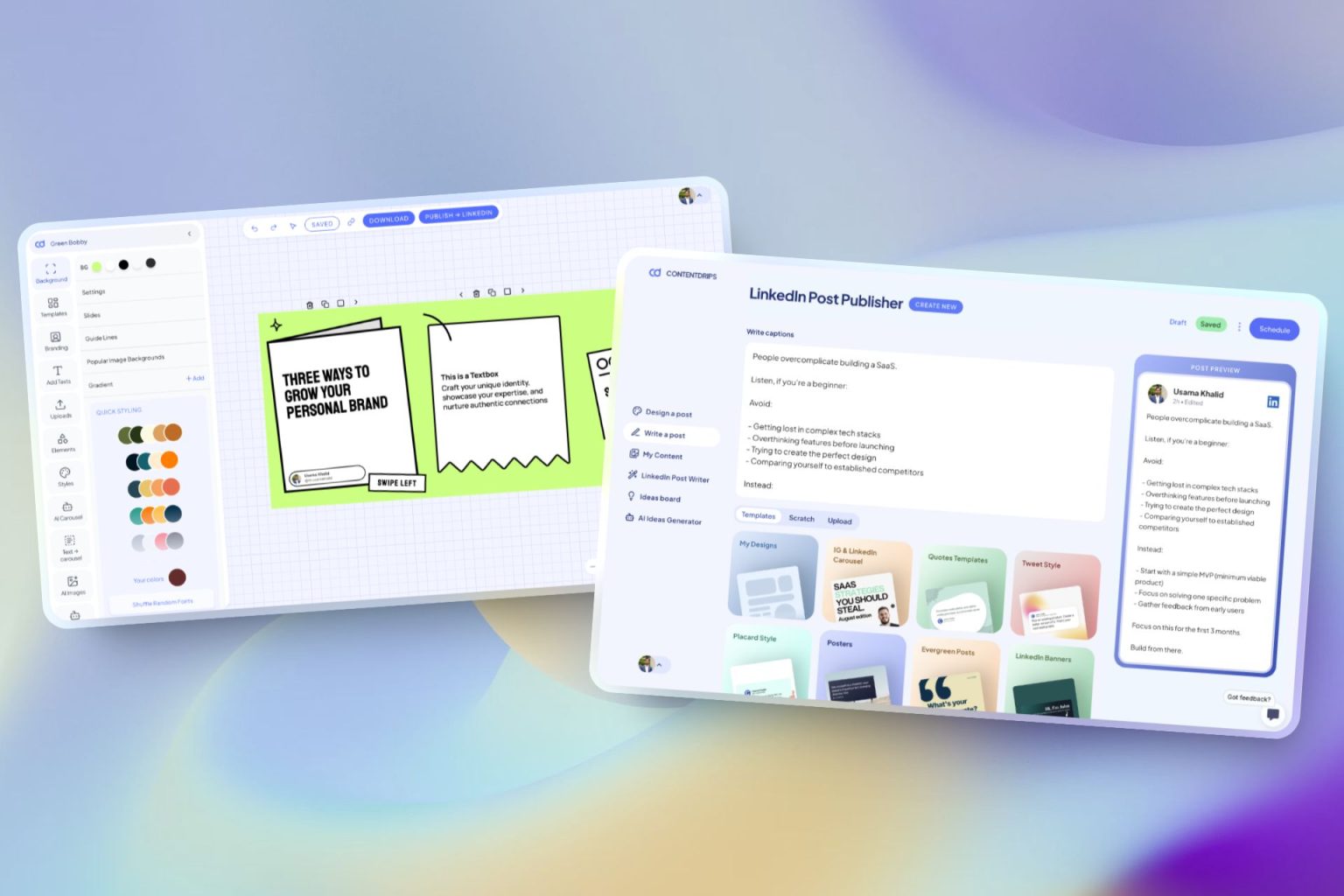
The complete AI LinkedIn tool

ContentDrips lets you create branded carousels, graphics, and posts with AI — not just formatted text. Turn any idea into a scroll-stopping visual.

Repurpose Anything

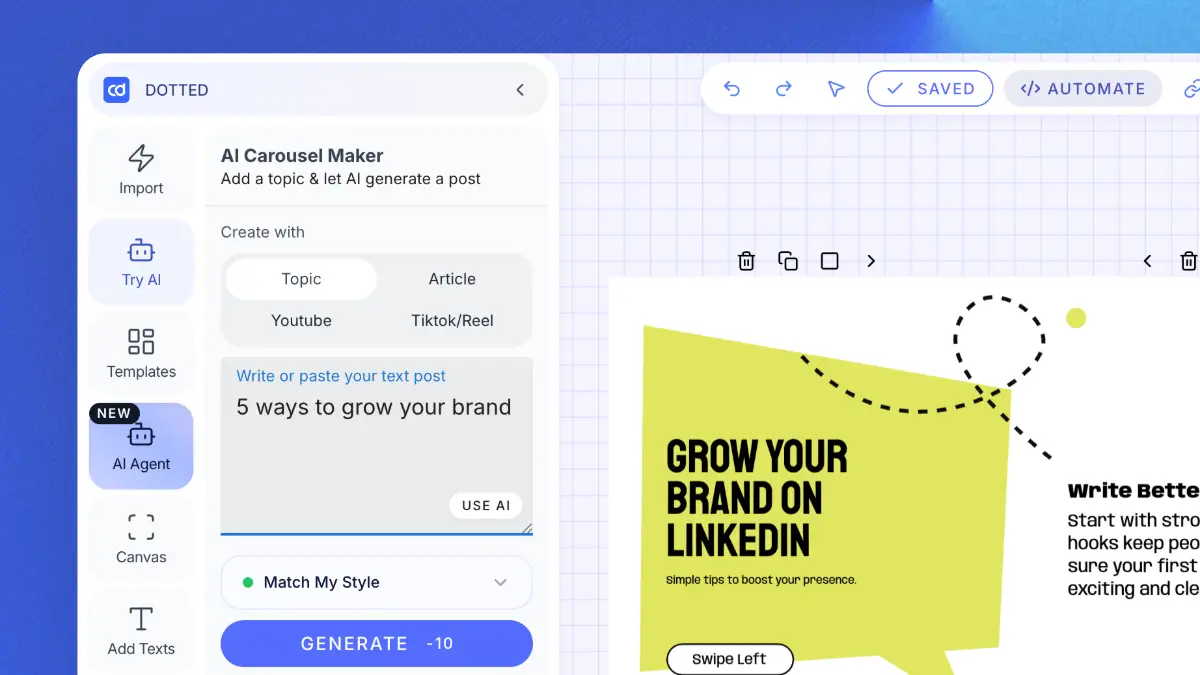
Enter a topic, text, or URL (blog, YouTube, TikTok) → get carousels & posts.

AI Text Post Writer

Create LinkedIn & Instagram posts with templates or let AI do it.

Bulk Generation

Upload a CSV → generate hundreds of carousels/graphics. Built for agencies.

AI Ideas Generator

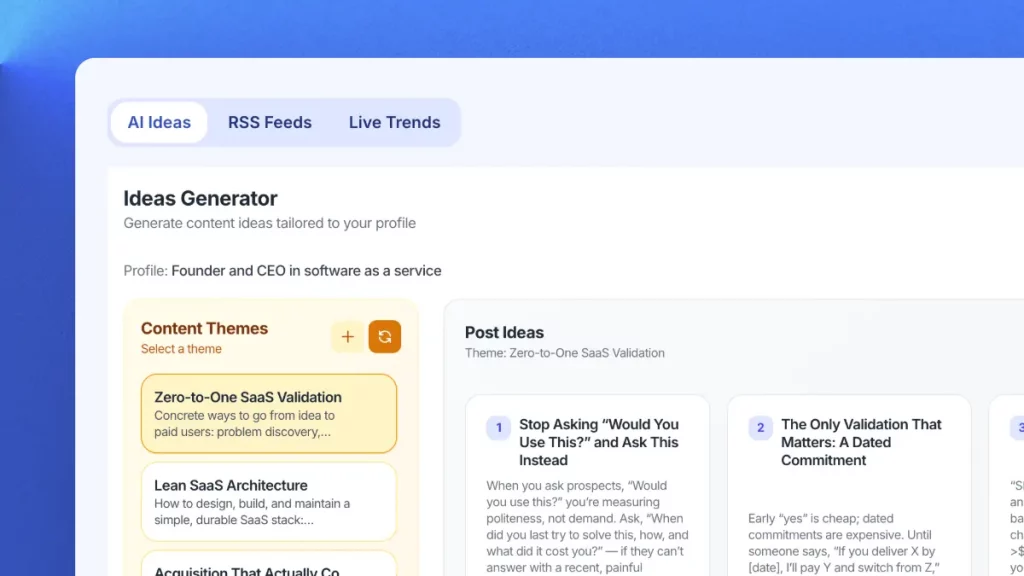
Get daily niche content ideas → turn any idea into a post instantly.

Professional Templates

Professional templates for carousels, quotes & posts. Fully brandable.

Publish Everywhere

Schedule and publish to LinkedIn & Instagram. No switching tools.

Try Contentdrips for full LinkedIn content power.

Join Contentdrips for AI Post Writer, Carousel Maker, and scheduling. Make and share posts faster!

Frequently Asked Questions about the LinkedIn Text Formatter

No. LinkedIn’s post editor doesn’t have formatting buttons. However, you can use unicode characters that look like bold, italic, or special fonts. This tool generates those unicode characters for you, and they render correctly when you paste them into LinkedIn.

There’s no evidence that LinkedIn’s algorithm penalizes unicode-formatted text. In fact, posts with better readability and engagement metrics tend to perform better algorithmically, and formatting helps both.

Yes! Unicode formatting works everywhere on LinkedIn — posts, comments, articles, and even your headline and summary. It’s especially effective in comments to make your replies stand out.

Absolutely. Unicode text works on Twitter/X, Instagram bios, Facebook posts, YouTube descriptions, TikTok bios, and most platforms that accept text input. It’s not LinkedIn-specific.

They’re the same idea. We call it cursive, other tools call it script. Either way, it’s a stylized Unicode font that looks handwritten, good for a signature line or a short personal note.

Yes. Monospace is one of our six styles. It’s the typewriter-style font often used for code, or for a name or tagline you want to stand out in a comment.

Export your carousel as a PDF, then upload it as a document post on LinkedIn. Add your formatted caption when you publish.

Yes. Format your caption text here, then pair it with a carousel built in our LinkedIn carousel maker.

Some screen readers handle unicode characters well, but others may read them letter-by-letter. For accessibility, use formatting sparingly and keep the most important information in plain text.

Unicode-formatted text works on nearly all modern devices. iPhones, Android phones, Windows, and Mac. A very small percentage of older devices may not render every unicode character, but the vast majority of your LinkedIn audience will see it correctly.

Regular bold uses font weight (like in Word or Google Docs), which LinkedIn strips out. Unicode bold characters are actual different characters like mathematical bold symbols that LinkedIn can’t strip because they’re valid text, not formatting.

Genuinely free, no catch. We built this as a helpful utility for LinkedIn creators. If you want to go beyond text formatting and create visual carousels, graphics, and branded content, that’s where ContentDrips (our main product) comes in.

There’s no character limit in our tool. You can format entire long-form LinkedIn posts (up to LinkedIn’s 3,000 character limit) in one go.

This is a simple, single-purpose text formatting tool. ContentDrips is a full content creation platform with AI carousel makers, an AI graphic design agent, content repurposing from blogs and YouTube, 100+ templates, scheduling, and more.

Not currently. We focus on six styles that read cleanly and reliably across devices: bold, italic, underline, strikethrough, cursive, and monospace. Decorative styles like circled or squared text often break or show as boxes on older phones, so we leave them out on purpose.

Need More Than A LinkedIn Text Formatter

The AI content generator that writes, designs, and publishes for you. No credit card required.

Try it