Text to Carousel Post Generator
Paste your text and generate stunning carousels in seconds. Free, no design skills needed. Need AI to write and design it end to end? Try our AI carousel maker.
New Launch: Contentdrips MCP –Try for Free➜

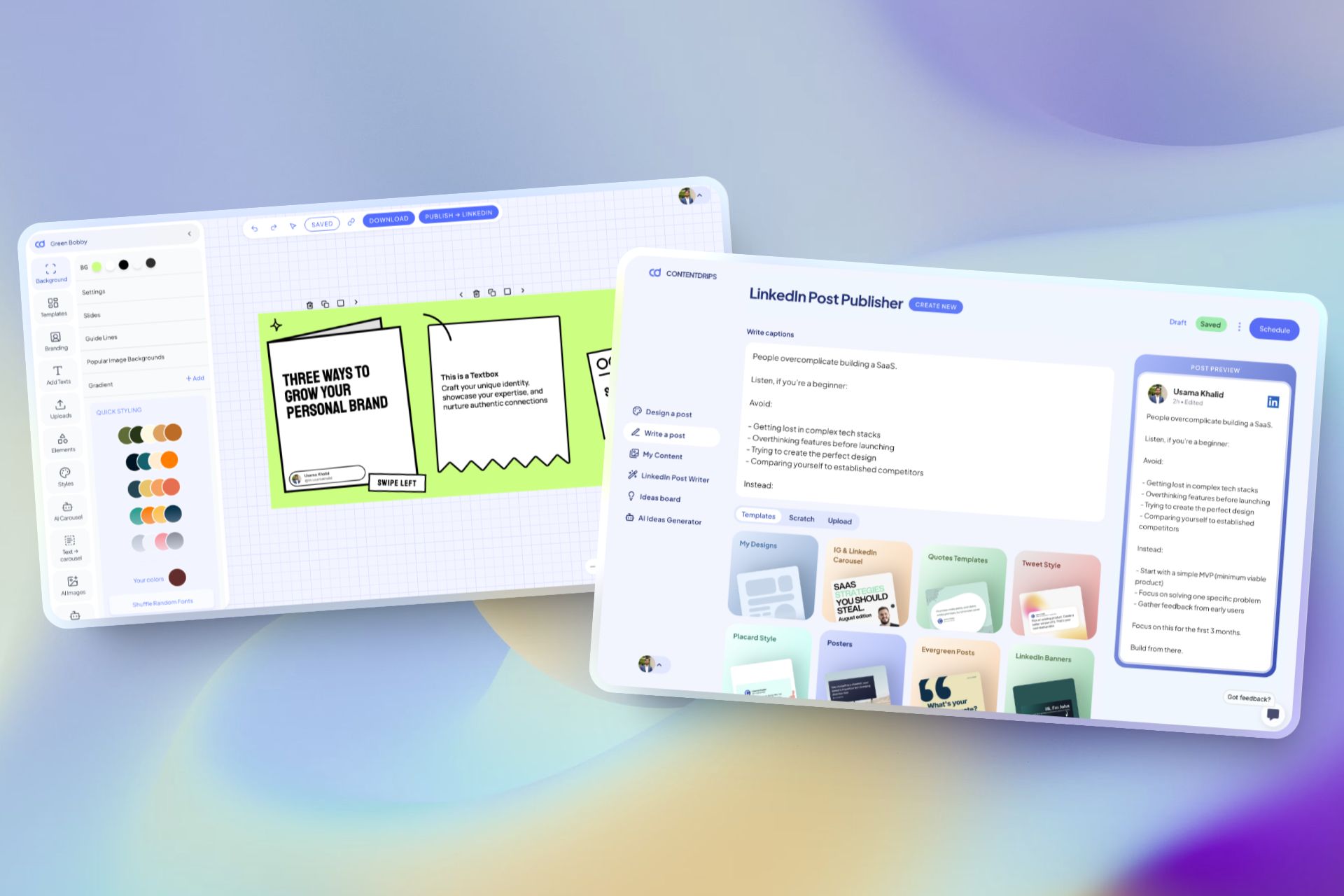
Just like editing a Google Doc, paste your text or start writing.
Add headings, italics, and slide separators to split content into slides.
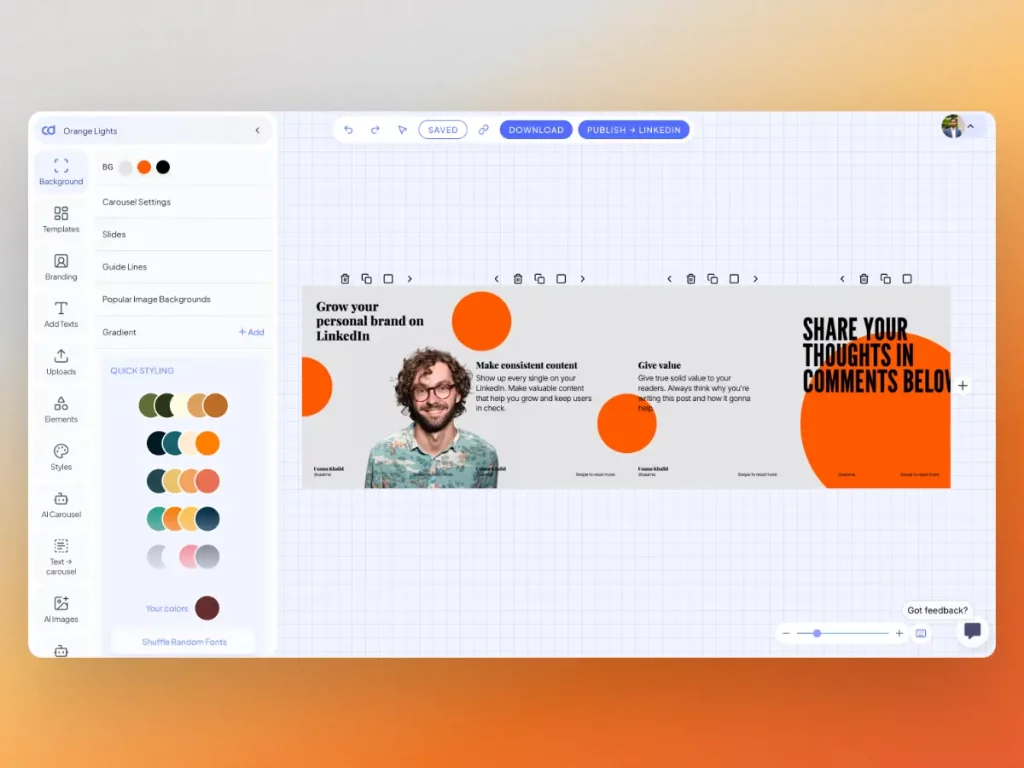
Add images, background, colors, and personalize with your avatar, name, & handle
Export your carousel and share it on LinkedIn or Instagram for more reach
Not just text, you can turn your blogs, youtube videos & topics into carousels
Explore pre-made templates, elements, AI features & more on Contentdrips.
| Feature | Free Plan | Starter Plan |
|---|---|---|
| Price | $0 | $26/month |
| Template Access | Limited | All templates (All + Pro + Exclusive) |
| Downloads per Month | 5 | Unlimited |
| Watermarks | Yes | No |
| AI Features | No | Yes |
| Custom Fonts & Logos | No | Yes |
| Brands Supported | 1 | Unlimited |
| Team Members | Not specified | Unlimited |
| Post Writer Tool | No | Yes |
| Publish to LinkedIn | No | Yes |
| AI Carousel Generator | No | Yes |
| Blog to Carousel | No | Yes |
| AI Post Maker | No | Yes |
| Save Custom Elements | No | Yes |
| Upload Custom Fonts and Colors | No | Yes |
| Push to Zapier | No | Yes |
| CSV to Carousel | No | Yes |
| Text to Carousel | No | Yes |
| AI Credits per Month | Not applicable | 1200 |




Share tips or stories as carousels for more follower interaction daily.
A text-to-carousel generator is a free online tool that converts written content into multi-slide carousel posts for LinkedIn and Instagram. Simply paste your text, and the tool automatically splits it into visually appealing slides optimized for social media engagement.
Perfect for repurposing blog posts, articles, tips, or any written content into swipeable carousel formats without design skills. Our tool handles the formatting, layout, and spacing. You just customize colors and branding.
Aim for 40-60 words per slide for best readability. Longer content should be split across multiple slides.