See exactly how your LinkedIn post looks before you hit publish – on desktop and mobile, including exactly where LinkedIn cuts off your text with “see more.”
How to use this tool
No account, no setup. Paste, preview, and fix. Before LinkedIn’s algorithm ever sees your post.
Write or paste your post
Enter your LinkedIn post text. Draft from scratch or paste existing copy.
See the live preview
Watch your post render in real-time, matching LinkedIn’s actual feed layout
Adjust and publish confidently
Tweak your hook, fix formatting, then copy and post to LinkedIn.
Tips & best practices
Nail the first 210 characters
LinkedIn truncates posts after roughly 210 characters with a ‘see more’ link. Your hook must be compelling enough to earn that click. Preview helps you craft it perfectly
Use line breaks for readability
Formatting every other word makes your post harder to read, not easier. Stick to bolding 1-2 key phrases per paragraph. Use italic for emphasis on single words or short quotes.
Check on mobile. Most users are there
Over 60% of LinkedIn users browse on mobile. Your post may look great on desktop but cramped on a phone. Always toggle to mobile preview before publishing.
Test emoji placement
Emojis can break across lines or look different on various devices. Preview ensures your carefully placed emojis land where you intend them to.
Want to skip the guesswork entirely?
ContentDrips writes, designs, and publishes for you
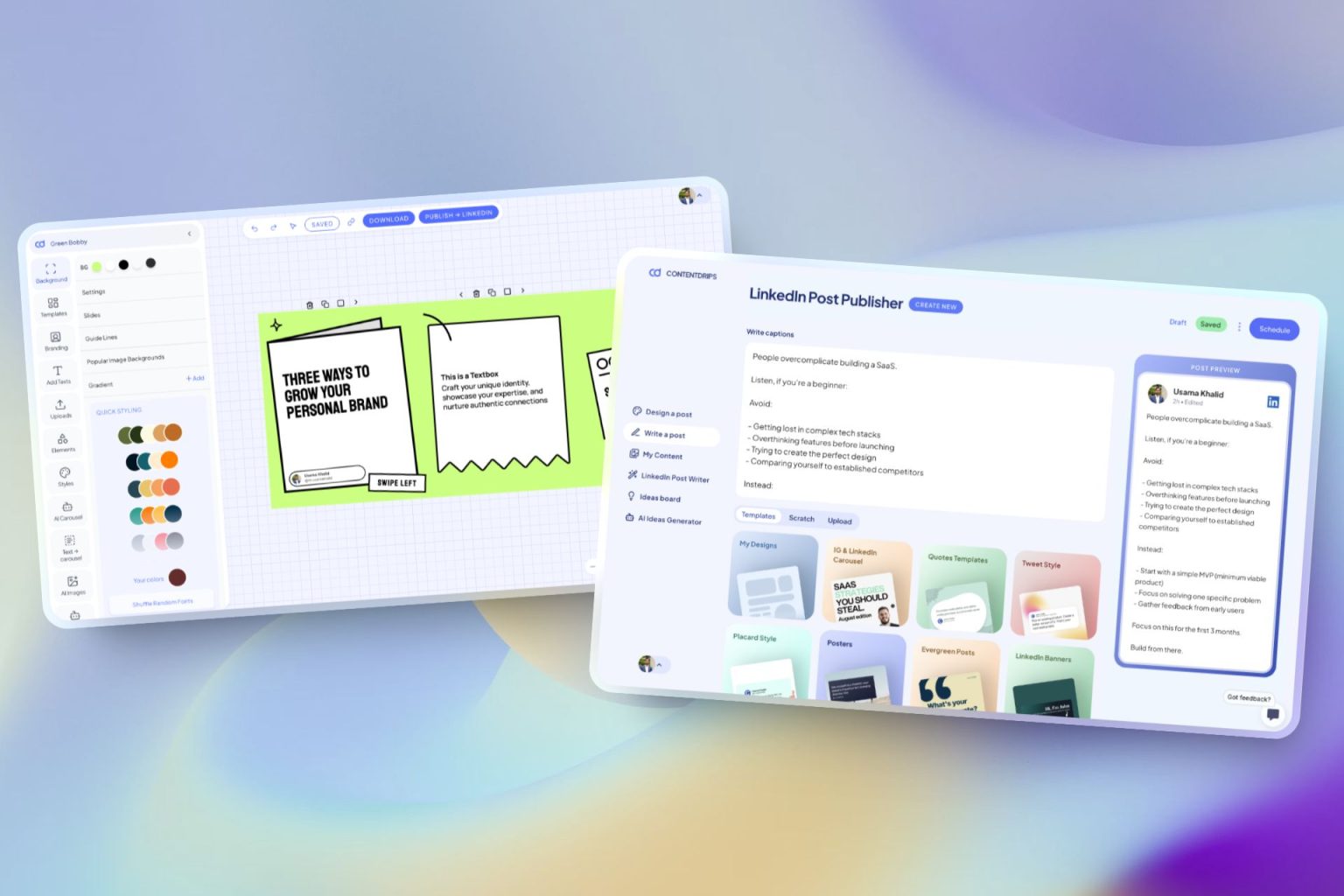
The LinkedIn post preview tool shows you how your post looks. ContentDrips makes sure it looks great before you ever need to preview it by writing the copy, designing the carousel, and publishing it for you in one workflow.
Repurpose Anything
Enter a topic, text, or URL (blog, YouTube, TikTok) → receive carousels and posts.
AI Text Post Writer
Create LinkedIn and Instagram posts using templates or let AI generate them.
Bulk Generation
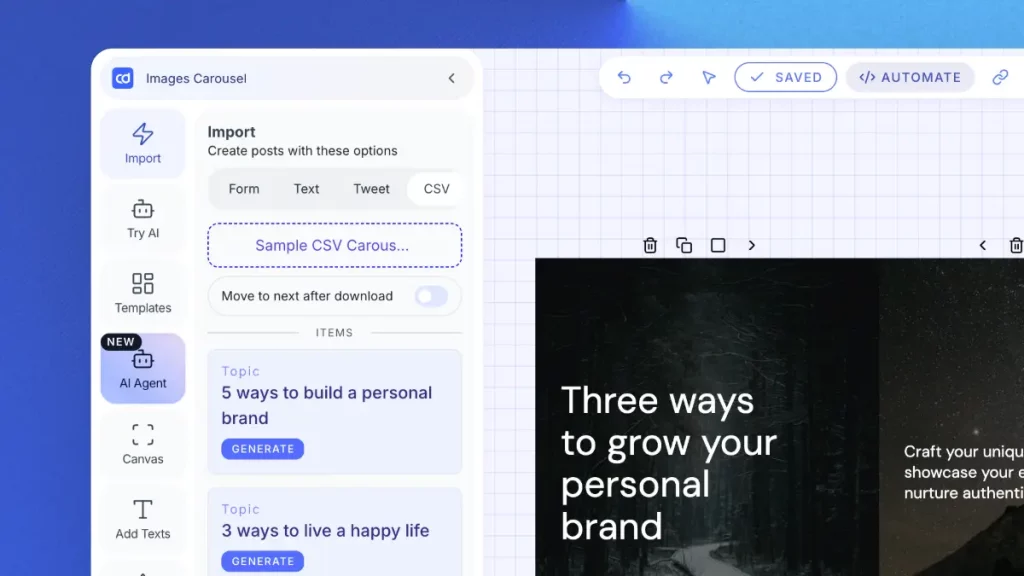
Upload a CSV to quickly generate hundreds of carousels and graphics. Designed for agencies.
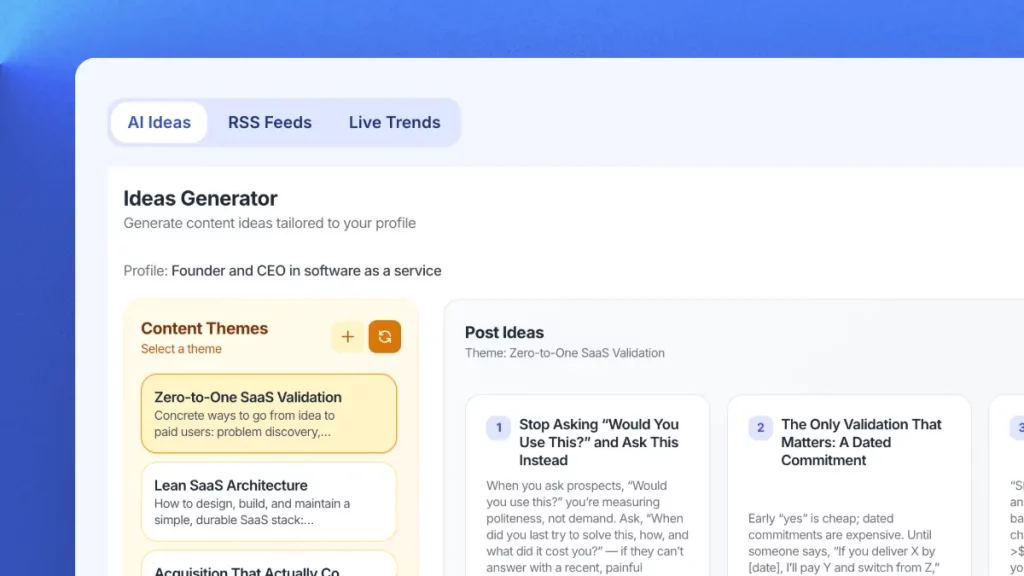
AI Ideas Generator
Get daily niche content ideas → turn any idea into a post instantly.
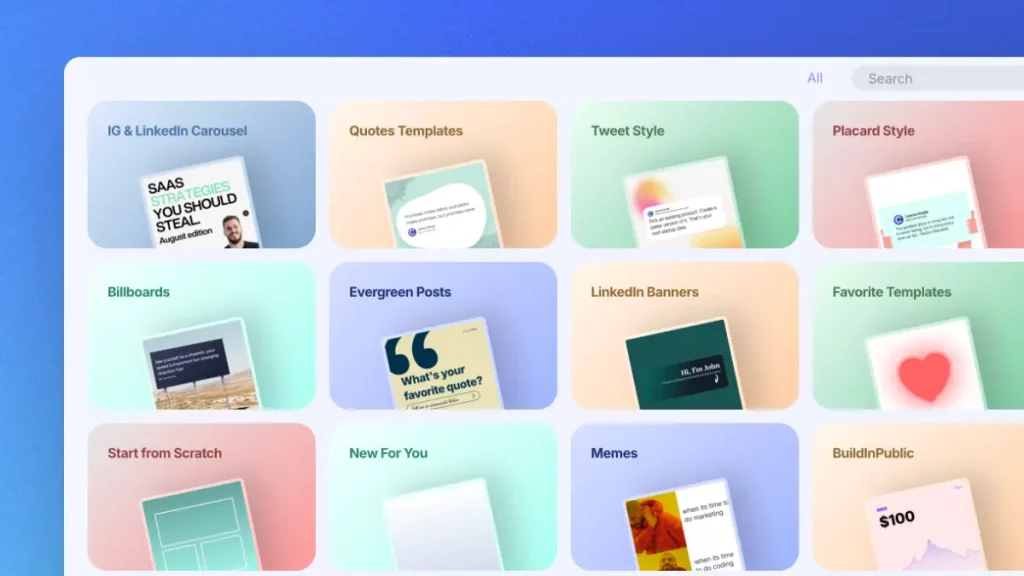
Professional Templates
Professional templates for carousels, quotes, and posts. Completely brandable.
Publish Everywhere
Schedule and publish to LinkedIn and Instagram. There is no switching tools.
Try Contentdrips for full LinkedIn content power.
Join Contentdrips for AI Post Writer, Carousel Maker, and scheduling. Make and share posts faster!
Our preview matches LinkedIn’s current feed layout as closely as possible, including font sizes, line spacing, and the ‘see more’ truncation point. We regularly update it to reflect LinkedIn’s latest design changes.
This tool is designed for text posts. For carousel previews, check out our LinkedIn Carousel Preview tool. It lets you upload a PDF and see the exact swipe experience.
LinkedIn allows up to 3,000 characters per post. Our preview tool handles any length within that limit and shows your total character count so you never exceed it.
This tool is built for feed posts (the 3,000-character format). LinkedIn articles use a different editor with native formatting. For articles, LinkedIn’s own editor has a built-in preview.
Yes, you can toggle between desktop and mobile preview to see how your post renders on different devices. This is important since over 60% of LinkedIn traffic comes from mobile.
LinkedIn truncates post text after approximately 210 characters on mobile and after 3 visible lines on desktop, then shows a “see more” link. The exact cut-off point varies depending on how many line breaks you use – blank lines consume visible space without adding characters. This is why using the LinkedIn post preview tool is so important: the mobile and desktop truncation points are different, and a post that shows a great hook on desktop may hide it entirely on mobile.
Currently the tool focuses on text post previews. Image and video attachment previews are on our roadmap. For visual content creation, check out ContentDrips.
Yes, hashtags and @mentions render in the preview just like they do on LinkedIn in blue, clickable-looking text. So you can see how they affect your post’s visual flow.
Yes, completely free with no account required. We built it to help LinkedIn creators publish confidently. For full AI content creation, check out ContentDrips.
A Complete Tool For Your LinkedIn Personal Brand
The AI content generator that writes, designs, and publishes for you. No credit card required.