New Launch: AI Social Media Post Generator –Try for Free➜

LinkedIn Post Optimizer

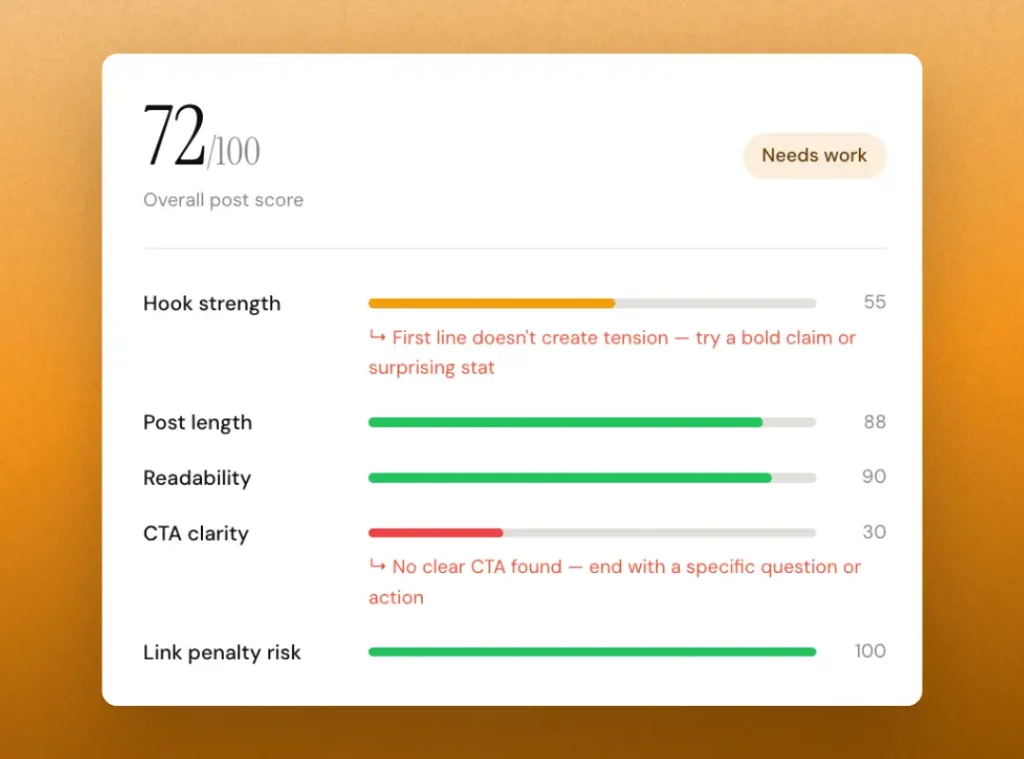
Paste your draft in the LinkedIn post optimizer and get an instant score with specific fixes ~ hook strength, readability, formatting, CTA, and length. So every post you publish is optimized for reach.

/100
Overall post score

Optimized post

HOW IT WORKS?

Optimize your LinkedIn post in under 30 seconds

No guesswork. No generic “write better” advice. You get a real score on what actually affects LinkedIn reach and a specific fix for everything that’s underperforming.

Paste your draft

Copy your post from wherever you write. Notion, Google Docs, LinkedIn’s draft editor, or straight from your head. Paste it into the LinkedIn post optimizer above. No formatting required

Get your post score

The tool instantly analyses your post across five signals: hook strength, post length, formatting & readability, CTA presence, and link penalty risk..

Copy and paste into LinkedIn

Make the suggested edits usually one or two tweaks then re-run the LinkedIn post optimizer until your score hits green. Then go publish knowing your post is already working as hard as it can.

what gets scored?

Five signals that determine whether your post gets seen

Hook strength - the most important signal

Your first 1–2 lines are the only thing most people see. The LinkedIn post optimizer scores whether your opening creates curiosity, tension, or a gap the reader needs to close. A weak hook means low “see more” click rate. No matter how good the rest is.

Post length - the sweet spot matters

Too short and there’s not enough substance to trigger comments. Too long and you lose readers before they reach your CTA. The LinkedIn post optimizer flags posts that are either under 500 or over 2,500 characters and tells you which direction to move.

Readability - LinkedIn is scanned, not read

Long paragraphs kill engagement on mobile. The LinkedIn post optimizer checks average line length, blank line usage, and paragraph density. Posts with one idea per line and breathing room consistently outperform dense walls of text.

CTA + link penalty - often overlooked

Posts without a CTA rarely get comments, which means low algorithmic amplification. Posts with external links in the body get suppressed by LinkedIn. The LinkedIn post optimizer catches both and tells you exactly how to fix them

Go beyond free tools

The full LinkedIn toolkit — all free

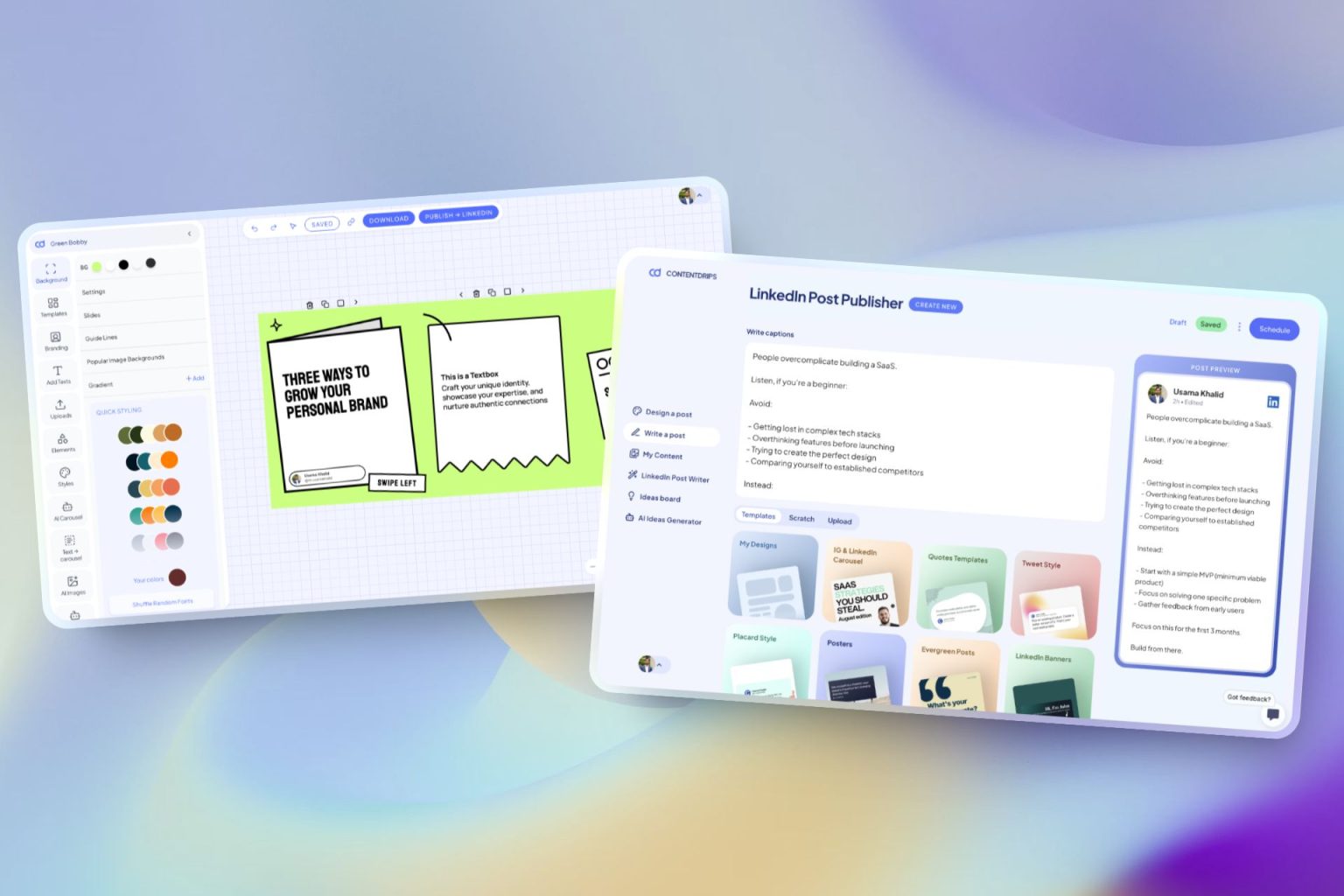
ContentDrips allows you to create branded carousels, graphics, and posts using AI rather than just formatted text. Make any idea into a scroll-stopping visual.

Repurpose Anything

Enter a topic, text, or URL (blog, YouTube, TikTok) → get carousels & posts.

AI Text Post Writer

Create LinkedIn & Instagram posts with templates or let AI do it.

Bulk Generation

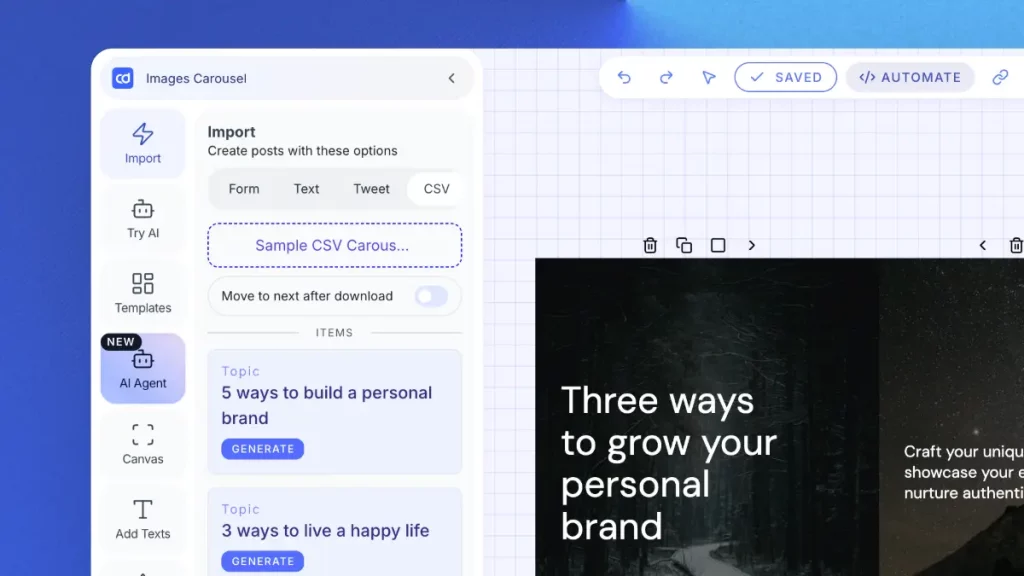
Upload a CSV → generate hundreds of carousels/graphics. Built for agencies.

AI Ideas Generator

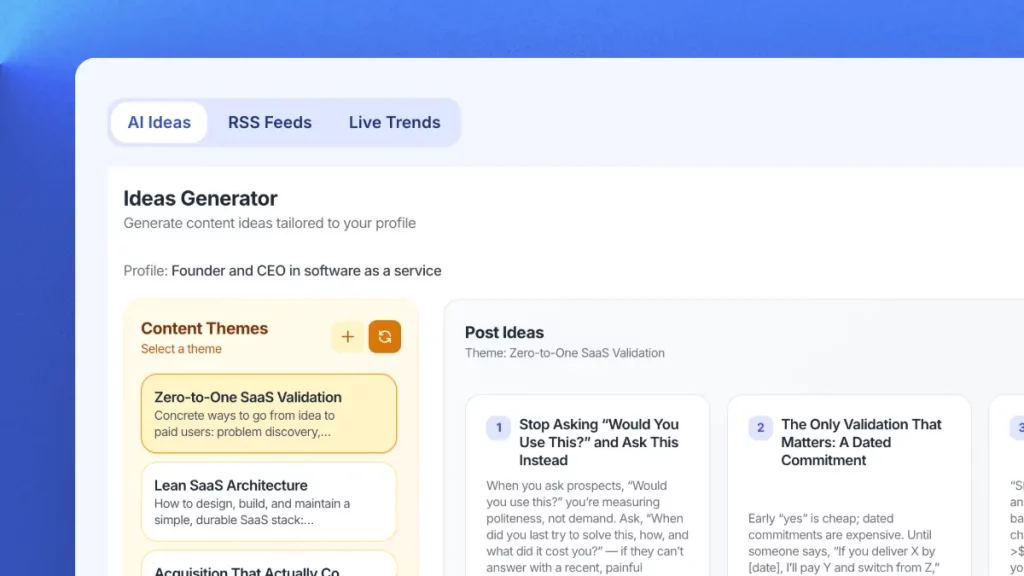
Get daily niche content ideas → turn any idea into a post instantly.

Professional Templates

Professional templates for carousels, quotes & posts. Fully brandable.

Publish Everywhere

Schedule and publish to LinkedIn & Instagram. No switching tools.

One tool that helps you go viral on LinkedIn

Contentdrips is your all in one tool to generate ideas, write viral LinkedIn text posts, carousels & so much more.

Frequently Asked Questions

To optimize a LinkedIn post for reach, focus on five things: a strong hook in the first two lines (before “see more”), short punchy paragraphs with white space, no external links in the post body (put them in the first comment), a specific CTA at the end, and posting at peak times for your audience. The LinkedIn post optimizer above scores your draft on all of these and tells you exactly what to fix so you can get it right before you publish.

A strong LinkedIn hook creates a “gap”. It raises a question, tension, or curiosity that the reader needs to resolve by clicking “see more.” The most effective formats are: a bold contrarian claim (“Most LinkedIn advice is wrong.”), a specific surprising number (“I gained 8,000 followers by posting less, not more.”), a relatable pain point (“I spent 3 years doing this wrong.”), or an open loop (“Here’s what nobody tells you about growing on LinkedIn.”). Your hook should fit entirely within the first 2 lines of your post  before any line break.
 
Yes. Completely free, no account required. The LinkedIn post optimizer on this page is provided free by ContentDrips. Paste any post, get your score and specific fixes, and optimize as many drafts as you want. If you want to go further and use AI to write already-optimized LinkedIn posts and carousels from scratch, ContentDrips has a free plan for that too – no credit card required.
A good LinkedIn post has four elements: a hook that stops the scroll, a body that delivers genuine value, formatting that makes it easy to read on mobile, and a CTA that invites a specific response. Length matters too – 1,300 to 1,700 characters tends to perform best. Posts that feel like a real person wrote them, with opinions, stories, and a clear point of view, consistently outperform generic informational posts. The LinkedIn post optimizer checks all of these automatically.
A good LinkedIn post engagement rate is typically between 2% and 5% for most creators and company pages. Top performers usually personal brands with an active, consistent posting habit can reach 6–10% and above. Engagement rate is calculated as (reactions + comments + shares) divided by impressions. Carousels and personal story posts tend to generate the highest engagement rates on LinkedIn, which is why ContentDrips makes carousel creation so fast.
The ideal LinkedIn post length is 1,300–1,700 characters for maximum engagement. Short posts under 500 characters often lack enough substance to generate comments. Posts over 2,500 characters risk losing readers before they reach your CTA. The most important characters are the first 210 that’s what LinkedIn shows on mobile before the “see more” truncation, and your hook must land entirely within that window. The optimizer flags posts that are too short or too long and tells you which direction to adjust.
 
Yes, significantly. LinkedIn’s algorithm deliberately reduces the organic reach of posts that contain external links in the body text. The platform wants to keep users on LinkedIn, and links pull them off. The solution is to write your post without any link, publish it, then immediately add the link in the first comment. Mention in your post body “link in first comment ↓” so readers know where to find it. The LinkedIn post optimizer checks for this and flags it as a penalty risk if it finds a URL in your post.
 
Generally, Tuesday through Thursday between 8–10am and 12–2pm in your audience’s timezone performs best on LinkedIn. Early engagement velocity how fast your post gets reactions and comments in the first 60–90 minutes is one of the most important algorithm signals. Posting when your audience is active means faster early engagement, which triggers broader distribution. That said, consistency matters more than timing. Posting at the same time regularly trains your audience to expect and engage with your content.
 

Ready To Grow On LinkedIn?

Write viral LinkedIn posts, create stunning carousels, and plan seamlessly with Contentdrips’ AI toolkit. Start free today