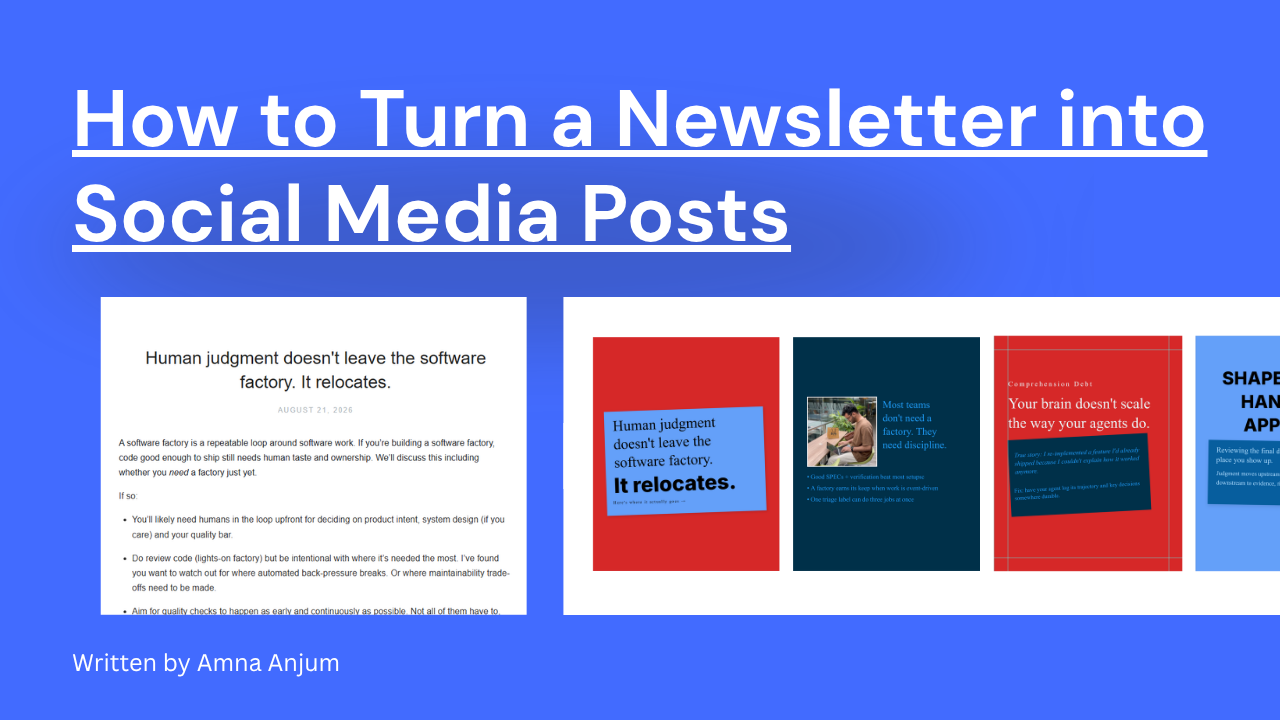
According to Contentdrips’ internal analytics, 1 out of every 4 carousels generated on the platform each month is repurposed from written content such as newsletters, blog posts, or articles. This is a widely used workflow, not a niche one.
What This Guide Covers
Turning a newsletter into social media posts means taking the strongest idea from an edition and rebuilding it as a carousel, graphic, or text post for platforms like LinkedIn, Instagram, TikTok, and X. It’s a repurposing workflow, not a copy-paste job: the format changes even when the idea doesn’t.
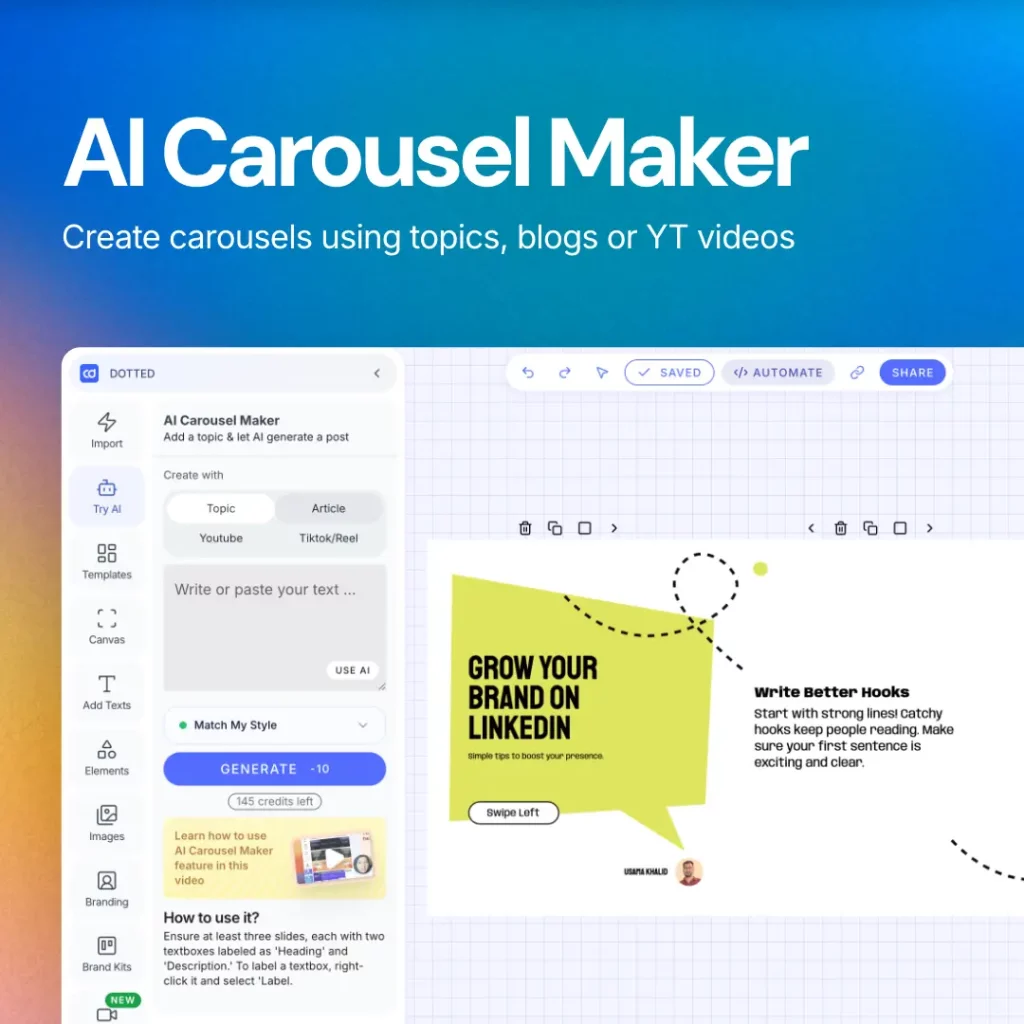
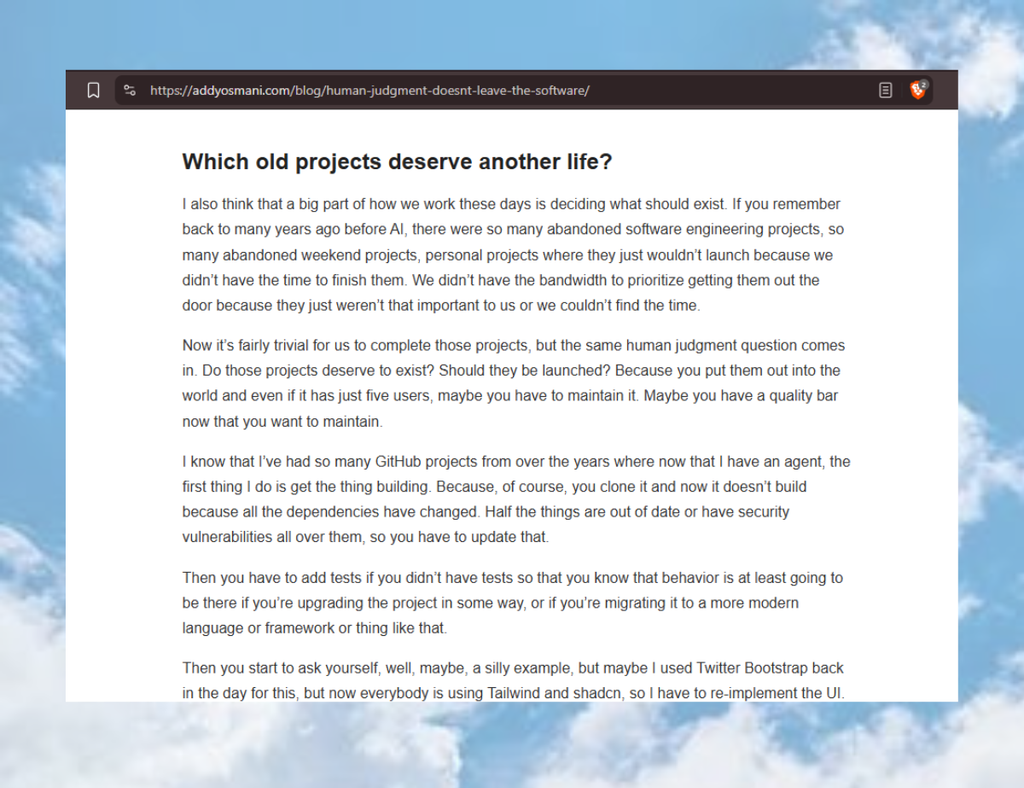
This guide walks through the full process: picking the right content, choosing the right format, adapting for each platform, and avoiding the mistakes that make repurposed content feel low-effort. If you want to try it as you read, open Contentdrips and drop your newsletter’s link or text into the Article import, then use the blog to carousel converter to turn it into posts. You can also use the text to carousel tool for direct text-to-carousel conversion.
Why Repurpose Your Newsletter
For content creators who need to keep multiple platforms active, a newsletter is one of the best sources of ready-made ideas. Here’s why:
- It reaches people who aren’t subscribed. You can reach an audience which may not necessarily be subscribed to your newsletter. Turning it into social posts puts the same ideas in front of people who’d never see them otherwise, and who may go on to subscribe once they do.
- It multiplies reach without multiplying effort. One edition can become several posts, each reaching a different platform audience, instead of writing new content for every channel from scratch.
- It keeps your content pipeline full. If you already publish a newsletter regularly, you already have a steady supply of ideas. Repurposing turns that supply into a full social calendar instead of a single email.
- It reinforces one consistent voice. Because every post traces back to the same source, your message stays aligned across platforms instead of drifting apart.
According to Mailchimp’s email marketing benchmarks, the average email open rate sits around 34.23%. That means the majority of your list never opens a given newsletter at all, let alone every edition, so repurposing puts the same ideas in front of the audience your emails are already missing. (Source: Mailchimp)
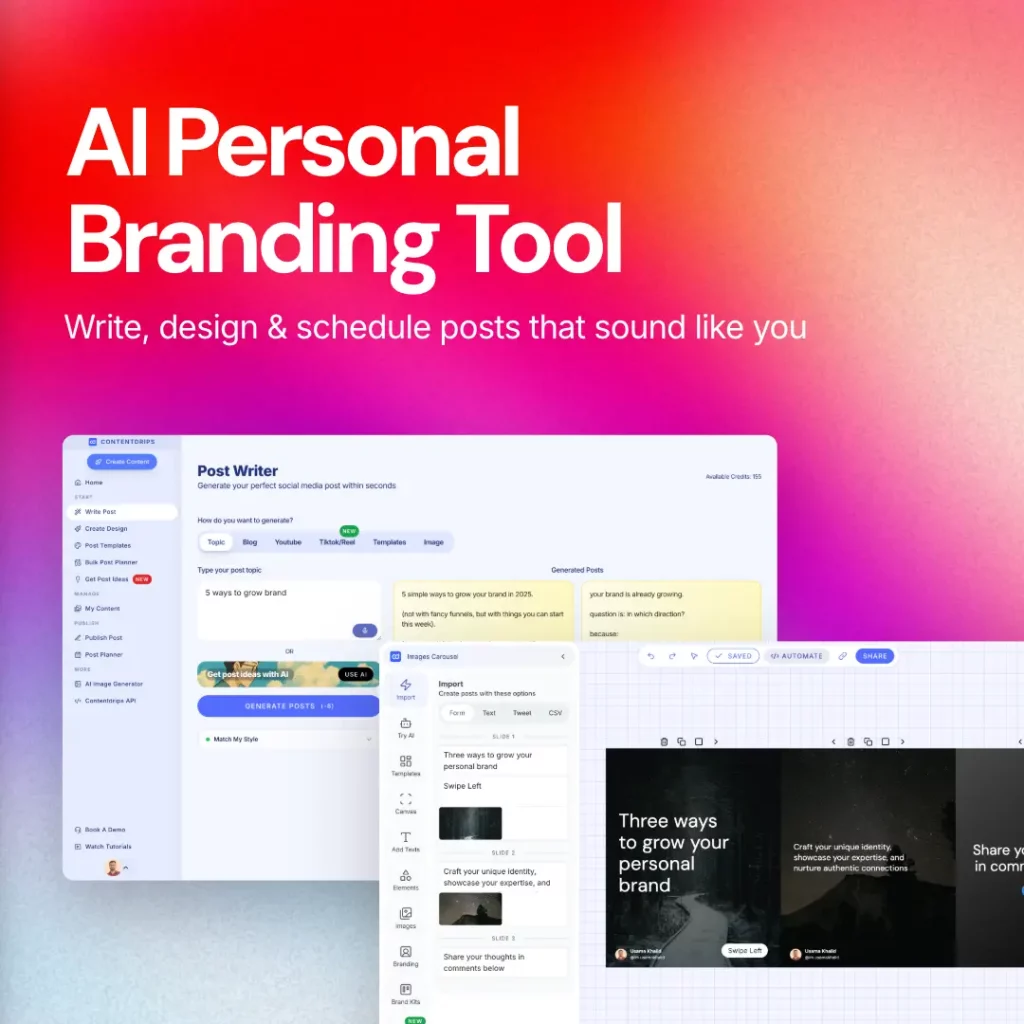
Paste your newsletter text directly into Contentdrips, or drop the newsletter’s public link into the Article import, and the AI Post Writer or Canvas editor generates post copy from that source for LinkedIn, Instagram, TikTok, Facebook, or Twitter. You’re working from one input instead of rewriting the idea from scratch for each platform, and your saved brand kit applies automatically to whatever gets generated, so every post stays on brand from the first draft.
Won’t Repurposed Content Feel Repetitive to My Audience?
No, because the overlap between your newsletter subscribers and any single social platform’s audience is usually small. Someone who reads your newsletter every week may never see your LinkedIn posts at all, and someone who follows you on TikTok may not know your newsletter exists. Repurposing isn’t showing the same person the same thing twice, it’s showing different audiences the same idea once, in the format native to where they already are.
Where repetition does become a real risk is posting the identical, unedited text across every platform. That’s why the format and tone should change even when the idea doesn’t (see the format matrix below), rather than copying and pasting the same caption everywhere.
Am I Giving Away My Best Content for Free?
Not if you extract the idea, not the full piece. A social post built from your newsletter should share one insight, quote, or takeaway, enough to prove the newsletter is worth reading, not the entire argument or every supporting point. Think of the social post as a preview with a CTA back to the full edition, rather than a substitute for it.
If part of your newsletter is paywalled, this distinction matters more: repurpose from the free portion or from older, unpaywalled editions, and let the paid content stay the reason someone subscribes.
What You Need Before You Start
- A newsletter platform with a public archive link (Substack and Beehiiv provide this by default; ConvertKit and Mailchimp require you to enable it in settings)
- A clear sense of which platforms you’re posting to (this guide covers LinkedIn, Instagram, TikTok, and X)
- Your brand kit (colors, fonts, logo) if you want visual consistency across posts
- Optionally, a tool such as Contentdrips to handle the format conversion for you, rather than building each post manually
The Repurposing Process, Step by Step
- Pick one edition and one idea. Don’t try to repurpose an entire newsletter at once. Pick the single strongest point, story, or argument from it. If you’re choosing between editions, use whatever performance data your newsletter platform gives you (opens, clicks, replies) to find the one that already resonated, rather than defaulting to whichever issue is newest. Your back catalog counts too: an older edition that performed well is just as repurposable as last week’s, especially if it’s still evergreen. Not every edition needs to be repurposed; if a given issue doesn’t have a clear standout idea, skip it rather than forcing weak content out just to fill a schedule.
- Pull out the hook. Identify the opening line or the sentence that would stop someone mid-scroll. This becomes your first slide, your headline, or your opening line of a post.
- Extract 3-5 supporting points. These become carousel slides, sub-points in a text post, or the caption under a graphic.
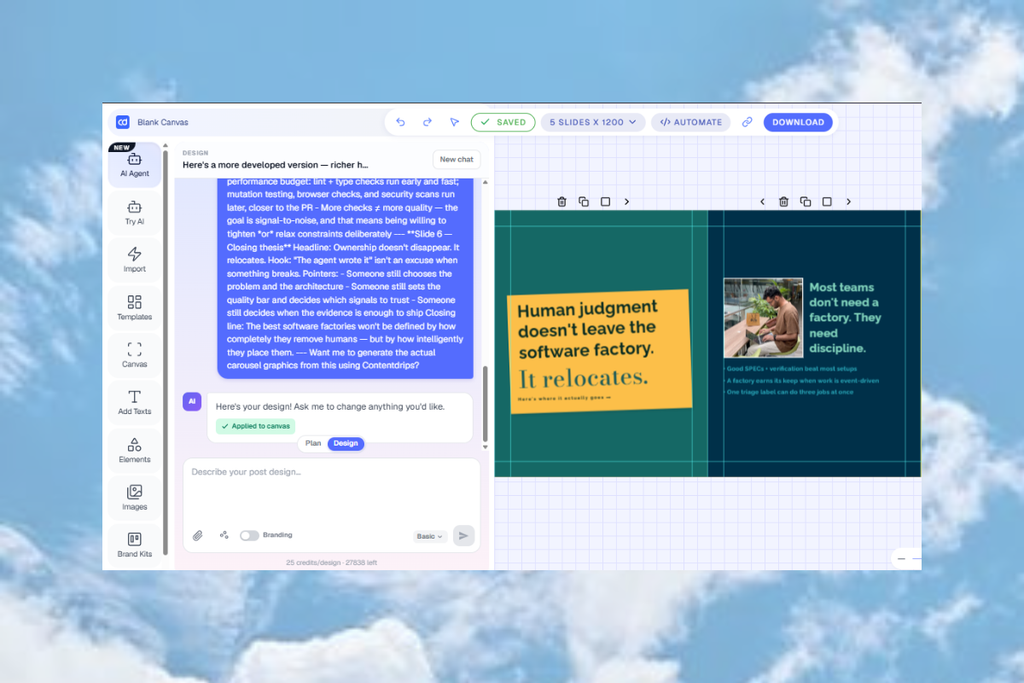
- Match the idea to a format. Use the decision matrix below: the shape of your content (list, quote, story, data) determines whether it works best as a carousel, graphic, or text post. In Contentdrips, the Canvas editor and AI Design Agent can turn your text directly into a carousel, quote post, or graphic using your saved brand kit.
- Adapt for each destination platform. The same idea in the same format still needs different treatment on LinkedIn versus TikTok versus X (see the platform table below). Contentdrips’ AI Post Writer drafts the matching caption for each platform in the same flow, so you’re not switching tools between design and copy.
- Add a CTA back to the newsletter. Include a subscribe link or “read the full edition” prompt. The goal is to convert social reach into subscribers, not just to fill a content calendar.
- Schedule and publish. Contentdrips’ Bulk Post Planner can schedule the finished post directly to LinkedIn, Instagram, and TikTok. For X, it creates the post, but you’ll publish it manually.
How to Choose the Right Format
Match your content type to a format first, then check platform fit.
Content Type → Format Matrix
| Newsletter content type | Best format | Why | Works well on |
|---|---|---|---|
| Numbered list / framework | Carousel | One point per slide mirrors the content’s existing structure | LinkedIn, Instagram, TikTok, X (top 4 points, or split into thread) |
| Single strong quote or stat | Graphic post | A sharp one-liner doesn’t need multiple slides | All platforms |
| Personal story / opinion | Text post | The writing carries the piece; a carousel would break the flow | LinkedIn (native), X (as thread), TikTok |
| Before/after or comparison | Carousel | Naturally splits into distinct slides | LinkedIn, Instagram, TikTok |
| Data-heavy insight (multiple stats) | Carousel | Each stat gets its own slide, none get buried | LinkedIn, Instagram, X (if 4 or fewer points) |
| Short punchy take | Text post | Needs immediacy; a graphic slows down a reaction-driving line | X, LinkedIn |
| Step-by-step how-to | Carousel | Sequential steps map directly to sequential slides | LinkedIn, Instagram, TikTok |
| Announcement or update | Graphic post | One clear visual, no sequence needed | All platforms |
| Long-form argument | Text post (thread on X) | Needs room to build the case point by point | LinkedIn, X |
Platform Format Support
| Platform | Carousel | Graphic post | Text post | Animated MP4/GIF (from carousel or graphic) |
|---|---|---|---|---|
| Native PDF carousel | Yes | Native | Yes, posts as native video | |
| Native swipe carousel | Yes | Not native, use a caption instead | Yes, ideal for Reels | |
| TikTok | Photo Mode carousel | Yes | Yes | Yes, ideal for TikTok’s native video format |
| X (Twitter) | Up to 4 images per post | Yes | Yes, as a thread for anything longer than one point | Yes, posts as native video |
Rule of thumb: if your idea has more than 4 points and you’re posting to X, either trim to your top 4 for a single post or split it into a thread.
Contentdrips’ template system covers carousels, quote posts, tweet-style posts, placard posts, and infographics, so whichever format the matrix above points you to, you’re picking a template rather than starting from a blank canvas. Your saved brand kit (colors, fonts, logo) applies automatically across all of them, so a LinkedIn carousel and an Instagram graphic stay visually consistent without restyling each one by hand.
Common Mistakes to Avoid
- Trying to fit an entire newsletter into one piece of content. Pick one idea per post. Cramming everything in produces a carousel or post that tries to say too much and lands nothing. Contentdrips keeps every draft editable on the Canvas, so you can trim an overstuffed carousel before it’s scheduled, not after it’s live.
- Adding unnecessary information. Every slide, line, or caption should earn its place. Stay laser focused on the single most important and most interesting point from the edition rather than including background detail just because it was in the original newsletter.
- Sharing points that aren’t unique to you. Pick the take, framework, or observation that only you would make, not the generic summary anyone could write. Readers come back for your own insights, so choosing the novel angle over the obvious one is what makes them look for your next post.
- Using the exact same caption across every platform. LinkedIn readers expect a more professional tone; X and TikTok reward a more casual, direct one. Adjust the wording, not just the format. Contentdrips writes captions specialized for each platform, so choose which platform a post is for and the tone adjusts accordingly instead of reusing one caption everywhere.
- Forgetting the subscribe CTA. Repurposed content should send some portion of its reach back to the newsletter; without a CTA, you’re giving away your best material for free with no return path. Contentdrips’ Bulk Post Planner lets you line up up to two weeks of posts at once, so you can check the CTA and platform mix across a whole batch in one pass instead of post by post.
Frequently Asked Questions
Can I turn a Substack post into an Instagram carousel? Yes. Paste the public archive URL of the edition, pull out your strongest idea and supporting points, and build them as carousel slides following the content-type matrix above.
What’s the best newsletter platform for repurposing content? Any platform works as long as it provides a public archive link. Substack and Beehiiv enable this by default; ConvertKit and Mailchimp require it to be turned on manually in account settings.
How often should I repurpose newsletter content? Once per edition is a reasonable baseline. Pick the single strongest idea from each send rather than trying to extract multiple posts from every issue, which tends to produce weaker, diluted content.
Do I need design skills to do this? No. Carousels and graphics can be built from templates, and the format choices in this guide are about matching content to structure, not about design ability.
Will repurposing my newsletter make my content feel repetitive? No, as long as you’re posting to different platforms than your newsletter reaches. The overlap between your email subscribers and your social followers is usually small, so most people will only see the idea once, just in a different format. Keep the wording and tone platform-specific rather than copy-pasting the same caption everywhere, and it won’t read as repetitive even to the few people who follow you in both places.
Should I repurpose every newsletter edition? No. Repurpose the editions with a clear standout idea, quote, or insight, and skip the ones that don’t. Using open, click, or reply data from your newsletter platform is a reliable way to spot which editions are worth pulling from, including older ones from your archive.
Am I giving away my newsletter content for free by repurposing it? Not if you share one idea or quote rather than the full piece. A social post should work as a preview that points back to the full edition, not a replacement for reading it. If your newsletter has paywalled sections, repurpose from the free portion or from older unpaywalled editions instead.
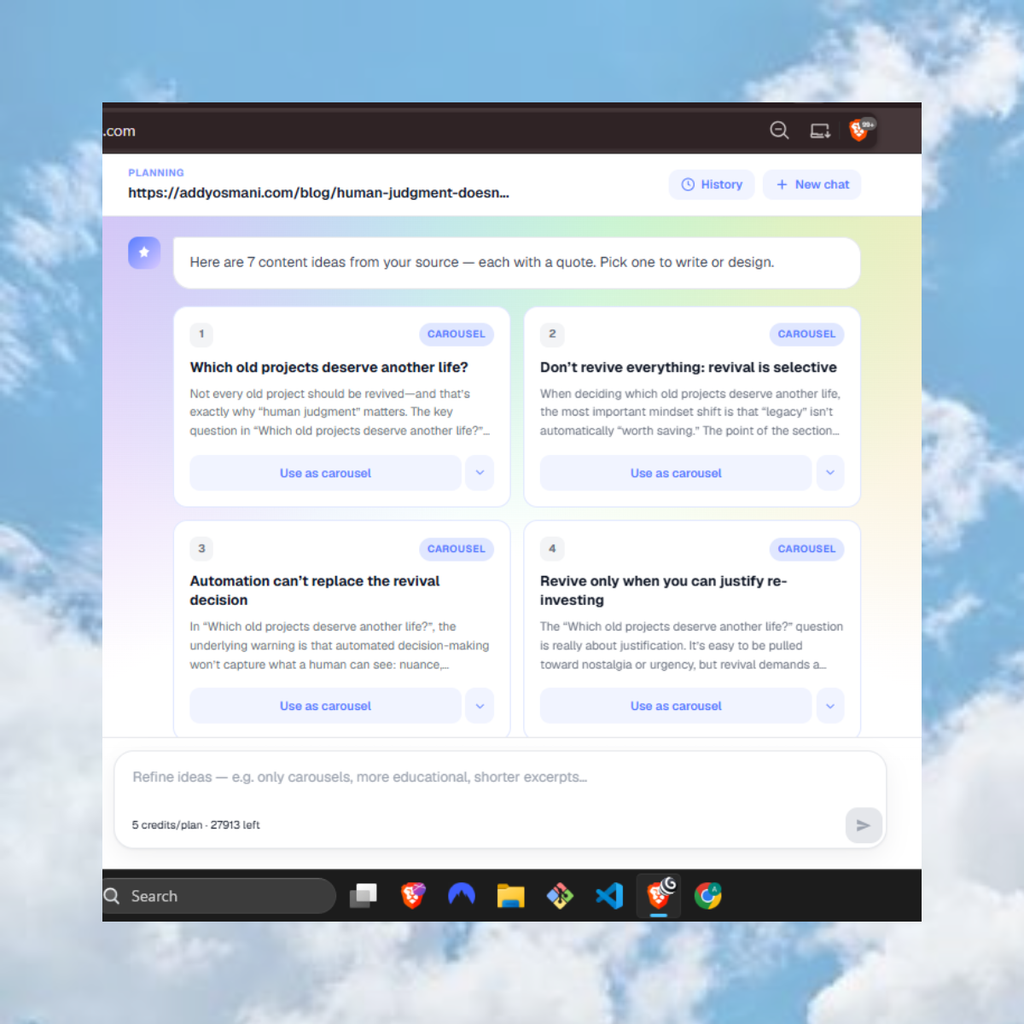
How many social media posts can one newsletter create? Contentdrips can generate multiple content ideas from a single source link, each suggested in a specific format (carousel, graphic, or text post) with its own supporting quote. Confirm whether this number is fixed or varies by source length before stating a specific figure here.
Key Takeaways
- Repurposing a newsletter means extracting one strong idea per edition, not converting the whole thing at once
- Match content type to format first (list to carousel, quote to graphic, story to text post), then adjust for platform
- LinkedIn, Instagram, and TikTok all support true carousels; X supports up to 4 images per post or a thread for longer ideas
- Always include a CTA back to the newsletter so social reach converts into subscribers
- Avoid identical captions across platforms; adjust tone per platform even when the underlying idea stays the same
Turn Your Next Newsletter Into a Week of Posts
You don’t need a separate content calendar full of new ideas. Start with the newsletter you’re already writing.
Turn your newsletter into social media posts with Contentdrips.

Amna Anjum is an Associate at Contentdrips, working closely with the product and how creators use it day to day. She specializes in social content strategy, with deep knowledge of how carousels, graphics, and threads perform across Instagram, LinkedIn, Twitter, and TikTok. She writes from firsthand experience with the tools and workflows she covers.