If you mostly use Canva to make social media posts, Canva Pro may be more than you need. Pro costs $144 a year on annual billing, and pricing guides list it at $18 a month if you pay monthly. Canva has raised prices more than once since 2024. Several of the parts of Pro that matter for social posts, such as a bigger brand kit, a background remover, resizing and scheduling, are available from other tools for less, and some are free.
This guide compares six Canva alternatives for making social media posts on what matters: price, what the free plan really includes, and how much of the post workflow each tool covers, from design to captions, scheduling and repurposing content you already have. Contentdrips is one of the six. We’re a competitor, so we say plainly where each tool, Canva included, is the better pick.
Canva Pro alternatives at a glance
| Tool | Free plan | Paid, billed annually | Paid, billed monthly | Best for |
|---|---|---|---|---|
| Canva Pro (baseline) | 1.6M+ templates, 1 Brand Kit, 5 GB, limited AI | $144/year (about $12/mo) | About $18/mo | The broadest toolset |
| Adobe Express | 5 GB, limited AI credits | n/a | $9.99/mo (Premium) | Closest full-suite alternative |
| VistaCreate | 100K+ templates, 1 Brand Kit, 10 GB | $10/mo ($120/year) | About $13/mo | Best free plan, team seats |
| Snappa | 3 downloads a month | $10/mo | $15/mo | Quick social graphics |
| Microsoft Designer | Free with a Microsoft account, limited AI credits | Included with Microsoft 365 | n/a | Microsoft 365 users |
| Pixelied | 200+ templates, 2 GB | $47/year (Pro) | n/a | Lowest price |
| Contentdrips | 7-day trial with 50 AI credits | Up to 20% off (see pricing page) | $15/mo (Starter) | Repurposing blogs and videos into LinkedIn and Instagram posts |
Prices are in USD and change often, so check each vendor’s pricing page before you buy.
What to look for in a Canva alternative for social media posts
- Templates and sizes made for social posts, so you’re not resizing by hand
- A brand kit that keeps every post on-brand
- Scheduling or direct publishing to the platforms you use
- AI help with captions and post copy
- Repurposing, meaning turning a blog post or video you already have into posts
The last one is the least common. Each tool below is described on how much of this list it covers.
What Canva Pro actually includes
According to Canva’s pricing page, Pro adds the following over the Free plan:
- Templates: 3.6M+ including premium ones (Free has 1.6M+)
- Premium content: 141M+ photos, videos, graphics and audio (Free has 4.7M+)
- Brand Kits: 5 (Free has 1, limited to three colors)
- AI tools: resize, translate, background remover and more
- Social content scheduling
- Storage: 100 GB (Free has 5 GB)
- AI usage: 10x more than Free
Is Canva really free?
Yes. Canva Free is a real plan with no expiry, and plenty of people never need to leave it. You hit the limits when you want premium assets, more than one Brand Kit, the Pro-only AI tools above, or more than roughly 20 AI uses. If those are the only things pushing you toward Pro, one of the tools below may cover them for less.
The 6 best Canva Pro alternatives
1. Adobe Express: best all-round alternative
Formerly Creative Cloud Express, and before that Adobe Spark.
Adobe Express is the closest thing to a like-for-like Canva alternative. Premium is $9.99 a month billed monthly with no annual commitment, which is roughly half of Canva Pro’s monthly price. It unlocks premium templates, brand kits, AI tools powered by Adobe Firefly, 100 GB of storage and 250 generative credits a month. The Free plan gives you 5 GB of storage and a limited AI credit allowance. Adobe also builds in a Content Scheduler (free, publishing to LinkedIn, Instagram, Facebook, TikTok, Pinterest and X), an AI caption writer, and bulk creation from a CSV. Adobe says Express is included with most Creative Cloud Single App plans and with Acrobat Studio, so check what you already pay for before buying it separately.
- Good for: People who want a familiar template-based editor at a lower monthly price, especially if they already use Adobe apps.
- Watch out for: Adobe’s AI is general-purpose. The caption writer drafts a caption from a short description or an image, and carousels are built from templates and the multi-page editor. Neither starts from a blog post or a video, so repurposing content you already have is manual.
- How Contentdrips fills the gap: Contentdrips is specialized for repurposing. Paste a blog post, or a YouTube, TikTok, Reel or Short link, and it turns it into a carousel, graphic or text post adapted to the platform you’re publishing to (caption, format and size), all in your brand kit. Then it schedules to LinkedIn and Instagram.
See our full Contentdrips vs Adobe Express comparison.
2. VistaCreate: best free plan and best team value
Formerly Crello.
VistaCreate’s Starter plan is free for one seat and includes 100K+ templates, 1M+ assets, one Brand Kit and 10 GB of storage. Pro is $10 a month billed annually ($120 a year) and covers up to 10 seats. That’s about 17% less than Canva Pro’s annual price, with team seats included. Pro adds 200K+ templates, 170M+ photos, videos and vectors, unlimited Brand Kits, a one-click resizer, AI tools (image generator, AI writer, object remover and background remover), a sticker maker, unlimited storage and version history. Social media scheduling is available on both plans. One 2026 review notes that team members take turns editing a project rather than working in it at the same time.
- Good for: Small teams and budget-conscious creators who want Pro-style features at a lower price.
- Watch out for: VistaCreate’s listed AI tools cover image generation, writing, object removal and background removal. Turning a blog post or a video into a carousel isn’t among them.
- How Contentdrips fills the gap: Contentdrips generates the carousel and caption from a blog URL, a YouTube or TikTok link or pasted text, and CSV-to-carousel produces a whole batch from a spreadsheet.
See our full Contentdrips vs VistaCreate comparison.
3. Snappa: best for quick social graphics
Snappa is deliberately simple. The free plan gives you every template and graphic but limits you to 3 downloads a month for one user. Pro is $15 a month, or $10 a month billed annually, and adds unlimited downloads, social integrations, custom font uploads and a background remover. Team is $30 a month ($20 annually) for up to 5 users.
- Good for: Marketers who make a steady stream of simple social graphics and want a fast, uncluttered editor.
- Watch out for: Snappa has no AI features, so it can’t write a post or generate a design for you. It also can’t export PDF or animated files, and LinkedIn carousels are uploaded as PDFs. Publishing is limited to Facebook, Twitter and Buffer.
- How Contentdrips fills the gap: Contentdrips writes and designs the carousel with AI, exports it as a PDF for LinkedIn or PNG for Instagram (plus MP4 and GIF), and publishes to LinkedIn and Instagram directly.
See our full Contentdrips vs Snappa comparison.
4. Microsoft Designer: best if you already pay for Microsoft 365
Designer is free to start with a Microsoft account and leans on AI to generate designs and images quickly. Free accounts get a small monthly AI credit allowance (about 15, according to one 2026 review), and Microsoft 365 Personal and Family subscribers get 60 monthly credits that are shared with Copilot.
- Good for: People who already have Microsoft 365 and want quick AI-assisted graphics at no extra cost.
- Watch out for: The toolkit is thin. The same review found only a basic brand kit and a small stock library.
- How Contentdrips fills the gap: Contentdrips is built around your brand kit. Your fonts, colors and styles are applied to every carousel it generates, with 3 brands on Starter and unlimited brands on Pro.
See our full Contentdrips vs Microsoft Designer comparison.
5. Pixelied: lowest price
Pixelied’s free plan includes 200+ templates and 2 GB of storage. Pro is $47 a year, roughly a third of Canva Pro’s annual price. It adds all Pro templates, 100 AI image credits, 50 background-remover credits, resizing to 30+ formats, custom font uploads and unlimited brand presets. Pro+ is $79 a year and adds more AI credits, unlimited background removal and product mockups.
- Good for: Solo creators and small businesses who need Pro-style features at the lowest possible cost.
- Watch out for: Pixelied is an image editor first. Its plans list AI image generation and photo tools, but not post writing, scheduling or carousel generation, so those steps happen in other tools.
- How Contentdrips fills the gap: Contentdrips covers those steps in one place. It writes the post, generates the carousel and schedules it to LinkedIn and Instagram.
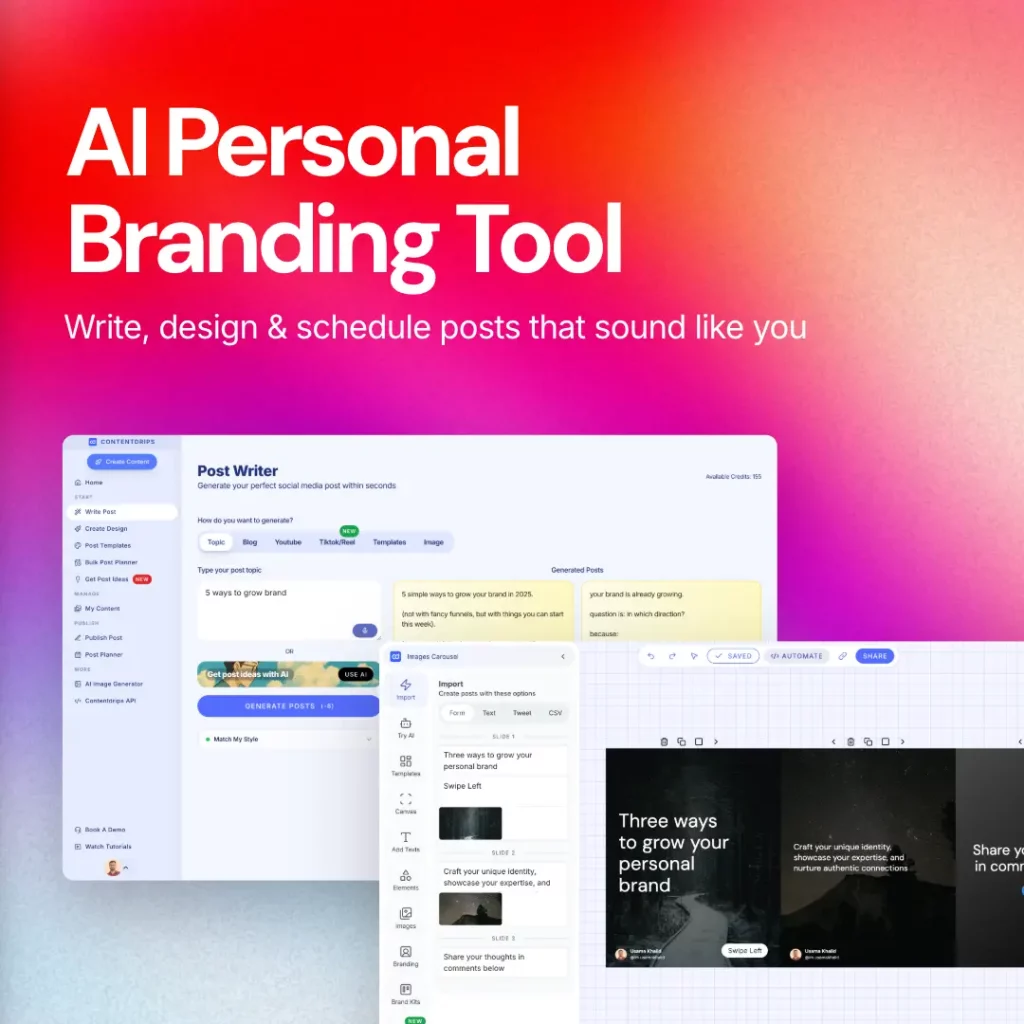
6. Contentdrips: best for repurposing content into carousels and posts
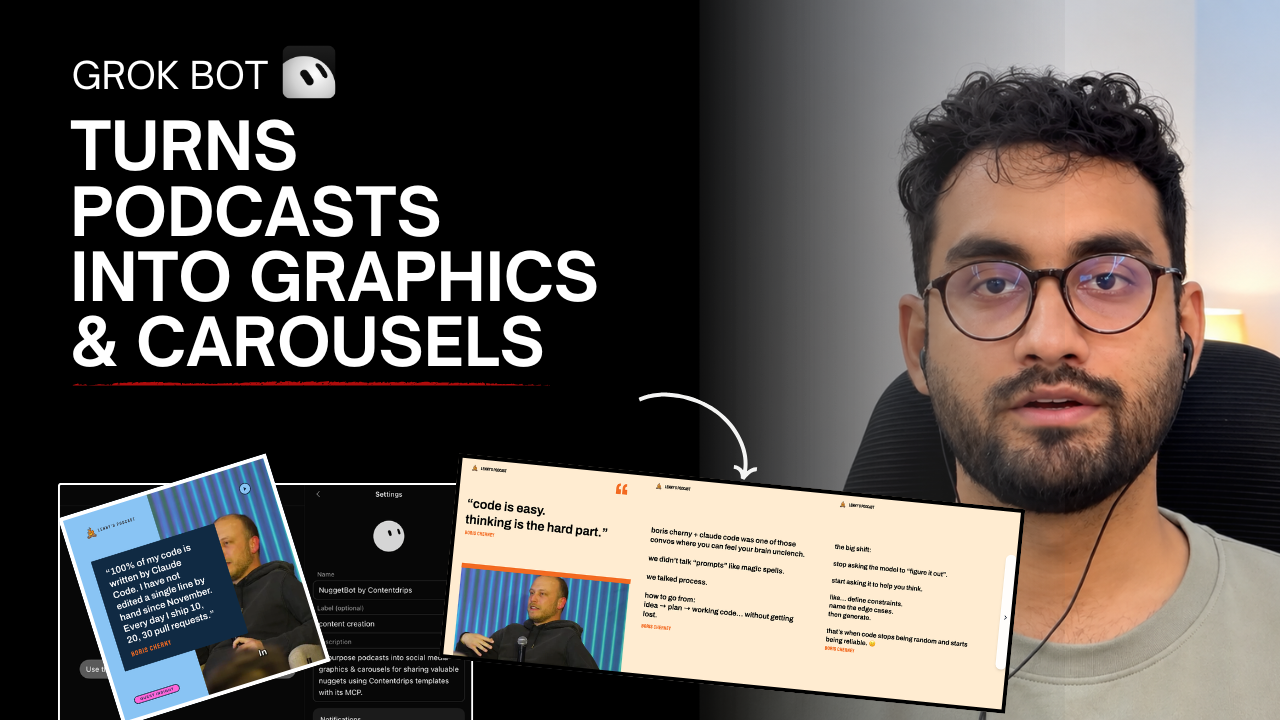
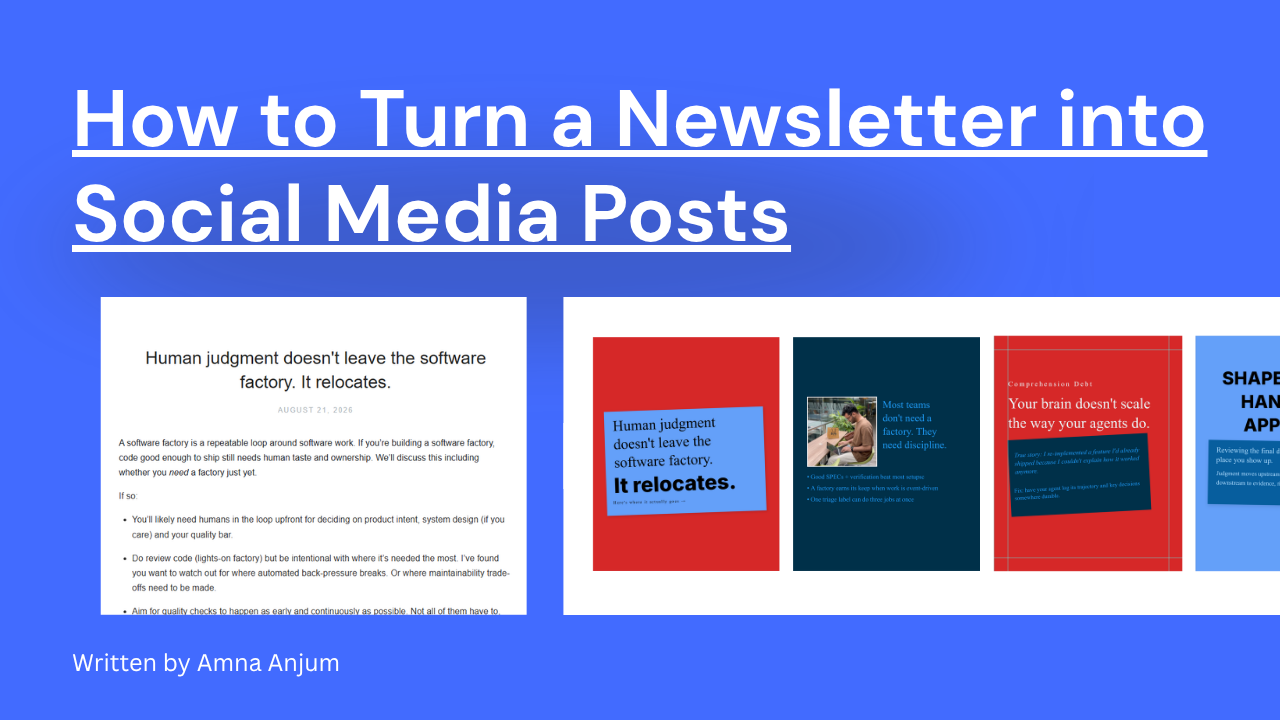
If you want to turn content you already have into posts, Contentdrips is built for that job. Paste a blog post, or a YouTube, TikTok, Reel or Short link, and it repurposes it into a branded carousel, graphic or text post, adapted to the platform you’re publishing to (caption, format and size). CSV-to-carousel handles bulk creation, and you can schedule posts to LinkedIn and Instagram from the same dashboard. Export as a PDF for LinkedIn, PNG for Instagram, or MP4 and GIF for animated posts you can share as Reels, TikToks and other video. Most of the other tools in this list don’t include this kind of repurposing among their features. Starter is $15 a month billed monthly, with up to 20% off on annual billing, and includes 1,500 AI credits a month, 3 brands, 2 collaborators and 2 social channels. You can try it first with a 7-day free trial that includes 50 AI credits. The price is in the same range as Canva Pro, so choose it for the carousel workflow rather than for savings.
- Good for: Creators, consultants and agencies who repurpose blogs and videos into LinkedIn and Instagram content and want to skip building every slide by hand.
- Watch out for: It is not a general design suite. For presentations, print or long-form design, keep using Canva (the Free plan is often enough).
Read the full Contentdrips vs Canva comparison.
Which Canva Pro alternative should you pick?
- Lowest cost: Pixelied Pro ($47 a year) or VistaCreate’s free plan.
- Closest to Canva: Adobe Express.
- A team on a budget: VistaCreate Pro, with up to 10 seats at $10 a month billed annually.
- Simple, fast social graphics: Snappa.
- Already on Microsoft 365: Microsoft Designer.
- Repurposing blogs and videos into LinkedIn and Instagram posts: Contentdrips.
When Canva Pro is still the better choice
Canva is still the strongest pick if you need its scale: 3.6M+ templates, 141M+ premium assets, and tools beyond social graphics such as docs, whiteboards and presentations. Teams that need approvals and shared brand controls should look at Canva Business, which adds 100 Brand Kits and approval workflows. If your needs are light, Canva Free may already be enough.
Frequently asked questions
What is the best Canva alternative for social media posts?
It depends on how much of the workflow you want in one tool. Adobe Express is the closest all-round option and includes a scheduler and an AI caption writer. VistaCreate has the best free plan and team seats. Contentdrips is the one built for turning blogs and videos you already have into LinkedIn and Instagram posts.
What is the best free alternative to Canva Pro?
VistaCreate’s Starter plan is the most complete free option. It includes 100K+ templates, one Brand Kit and 10 GB of storage. Adobe Express Free and Microsoft Designer are also worth trying. Snappa’s free plan is limited to 3 downloads a month, and Contentdrips offers a 7-day trial with 50 AI credits rather than an ongoing free plan.
What is the cheapest alternative to Canva Pro?
Pixelied Pro is the cheapest at $47 a year. Among the better-known tools, VistaCreate Pro and Snappa Pro are both $10 a month billed annually.
How does Adobe Express pricing compare to Canva Pro?
Adobe Express Premium is $9.99 a month billed monthly. Canva Pro is $144 a year billed annually, and guides list it at about $18 a month if you pay monthly.
Is Canva Pro worth it?
It’s worth it if you regularly use the premium library, multiple Brand Kits or the Pro AI tools. If you mostly use templates and basic editing, Canva Free or a cheaper alternative may be enough.
What replaced Crello and Adobe Spark?
Crello became VistaCreate. Adobe Spark became Creative Cloud Express and is now Adobe Express.
How we compared these tools
We checked prices and plan details on each vendor’s pricing page and against current 2026 pricing guides in September 2026. Canva’s pricing page shows the annual price by default, so the monthly Canva Pro figure comes from those guides. Contentdrips is a competitor in this list. Plans change often, so confirm current pricing with each vendor before you buy.
Want to see how all the tools compare against Contentdrips? Browse all our comparisons.