LinkedIn is more crowded and more competitive than it’s ever been, and posting on instinct alone doesn’t cut it anymore. The right AI tools can take you from a blank page to a scheduled, on-brand carousel in minutes, automate the outreach that used to eat your afternoons, and get your face or voice in front of your network without touching a camera or a mic.
We tested and tracked the best AI tools for LinkedIn in 2026, covering content creation, outreach automation, video, engagement, and the biggest names in LinkedIn-specific writing tools, so you can build a stack instead of guessing. Contentdrips leads the list because it’s the only tool here built specifically to turn your ideas into scheduled, on-brand LinkedIn carousels and posts, but every tool below solves a real, specific problem.
At a glance
| # | Tool | Best for | Category |
|---|---|---|---|
| 1 | Contentdrips | Turning ideas into carousels, graphics & scheduled posts | Content creation & scheduling |
| 2 | Jasper | AI copywriting for posts and articles | Writing |
| 3 | Kleo | AI-generated posts, comments & profile copy that sound like you | Content creation & personal branding |
| 4 | Engage AI | AI-generated comments to boost visibility | Engagement |
| 5 | Descript | Editing LinkedIn video/podcast clips like a doc | Video editing |
| 6 | Taplio | All-in-one writing, scheduling & analytics | Content creation & scheduling |
| 7 | AuthoredUp | Distraction-free writing studio with analytics | Writing/formatting |
| 8 | Canva | General-purpose AI design | Design |
| 9 | Grammarly | Mainstream grammar & tone checking | Writing/editing |
1. Contentdrips: Best Overall AI Tool for LinkedIn Content
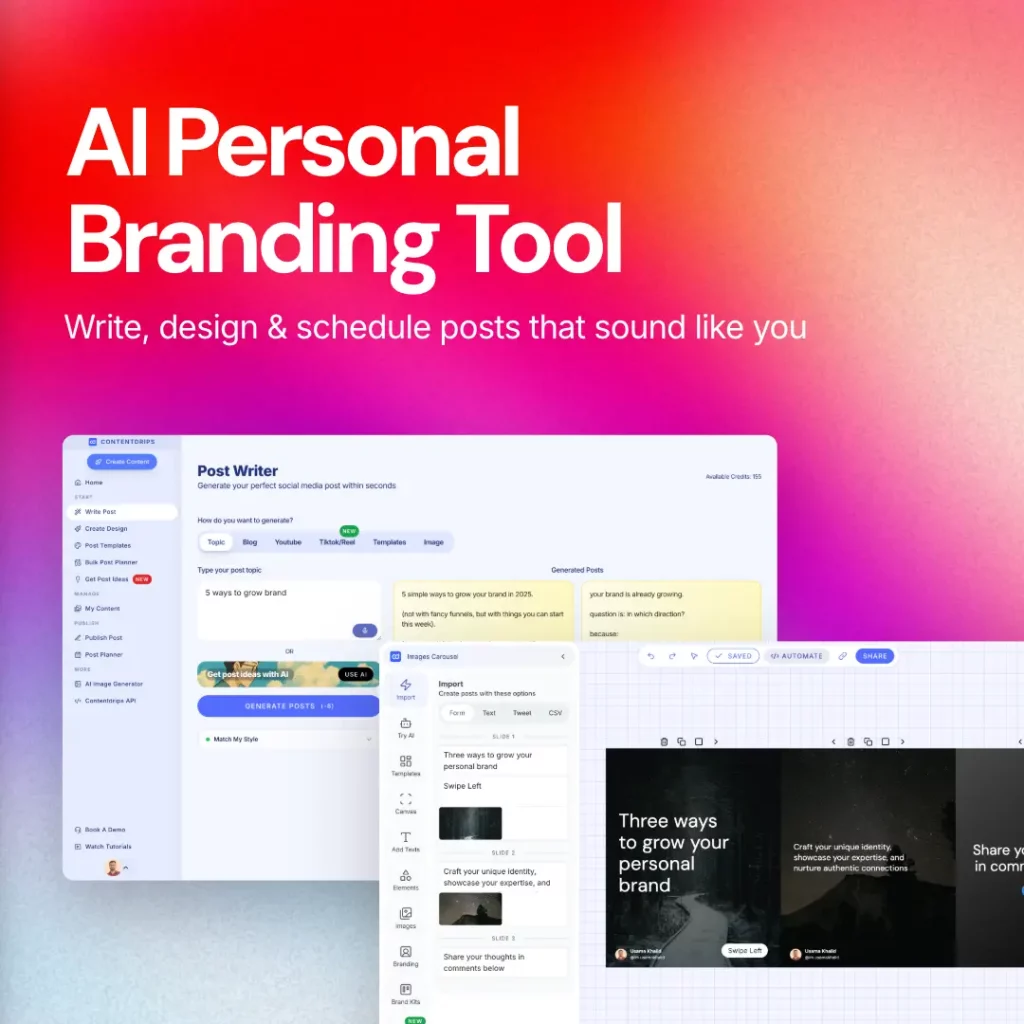
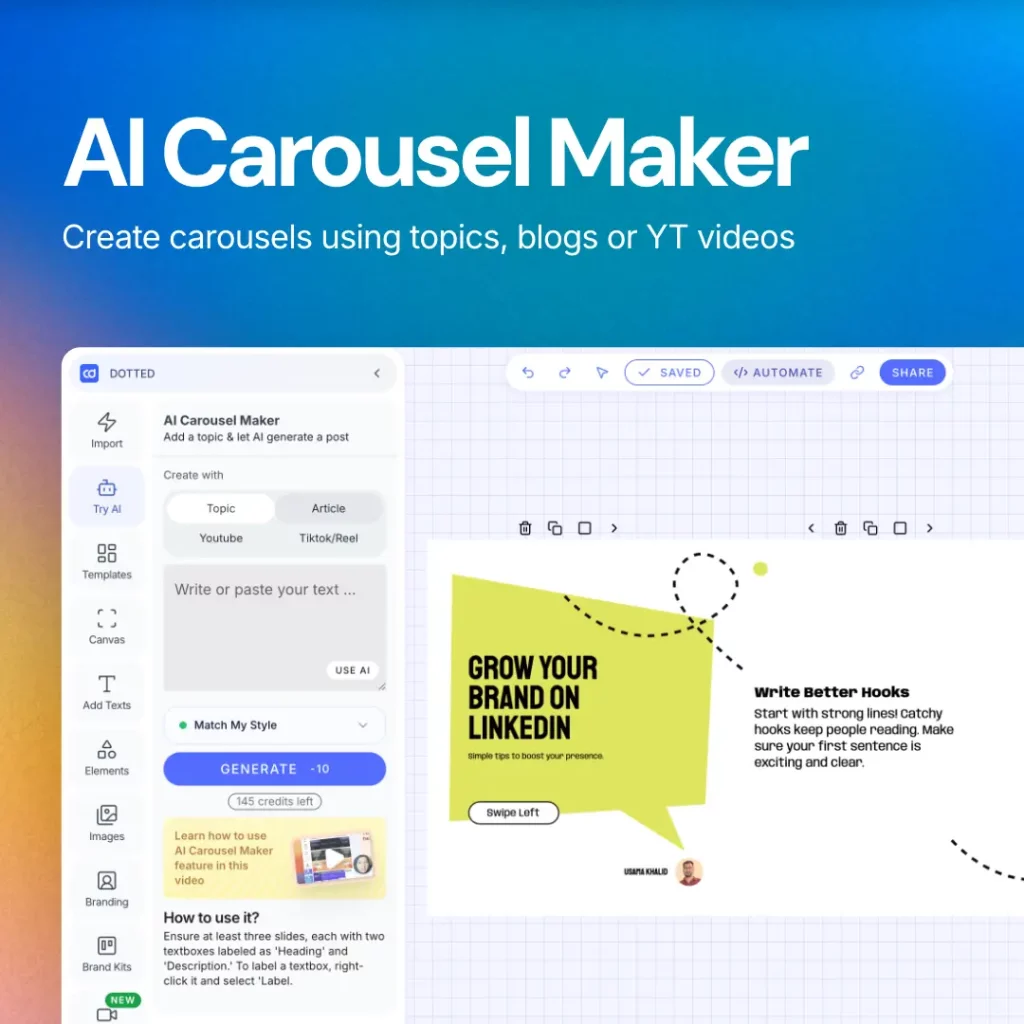
Contentdrips turns a rough idea, an article, a podcast episode, or a newsletter into a polished, on-brand LinkedIn carousel or post in minutes, then lets you schedule it directly to LinkedIn. It’s the only tool on this list built specifically around the full LinkedIn content workflow, from idea to published post, rather than one piece of it.
Key features:
- AI carousel and graphic generator with brand kits (fonts, colors, logo) applied automatically
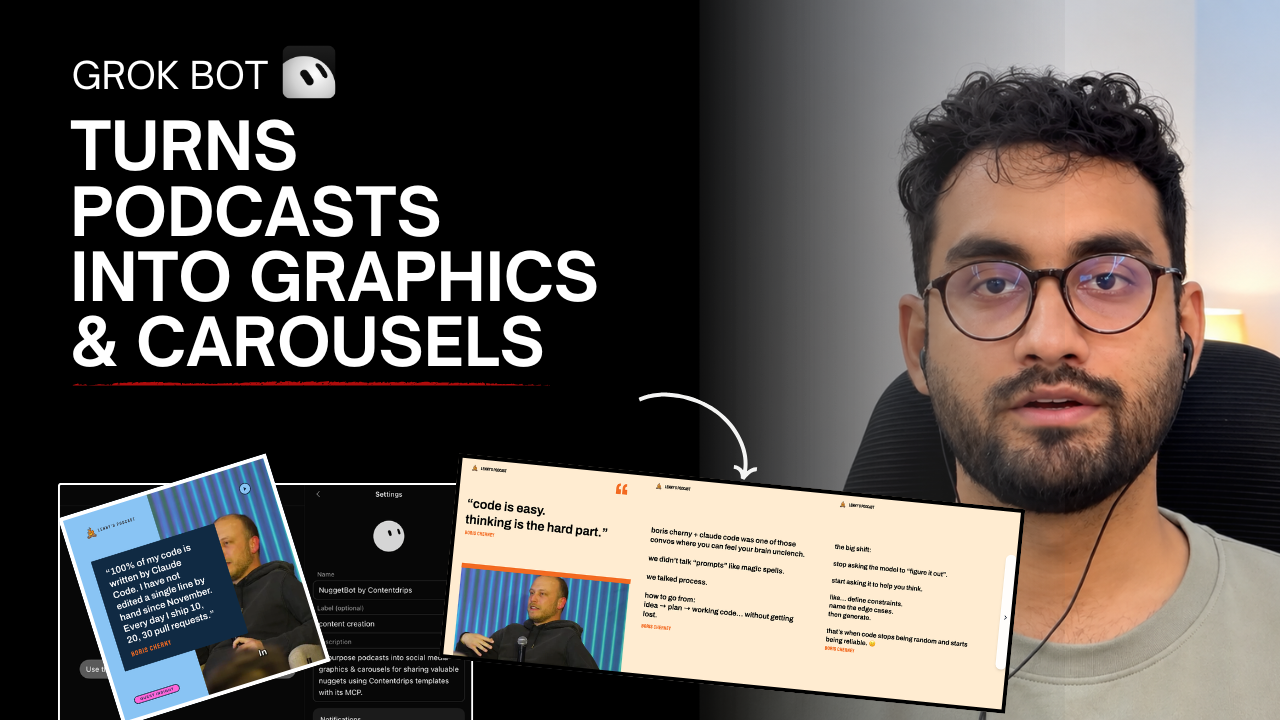
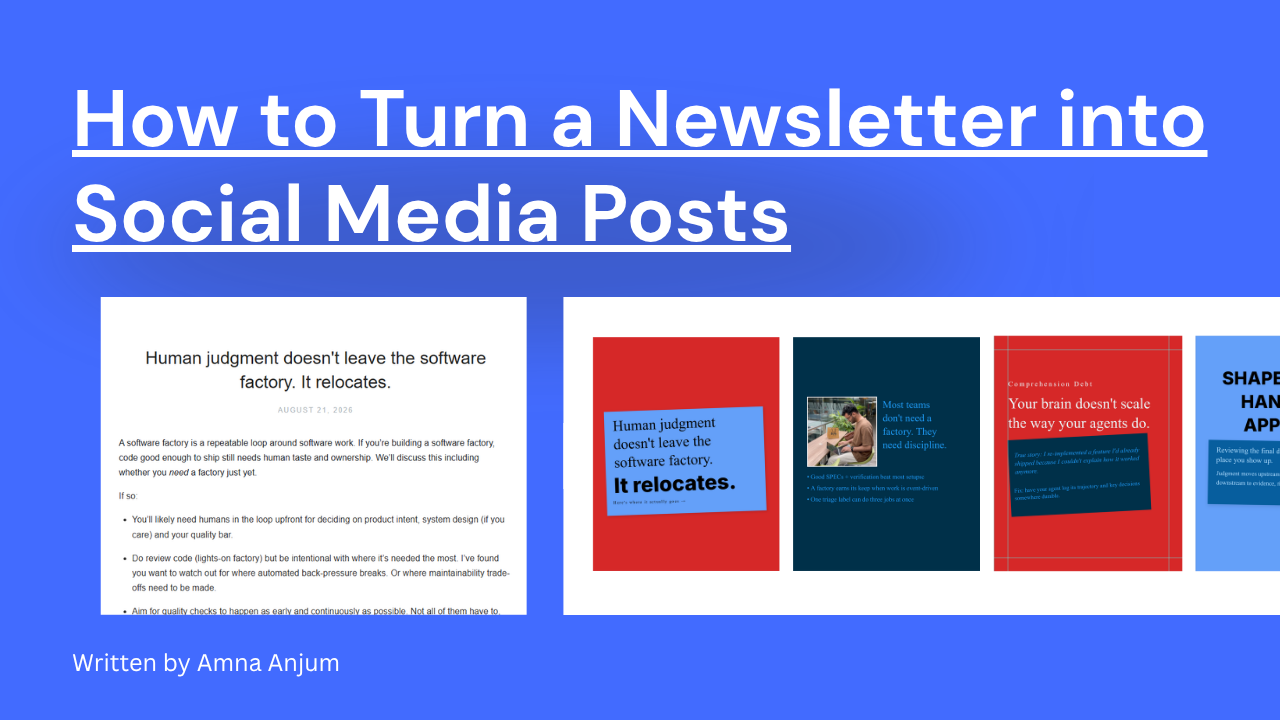
- Repurposes podcasts, newsletters, and long-form content into carousel-ready slides
- Built-in AI writing assistant for hooks, captions, and post copy
- Direct scheduling and publishing to LinkedIn (and other platforms)
- Templates designed specifically for LinkedIn’s format and algorithm
Best for: Creators, founders, and marketers who need a steady stream of scroll-stopping LinkedIn content without hiring a designer or a scheduler.
2. Jasper: Best for AI Copywriting
Jasper is an AI writing assistant that drafts LinkedIn posts, articles, and outreach messages in your brand voice. It’s especially useful when you have a topic but not the words — give it a prompt and a tone, and it produces a full draft to edit rather than a blank page to fill.
Key features:
- Brand voice settings so output sounds consistent across posts
- Long-form article and short-post generation
- Chat assistant for quick rewrites and tailored copy
Best for: Marketers and founders who write LinkedIn content regularly and want a faster first draft.
3. Kleo: Best for AI-Generated Posts in Your Own Voice
Kleo is an all-in-one LinkedIn content system built around a “voice memory” model that learns how you write, then generates new posts, comments, and profile copy that actually sound like you instead of generic AI output. It pairs that with built-in scheduling, analytics, and a library of 400+ post templates.
Key features:
- Voice memory that learns your writing style and tone from your past posts
- 400+ post templates covering common LinkedIn formats and hooks
- Built-in scheduling plus an analytics dashboard to track what’s working
Best for: Consultants, coaches, and founders building a personal brand who want AI-generated posts that still sound like them.
4. Engage AI: Best for AI-Generated Comments & Engagement
Posting isn’t the only way to grow on LinkedIn — showing up in other people’s comment sections consistently is one of the fastest ways to get seen. Engage AI reads a post’s content and generates thoughtful, relevant comment suggestions so you can engage meaningfully without spending your morning scrolling and thinking of replies.
Key features:
- Context-aware comment suggestions based on the post you’re viewing
- Works as a browser extension directly inside LinkedIn’s feed
- Multiple tone/style options per suggestion
Best for: Anyone building visibility through engagement, not just posting.
5. Descript: Best for Editing LinkedIn Video & Podcast Clips
Descript lets you edit video and audio by editing a text transcript — delete a sentence from the transcript and it cuts the matching clip. It also removes filler words and awkward pauses automatically, which makes it fast to turn a raw recording into a clean LinkedIn video.
Key features:
- Edit video/audio like a text document
- Automatic filler-word and silence removal
- Studio-quality voice cleanup
Best for: Anyone posting native video or repurposing podcast clips to LinkedIn.
6. Taplio: All-in-One LinkedIn Growth Platform
Taplio is one of the most recognized names in this space: an all-in-one platform for writing, scheduling, and analyzing LinkedIn content, plus a searchable database of high-performing posts for inspiration. It’s a genuine alternative to piecing together separate writing and scheduling tools.
Key features:
- AI post and carousel generation from prompts, YouTube links, or blog URLs
- Database of 5M+ high-performing posts to study what works
- Scheduling with optimal time-slot suggestions and analytics
Best for: Solo creators who want writing, scheduling, and inspiration in one subscription.
How it compares to Contentdrips: Taplio’s carousel and graphic output is templated and text-first; Contentdrips is purpose-built around visual carousel design with full brand-kit control (fonts, colors, logo applied automatically), which makes it the stronger pick specifically for visually branded content.
7. AuthoredUp: Best for a Distraction-Free Writing Studio
AuthoredUp is a dedicated LinkedIn writing and formatting studio: a clean editor with hook and CTA templates, a readability grader, and post analytics, built with a deliberately zero-automation, privacy-first approach.
Key features:
- Rich-text editor with 150+ hooks and 100+ CTA templates
- Readability grading and analytics dashboard (impressions, engagement, best times to post)
- No automation of any kind — positioned as the safer, GDPR-compliant option
Best for: Writers who want a focused drafting and analytics tool without carousel design or scheduling automation built in.
8. Canva: Best General-Purpose AI Design Tool
Canva needs no introduction: its AI features (Magic Design, Magic Write, background removal) make it a familiar, flexible option for LinkedIn graphics when you want full manual control over a design rather than a purpose-built LinkedIn template.
Key features:
- Magic Design generates layout options from a prompt or existing brand assets
- Massive template and stock asset library, including LinkedIn-sized presets
- Familiar drag-and-drop editor most teams already know
Best for: Teams that already live in Canva and want LinkedIn graphics without adopting a new tool.
9. Grammarly: Best Mainstream Grammar & Writing Assistant
Grammarly is the most widely-used writing assistant on the market, and its AI features now go beyond grammar into tone detection, clarity suggestions, and full-sentence rewrites — useful as a final pass on any LinkedIn post before you publish.
Key features:
- Real-time grammar, spelling, and clarity checks everywhere you type, including LinkedIn’s own editor
- Tone detector that flags how a post is likely to read
- Generative AI rewrite and shorten/lengthen suggestions
Best for: A last-pass grammar and tone check on any post, regardless of what wrote the first draft.
FAQ
What is the best AI tool for LinkedIn in 2026? Contentdrips is the strongest overall pick for content creation, since it covers idea-to-carousel-to-scheduled-post in one workflow. For a full stack, pair it with Jasper for copy, Engage AI for engagement, and Kleo for on-brand post generation in your own voice.
Can ChatGPT write LinkedIn posts? Yes, ChatGPT can draft LinkedIn post copy from a prompt, but it doesn’t design carousels, schedule posts, or manage engagement. Most creators use it (or a purpose-built writer like Jasper) for a first draft, then move into a tool like Contentdrips to turn that draft into a published, on-brand post.
Is there a free AI tool for generating LinkedIn posts? Several tools on this list, including Contentdrips, offer a free plan or free trial that covers basic post and carousel generation. Check current pricing pages, as free-tier limits change.
How do I automate LinkedIn content creation? Use a content tool (Contentdrips) to batch-create and schedule posts in advance, a writing tool (Jasper) to speed up drafting, and an engagement tool (Engage AI) to keep showing up in comments without doing it manually every day.
Are LinkedIn automation tools against LinkedIn’s terms of service? Outreach-automation tools (browser extensions that auto-send connection requests and messages) operate in a gray area under LinkedIn’s terms of service and carry some account risk if used aggressively. None of the tools on this list automate actions on your LinkedIn account, so the content, writing, and design tools here carry no such risk.