A LinkedIn content strategy is a repeatable system: a small set of content pillars, a format for each one, and a schedule you actually follow. Without it, posting depends on inspiration, and inspiration is unreliable.
This guide covers five steps: pick your pillars, match each to a format, build a weekly calendar, batch and schedule the work, and refresh ideas from what already performs. It ends with a full 30-day content plan you can copy directly.
Step 1: Choose Your Content Pillars
A content pillar is a recurring theme you post about, so your audience learns what to expect from you. Three or four pillars are enough. More than that, and nothing repeats often enough to register.
Starting pillars by role:
If you are a founder or solopreneur:
- Behind-the-scenes of building your product or business
- Lessons learned, including the expensive ones
- Opinions on your industry that you are willing to defend
- Customer stories and wins
If you are a consultant, coach, or freelancer:
- Frameworks and how-tos from your actual work
- Case studies with real numbers
- Myths or bad advice you see in your field
- Personal story and how you got here
If you are a marketer or content creator:
- Original data or experiments you have run
- Tools and workflows you actually use
- Commentary on trends in your niche
- Community engagement, replies, and curated finds
Write your pillars down. Every planning session becomes choosing a pillar and a format, not staring at a blank page.
Step 2: Match Each Pillar to the Right Format
Format follows pillar. Match each pillar to the format and tool that fits it.
Text posts work best for opinions and short stories. Formatting, line breaks, bold, a strong two-line hook, affects whether people stop scrolling. Contentdrips’ LinkedIn text formatter adds the bold, italic, and spacing LinkedIn’s native editor does not support.
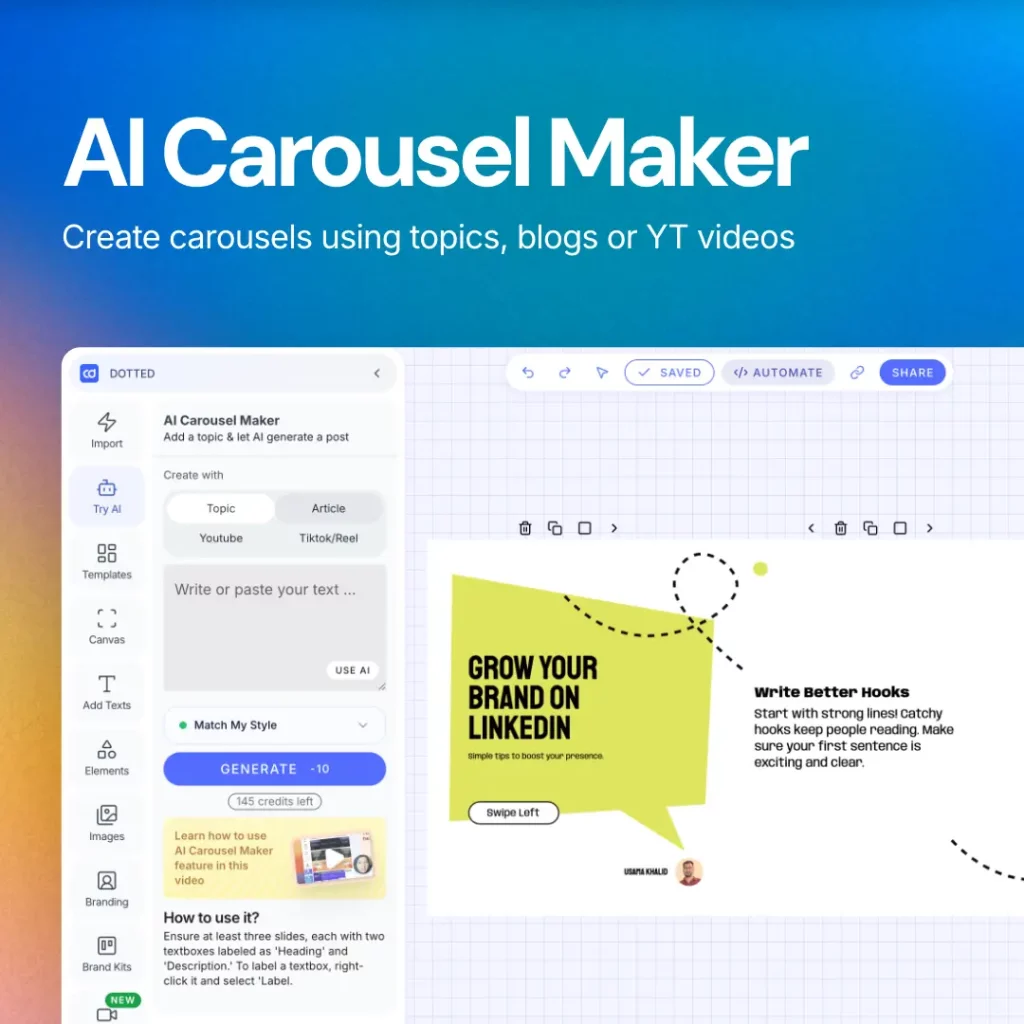
Carousels work best for frameworks and how-tos, breaking an idea into slides people swipe through. Contentdrips’ AI carousel generator turns an idea or outline into a branded carousel in minutes. For a design head start, use the ready-made LinkedIn carousel templates.
LinkedIn documents (PDFs) suit case studies and frameworks too detailed for a carousel and too long for a text post.
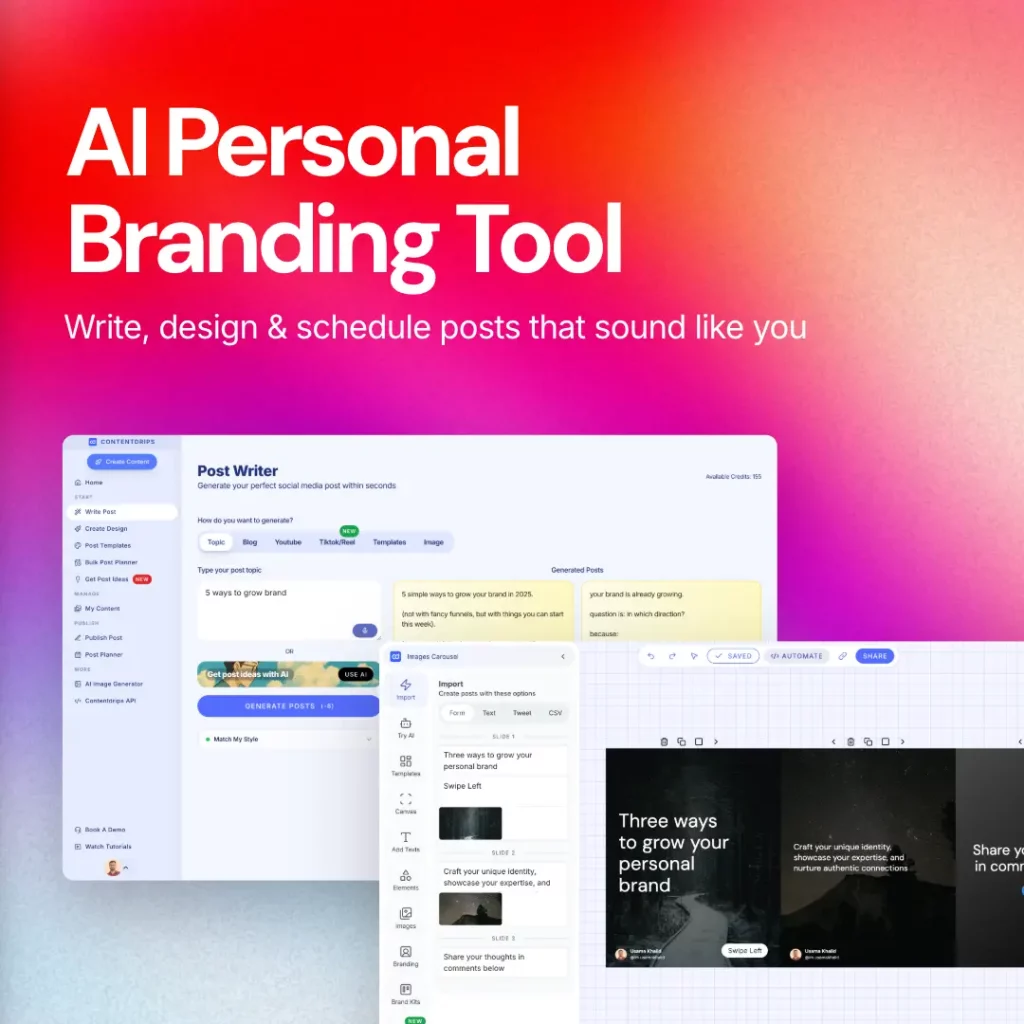
Profile and branding assets need to match the content. Contentdrips’ LinkedIn banner maker, or the ready-made banner templates, sizes your cover image correctly. The LinkedIn profile generator turns a vague headline into one that reflects your pillars.
Hashtags extend reach beyond your existing network. Contentdrips’ LinkedIn hashtag generator suggests tags based on your post content instead of guesswork.
Step 3: Build Your Weekly Content Calendar
Once pillars and formats are set, the calendar is a rotation, not a daily decision. Three to four posts a week is sustainable; more, and quality usually drops.
Example calendar, swap in your own pillars:
| Day | Pillar | Format | Why this slot |
|---|---|---|---|
| Monday | Opinion or industry commentary | Text post | Monday feeds are active and people engage with strong opinions early in the week |
| Tuesday | Framework or how-to | Carousel | Carousels take longer to make, so pair your highest-effort format with a high-traffic day |
| Wednesday | Engagement, comment on others’ posts | No post, just replies | Growth is not only publishing, midweek is a good day to show up in other people’s comments |
| Thursday | Case study or lesson learned | LinkedIn document or long text post | Deeper content performs well once people are past the Monday scroll-and-skim mode |
| Friday | Behind-the-scenes or personal story | Text post or short carousel | Friday audiences respond better to lighter, more personal content |
Adjust the days and pillars, but keep the rotation. Knowing Tuesday is a carousel day removes the decision entirely.
Step 4: Batch, Schedule, and Actually Ship It
Batching, not daily creation, keeps a calendar alive. Creating content the same day you post it is where most plans fail.
Batch once a week: create everything on that week’s calendar in one sitting.
Three things make batching sustainable:
- Reuse slide templates across carousels instead of redesigning each one
- Get carousel sizing right the first time. See the LinkedIn carousel size guide so slides do not cut off on mobile
- Schedule every post before ending the session. A draft still needs remembering; a scheduled post ships itself
One weekly batching session is the difference between a plan that survives a busy month and one that quietly stops.
Step 5: Study What Already Works Before You Run Out of Ideas
Pillars run dry sometimes. When they do, pull from an existing list instead of waiting for inspiration.
Where to look:
- 99 LinkedIn post ideas: a scannable list for any pillar
- 7 LinkedIn post ideas for the 7 days of the week: a weekly, not monthly, planning format
- LinkedIn post ideas for entrepreneurs: targeted at founder and business content
- The post types that go viral on LinkedIn, with examples: the patterns behind what takes off
- LinkedIn personal branding experts to follow: what to learn from each one, not just who they are
- 10 steps to building a personal brand: the level above this guide, for defining what your brand stands for
A Sample 30-Day LinkedIn Content Plan
A 30-day example using a consultant’s pillars (frameworks, case studies, myths, personal story) at three posts a week. Swap in your own pillar topics.
| Week | Pillar | Format | Post Idea |
|---|---|---|---|
| 1 | Personal story | Text post | Why you started doing this work, the honest version, not the polished bio version |
| 1 | Framework | Carousel | The 3-step process you use with every client, turned into a swipeable breakdown |
| 1 | Myth-busting | Text post | One piece of bad advice you constantly hear in your field, and why it is wrong |
| 2 | Case study | LinkedIn document | A real client result, with numbers, structured as a short before-and-after story |
| 2 | Framework | Carousel | A common mistake and the fix, from your actual client work |
| 2 | Personal story | Text post | A time you were wrong about something in your field and what changed your mind |
| 3 | Myth-busting | Text post | A trend everyone is excited about that you think is overrated, and why |
| 3 | Case study | Carousel | Turn a second client result into a visual before-and-after |
| 3 | Framework | Text post | A simple rule of thumb you give clients, explained in plain language |
| 4 | Personal story | Carousel | The turning point in your career, told as a short visual story |
| 4 | Myth-busting | LinkedIn document | A longer, more detailed takedown of a bad practice in your industry |
| 4 | Framework | Carousel | Revisit your most popular post from the month with a deeper follow-up |
Each pillar repeats through the month without repeating format back to back, and heavier formats (carousels, documents) are spread out, not batched into one week.
Common Mistakes That Kill a Content Plan
Five reasons a plan fails in practice:
Chasing growth hacks over consistency. A posting-time trick or hashtag strategy cannot replace consistent, pillar-based posting. Use tactical growth advice as an addition, not a substitute.
Too many pillars. Seven or eight pillars means nothing repeats often enough to register. Three or four, repeated, beats eight used once a month.
An unsustainable cadence. Three carousels a week looks good on a calendar and collapses the first busy week. Plan for the cadence you can actually batch.
No system for capturing ideas. Good ideas arrive outside batching sessions. One running note turns a session into picking from a list, not generating from nothing.
Not reviewing performance. A content plan should update itself. If a pillar or format consistently outperforms, lean into it before planning the next month.
FAQ
What is a LinkedIn content strategy? A repeatable system built on a few content pillars, a format for each, and a posting schedule, replacing random posting with structure.
How do I make a LinkedIn content calendar? Pick three or four content pillars, assign each a format, lay out three to four weekly posting slots, rotate pillars through them, batch creation weekly, and schedule every post in advance.
How many times a week should I post on LinkedIn? Three to four times a week. Daily posting often lowers quality or collapses within a month; consistency over time beats raw frequency.
What should I post about on LinkedIn if I run out of ideas? Return to your content pillars first. If you need fresh ideas beyond them, 99 LinkedIn post ideas or the post types that tend to go viral can unstick a single week without abandoning the plan.
Turn This Plan Into Posts, Not Just a Document
The plan above solves what to say and when. The remaining friction is production time: design, formatting, sizing.
Contentdrips is built to remove that friction from the exact steps in this guide, from turning an idea into a branded carousel in minutes to formatting a text post properly the first time. If Step 4’s batching session is the part of this plan you are most likely to skip, that is the part worth automating first.