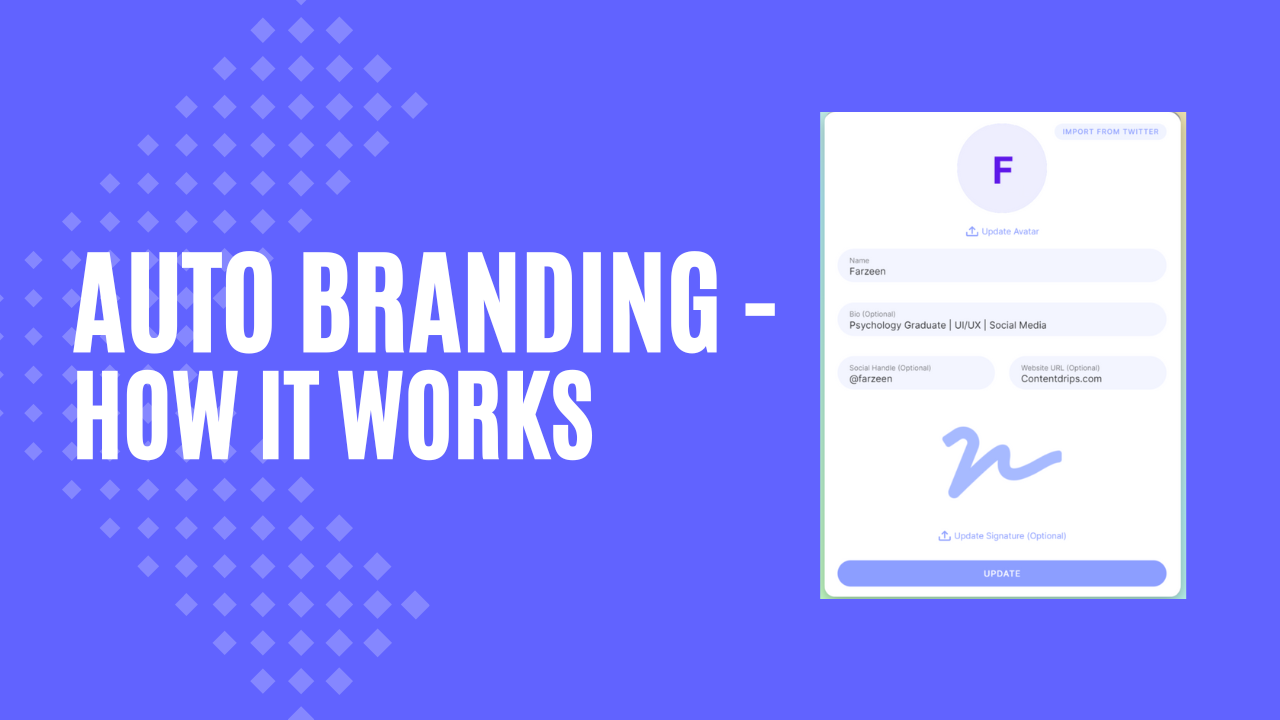
Contentdrips offers an exclusive Auto branding feature, Which automatically brands your content for you.
You don’t have to edit and add your information every time you create a new post, Contentdrips will do it for you.
Here’s how it works:
Setting up your profile:
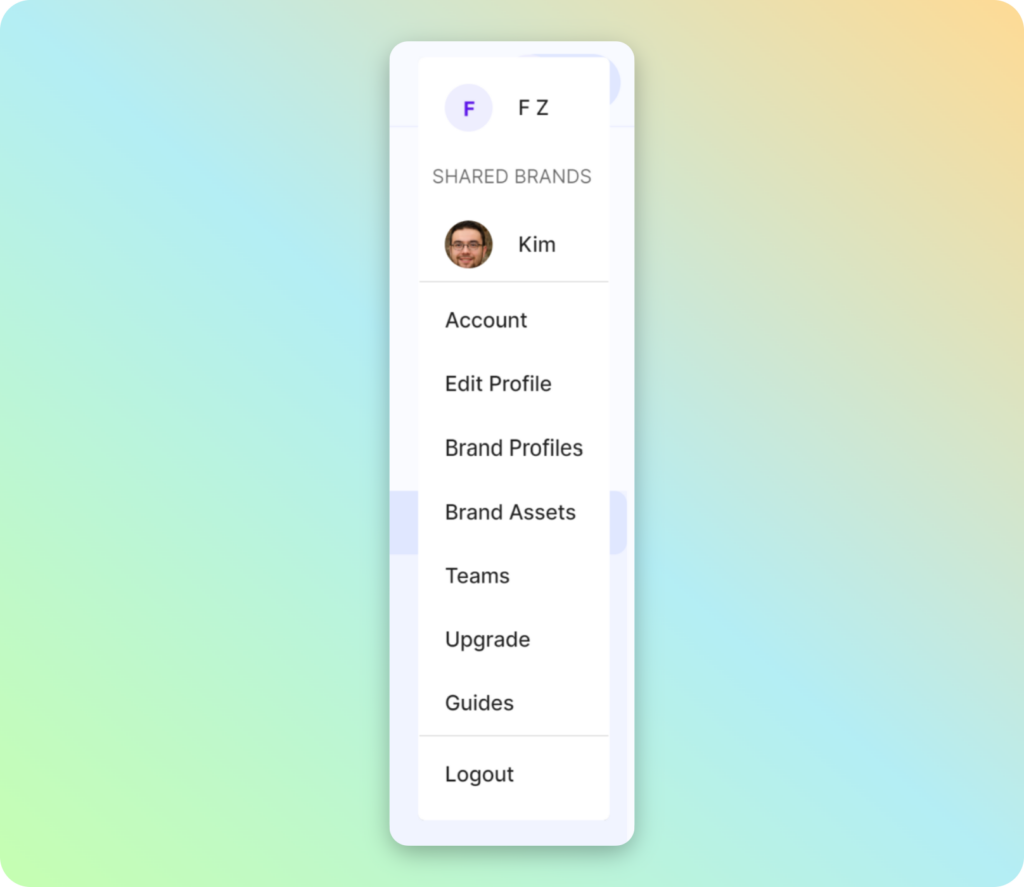
After you log in to Contentdrips click on your avatar on the top left corner of the screen and from the drop down select ‘Edit profile’.
It will open a pop-up and Here you can add and update your avatar, your name, bio, social media handle, Website URL and even add a signature.
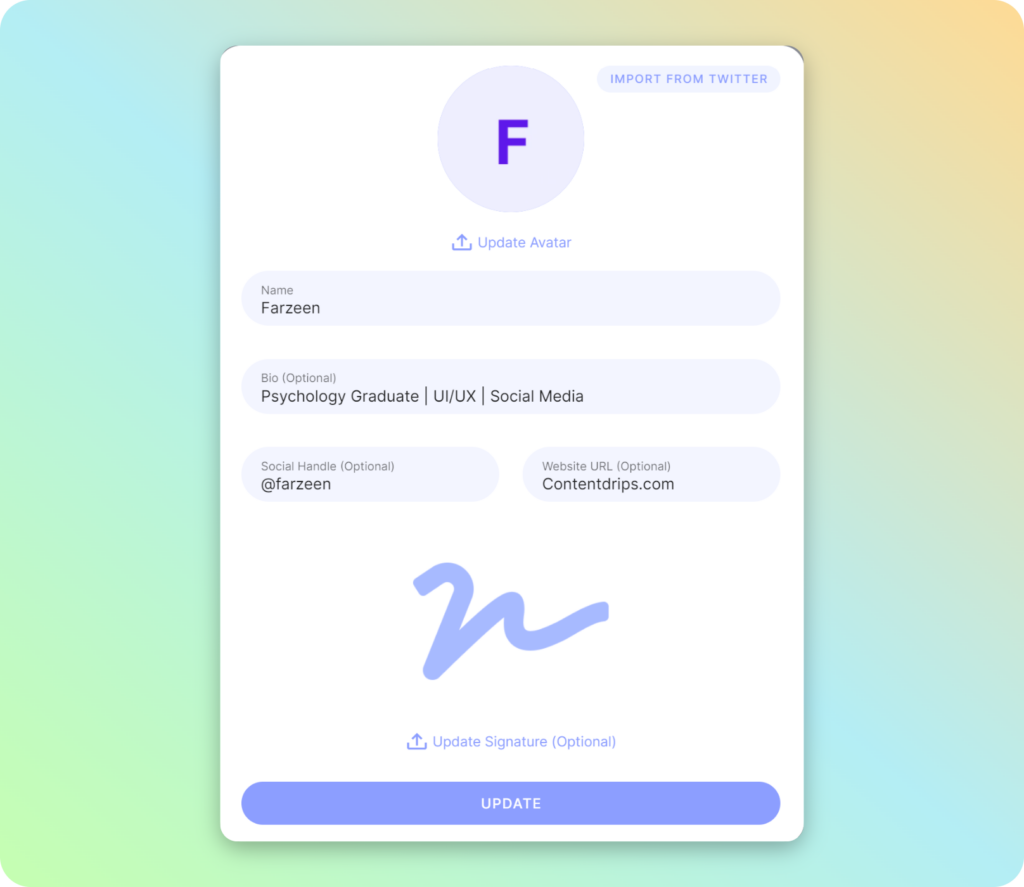
That’s it, your profile is done.
See your design:
Now, head to the templates page, select a template of your choice or start from scratch.
You will see that your branding will be automatically applied to your new design. no clicking needed.
Updating:
And If you ever want to update or change any of your information, just go back to that same ‘Edit profile’ pop-up from the down by clicking on your avatar at the top left corner of the screen.
Enjoy your design, edit it to your liking and Happy posting!