New Launch: AI Social Media Post Generator –Try for Free➜

Free AI Infographic Maker

The free AI Infographic Maker. Describe what you want and get a fully designed infographic instantly. No design skills required. No sign-up required.

How to use this Free AI Infographic Maker?

Describe your Infographic

Type what you want in plain text. Works with any topic, data, or idea.

AI designs it instantly

The free AI Infographic Maker generates a fully designed visual: layout, typography, colors, and content included.

Edit and download

Hit copy, paste into LinkedIn. Fine-tune any element manually on the canvas, then copy or download your infographic.g carries over automatically.

Tips & best practices

Use the Free AI Infographic Maker to turn raw data into visuals

Paste your numbers or stats directly into the prompt. The free AI Infographic Maker will generate bar charts, pie charts, or line graphs automatically. No spreadsheet tools needed.

Be specific in your prompt for better results

Instead of “make an infographic,” try “event invitation with date and venue” or “B2B sales stats with a light blue background.” The more detail you give the free AI Infographic Maker, the closer the first result will be to what you need.

Use the branding toggle to stay on-brand

Enable the Use Branding option so the free AI Infographic Maker applies your saved fonts, colors, and styles automatically to every design it generates.

Iterate through conversation, not clicks

After your first design, keep refining by chatting. Tell the free AI Infographic Maker “change the background to dark blue” or “make the text more professional”. Changes apply instantly without starting over.

Manually Edit After Generating

Everything the free AI Infographic Maker creates is fully editable on the canvas. Adjust text, swap colors, reposition elements. You have full creative control after generation.

Go beyond free tools

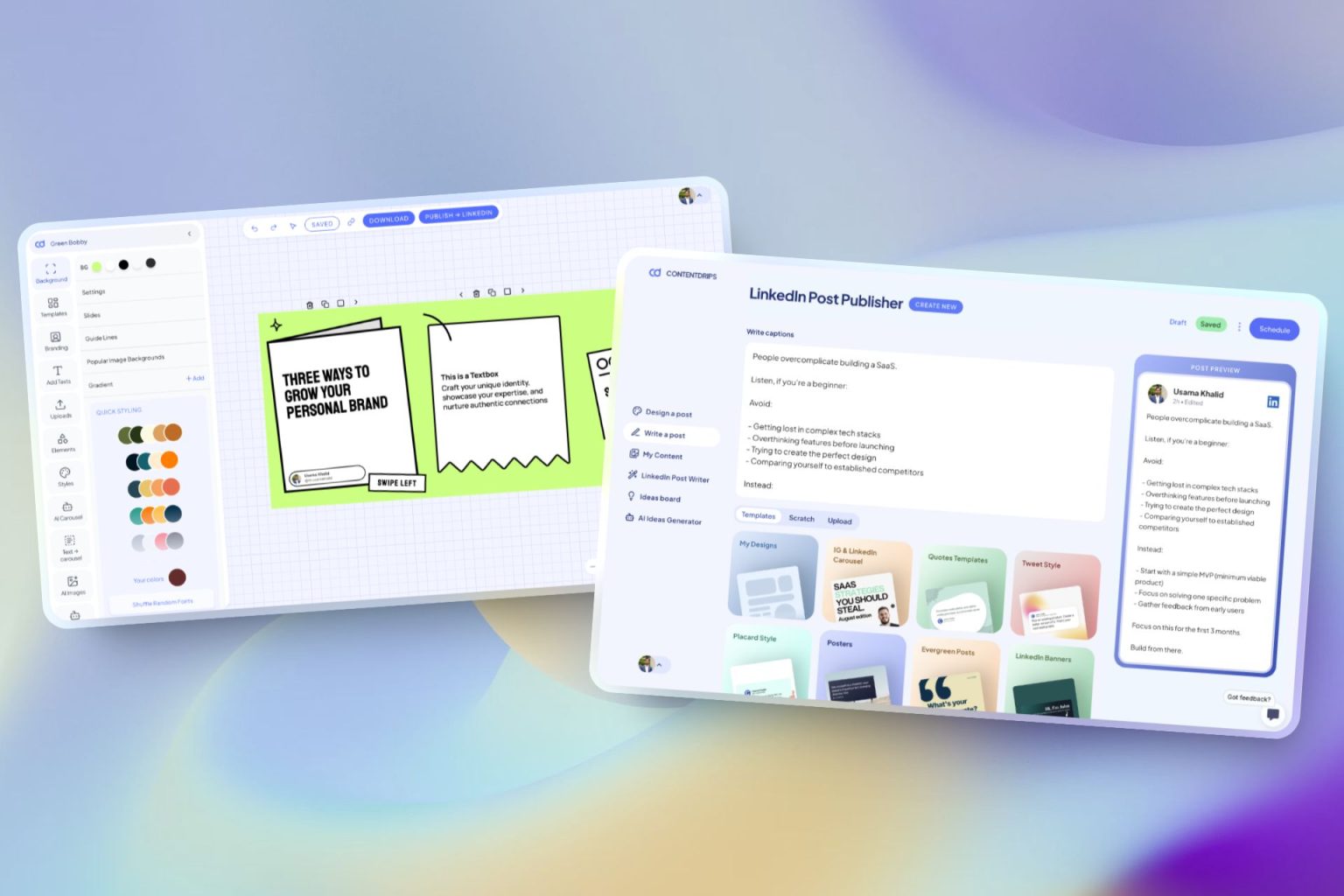
The complete AI LinkedIn tool

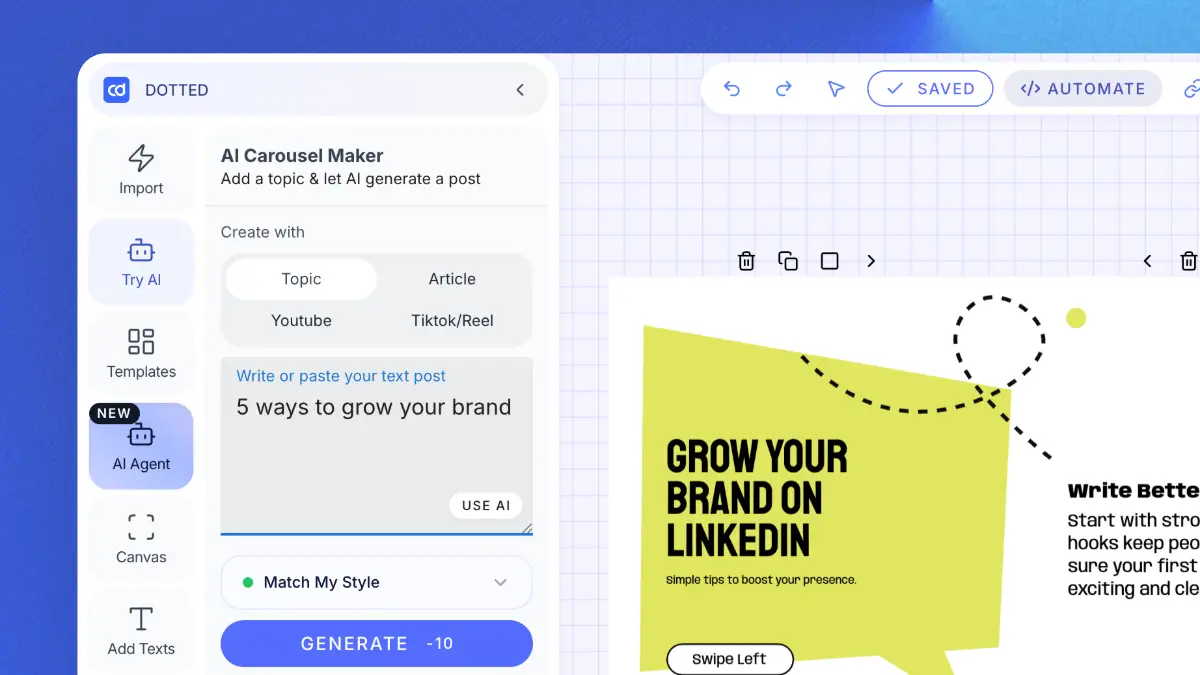
ContentDrips lets you create branded carousels, graphics, and posts with AI, not just formatted text. Turn any idea into a scroll-stopping visual.

Repurpose Anything

Enter a topic, text, or URL (blog, YouTube, TikTok) → get carousels & posts.

AI Text Post Writer

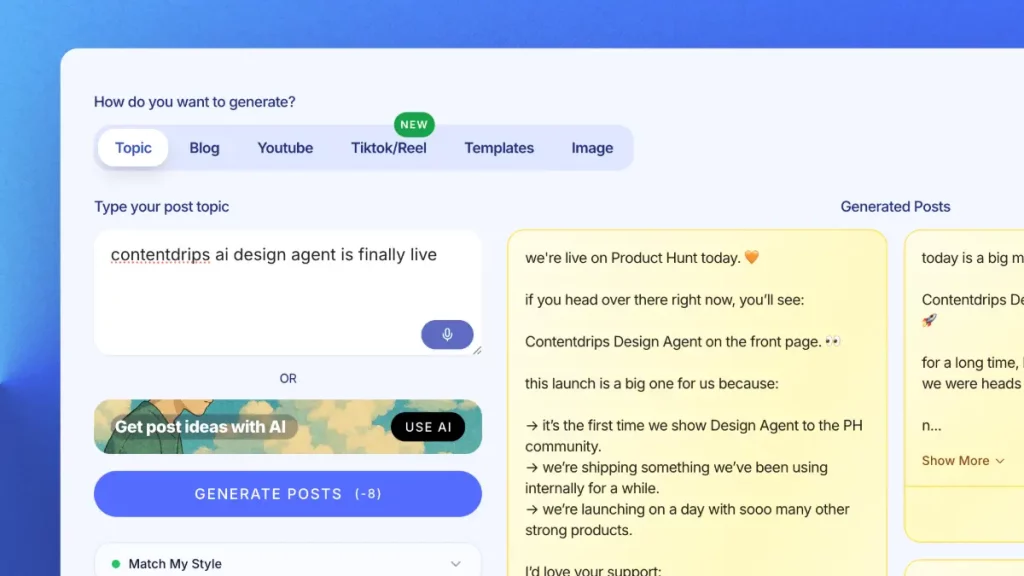
Create LinkedIn & Instagram posts with templates or let AI do it.

Bulk Generation

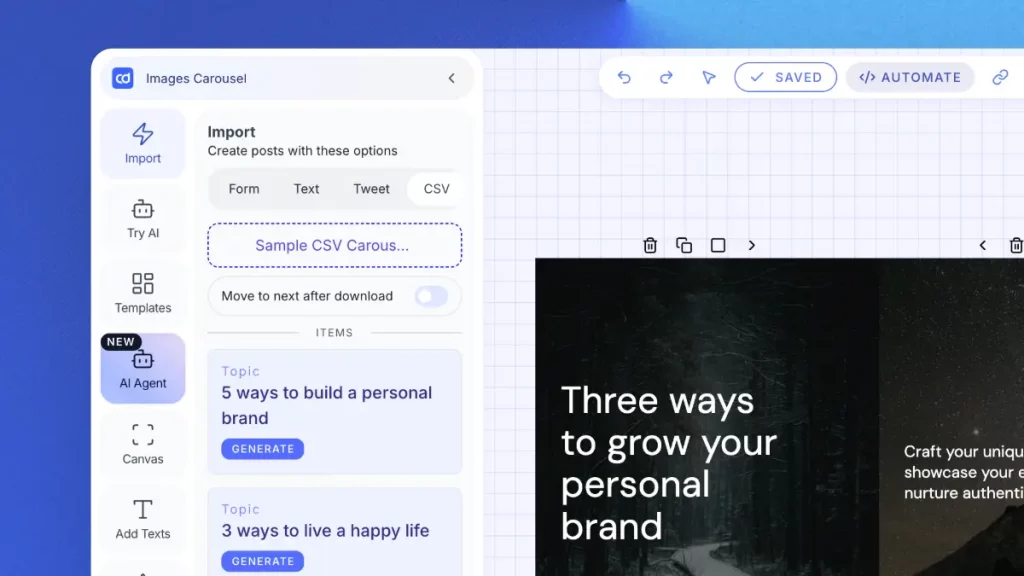
Upload a CSV → generate hundreds of carousels/graphics. Built for agencies.

AI Ideas Generator

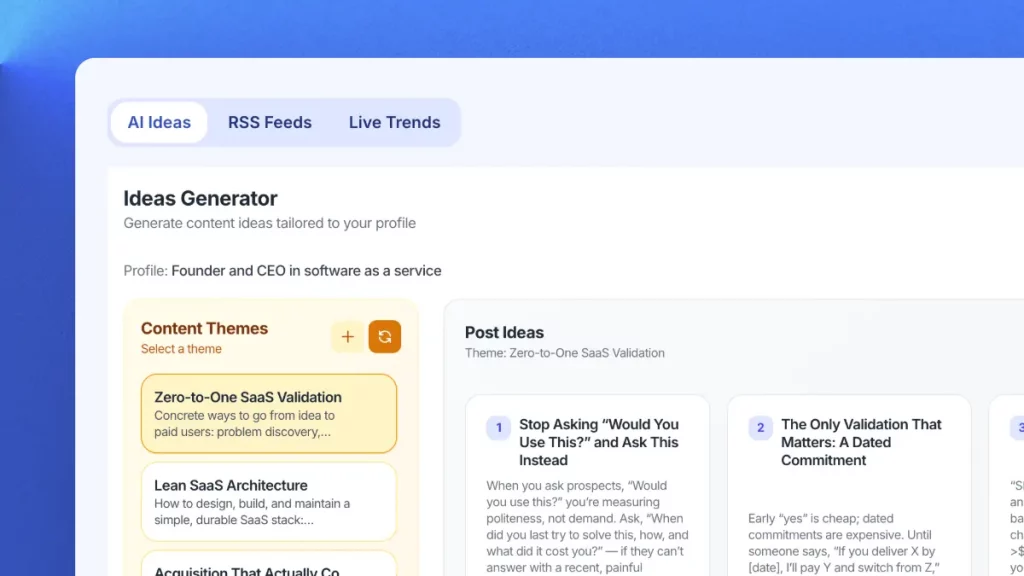
Get daily niche content ideas → turn any idea into a post instantly.

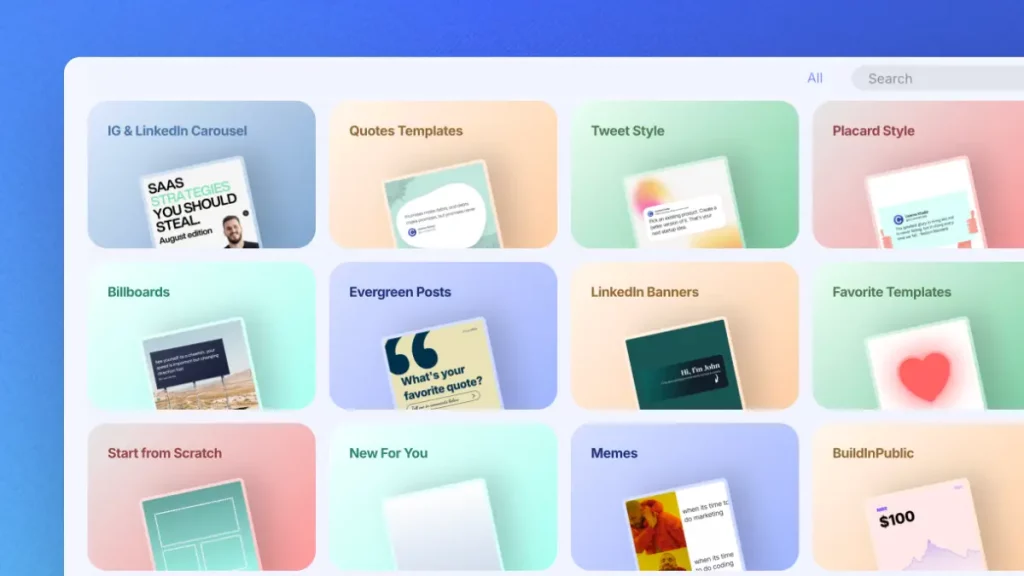
Professional Templates

Professional templates for carousels, quotes & posts. Fully brandable.

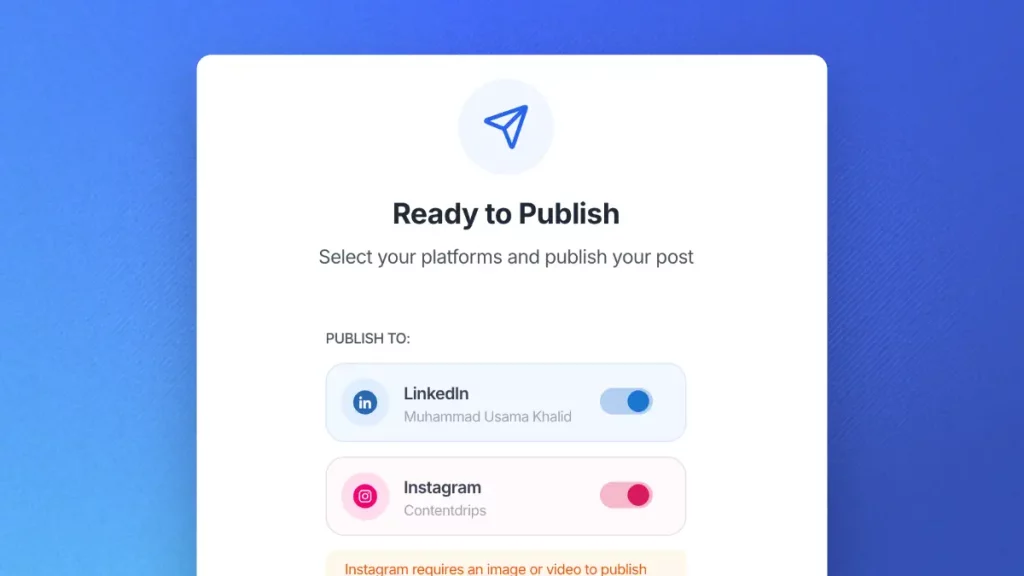
Publish Everywhere

Schedule and publish to LinkedIn & Instagram. No switching tools.

Try Contentdrips for full LinkedIn content power.

Join Contentdrips for AI Post Writer, Carousel Maker, and scheduling. Make and share posts faster!

Frequently Asked Questions about the Free AI Infographic Maker

No. The free AI Infographic Maker is built for anyone. Just describe what you want in plain text and the AI handles the layout, typography, colors, and content for you.

Each infographic generation costs 25 credits. You can keep refining your design through conversation at the same rate per edit.

Yes. Every design generated by the free AI Infographic Maker is fully editable on the Contentdrips canvas. You can adjust text, colors, layout, images, and more — just like any other canvas design.

Absolutely. Unicode text works on Twitter/X, Instagram bios, Facebook posts, YouTube descriptions, TikTok bios, and most platforms that accept text input. It’s not LinkedIn-specific.

Yes. Simply enable the Use Branding toggle and the free AI Infographic Maker will automatically apply your saved brand kit — including your fonts, colors, and styles — to every design it generates.

Yes. Contentdrips supports team workspaces where multiple members can collaborate on content. You can invite team members, share designs, and build infographics together as part of a full content workflow.

The free AI Infographic Maker supports a wide range of formats including data visualization posts, event invitations, quote posts, Twitter/X-style statement posts, listicles, and more.

Yes. You can paste raw data directly into your prompt and the free AI Infographic Maker will generate bar charts, pie charts, line graphs, and other data visualization designs automatically.

Genuinely free, no catch. We built this as a helpful utility for LinkedIn creators. If you want to go beyond text formatting and create visual carousels, graphics, and branded content, that’s where ContentDrips (our main product) comes in.

Absolutely. Designs are built natively for social media — optimized for LinkedIn, Instagram, and other platforms. You can publish directly from Contentdrips once your infographic is ready.

Yes. The free AI Infographic Maker works conversationally — after the first design is generated, simply type your changes (e.g., “make the background light blue”) and the AI applies them instantly without starting over.

The free AI Infographic Maker is one feature within the Contentdrips platform. Contentdrips also includes an AI post writer, bulk scheduling, carousel maker, brand kit, content calendar, ideas board, and publishing tools for LinkedIn and Instagram — making it a complete content creation platform.

A Complete Tool For Your LinkedIn Personal Brand

The AI content generator that writes, designs, and publishes for you. No credit card required.