New Launch: Contentdrips MCP –Try for Free➜

Blog to Instagram Carousel Converter

The free blog to Instagram carousel converter. Paste a link, get a swipeable carousel with your best headlines, points, and quotes. No sign-up required.

Hundreds of Templates · 100% Free 

🔖 Bookmark this tool. Tip: press Ctrl+D (Windows) or Cmd+D (Mac) to save this page to your browser bookmarks.
Please enter a valid blog URL

Get the Caption Too in Contentdrips

Most free converters stop at the slides. Contentdrips generates a matching Instagram caption in the same step, pulled from your blog post, same tone, automatically.

The caption matches your slides’ content and tone Nothing about the carousel and caption feels disconnected.

The caption is ready to paste It includes a hook, body copy, and hashtag suggestions, formatted for how captions get read.


One click generates both assets No separate tool or prompt: the carousel and caption come from the same generation.


Need more than one carousel from this blog?

Contentdrips writes, designs, and schedules Instagram content with AI.


1. Repurpose one blog post into every format you need
Turn the same URL into a carousel, a quote graphic, and a caption, all from one paste. No blank page, just a starting link.


2. One AI pass, multiple post formats
Generate a carousel, a single quote graphic, or a written caption from the same blog input. This AI Instagram post generator covers every format.


3. Branded templates, not generic AI layouts
100+ templates turn the extracted content into a polished Instagram carousel, fully brandable, never looking auto-generated.


4. Bulk content generation for agencies
Upload a CSV of blog URLs, generate hundreds of carousels at once. Built for agencies managing multiple client accounts.


5. Create, schedule, and publish in one place
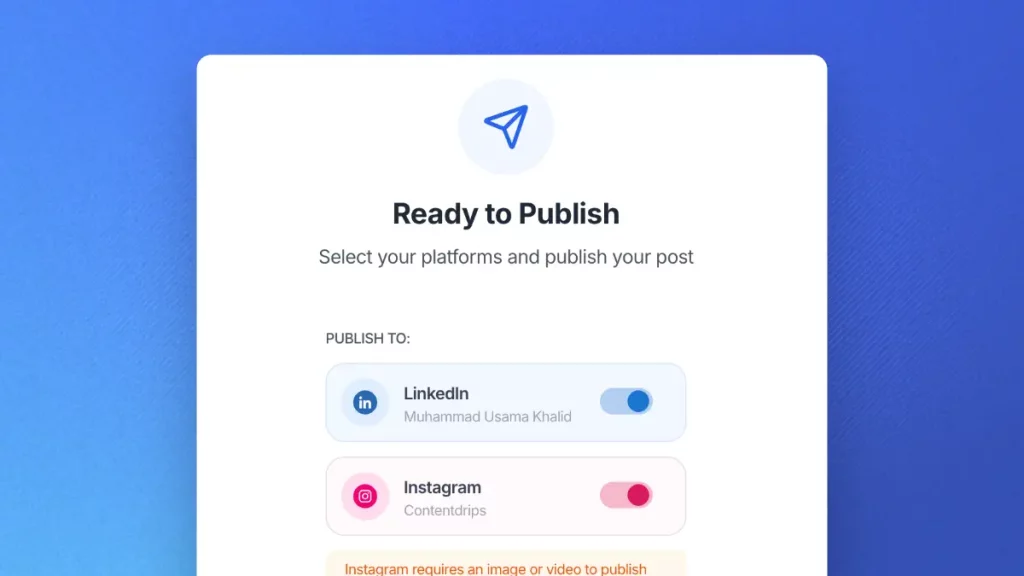
Schedule and publish straight to Instagram after generation. No separate carousel tool or scheduler needed.

Why Use a Free Blog to Instagram Carousel Converter?

Blogs don't translate to Instagram on their own

A blog post is written to be read top to bottom. Instagram wants five to ten fast, visual slides. Manually pulling out the strongest points, rewriting them for a swipe, and designing each slide takes an hour or more per post if you’re doing it by hand.

This Blog to Instagram Carousel Converter...

Paste a link and the tool reads the post, pulls out the strongest headline, points, and quotes, and lays them into a ready-to-edit carousel sized correctly for Instagram. No design skills needed, and no cap on how many blog posts you convert.

Only need one slide? Use it to turn your best paragraph into a single quote graphic instead of a full carousel.

How to Use This Blog to Instagram Carousel Converter?

Paste your blog URL

Drop in the link to any published blog post. Works with WordPress, Medium, Substack, and most standard blog platforms.

AI extracts the key points

The tool reads the post and pulls out a hook, the strongest supporting points, and any standout quotes or stats.

Customize and export your slides

Edit the wording, swap the template, add your branding, then download or publish the carousel directly.

Tips & Best Practices

Pick one angle, not the whole post

A blog post usually covers several ideas. A good carousel builds around one of them: a framework, a mistake and fix, a checklist, a surprising stat. Trying to fit the entire post in loses the reader by slide three.

Cut the text by 50 to 70 percent

Instagram needs faster reading than a blog. Rewrite each point as a short headline or takeaway, not a full paragraph. Move any nuance into the caption instead.

Keep it to 5 to 10 slides

Instagram allows up to 20 slides, but 5 to 10 is the sweet spot for a carousel someone will actually swipe through and save.

Front-load your strongest point on slide one

The first slide is what stops the scroll. Lead with the most surprising or useful point from the post, not a generic intro.

Use portrait format for maximum reach

1080 by 1350 pixels (4:5 portrait) takes up the most space in the feed. Square (1080 by 1080) works too, but portrait gets more screen real estate on mobile.

End on a clear call to action

Your last slide is prime real estate. Close with something like “Save this for later” or “Follow for more breakdowns like this.” Saves are one of the strongest engagement signals in Instagram’s algorithm.

Good to Know Before You Convert

Extraction quality depends on structure

Blog posts with clear headings and short paragraphs extract more cleanly than long, unstructured walls of text. Review the generated slides before publishing either way.

Paywalled or gated content won't work

The tool needs to read the live, publicly accessible page. Posts behind a login or paywall can’t be pulled in automatically.

Long posts get summarized, not fully included

For long-form posts, the AI selects what it judges to be the strongest points rather than including everything. Always skim the output and adjust before you publish.

Where to Use This Carousel?

On your Instagram feed

The primary use case. A strong hook slide plus a clean CTA slide is what turns a swipe into a save or a follow.

Repurposed to LinkedIn

The same slides work as a LinkedIn carousel with minor resizing. One blog post, two platforms, no extra writing.

As a Story teaser

Post the hook slide to Stories with a link back to the full carousel post to drive traffic into the feed.

Paired with your caption

Pair the carousel with a caption that adds context the slides don’t have room for, plus a link to the original blog post.

Go beyond free tools

The complete AI Instagram tool

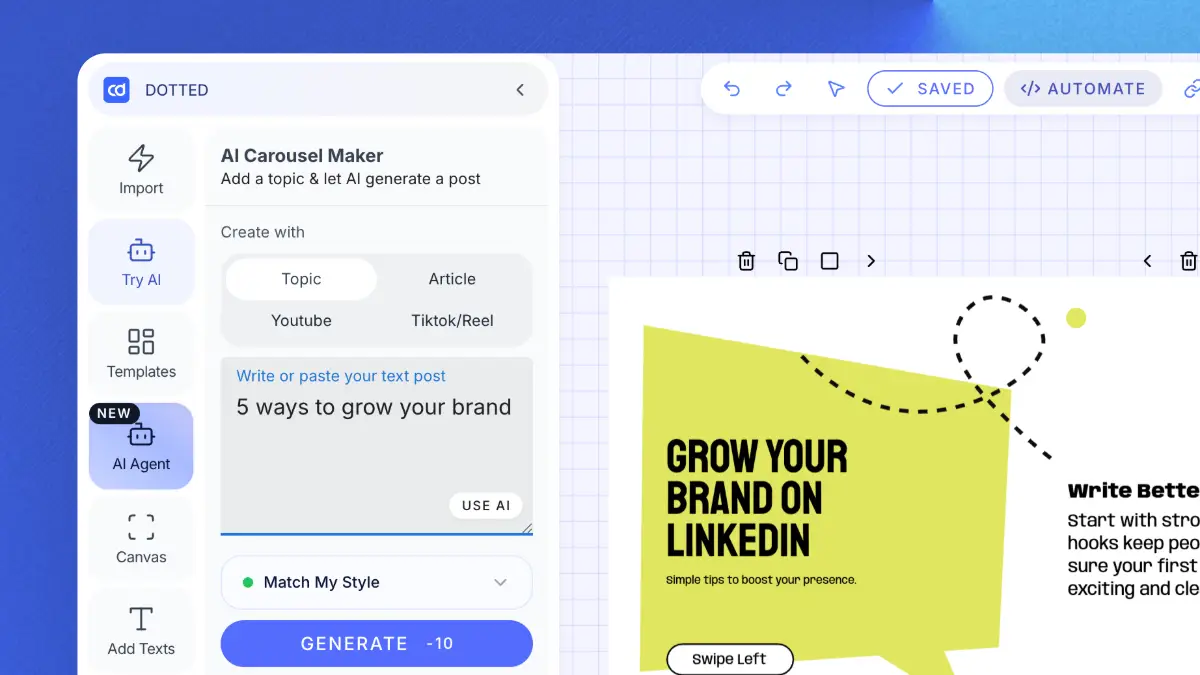
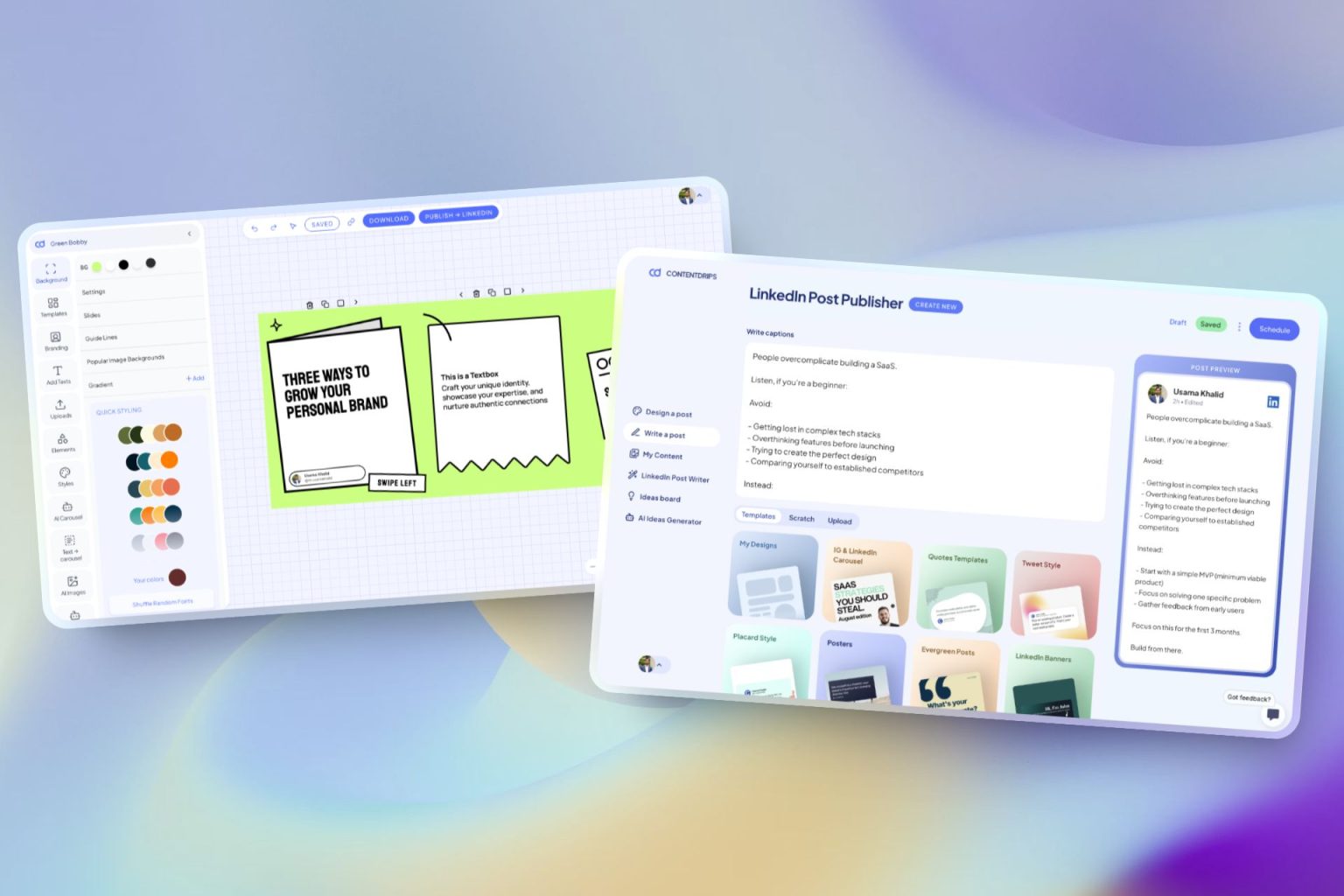
Contentdrips lets you create branded carousels, graphics, and posts with AI, not just a single converted carousel. Turn any idea into a scroll-stopping visual.

Repurpose Anything

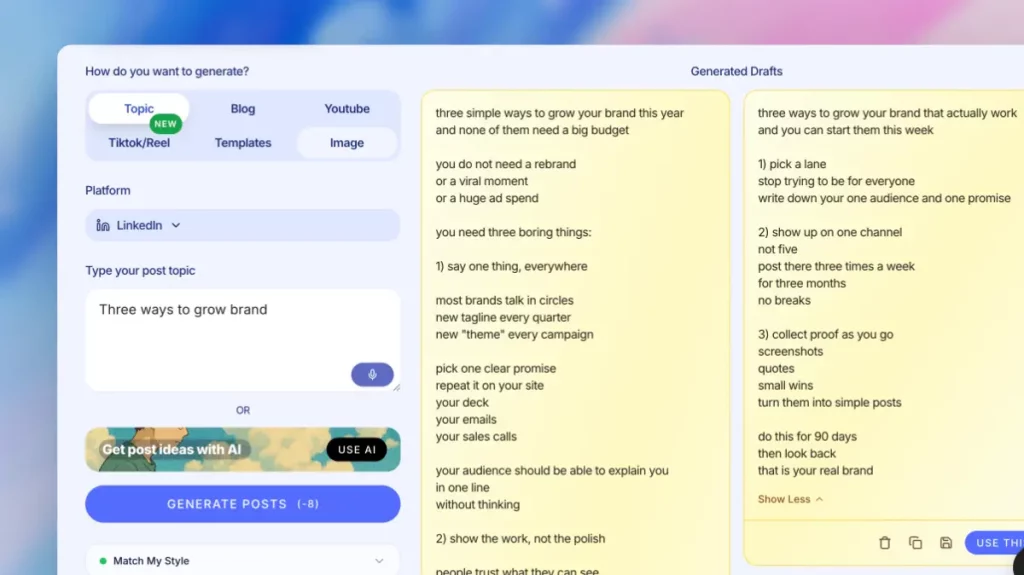
Enter a topic, text, or URL (blog, YouTube, TikTok) and get carousels and posts.

AI Text Post Writer

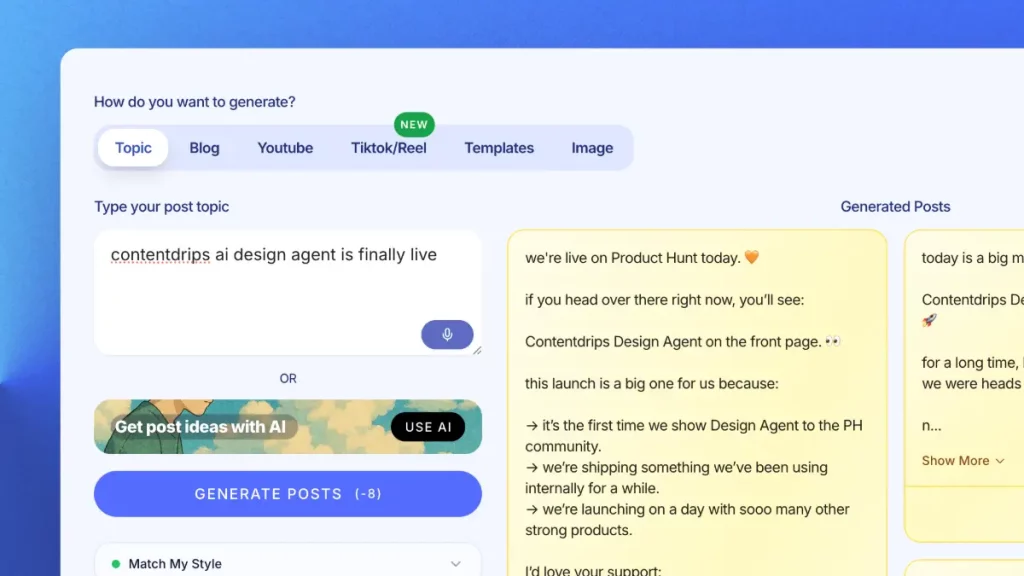
Create Instagram and LinkedIn posts with templates, or let AI write them from scratch.

Bulk Generation

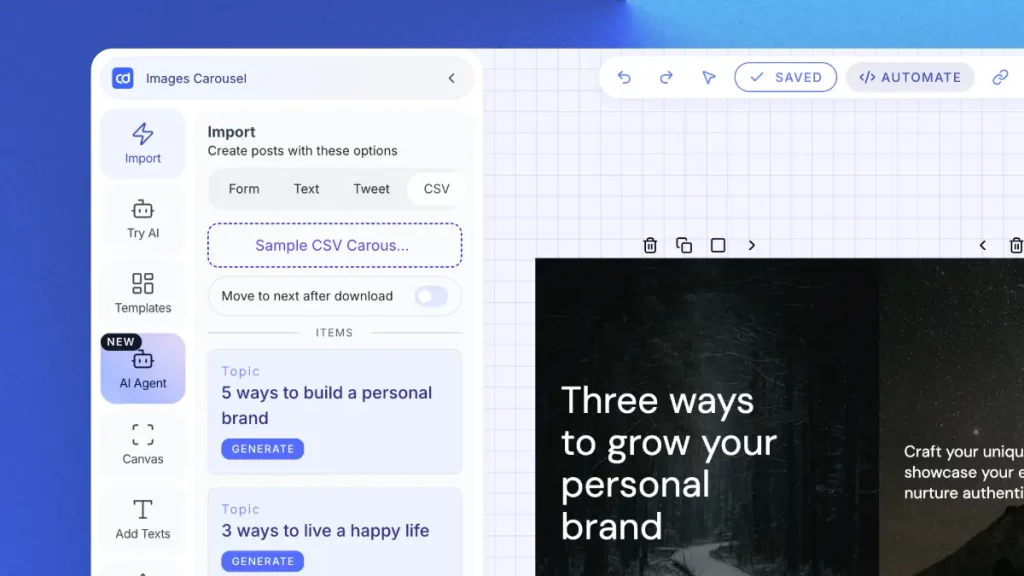
Upload a CSV, generate hundreds of carousels or graphics at once. Built for agencies.

AI Ideas Generator

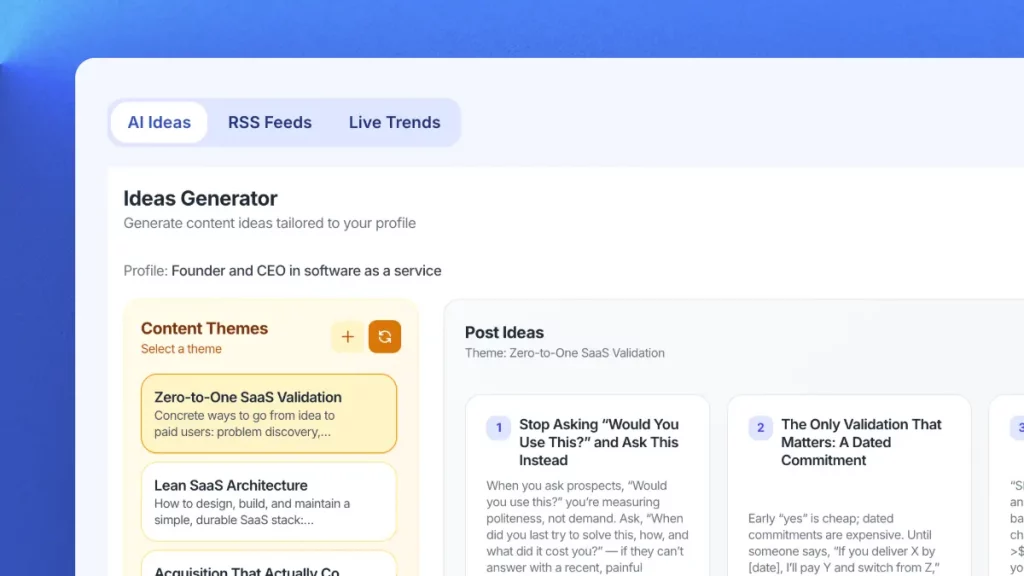
Get daily niche content ideas and turn any idea into a post instantly.

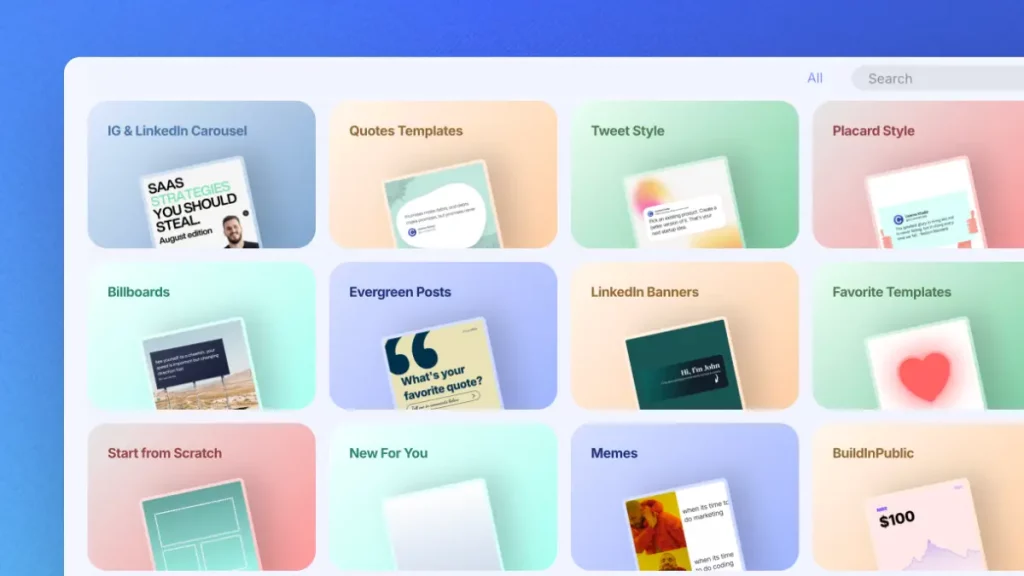
Professional Templates

Professional templates for carousels, quotes, and posts. Fully brandable.

Publish Everywhere

Schedule and publish to Instagram and LinkedIn. No switching tools.

Try Contentdrips for full Instagram content power.

Join Contentdrips for the AI Carousel Maker, post writer, and scheduling. Make and share Instagram posts faster!

Frequently Asked Questions about the Blog to Instagram Carousel Converter

Carousels tend to get more engagement because they reward multiple swipes and longer time on the post, both of which are positive signals to the algorithm. There’s no official confirmation of a direct ranking boost, but the engagement pattern generally helps.

Yes. Paste a YouTube video link instead of a blog URL and the tool will pull key points from the video the same way it does from a blog post.

A carousel turns your points into static, swipeable slides someone can save and reread. A Reel would need video or motion assets this tool doesn’t generate. If you want a static, save-worthy format, carousel is the right choice.

Yes. Both 1080×1350 (portrait) and 1080×1080 (square) are supported. Portrait is recommended since it takes up more space in the feed.

Download the slides as individual images, open Instagram, tap the plus button, select all the images in order, add your caption, and share. Or publish directly from Contentdrips without downloading anything.

You can upload your own photos, use the built-in image library, or let AI pick visuals based on your content. All three options are available in the editor.

Instagram carousels are image-based, so screen readers rely on the alt text you add per slide. Add clear alt text to each slide if accessibility matters for your audience.

Yes. The tool works in any modern browser on desktop or mobile, and the exported slides display correctly on both iOS and Android.

The free converter is a single-purpose tool: paste a link, get a carousel. Contentdrips’ full AI Carousel Maker adds branding, a template library, bulk generation, scheduling, and support for topics, tweets, and CSV files as inputs too.

Genuinely free, no catch. We built this as a useful tool for creators repurposing their own content. If you want scheduling, bulk generation, or deeper branding, that’s where Contentdrips (our full product) comes in.

No limit on the free tool. Blog posts of any reasonable length can be converted, though very long posts will be summarized down to the strongest points rather than including everything.

This is a single-purpose blog-to-carousel converter. Contentdrips is a full content creation platform with AI carousel and post generation, content repurposing from blogs, YouTube, and TikTok, 100+ templates, bulk generation, and scheduling.

No, the tool needs to read the live public page. Gated or login-protected content can’t be extracted automatically.

Yes. Every slide is fully editable after generation, so you can rewrite headlines, adjust point order, or trim text before downloading or publishing.

Yes, though very short posts may generate fewer slides since there’s less material to pull from. Five slides of substance beats ten slides of filler either way.

Need More Than A Blog to Instagram Carousel Converter

The AI content generator that writes, designs, and publishes for you. No credit card required.

Try it