How to Edit AI Generated Images: A Simple Guide
AI generated images are amazing, but they often need a little tweak to make them just right. If you’ve ever tried to edit an AI image, you know it can be a bit tricky. In this guide, we’ll dive into how to edit AI generated images effectively. We’ll share practical tips and tools to help you get the results you want!
Why Editing AI Generated Images Can Be Challenging
AI image generation is based on complex algorithms that create images based on prompts. However, these prompts don’t always yield the desired outcome, which can make editing feel like a puzzle. Here are a few reasons why editing these images can be tough:
-
Non-deterministic results: The same prompt can produce different images each time you run it.
-
Subtle nuances: AI might miss the finer details that are important for your vision.
-
Limited control: Once an image is generated, changing specific elements can be difficult.
Tips for Crafting Effective Prompts
The first step in how to edit AI generated images is ensuring that the prompt you use is clear and effective. Here are some tips for crafting prompts that produce better results:
-
Be specific: The more details you include, the better the AI can understand what you want. For example, instead of saying “a dog,” say “a fluffy golden retriever playing in a sunny park.”
-
Use descriptive language: Powerful adjectives can help guide the AI. Words like “vibrant,” “dramatic,” or “serene” can give more direction.
-
Iterate and refine: If the first result isn’t what you want, tweak your prompt slightly and try again. Sometimes a small change can lead to a big difference.
Tools to Edit AI Generated Images
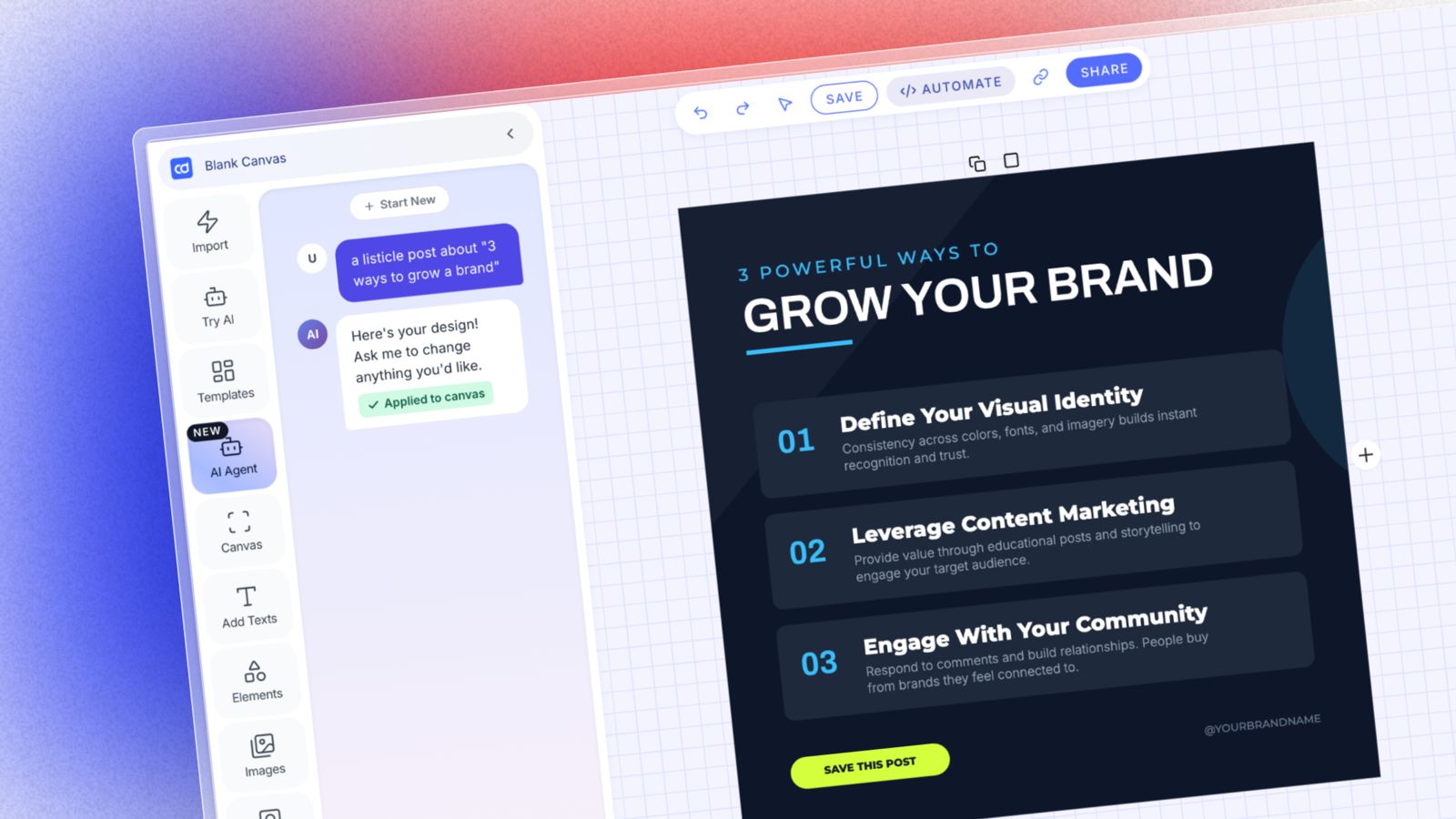
If you find that editing directly in the AI tool is limiting, there are several tools available that allow for more creative control. One standout option is the AI Design Agent by Contentdrips. Here’s how it works:
-
Generate images: Start by creating your image using the AI Design Agent.
-
Edit on canvas: If you want to make changes, you can easily do so on the canvas. This allows for more personalized edits, whether it’s color adjustments or adding text.
-
Edit by chats: If you think AI will listen to you, you might continue making edits with the chat.
-
Export your work: Once satisfied, you can export your edited image in various formats for use on social media or other platforms.
Practical Editing Tips for AI Images
After generating your image, here are some practical editing tips to enhance it further:
-
Adjust brightness and contrast: Sometimes AI images can be too bright or dull. Play with brightness and contrast settings to find the right balance.
-
Crop for focus: If your subject is not centered, cropping can help draw attention to the main elements of the image.
-
Add overlays or filters: Simple overlays can add a professional touch. Experiment with filters to see what complements your image best.
-
Incorporate text: If the image is for social media, adding text can provide context or a call to action.
Conclusion: Create Stunning Images with Ease
Editing AI generated images doesn’t have to be a daunting task. By crafting effective prompts and utilizing editing tools like the AI Design Agent, you can achieve the stunning visuals you desire. Remember, practice makes perfect. The more you experiment with prompts and tools, the better your results will be!
Ready to elevate your image editing game? Start creating and editing today!
Call to Action: Share your favorite AI generated images in the comments below, or let us know how you’ve improved your editing skills!