New Launch: Contentdrips MCP –Try for Free➜
FREE TOOL
Generate well-formatted LinkedIn text posts in seconds. Paste a topic, blog URL, or YouTube link and get scroll-stopping posts written in your voice, ready to copy and publish.
HOW IT WORKS
Type your post topic, paste a blog article URL, or drop a YouTube link. The generator extracts the key ideas and uses them as the foundation for your post.
Choose a post format: story, listicle, hot take, or how-to. Hit generate and get multiple post variations in seconds, each properly formatted for LinkedIn’s feed.
Copy the post you like best, read it through once, tweak any line that sounds off, and paste it directly into LinkedIn. Done in under two minutes from start to publish.
POST FORMATS
The LinkedIn post generator supports six proven formats. Each one is structured differently because different content types demand different structures on LinkedIn.
A personal narrative with a beginning, conflict, and lesson. LinkedIn story posts build trust faster than any other format because they feel human, not corporate. The generator writes a hook, the tension, the turning point, and the takeaway.
Best for: career lessons, founder journeys, failures and recoveries
Numbered or bulleted. Scannable and shareable. Readers save listicles because they deliver clear value fast. The generator structures each point properly: one short line, then a sentence of context. No padding, no waffle.
Best for: tips, tools, mistakes to avoid, resources
A bold opinion stated plainly, with a reason behind it. These generate the most comments on LinkedIn because people either agree strongly or push back. Both outcomes are great for reach.
Best for: industry opinions, contrarian views, thought leadership
Teaches something specific and actionable in a short post. The generator leads with the outcome, not the process, which is the structural difference between a how-to post people finish and one they scroll past.
Best for: tutorials, frameworks, step-by-step guides
A post that positions you as someone worth following in your industry. These posts share a perspective, back it up with experience, and end with something the reader can act on or reflect on.
Best for: executives, consultants, founders building authority
Paste a blog URL or YouTube link and the generator extracts the three best insights and turns them into a standalone LinkedIn post. One piece of existing content, one new post, zero extra writing work.
Best for: repurposing blogs, videos, podcasts, newsletters
WHAT MAKES A GREAT LINKEDIN POST
Our LinkedIn post generator applies these principles automatically. Here is what it gets right so you do not have to think about it.
LinkedIn shows roughly 2 to 3 lines before cutting off your post with “see more.” Your opening line is everything. The generator writes hooks that create curiosity, tension, or a gap the reader needs to close.
LinkedIn is scanned, not read. One idea per line, a blank line between sections. The generator formats every post this way automatically so it is easy to read on mobile, where most of your audience is.
The middle of your post is where you deliver what the hook promised. Specific, useful, and concrete. The generator avoids filler sentences and writes content that earns the read, not just fills the character count.
Comments are the biggest algorithm signal on LinkedIn. A vague “let me know your thoughts” gets ignored. The generator ends every post with a specific question that makes replying feel easy and natural.
ALSO IN CONTENTDRIPS
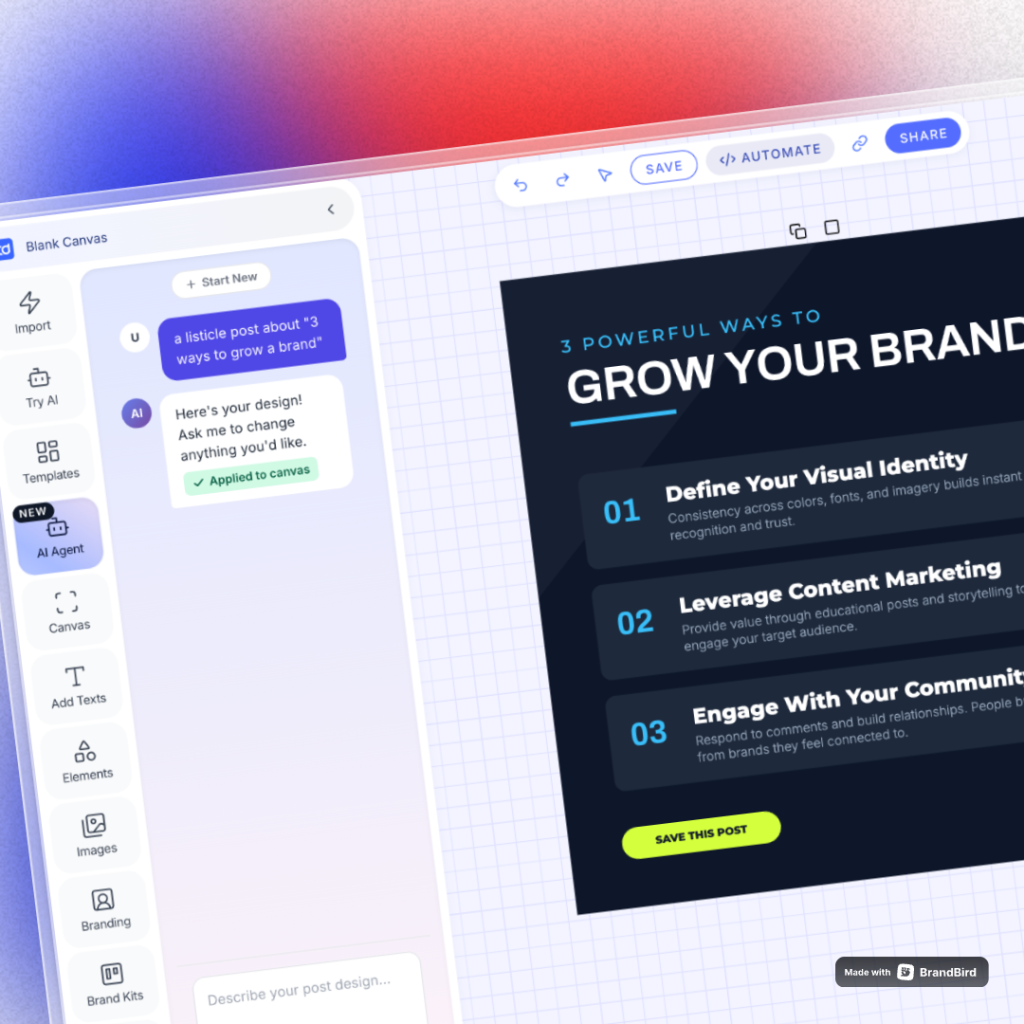
Text posts work but adding visuals boosts impressions significantly. With ContentDrips AI Design Agent, just describe a graphic in plain English and get a fully editable design in seconds.
Say “a bold blue quote card” or “a minimal LinkedIn tips infographic,” and it creates, brands, and loads it onto your canvas instantly.
GO BEYOND FREE TOOLS
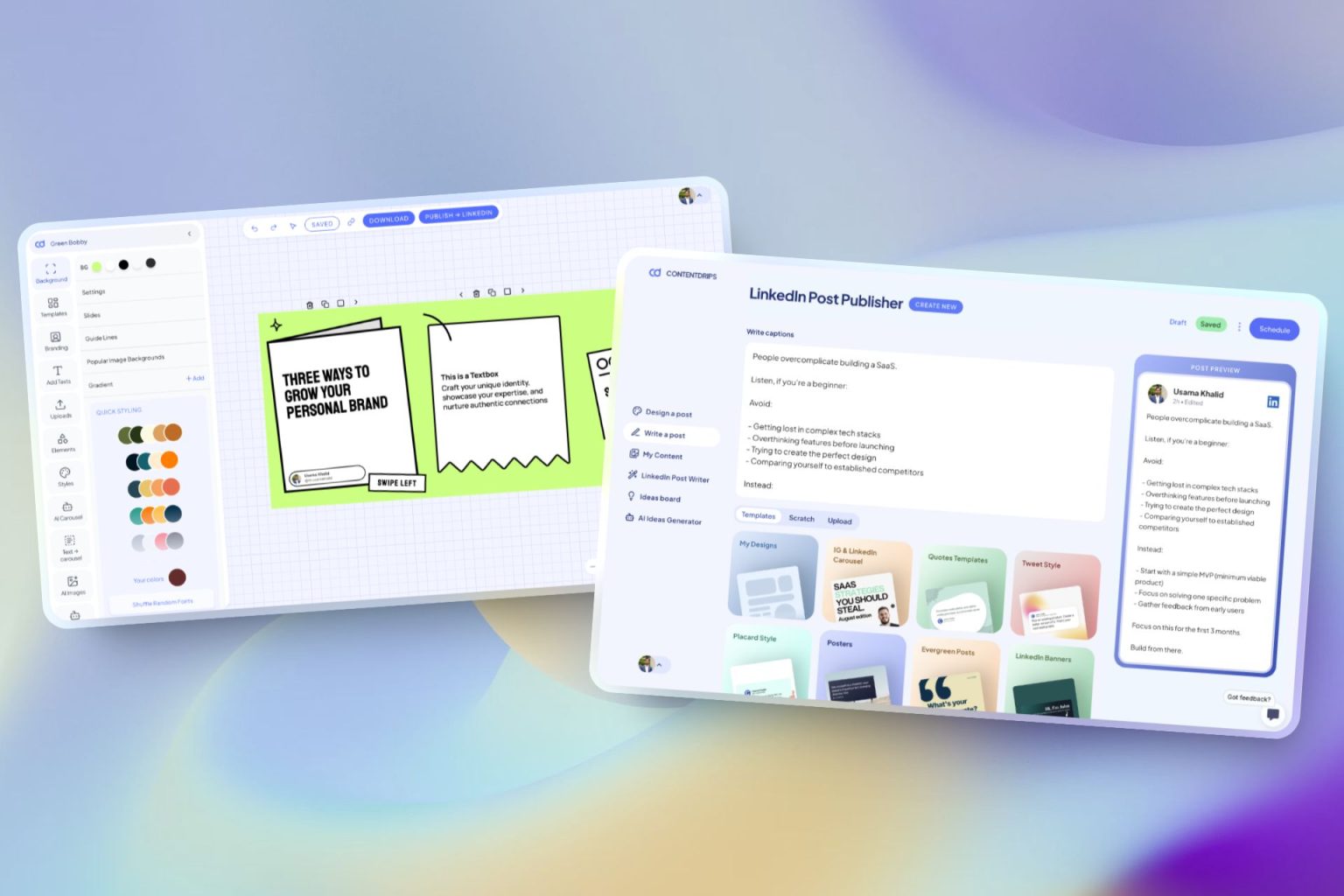
ContentDrips lets you create branded carousels, graphics, and posts with AI. Turn any idea into scroll-stopping visual or text content.
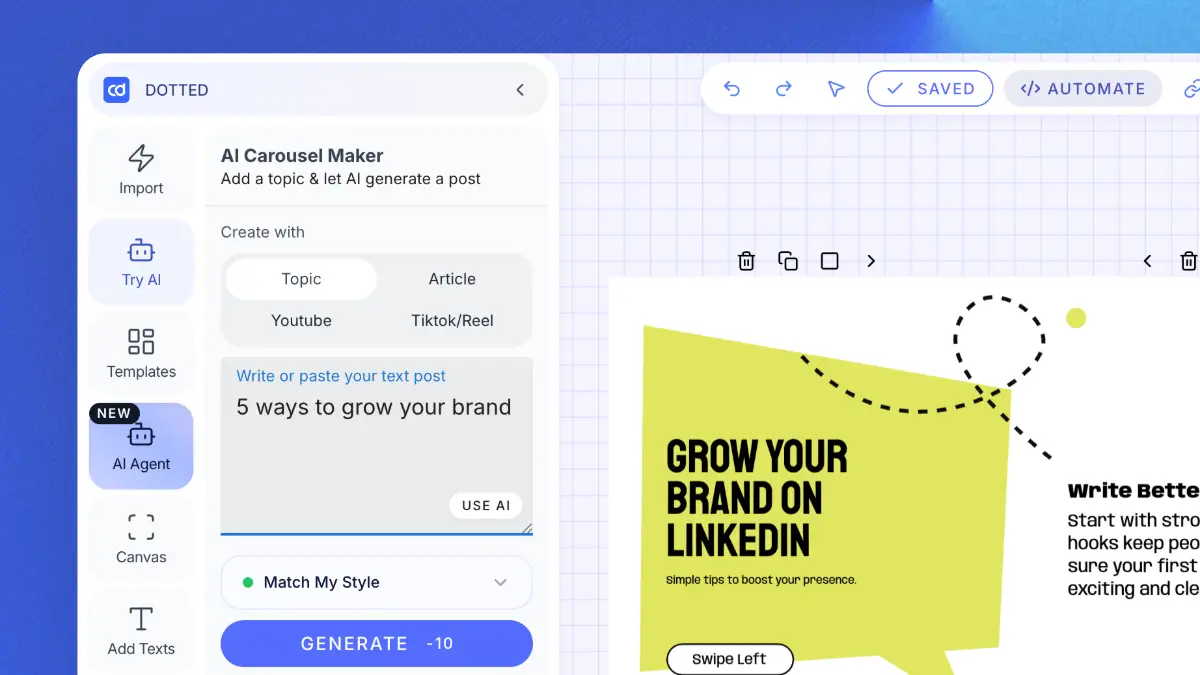
Enter a topic, text, or URL (blog, YouTube, TikTok) and get carousels and posts.
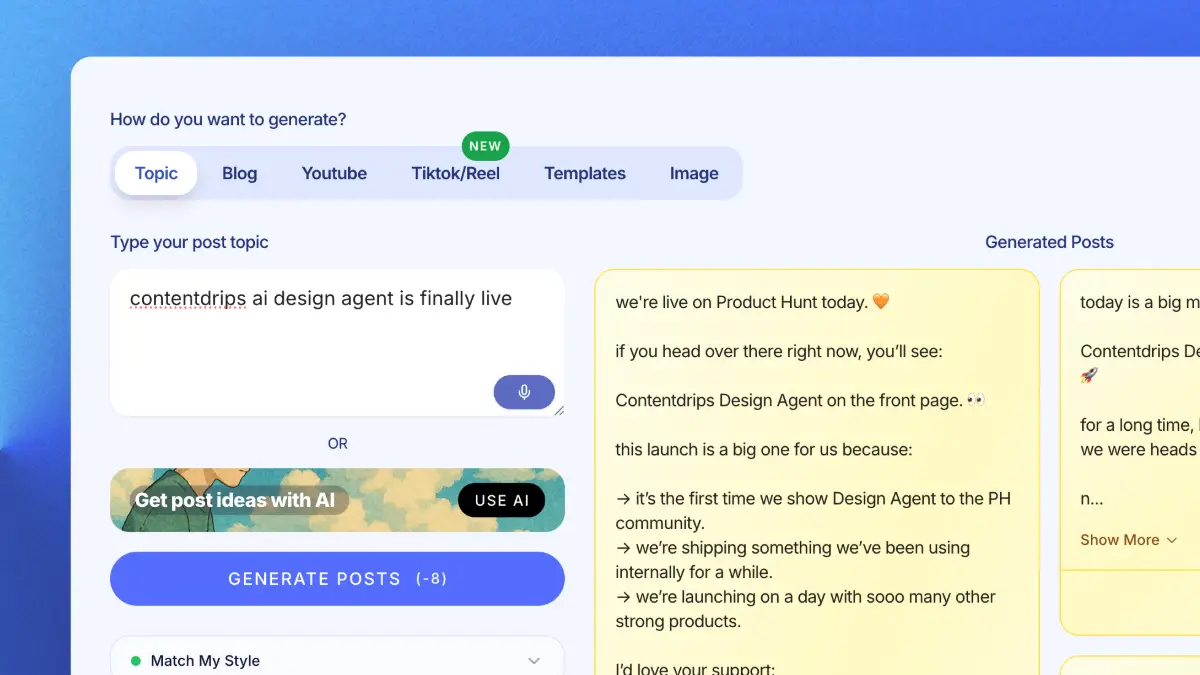
Create LinkedIn and Instagram posts with templates or let AI craft them for you.
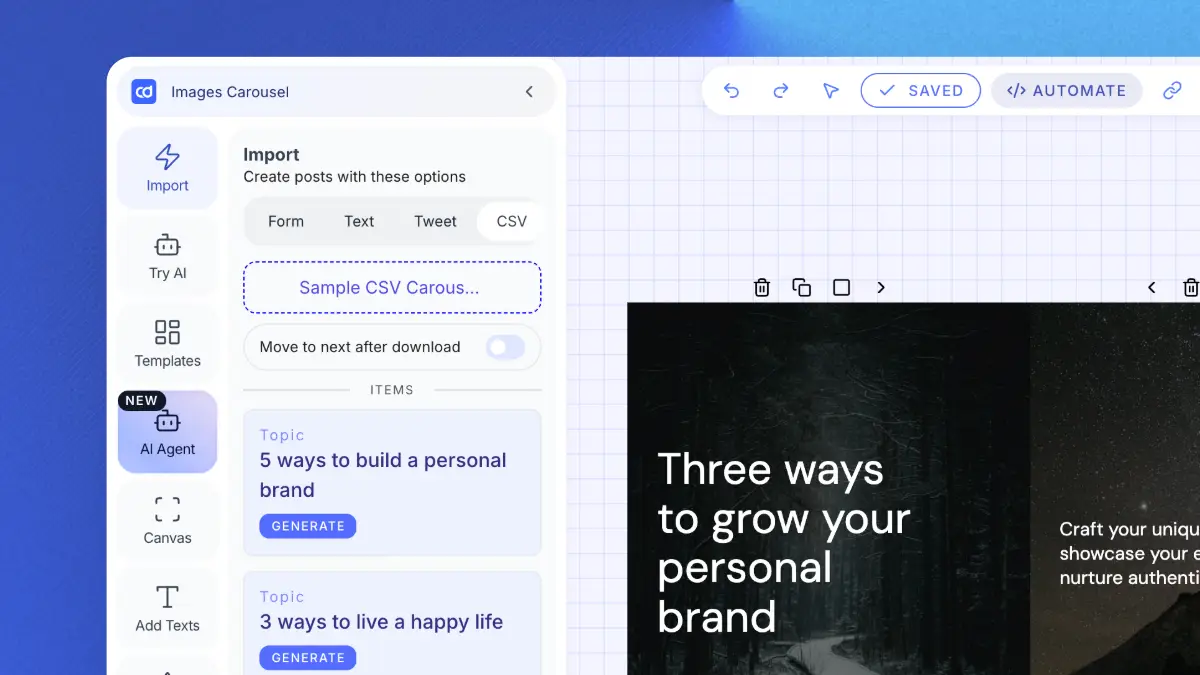
Upload a CSV and generate hundreds of carousels or graphics at once. Built for agencies.
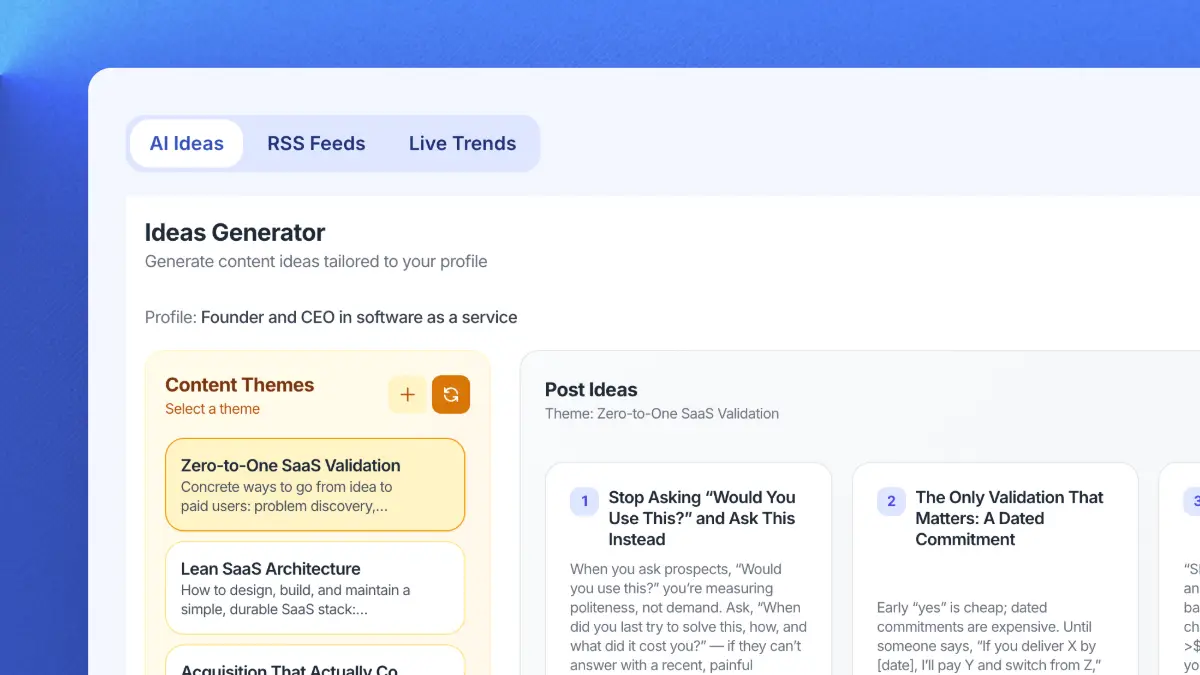
Get daily niche content ideas and turn any idea into a post instantly.
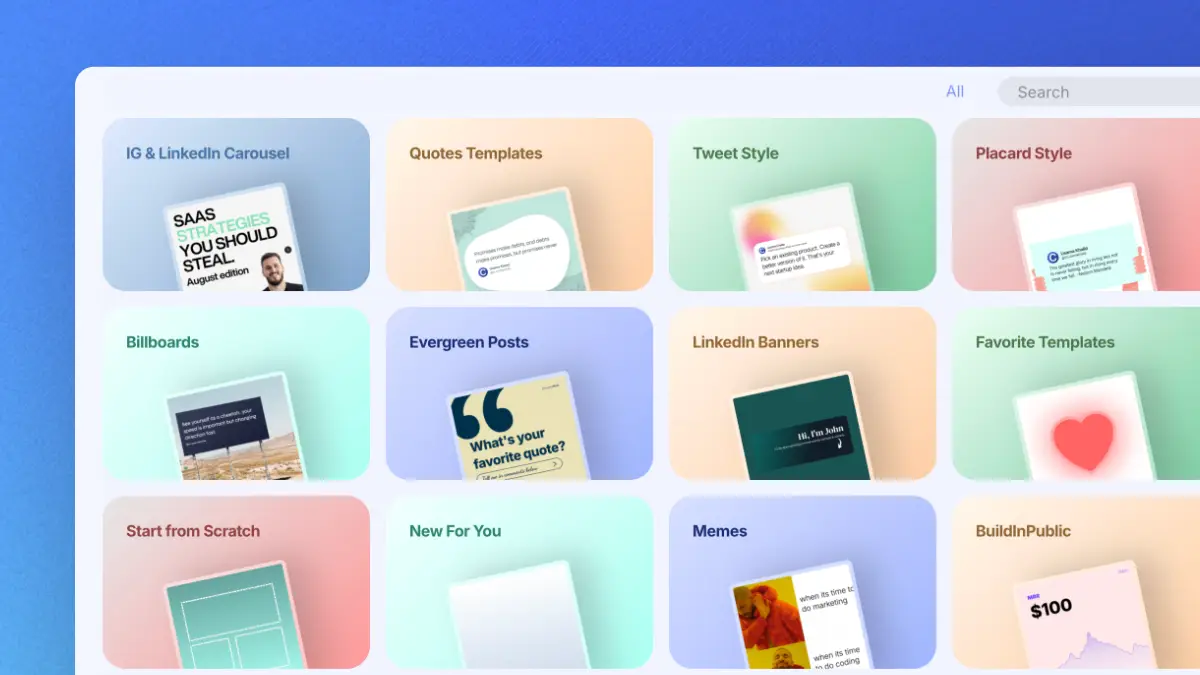
Professional templates for carousels, quotes and posts. Fully brandable.
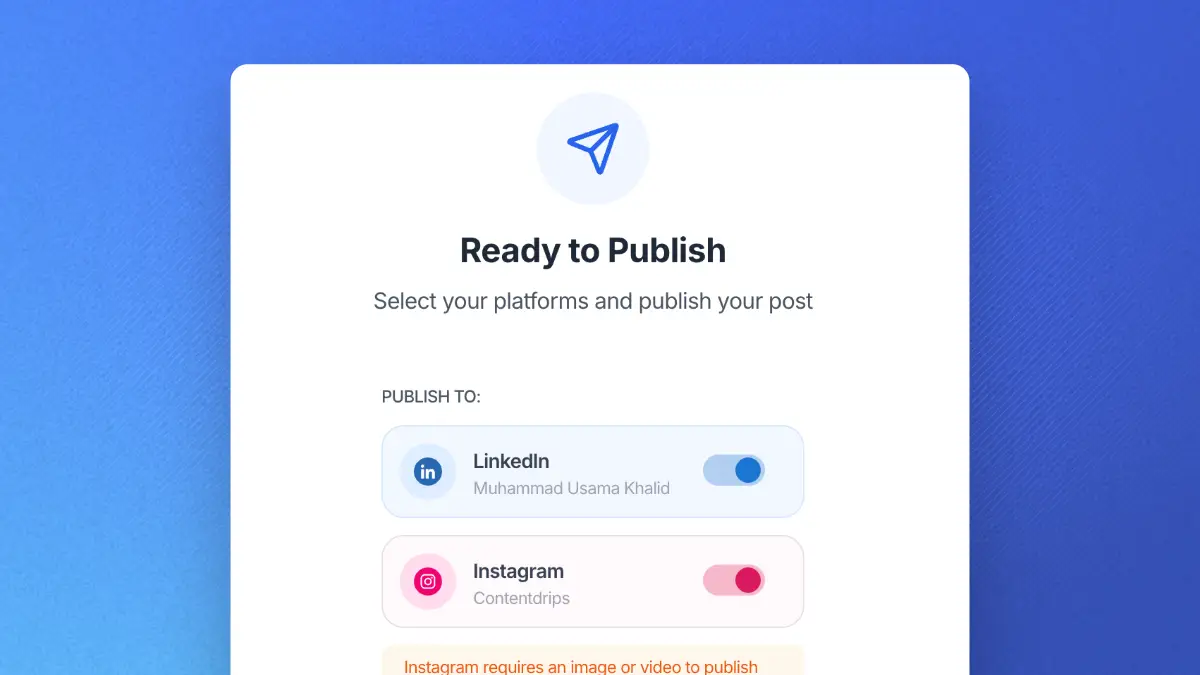
Schedule and publish to LinkedIn and Instagram. No switching tools.
No credit card required · Free plan available · 5,000+ creators use ContentDrips
A LinkedIn post generator is a tool that uses AI to write formatted LinkedIn text posts from a topic, URL, or idea you provide. It handles the hook, body, formatting, and CTA automatically so you get a publish-ready post without starting from a blank page. This one generates multiple post variations at once so you can pick the one that fits best.
Start with a specific input rather than a vague one. Instead of typing “marketing tips,” type “three things I learned about cold email after sending 500 messages.” The more specific your input, the more specific and compelling the output. Then pick a format (story, list, hot take), review the generated post, and tweak the first line if anything feels off before posting.
Well-formatted LinkedIn posts have a strong hook in the first two lines, short paragraphs with a blank line between each one, one idea per line, and a clear CTA at the end. No walls of text. No links in the body (put those in the first comment). The generator applies all of these rules automatically so every post it writes is already structured correctly for LinkedIn’s feed and algorithm.
Yes. Paste a blog URL or YouTube video link into the generator and it extracts the key points and turns them into a standalone LinkedIn post. This is one of the most efficient ways to get more reach from content you have already created. One blog post can generate three to five different LinkedIn posts depending on the angle you choose.
The sweet spot for LinkedIn posts is between 1,300 and 1,700 characters. Short enough that people finish it, long enough to deliver real value. The generator targets this range by default. Anything under 500 characters rarely generates comments. Anything over 2,500 tends to lose readers before the CTA. The first 210 characters are most critical because that is what LinkedIn shows before the “see more” cutoff on mobile.
It gets close, but the closer you make your input to your actual voice, the better the output matches. Paste a few lines describing how you usually talk or write, or give it an example of a past post you liked. The generator uses your input as a style signal. You will still want to read the output once and tweak any line that sounds too formal or too casual for your usual tone.
Yes, posts with a visual get significantly more impressions than plain text posts. If you want to add a graphic, the ContentDrips AI Design Agent lets you describe what you need and generates an editable image in seconds. You can then post the text from this generator alongside a graphic from the Design Agent for the best of both formats.
Yes, completely free and no account is required. Use it as many times as you like. If you want to go further and turn posts into on-brand carousels, use the AI Design Agent for graphics, schedule posts directly to LinkedIn, or generate content in bulk, ContentDrips has a free plan with no credit card needed.
MORE FREE TOOLS
All free. All designed to take you from idea to published post faster.
Paste your draft and get an instant score on hook strength, readability, CTA quality, and length with specific fixes.
See exactly how your post looks on desktop and mobile before publishing, including the “see more” truncation point.
Topic in, 10 scroll-stopping first lines out. The hardest part of any LinkedIn post, solved in seconds.
The AI content generator that writes, designs, and publishes for you. No credit card required.